
ManualForge Pro — Restaurant Edition: Work Manual & Checklist Maker (Single HTML File, Works Offline)
ManualForge Restaurant Edition is a single-file HTML tool for creating, editing, and printing work manuals and checklists for restaurants. Enter a store name, organize manuals and checklists document by document, and preview, print, or copy all content as text — all inside your browser.
Just open the downloaded HTML file. No installation, server, or account registration is required. The tool loads no external resources and never sends your input anywhere. Your input is auto-saved to the browser's localStorage as you type.
Manuals are built from a title, a category (Guest Service / Kitchen / Cleaning / Register / Training / Other), a purpose, and steps (step text, a caution note, and a photo note — a text field describing a photo to attach, not an image attachment feature). Entries can be reordered with the ↑ and ↓ buttons. Checklists are built from a timing (Opening / Closing / Peak Hours / Cleaning / Other) and items; on-screen checks show progress as a count and percentage, and the check boxes in the printed version are always blank.
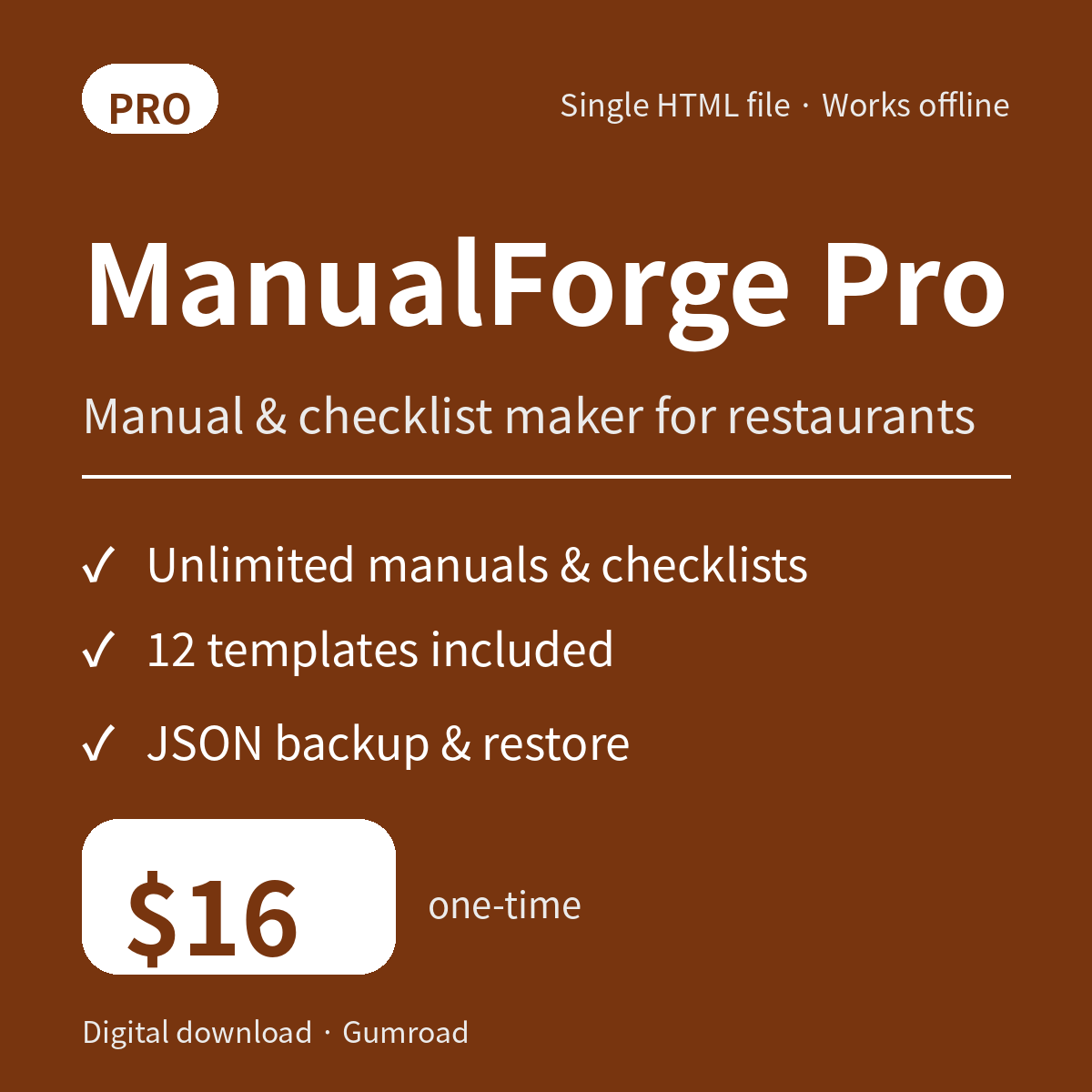
The Pro edition allows unlimited manuals and checklists (within device capacity) and includes 12 templates: opening and closing checklists, a cleaning checklist, peak-hour operations, a complaint first-response manual, a new-staff training sheet, a register closing procedure manual, prep and inventory checks, hygiene management, delivery inspection, a handover memo, and an emergency response manual. Three print layouts are available — Standard, Compact, and Large Check Sheet (large blank check boxes with a dotted writing line at the right edge). Pro also supports backup and restore via JSON export / import and a store subtitle printed under the store name.
A sample from the fictional restaurant "Kitchen Sunflower" is built in (3 manuals, 3 checklists) and can be loaded from "Data" to try the tool. The included samples.json holds the same data and can be imported into Pro; samples.md is a readable version of it.
What's included
- manualforge-en.html (Pro edition, single HTML file)
- samples.json (fictional store sample data, importable into Pro)
- samples.md (readable version of the sample data)
- README.md (how to use, Lite/Pro comparison, storage and backup notes)
Lite vs Pro
- Manuals: Lite up to 3 / Pro unlimited (within device capacity)
- Checklists: Lite up to 1 / Pro unlimited (within device capacity)
- Templates: Lite 2 / Pro 12
- Print layouts: Lite Standard only / Pro Standard, Compact, Large Check Sheet
- JSON export / import: Lite not available / Pro available
- Store subtitle: Lite not available / Pro available
- Store name, reordering, printing, text copy, auto-save, built-in samples: both editions (samples: Lite 2 manuals and 1 checklist, Pro 3 manuals and 3 checklists)
Requirements
A modern browser with JavaScript and localStorage enabled (current Chrome, Edge, Firefox, or Safari). The HTML file works on its own; no installation is required. Print results vary with the browser's paper size and margin settings.
Please note
- The templates and samples are general examples set in a fictional store. Before using them in real operations, review and edit the content to match your store's procedures, hygiene standards, and applicable rules. This tool does not judge whether manual content is accurate or compliant.
- Data is stored in the browser's localStorage. Use the same device, the same browser, and the HTML file in the same location. Moving or renaming the file, private browsing mode, or clearing browser data may make previously saved data unavailable. Back up important data regularly with Pro's JSON export.
- JSON import validates the format, asks for confirmation, and then replaces all current data. Take a copy of your current data before importing.
- The samples and templates contain no real store names, company names, or personal names.