
Student planner 3.0 - Notion template
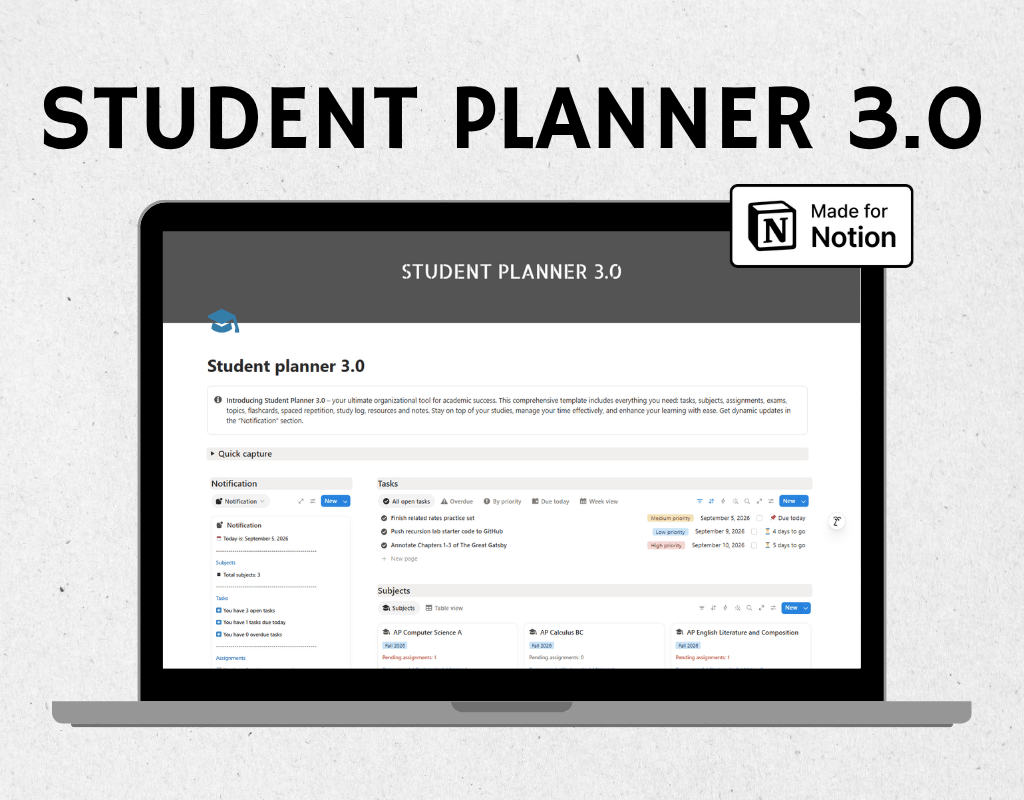
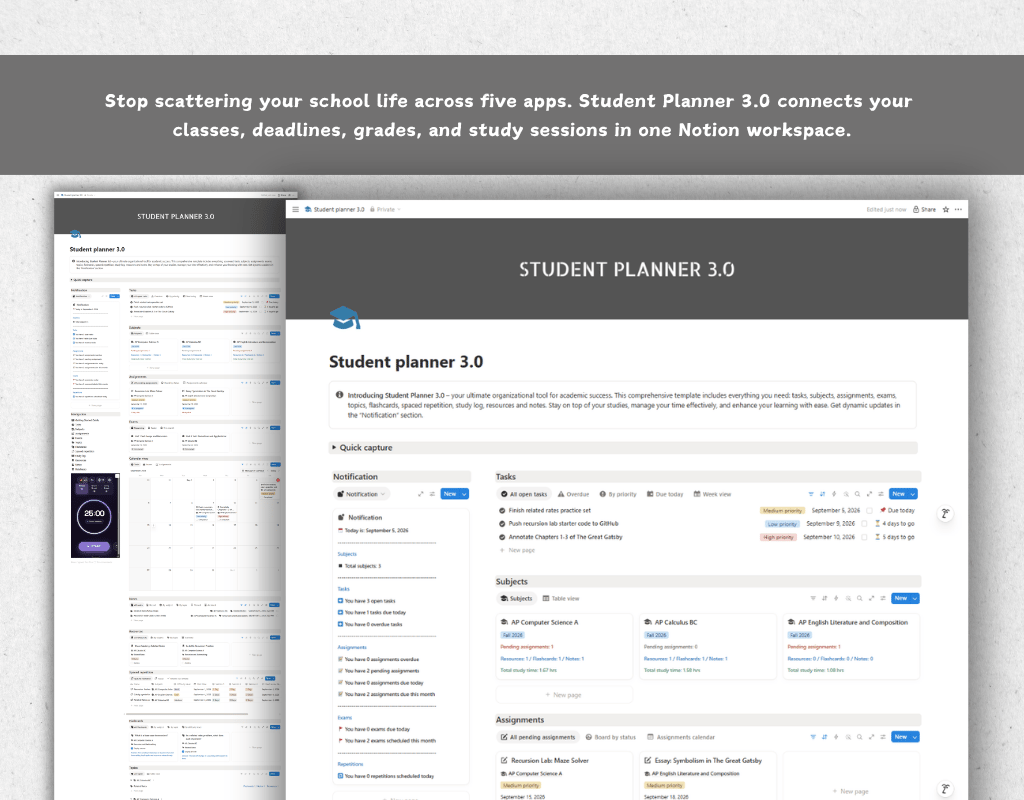
Stop juggling five different apps to manage your school life. Student Planner 3.0 brings your tasks, classes, assignments, exams, notes, and study routine into one connected Notion workspace built specifically for how students actually work and learn.
What makes this different?
Most planner templates are just pretty to do lists. This one is a real system. Every database talks to the others. Add a Subject once, and your Assignments, Exams, Notes, Resources, Flashcards, and logged study time all connect back to it automatically. Open one Subject page and see everything related to that class in a single view.
What is inside?
- Subjects hub with live grade averages and total study time, calculated automatically as you fill in your work
- Tasks and Assignments trackers with priority levels, due dates, and status tracking
- Exams tracker with grade logging so you can watch your performance improve over a semester
- Notes and Resources databases organized by Subject and Topic, so nothing gets lost in a giant unsorted list
- Flashcards with difficulty tagging for quick self testing
- A built in Spaced Repetition system that schedules your review sessions using proven memory science, so you review material right before you would normally forget it
- A Study Log to track time spent per subject, so you can see exactly where your hours are going
- A Getting Started guide built right into the template, explaining how every database works, how the relations connect, and how to build a weekly study workflow around the system
Who this is for?
High school and college students who want one organized place for their academic life who need a real review system and not just a to do list, and anyone who has tried a planner template before and found it too shallow to actually rely on.
How to use it?
Duplicate the template into your own Notion workspace, open the Getting Started Guide first, and start by adding your current classes to Subjects. Everything else builds outward from there.
FAQ's
Q: What is Notion?
A: Notion is an all-in-one workspace that combines note-taking, task management, and collaboration tools into one platform. It's highly customizable and allows users to create their own databases, pages, and templates to suit their specific needs.
Q: How do I duplicate the template after purchasing?
A: After purchasing the template, you'll receive a link to access it in Notion. Simply click on the link, and then click on the "Duplicate" button in the top-right corner of the template. This will create a copy of the template in your own Notion workspace, which you can then customize and use as you wish.
Q: Is there a refund policy for the templates?
A: Due to the nature of digital templates, refunds are not applicable once the template has been purchased. However, if you encounter any issues or have questions about the template, please don't hesitate to reach out, and I'll be happy to assist you.