
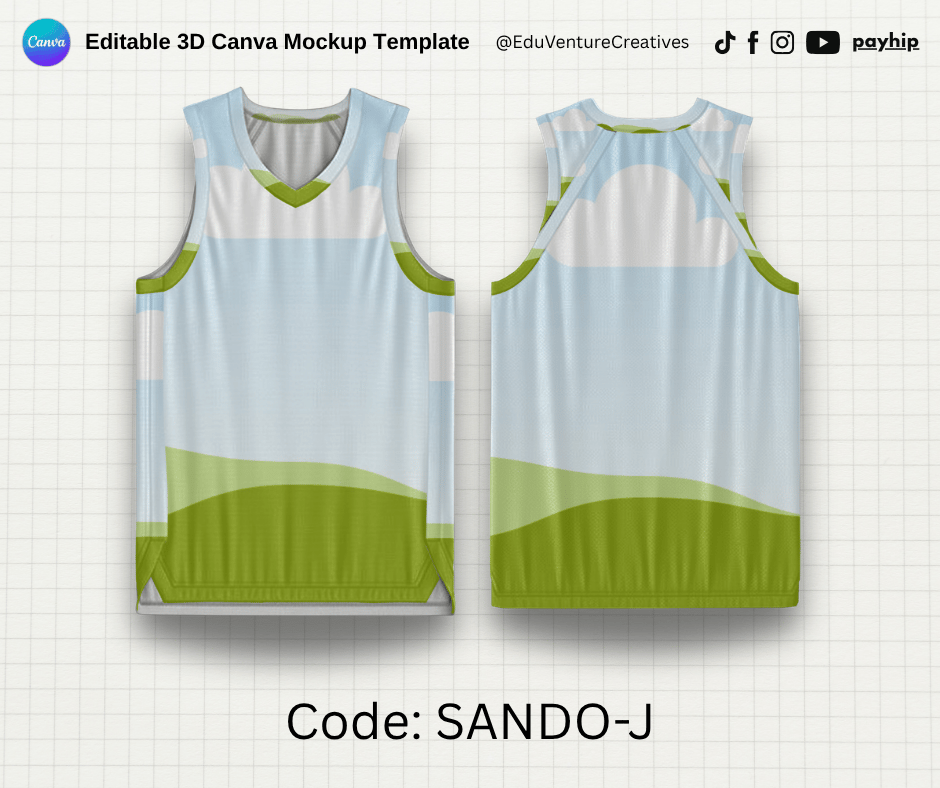
Realistic Sando Jersy Mockup on Canva
On Sale
$5.00
$5.00
This is a customizable canva mockup template designed for easy editing.
The mockup includes a shadow layer on top of the design.
To insert your picture, simply drag the shadow to the side, then add and edit your design within the mockup.
After finishing, return the shadow layer by selecting it, then go to Position > Arrange > Align to Page > Center and Middle for proper placement.
For best results, use an A4-sized design (or the same ratio). Adjust the elements toward the center to ensure everything is clearly visible once applied to the mockup.
You will receive a PDF file that contains the template link.