

How to make an iPhone Easier to Use with Its Owner
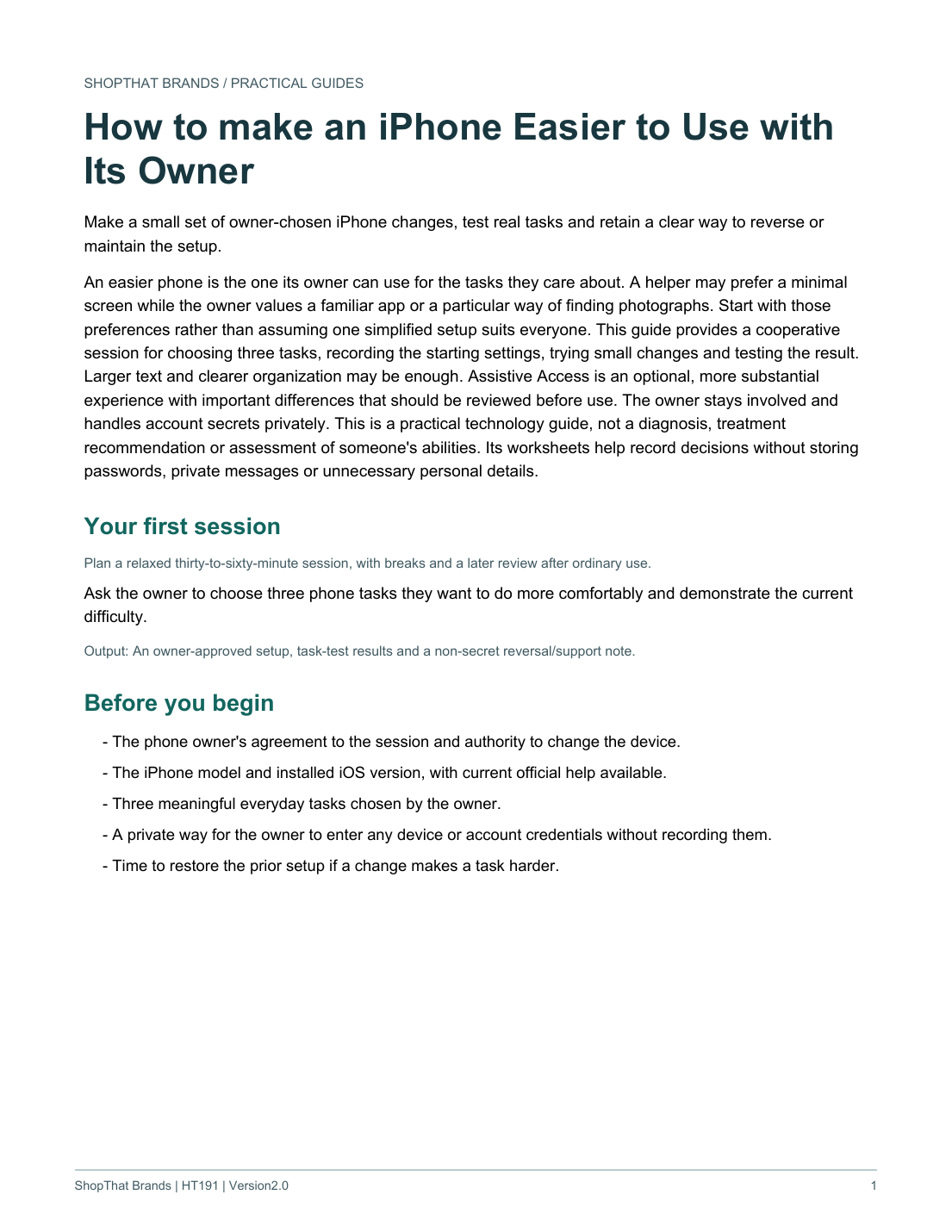
Make phone setup a cooperative session built around the owner's preferences. This guide helps an iPhone owner and trusted helper choose three useful tasks, observe the current difficulty and test small changes without collecting private account information.
Eight explained steps cover consent and task goals, a baseline record, readable text, familiar routes, an informed optional Assistive Access decision, supported exit planning, real task tests and a concise support note. Current Apple documentation supplies the settings and optional-mode references. The guide makes room for the owner to keep ordinary mode or restore a familiar arrangement.
Four practical tools record task preferences, reversible changes, the optional Assistive Access decision and the final task/support review. Each includes specific field guidance and a coherent example. A complete fictional session shows two retained changes, an oversized-text trial reversed after testing and an owner choosing to preserve an existing messaging workflow. Troubleshooting addresses crowded controls, disliked arrangements, missing functions, unclear exit plans and later difficulties.
Delivered as a PDF guide, offline HTML companion and TXT worksheets. This product is a practical technology workflow, not medical advice or an assessment of ability. It does not operate the phone or store passwords. Use it to support owner choice and leave changes understandable and reversible.
Included files: PDF guide, offline HTML guide, 4 distinct editable tools in HTML and TXT. Extract the ZIP before use. No paid software is required to read this guide or edit its supplied tools. Third-party services discussed may have their own costs. No XLSX, Canva, Notion or video files are included.
Text and template wording were generated with AI and reviewed for clarity and consistency.
License: Personal or internal business use only. You may edit the templates for that use; do not redistribute or resell the supplied files or templates.
HTML tools do not autosave. Use Save filled copy before closing to download and keep your completed entries.