
The Wayside Motel | Full Profile
On Sale
$0.00
Pay what you want:
$
Wayside Motel Layout
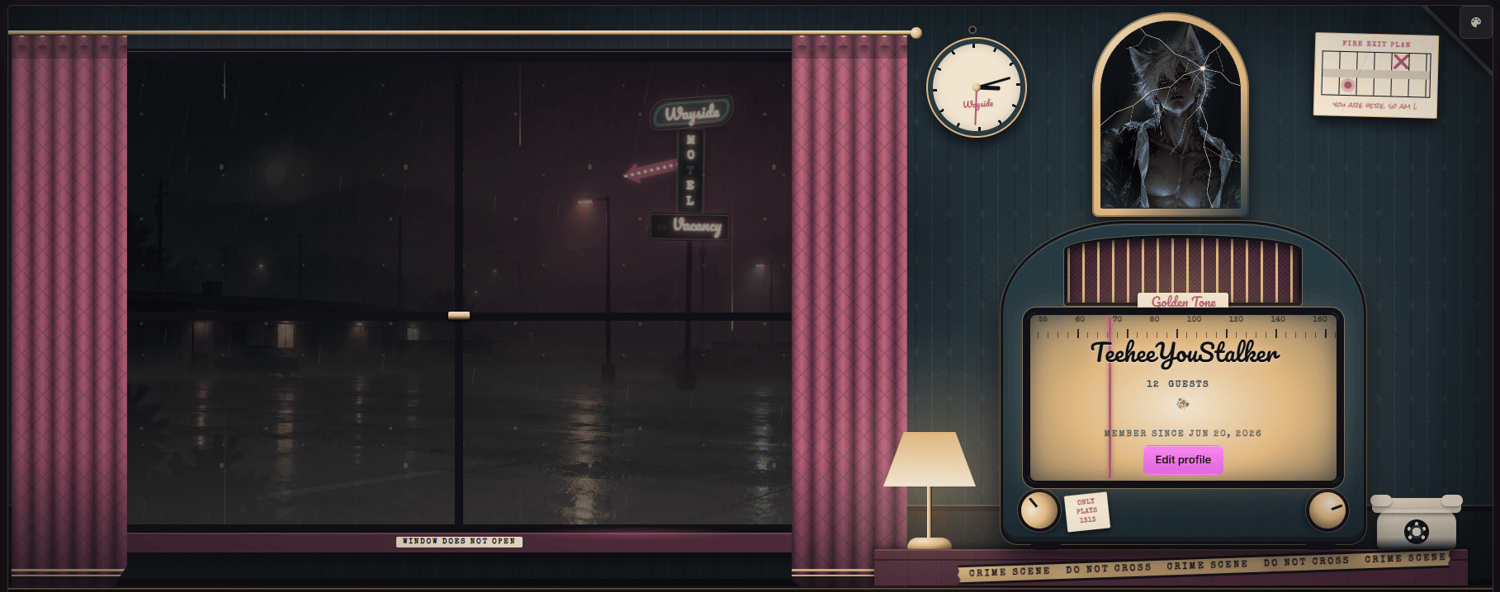
- Rainy window: A rain-streaked motel window with curtains, a flickering roadside neon sign, and sweeping headlights. With each lightning flash, a stranger appears pressed against the glass, writing “let me in” in the fog before fading away. You can replace the outside image and the stranger image, and edit the fog writing in the Div section.
- Radio profile dial: Your username, follower count (“Guests”), and member date appear on a vintage radio dial. The follow button becomes “Check In,” and the options button becomes a turning radio knob.
- Crime scene nightstand: A cracked mirror showing your own reflection image, a wall clock, a fire exit plan, a flickering lamp, a rotary phone, and crime scene tape. The table holds evidence markers, a bagged room key, a case file, a polaroid, a matchbook, a notepad, and returned mail.
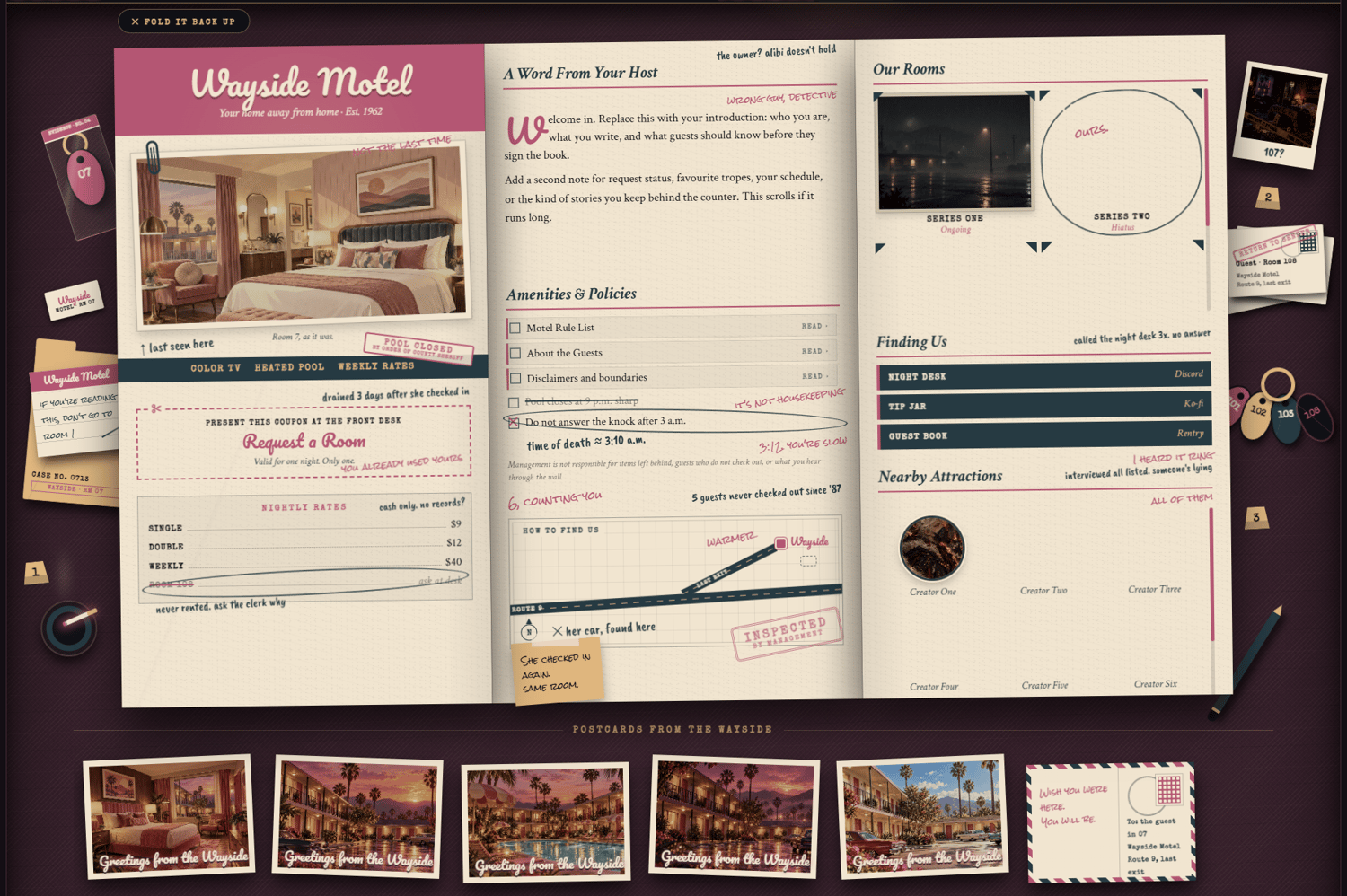
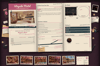
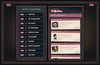
- Motel brochure: A folded brochure that unfolds when clicked. The left panel holds your portrait, amenities, a “Request a Room” coupon, and nightly rates. The middle panel has a welcome letter with three switches for Rules, About the Guests, and Disclaimers, plus fine print and an area map. The right panel shows your series, links, and a scrolling list of featured creators.
- Detective notes: The brochure is covered in handwritten detective notes in teal ink, with pink replies from someone else. Every note can be edited or deleted.
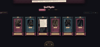
- Postcards: Five postcards that flip on hover to reveal a written note on the back. The last one always stays face-down.
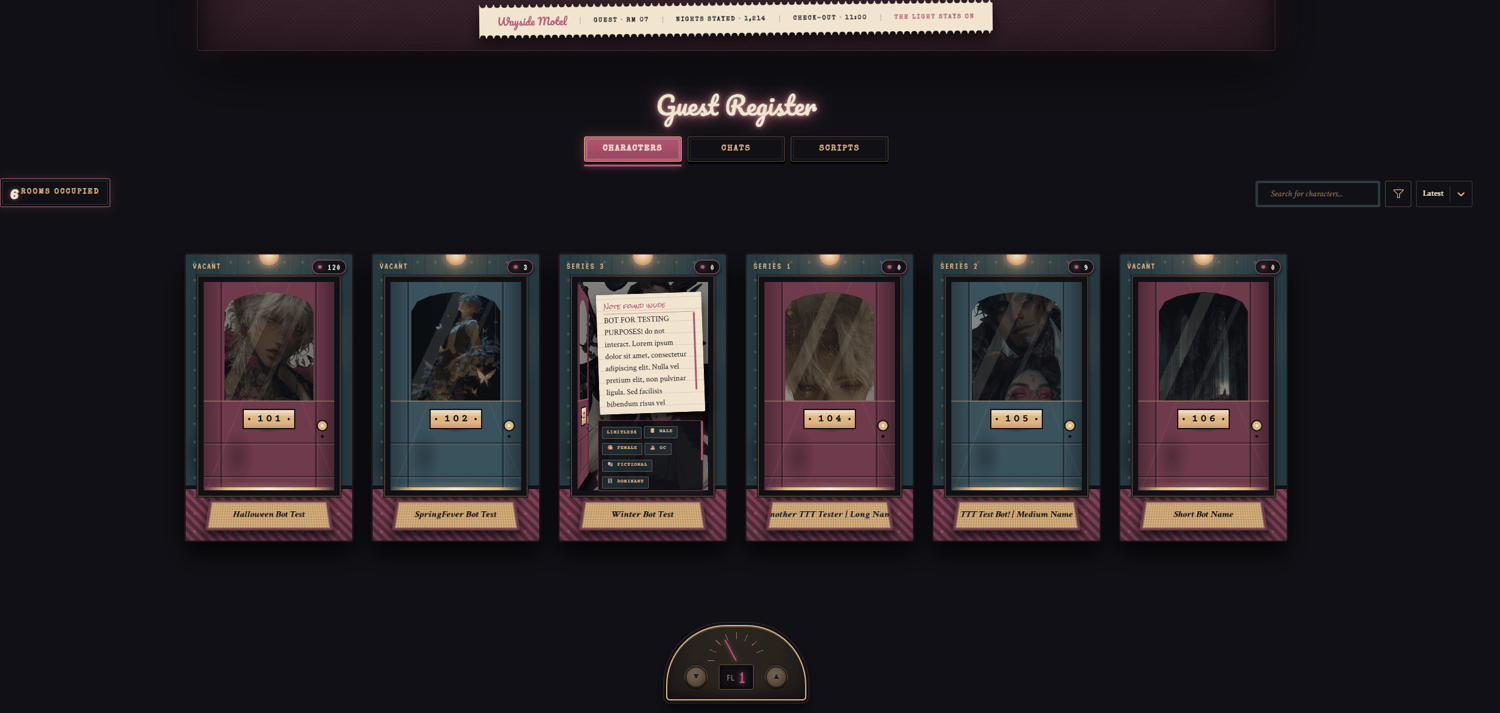
- Room door bot cards: Character cards become numbered motel doors with arched windows, brass room plates, a wall sconce, and a doormat nameplate. Hovering swings the door open to reveal the character, along with a “Note found inside” description and tags.
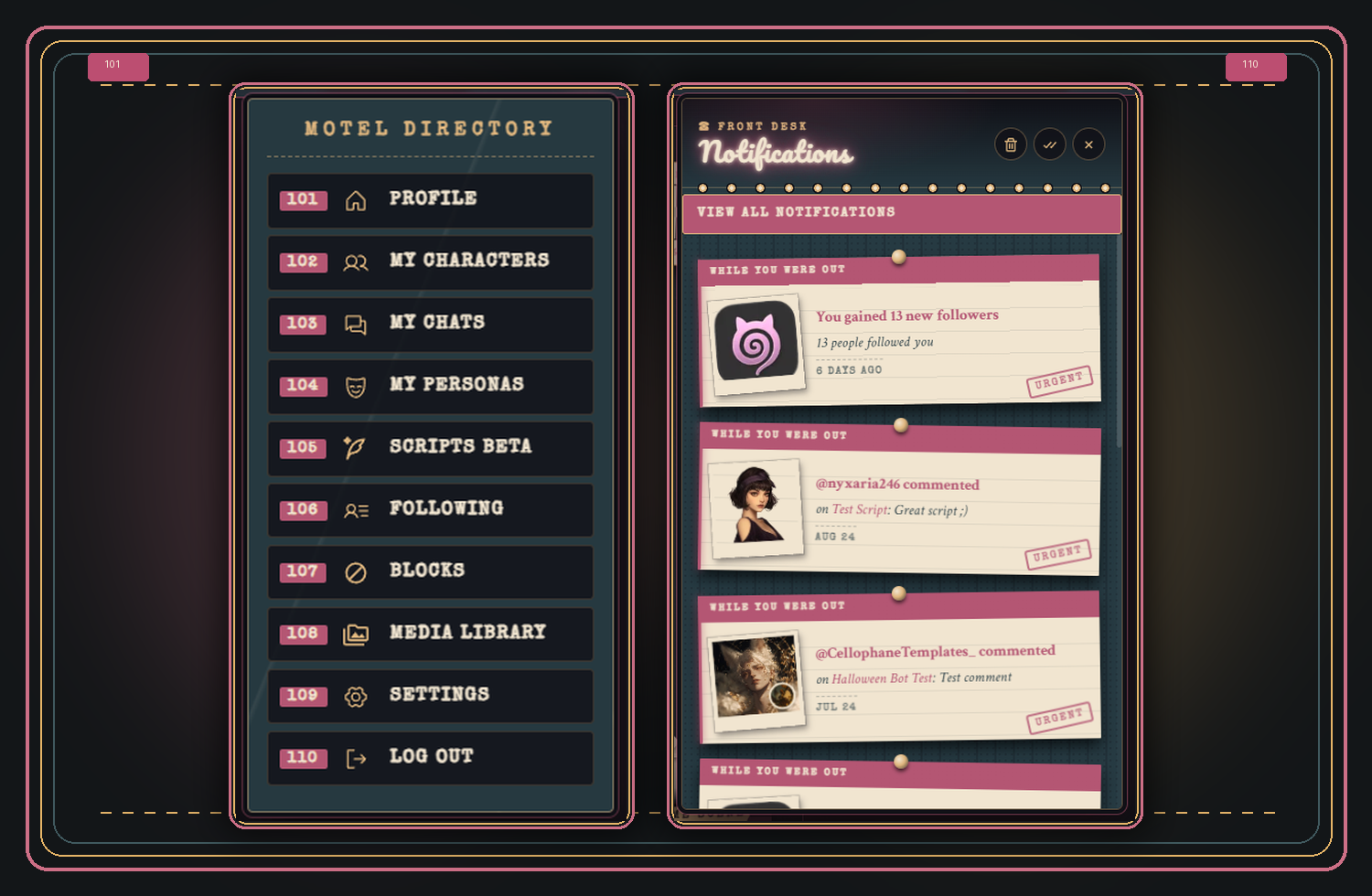
- Themed site pieces: The top bar, Create button (“+ New Key”), notification menu (“Front Desk”), filters, page selector (an elevator floor dial), and mobile navigation bar are all styled to match.
- Mobile layout: Separate media queries adjust the profile at 1100px and 700px and below. On phones, the open brochure becomes a swipeable three-panel layout.
Notes to Keep in Mind
- The stranger and reflection images are separate from the window scene. Transparent PNGs work best for the stranger.
- Room numbers on the doors count up automatically from 101. They are decorative and do not need to be edited.
- Placeholder links and images (marked with “-HERE”) need to be replaced before visitors can use them.
- The table props are hidden on tablet and phone screens to save space.
Customization Notes
- Most colors can be changed directly in the CSS through hex values.
- Adding a new major section requires both Div and CSS updates, including its placement in the desktop and mobile layouts.
- Replace images through their appropriate <img src=""> entries. Avoid using url(), as it is unavailable on the site.
- Do not import custom fonts, as imported fonts are unavailable on the site.
- You can recolor the theme, rewrite the detective notes, rename sections, replace images, change links, and adjust the wording to suit your profile.
- Keep the media queries in their separate <style> block. Some changes may need matching adjustments inside the 1100px and 700px media queries.
Application
Do not paste the code directly into the profile editor, as it may break or fail to function correctly.
Go to Settings, paste the full code into the About Me section, then press Save Changes.
Credit
Credit is required when using this CSS.
The full profile includes a visible credit section. You may move or restyle it, but credit must remain visible somewhere on your profile.
Help
If you need help setting it up, recoloring the theme, or adjusting its sections, contact me on Discord: