
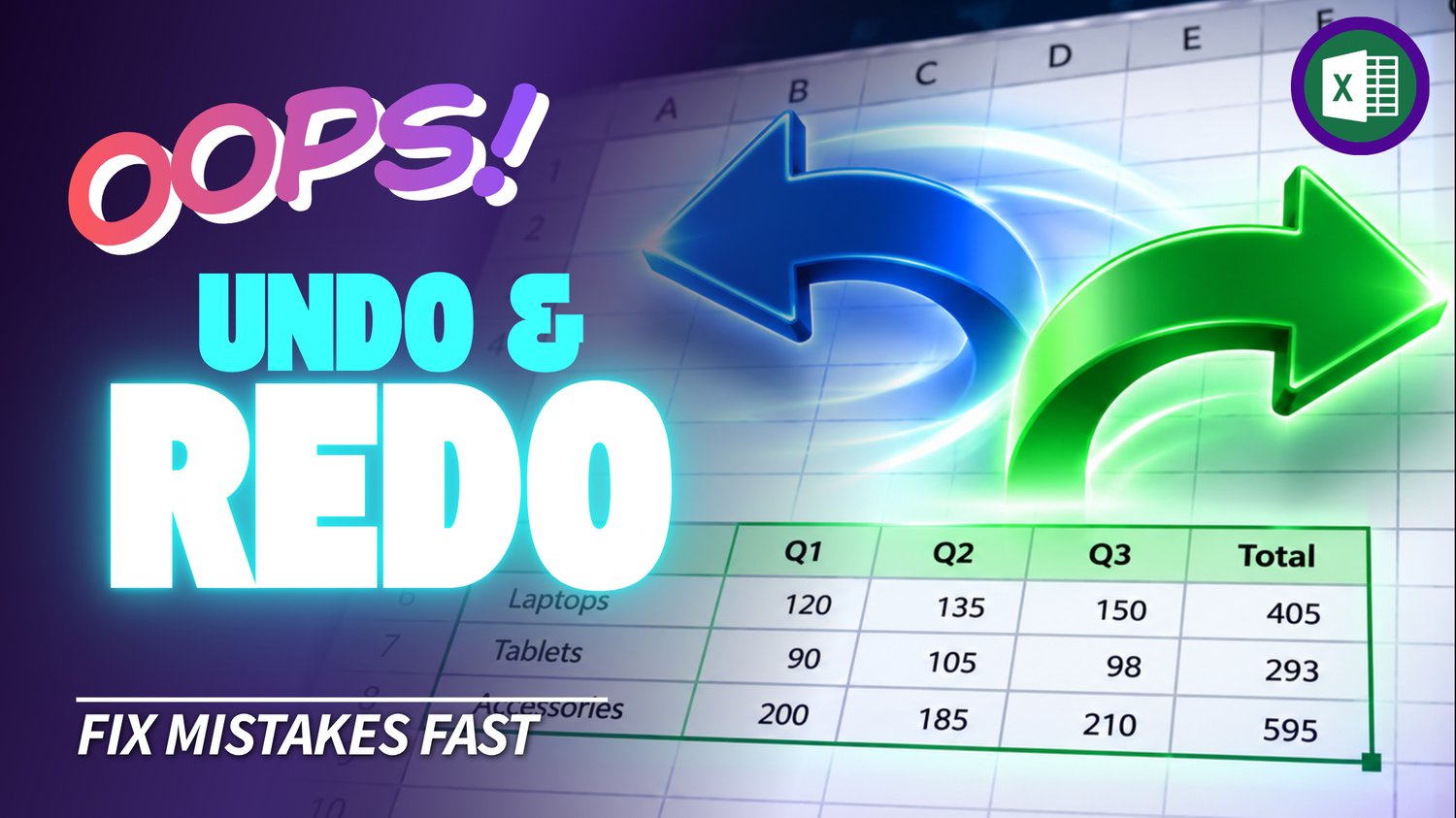
Excel Undo & Redo Practice Workbook | Beginner Practice
Learn how to use Undo and Redo in Microsoft Excel with this beginner-friendly practice workbook from Easy Mode Excel Tutorials!
Made a change you didn't mean to make? Or changed your mind after undoing something? No worries! Excel has two handy commands that let you reverse your actions and bring them back again.
This hands-on workbook accompanies our free Excel Undo & Redo video lesson, giving you the opportunity to practice making and reversing changes with confidence.
What You'll Practice
✓ Use Undo to reverse changes you've made
✓ Use Redo to restore an action you've undone
✓ Find the Undo and Redo commands in Excel
✓ Use keyboard shortcuts to undo and redo actions
✓ Undo multiple changes in sequence
✓ Build confidence editing spreadsheets without worrying about simple mistakes
What's Included
✓ One downloadable Excel practice workbook (.xlsx)
✓ Beginner-friendly exercises to reinforce the lesson
✓ A workbook you can open and edit in Microsoft Excel
✓ Hands-on practice you can complete at your own pace
Perfect for Excel beginners! Learn how to quickly correct mistakes and restore changes so you can work more comfortably in your spreadsheets.
Price: $2.49 USD — one-time purchase.
After purchasing, you'll be able to download your Excel practice workbook and start practicing right away.
This purchase includes the practice workbook only. Microsoft Excel is not included.
Watch the FREE Video Lesson
🎥 Excel Undo & Redo:
More FREE Learning
Continue learning with our free Excel Cut & Move Cells lesson to practice rearranging spreadsheet information.