
LidarToolbox plugins for Race Track Builder
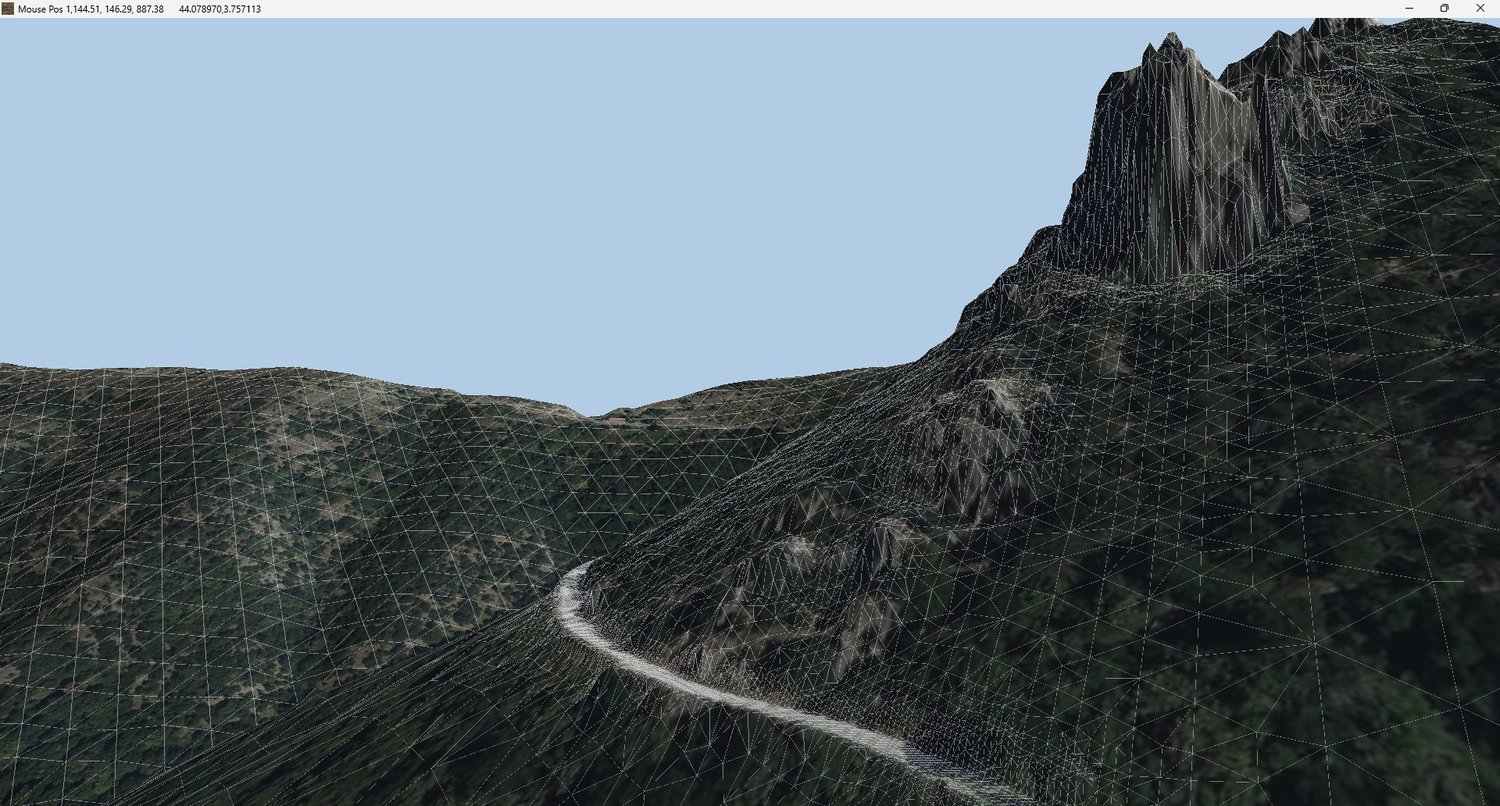
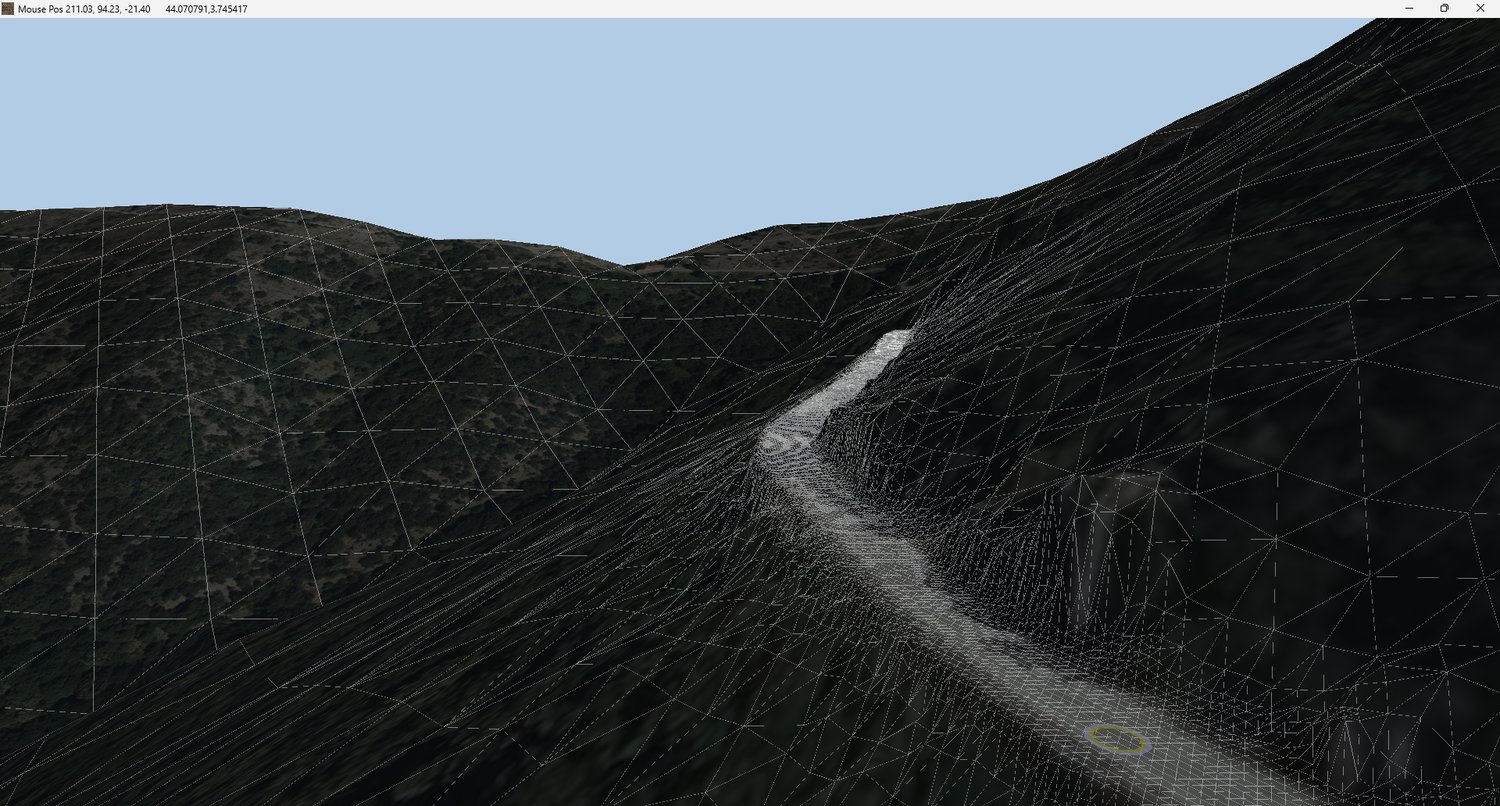
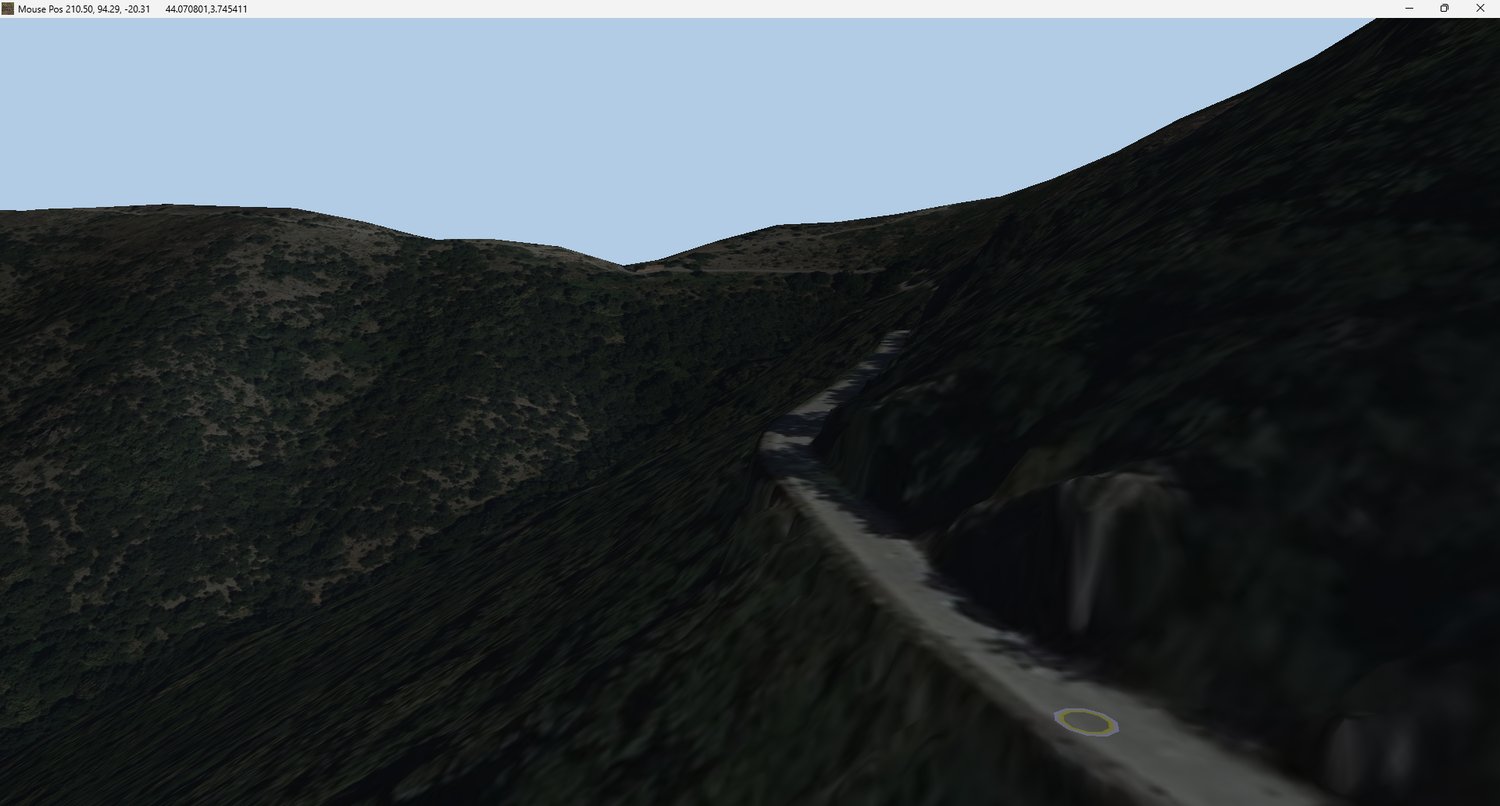
Upgrade your RaceTrackBuilder experience with high resolution elevation data and satellite imagery.
Replace the default low-resolution Google terrain with accurate elevation data using LiDAR point clouds or GeoTIFF files.
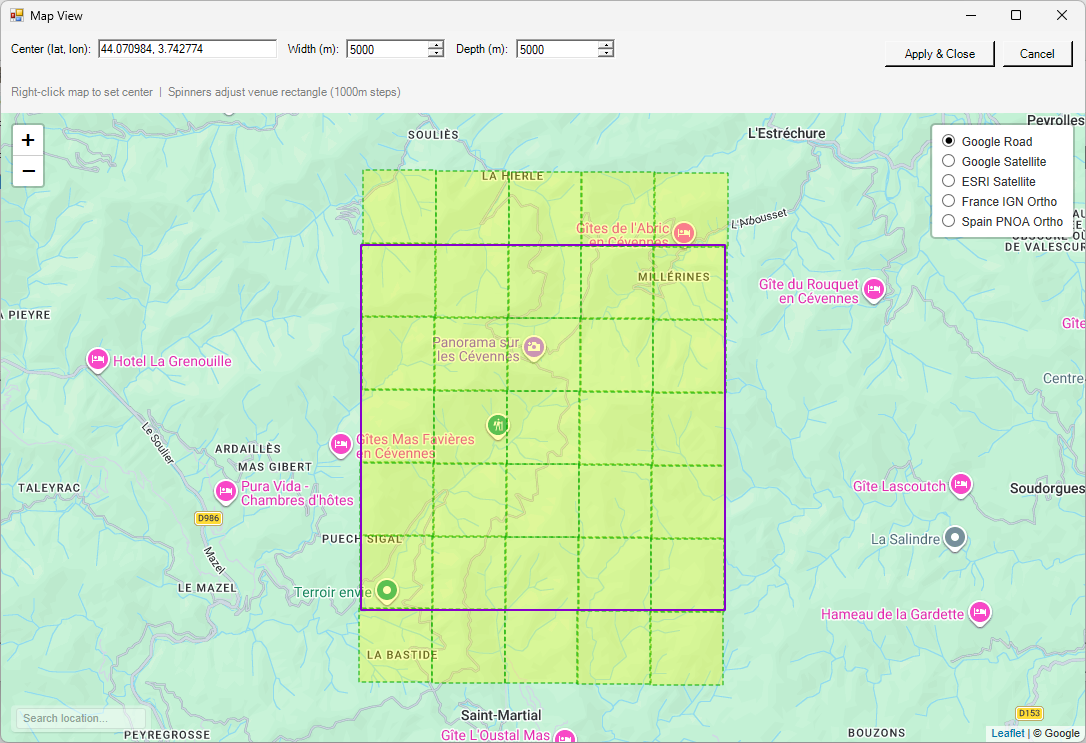
Add high-quality satellite imagery from sources such as Google Satellite, ESRI, Bing, Mapbox, France IGN and Spain PNOA.
Source Data Requirements
Elevation Data
- Point cloud data in copc.laz format or
- GeoTIFF files
Most agencies provide point cloud data in standard .laz format. To convert these files to .copc.laz, simply drag them into QGIS . The conversion will happen automatically. You can keep the original .laz files in the folder—the plugin will just ignore them.
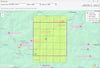
Partial point cloud or GeoTIFF coverage is supported; for uncovered areas of the venue Copernicus 30m DEM will be used, offering terrain quality comparable to or better than Google Terrain for most rural locations.
When no lidar or GeoTIFF's are avaiable the height plugins can work in Copernicus-only mode. Do keep in mind that the Copernicus 30m DEM is a digital surface model (DSM), not a digital terrain model (DTM). Therefore, its elevation values can include above-ground features such as buildings and vegetation, rather than representing bare-earth terrain alone.
Coordinate System
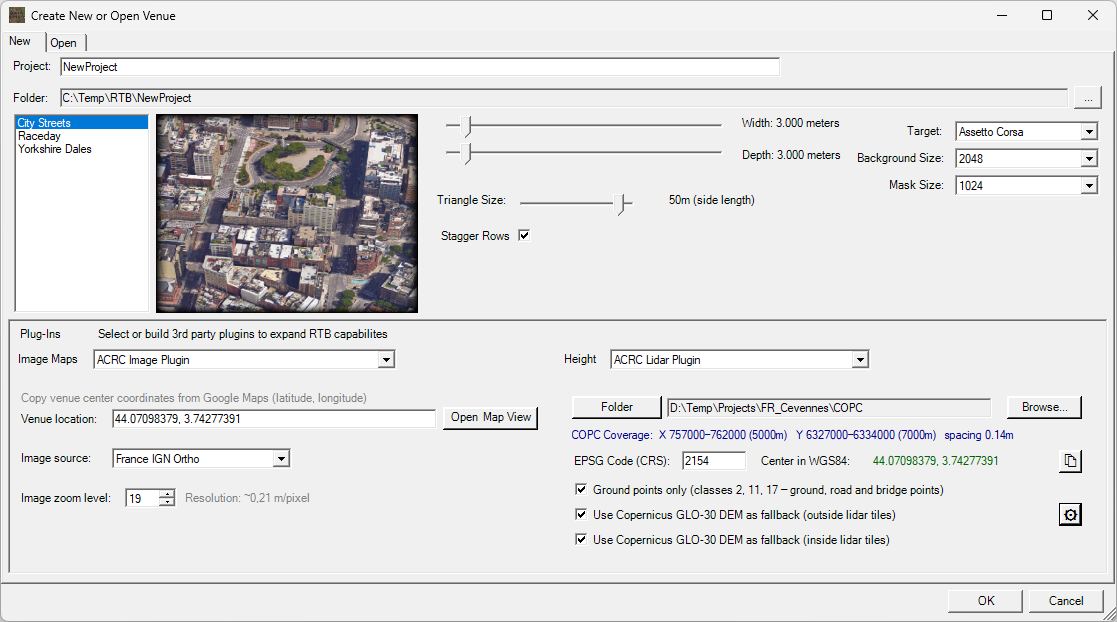
- EPSG coordinate system code is required
- In many cases, this will be automatically detected from the file metadata
- If not, you will need to identify it from the data provider
Classification
- For best results the point cloud data should be classified
Data Sources
For a selection of quality lidar data sources, visit Assetto Corsa Rally Central
Many of those sources are now integrated in LidarToolbox, which streamlines the process of finding, downloading and preparing lidar data. The RTB plugins are included at no extra cost with the purchase of LidarToolbox. If you already own the RTB plugins, you can upgrade to the full toolbox at a 50% discounted price.
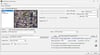
Getting started: Unzip and run setup, verify the correct Race Track Builder installation folder is detected.. For best results, use the included image plugin in combination with the height plugins. It adds extra functionality and improves image-to-terrain alignment.