
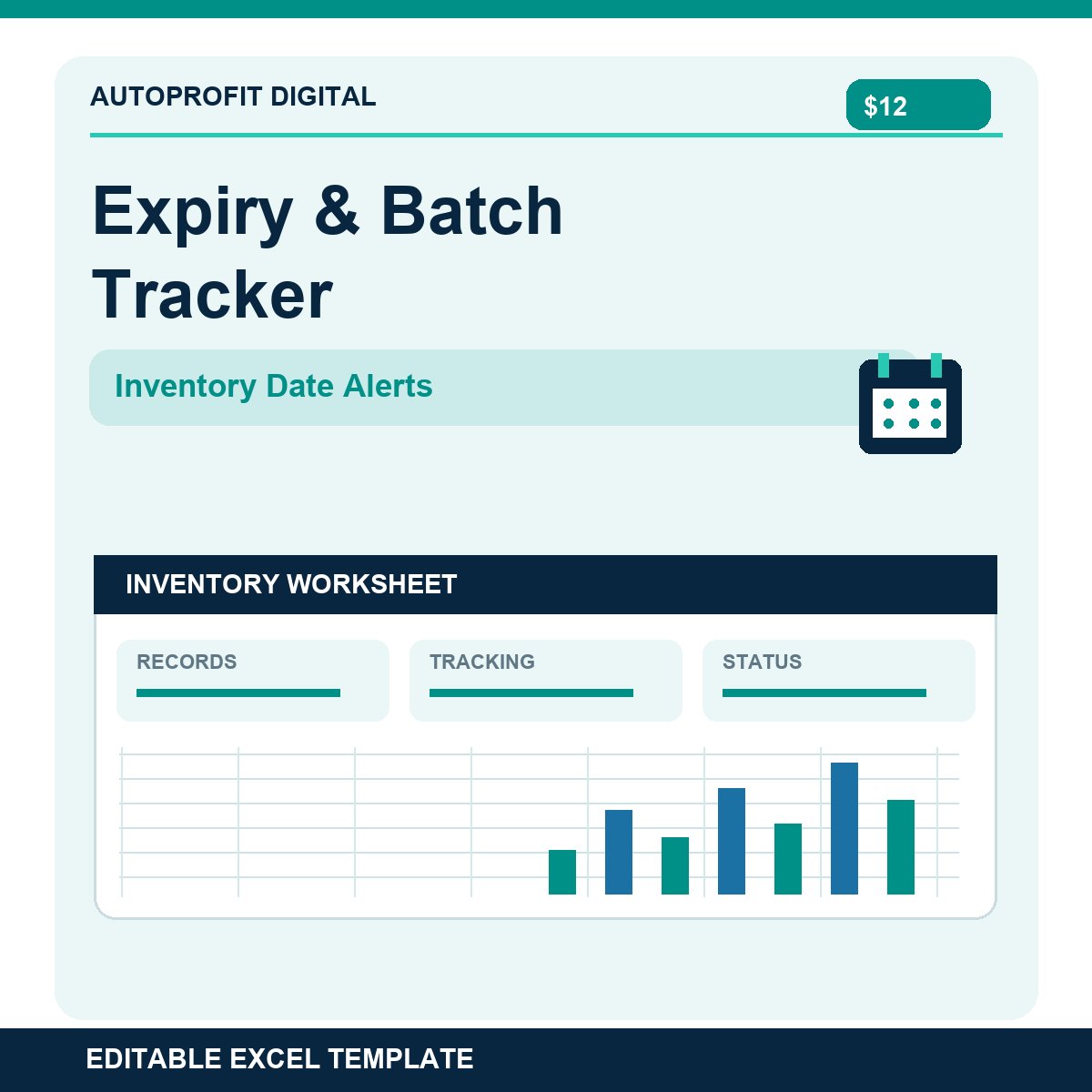
Expiry & Batch Tracker | Inventory Date Alerts (Excel)
Make it easier to spot expiring stock and keep batch-level inventory organized.
This Excel tracker lets you record products by lot, batch, and location. Enter expiration dates, quantity on hand, and unit costs to see which batches are expired, urgent, on watch, or OK. The dashboard highlights stock value needing attention.
INCLUDED
• Batch register with 150 prepared rows
• Lot number, SKU, location, received date, and expiry date tracking
• Automatically calculated days remaining until expiry
• Adjustable alert thresholds (example: 7-day urgent and 30-day watch)
• Stock value, expired value, and near-expiry value dashboard
• Action Log for dispositions, owners, and follow-ups
• Setup instructions and clearly marked fictional sample data
HOW TO USE
1. Replace the sample batch entries.
2. Enter SKU, lot, location, receipt date, expiry date, quantity, and cost.
3. Review the dashboard as dates change.
4. Document appropriate actions in the Action Log.
Designed for modern Microsoft Excel. Dates refresh on recalculation or opening the file. One row per SKU, lot, and location. Manual entry; no POS, barcode scanner, ERP, or automatic email alert integration.
This is an inventory planning aid, not a food-safety, medical, or regulatory compliance system. Follow applicable laws and your company's expiry/disposal rules. One-time purchase with no subscription. For internal personal or business use; resale or redistribution of the workbook is not permitted.