
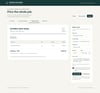
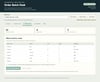
Small Shop Operations Bundle — Quote Builder + Apparel Order Batch Desk
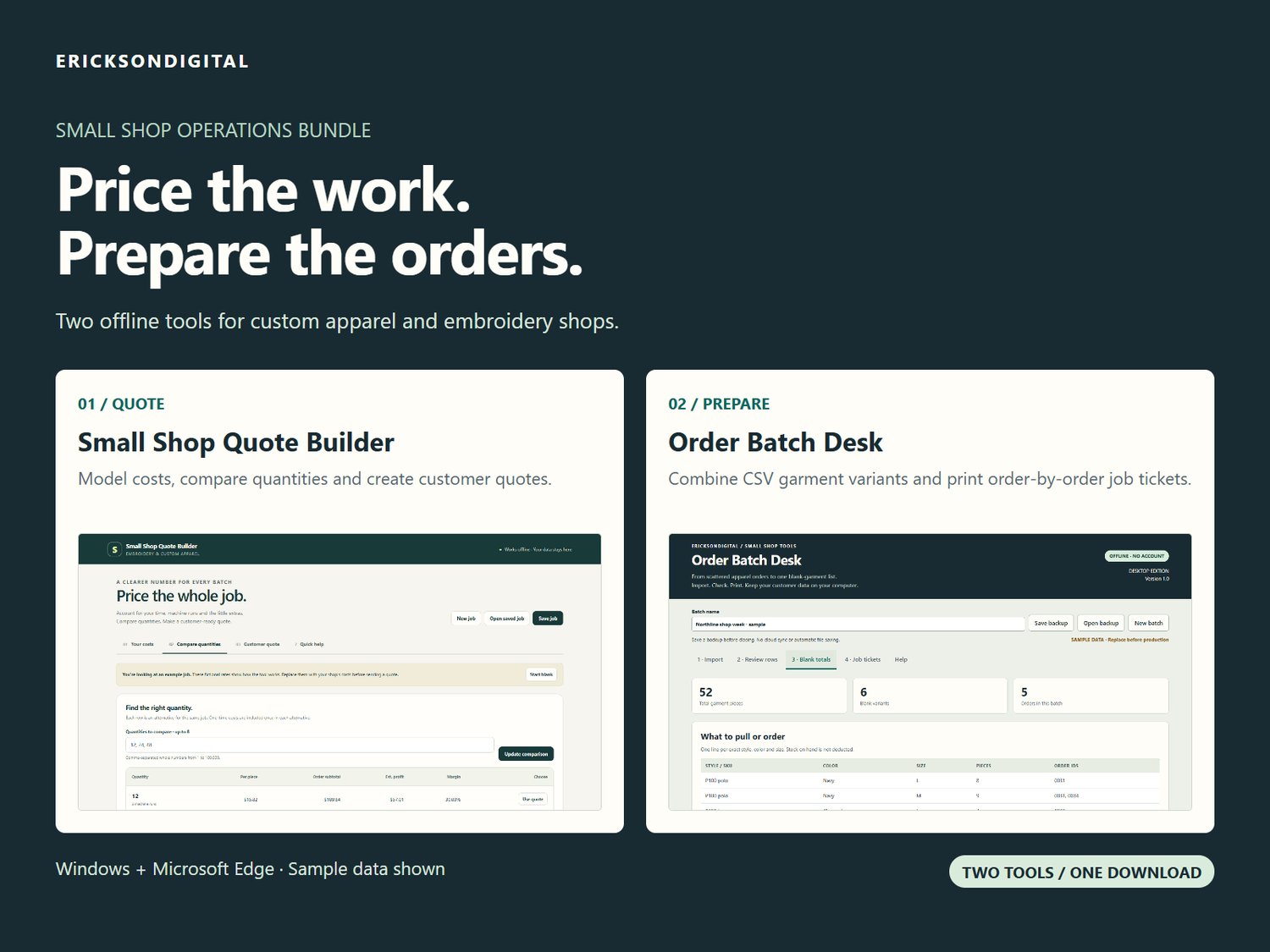
Price your next job, then prepare the orders with two practical offline tools for embroidery and custom-apparel shops.
INCLUDED: SMALL SHOP QUOTE BUILDER
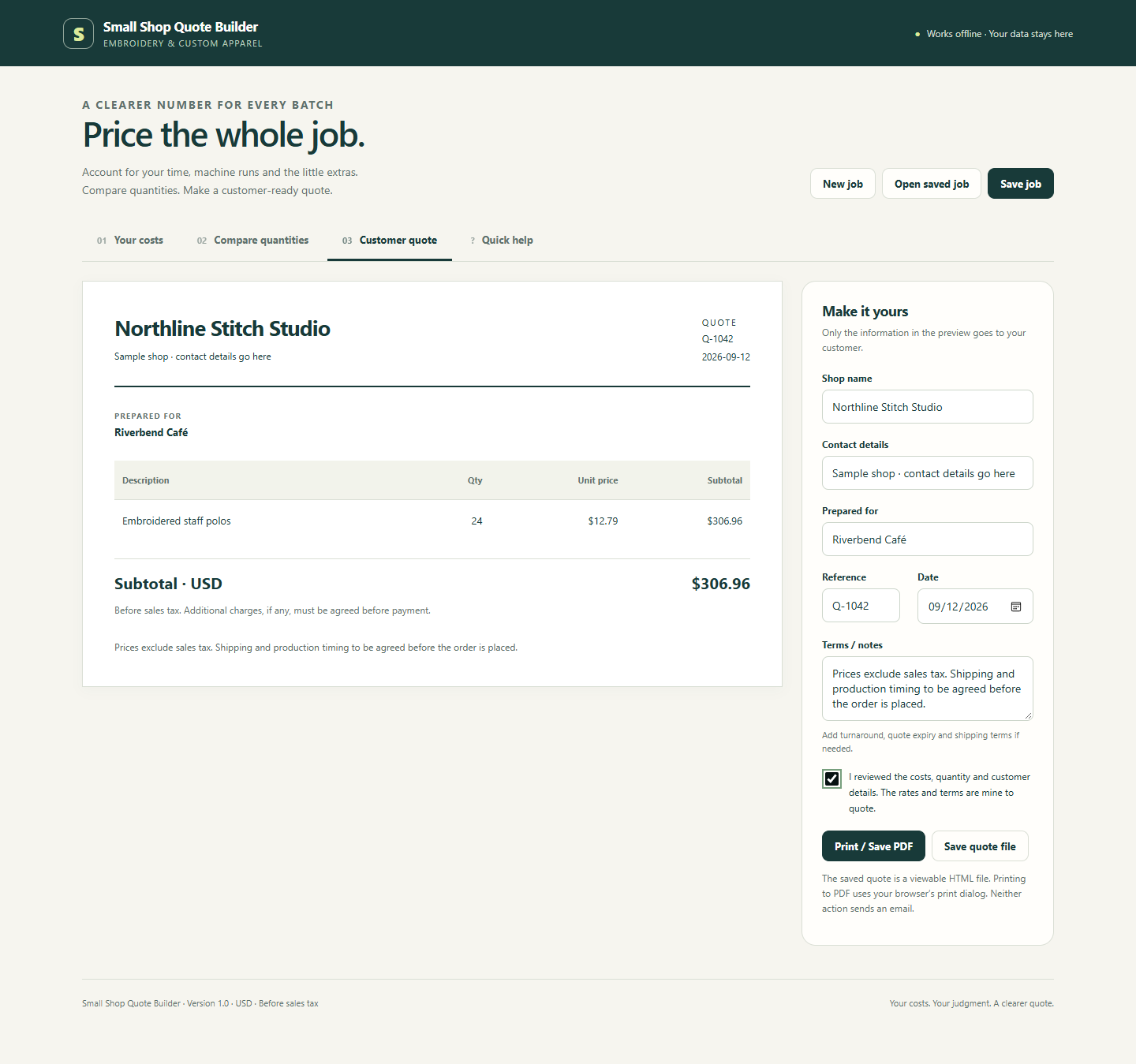
Enter your costs, labor, machine capacity, payment fees and target operating margin. Compare up to eight order quantities and prepare a customer quote without exposing your internal costs. Export a viewable quote or print to PDF.
INCLUDED: ORDER BATCH DESK
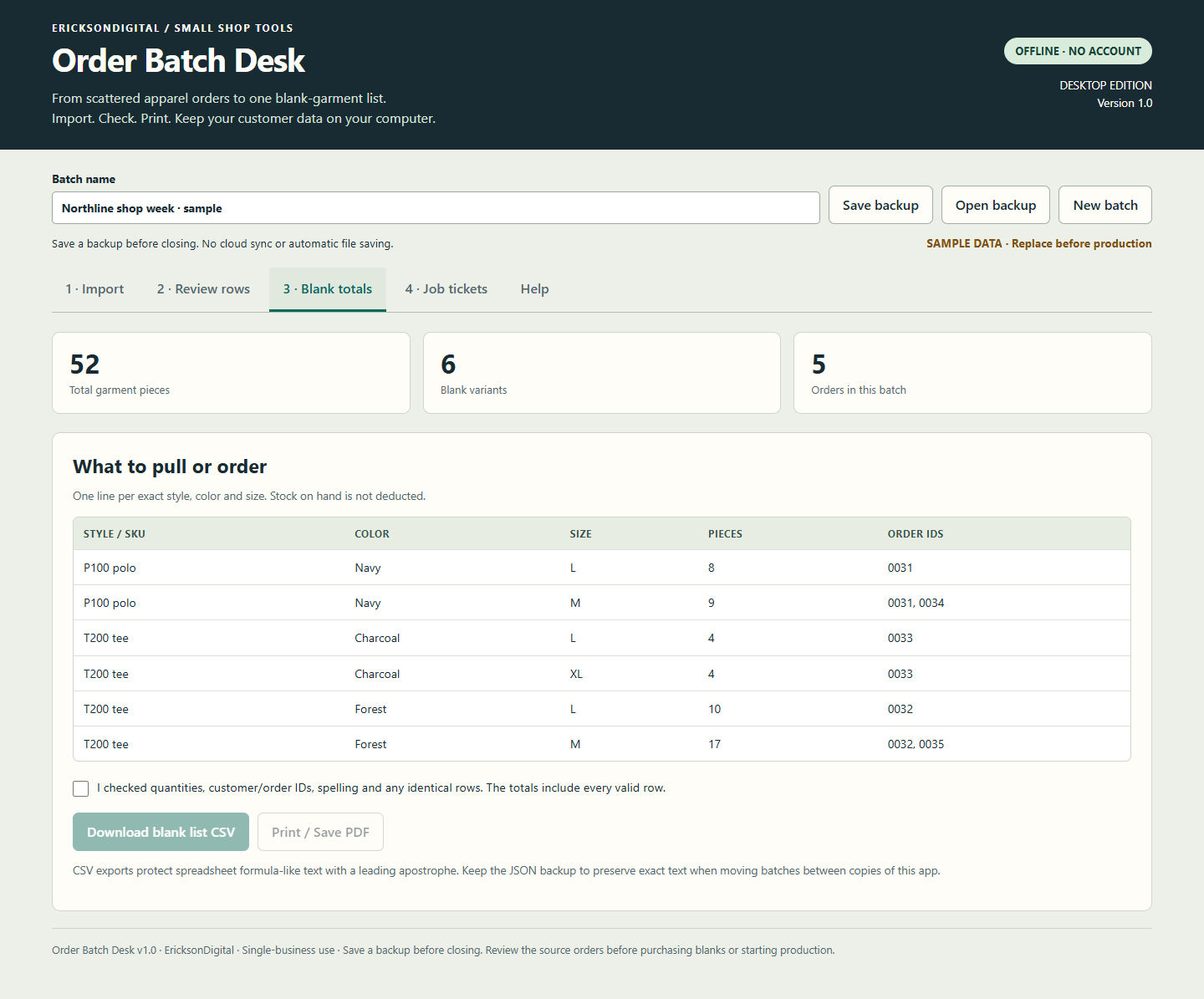
Import prepared apparel CSVs, match columns and review the rows. Combine exact style / color / size variants into blank-garment totals, and print job tickets with design notes. Download CSV reports and save private batch backups.
ONE PURCHASE, TWO COMPLETE APPS
US$34 for the bundle. The same two tools are also offered separately at US$24 and US$19, a combined US$43. Buy the bundle or the individual tool you need.
No activation, hosting or ongoing app subscription is required for these versions. Each runs locally in your browser, with sample data, help, a start guide and a single-business license.
CHECK THE FIT
Windows with Microsoft Edge is the tested platform. Mobile, macOS and other browsers are unverified or unsupported as described in the individual guides. Download and extract the ZIP before opening either HTML app.
These are two separate applications, with separate saved files and no automatic sync between them. They do not connect to your store, collect payments, email customers, purchase shipping or track live inventory.
Quote Builder works in USD, before sales tax, for a job of identical pieces with the same design. Enter your own accurate costs; examples are fictional and profit is not guaranteed.
Order Batch Desk supports prepared UTF-8 CSVs up to 2 MB, 5,000 rows and 500 orders per batch. Order ID, style / SKU, color, size and quantity must be separate columns. Serialized batch text is limited to 3 MB. Save JSON backups before closing. Review the source orders before production.
One business and its staff may use these versions on the business’s devices. Your entered data and generated reports remain yours. App resale, redistribution, custom integrations and lifetime updates are not included.
Digital download only. No physical items are shipped.
GETTING STARTED AND HELP
Extract the ZIP, then read START-HERE.txt. Open the HTML app in the relevant folder with Microsoft Edge on Windows. Each folder includes its own guide, sample and license. Keep backups private. For help, use your receipt’s seller contact link and state which app you are using. Do not send passwords, bank details or confidential customer files.
If the download does not work as described, contact EricksonDigital through your receipt within 14 days so we can help or refund the purchase. This does not limit your rights under applicable law or the platform’s policies.