


Irregular Income Budget Planner Spreadsheet (Google Sheets & Excel)
Budget spreadsheet for irregular income: plan from your lowest recent month, split every deposit into tax, bills and buffer, and see which bills are due. Google Sheets & Excel, instant download.
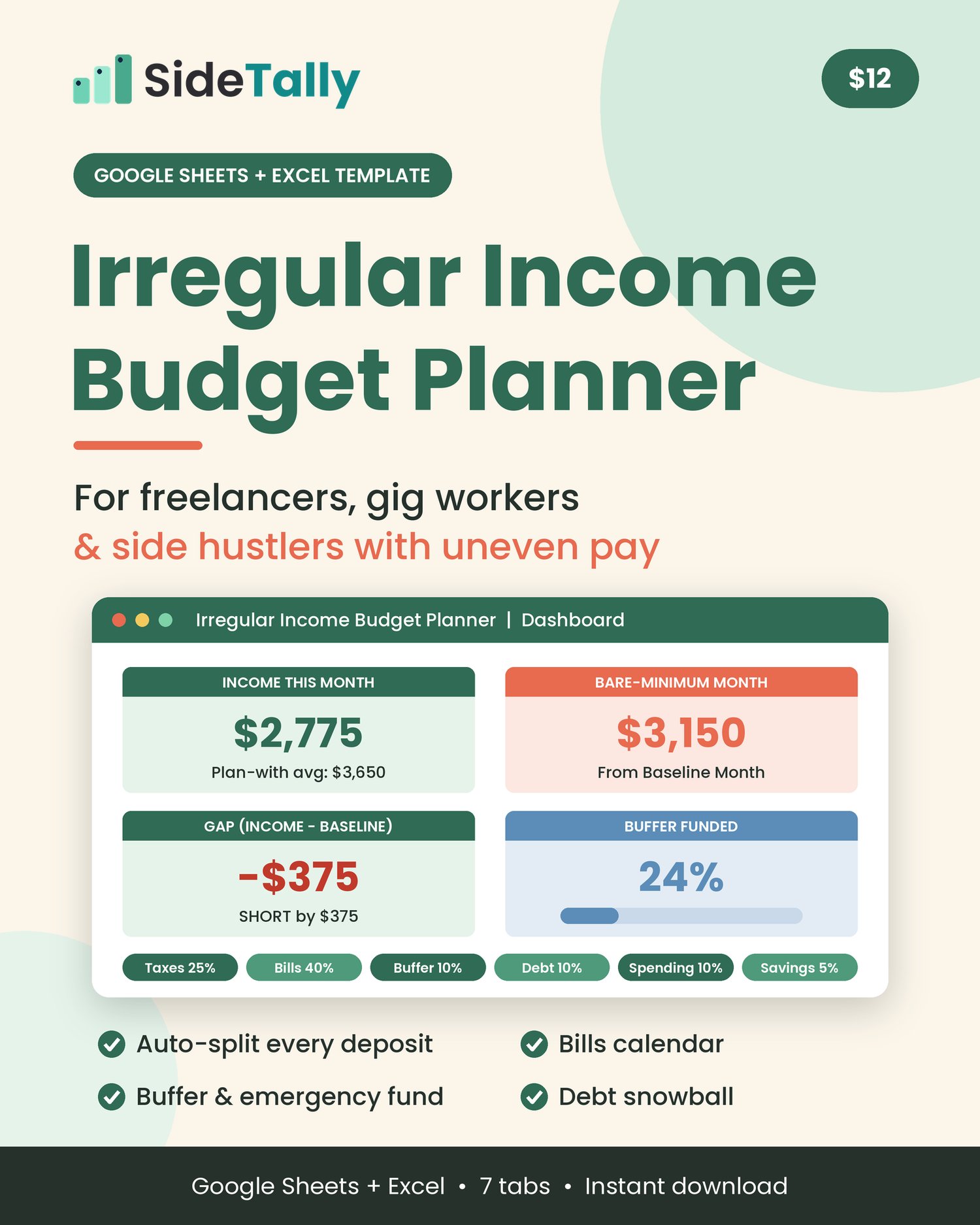
A budget spreadsheet for freelancers, gig workers and side hustlers whose pay changes month to month. Work out your bare-minimum month, plan with your lowest recent average, split every deposit into tax, bills and buffer buckets, and track bills, savings and debt payoff in one file for Google Sheets or Excel.
Most budgets assume the same paycheck lands on the same day every month. If you freelance, drive for apps, sell online or earn commission, it doesn’t work that way. One month is great, the next is thin, and it’s hard to know what you can actually spend.
This planner starts from what a lean month costs you, not from what you hope to earn.
Know your bare-minimum month. List your bills and mark the must-pays. Add your yearly costs (renewals, registration, gifts) and the sheet spreads them over 12 months. You get one number: what a bare-bones month really costs.
Plan with a realistic income number. Enter your past monthly income. The planner averages your last 3, 6 and 12 months and uses the lowest of the three as your “plan-with” income, then tells you if that covers your bare-minimum month or how short it falls.
Split every deposit automatically. Log each payment the day it lands. It’s split into six buckets (Taxes, Bills, Buffer, Debt, Spending, Savings) using percentages you set, with a check that they add up to 100%.
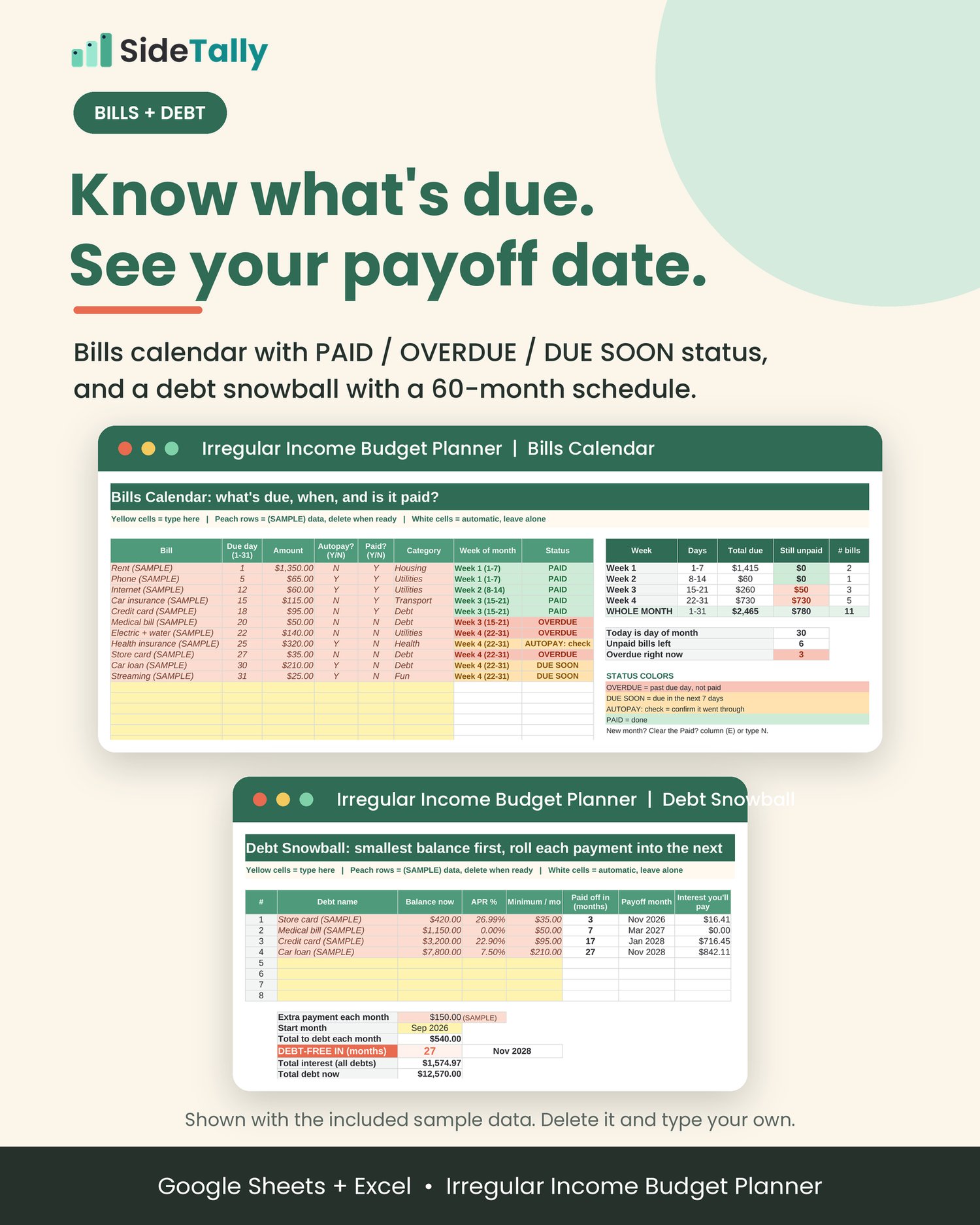
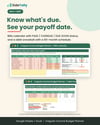
See what’s due and what’s late. The bills calendar groups bills by week of the month and marks each one PAID, OVERDUE, DUE SOON or AUTOPAY: check.
Build a buffer for the slow months. Pick a target of 1 to 6 months of your bare-minimum month, log your transfers, and see % funded and how many months of runway you have.
Pay down debt with the snowball method. List up to 8 debts, smallest balance first, add any extra payment, and get a month-by-month payoff schedule (up to 60 months) with payoff dates and estimated interest.
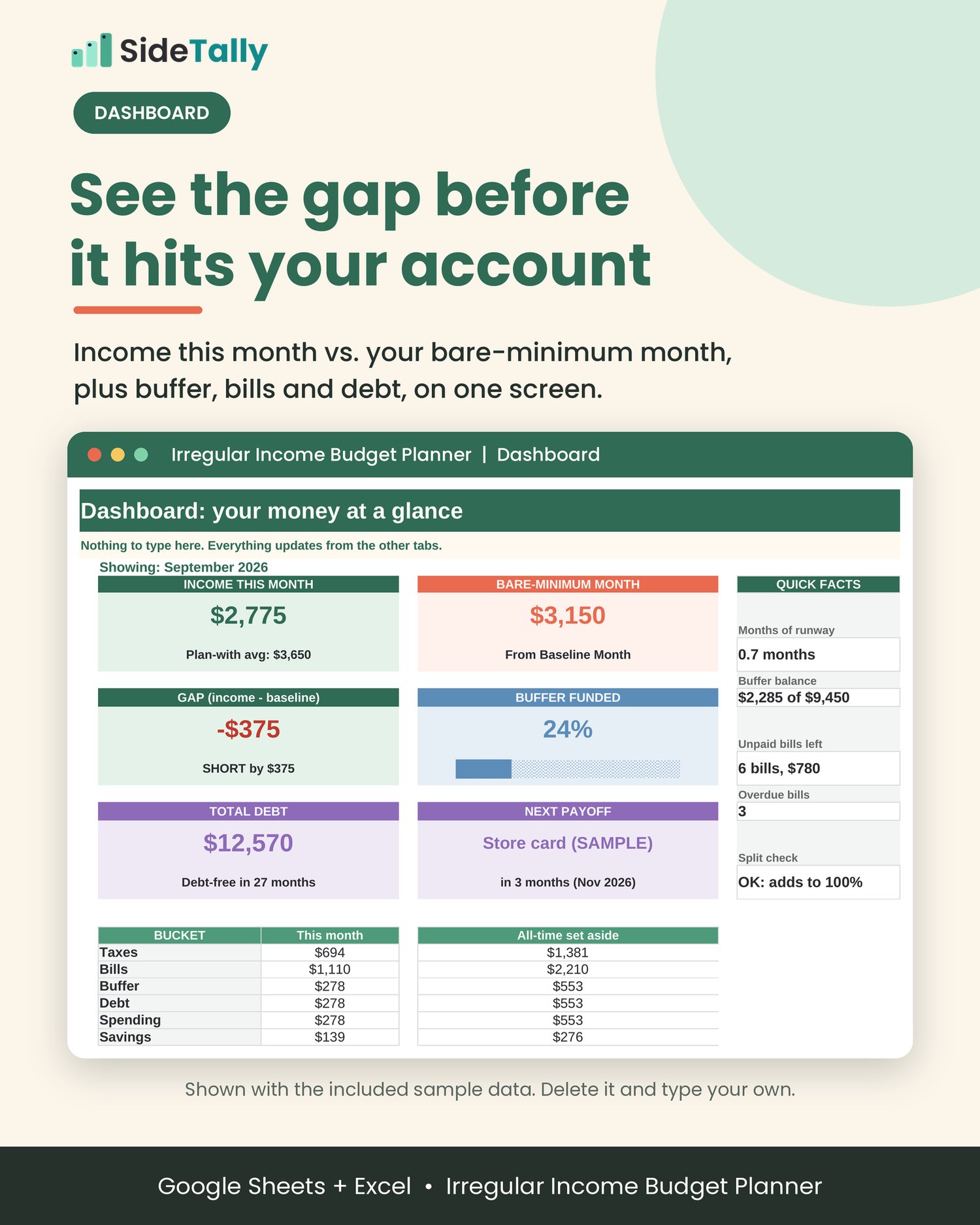
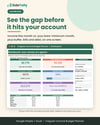
One dashboard. Income this month vs. your bare-minimum month, the gap, buffer progress, runway, unpaid and overdue bills, total debt and your next payoff, with a bucket chart.
Sample data is filled in so you can see how it works before you start. Clear it in a few selections (the Start Here tab and the guide show exactly which cells).
What’s included
- Irregular-Income-Budget-Planner.xlsx: a 7-tab spreadsheet
- Start Here: 5-step quick start, color key, how to clear the sample data, weekly 10-minute checklist
- Dashboard: your month at a glance, nothing to type
- Baseline Month: bare-minimum month, yearly costs ÷ 12, income history, 3/6/12/N-month averages, plan-with income
- Paychecks & Buckets: 200-row deposit log with an automatic 6-bucket split
- Bills Calendar: up to 40 bills, week-of-month totals, status for each bill
- Buffer & Emergency Fund: target, contributions log, % funded, months of runway
- Debt Snowball: up to 8 debts, 60-month payoff schedule
- How-to-Guide.pdf: a 4-page setup and use guide for Google Sheets and Excel
- README.txt: quick start
Who it’s for
- Freelancers and independent contractors
- Gig workers and delivery or rideshare drivers
- Side hustlers and online sellers
- Commission, tip and seasonal earners
- Anyone whose income changes from month to month
It’s probably not what you need if you get the same paycheck every two weeks and just want a simple monthly budget.
How it works
- Download the ZIP and unzip it.
- Open the spreadsheet. In Google Sheets, upload it to Google Drive, choose Open with > Google Sheets, then File > Save as Google Sheets. In Excel, just open the file (click Enable Editing if you see Protected View).
- Set it up in about 15 minutes. Fill in Baseline Month, set your bucket %, add your bills, buffer target and debts. Yellow cells are for typing, and everything else calculates.
- Check in weekly. Spend about 10 minutes logging deposits, marking bills paid and glancing at the Dashboard.
Format and delivery
- Instant digital download: one ZIP file (spreadsheet, PDF guide, README)
- Spreadsheet format: .xlsx, built for Microsoft Excel and Google Sheets (also opens in LibreOffice Calc)
- Amounts are formatted in US dollars. You can change the currency format.
- Software isn’t included. You need Excel, a free Google account for Google Sheets, or another spreadsheet app that opens .xlsx files.
- Nothing physical will be shipped.
FAQ
Does it work in Google Sheets? Yes, it’s built for Google Sheets. Upload the .xlsx to Google Drive, open it with Google Sheets, and save it as a Google Sheet. It only uses standard functions that both Excel and Google Sheets support. One small difference: the Excel data bar on the Buffer tab doesn’t show in Google Sheets. The text progress bar next to it works in both.
Do I need Excel? No. A free Google account and Google Sheets is enough.
Does it connect to my bank? No. You type in your own numbers. It doesn’t link to any bank or app.
How is this different from a regular monthly budget? It’s built around lumpy income. You plan from your bare-minimum month and your lowest recent average income, split each deposit into buckets as it arrives, and build a buffer for slow months.
What tax % should I use? The planner lets you choose. The preset 25% is only an example. Your right number depends on your situation, so check with a tax professional or your tax authority’s guidance.
Can I change the buckets or percentages? Yes. Set any split you want, as long as it adds up to 100% (the sheet checks this for you). You can also rename the bucket headers.
What about the sample data? Sample rows are marked (SAMPLE) and tinted peach. The Start Here tab and the PDF guide list exactly which cells to clear.
Is it on Mac? Yes. Use Excel for Mac or Google Sheets in your browser.
Can I get a refund? Because this is a digital download, all sales are final. If a file won’t open, message us through the Contact link at the top of the store and we'll fix it.
License
For your own personal or household use. Please don’t resell, share or redistribute the file (blank or edited) as a template, or upload it to any template or marketplace site.
Disclaimer
Not financial advice. This planner is a budgeting and organizing tool, not financial, tax or legal advice. Results are estimates based only on the numbers you enter. The bucket percentages, including the tax set-aside, are examples, not recommendations. Talk to a qualified professional about your own situation.