

Solancer — Notion CRM, Project Tracker, Task Manager, Time Tracking, Proposals, Invoices & Income Charts for Freelancers
Black Friday: $29 until the end of Dec 2, 2026 (Cairo time), usual price $39. The discount is applied automatically at checkout, no code needed.
Solancer puts your whole freelance business in one Notion workspace: clients, projects, tasks, time tracking, proposals, meetings and invoices, connected so you type things once and always know what needs your attention.
New in v2:
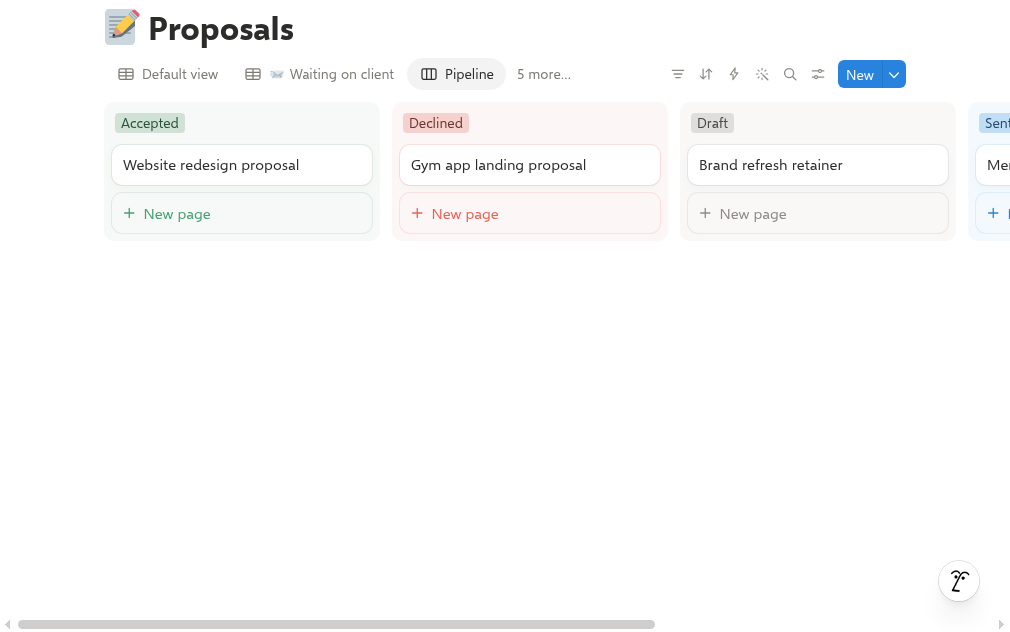
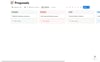
- Proposals: track every pitch from draft to sent, accepted or declined, with amount, valid-until date, a Won/Lost/Waiting/Expired decision, a pipeline board and a win-rate chart (chart tabs need Notion Plus or a free trial)
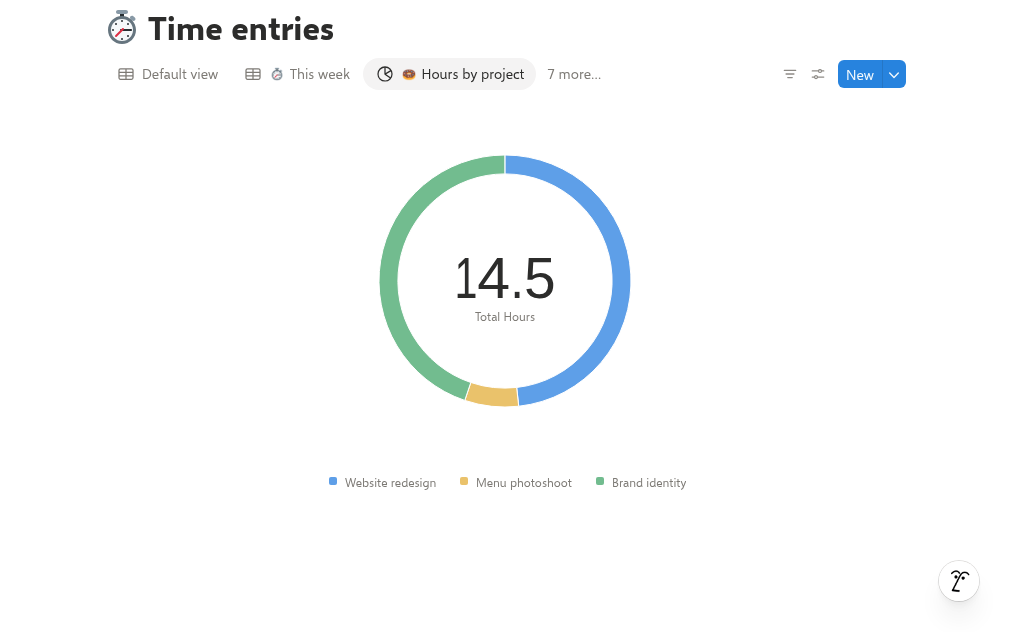
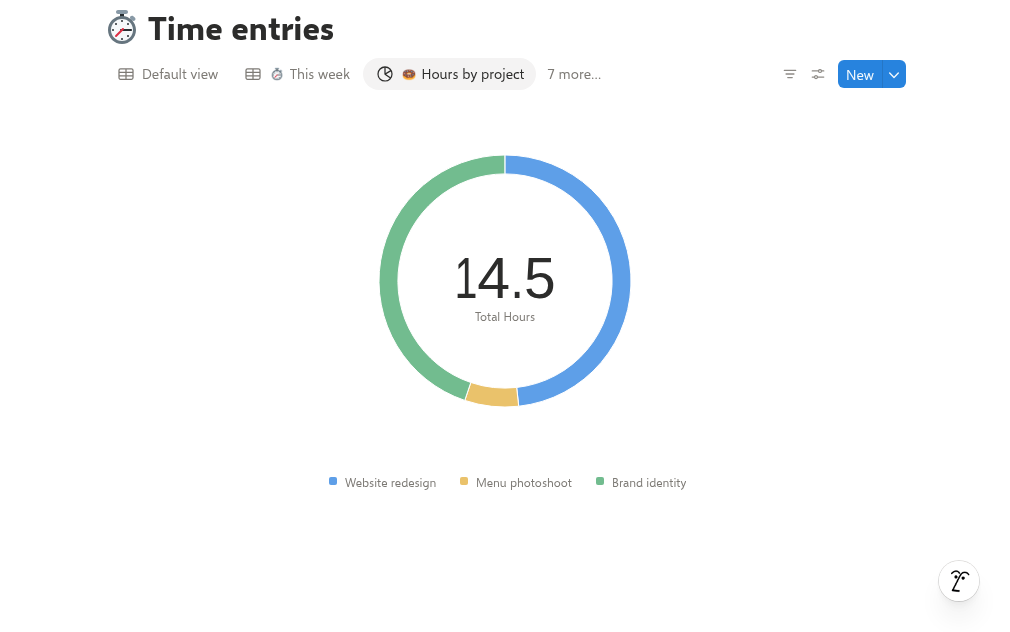
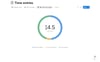
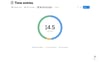
- Time tracking: log hours per project and task, mark entries billable, set an hourly rate and see the value of each entry. Hours logged and billable value roll up on every project
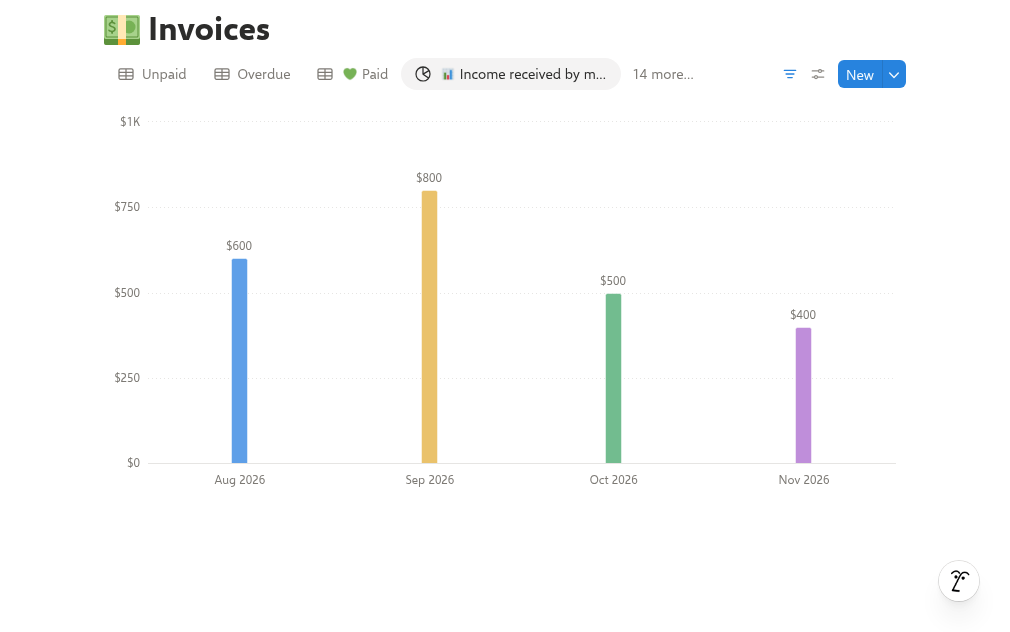
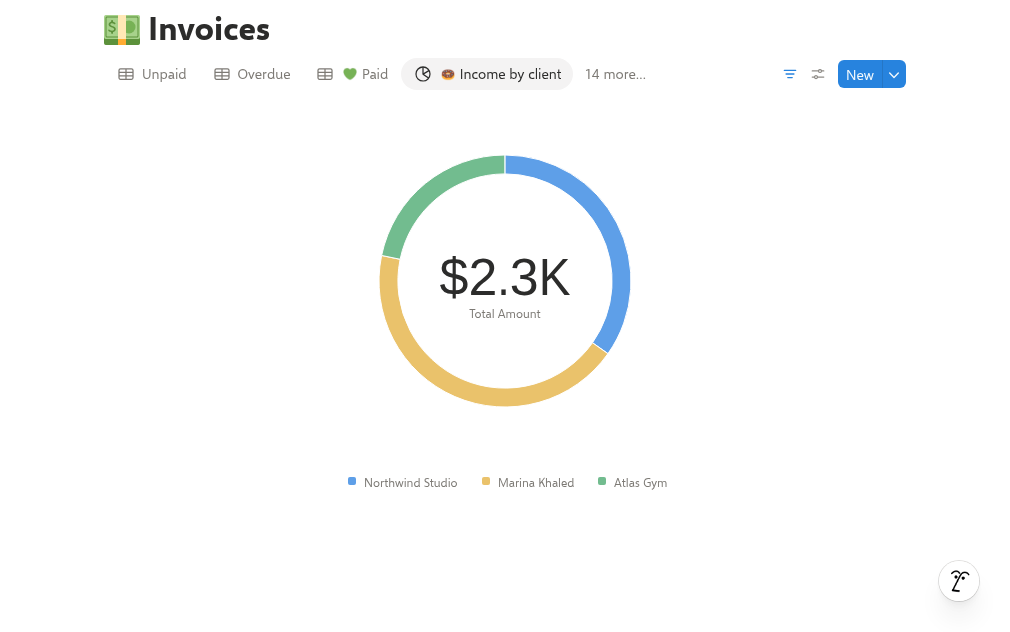
- Income charts: income received by month, invoiced by month, income by client and paid vs unpaid (chart tabs need Notion Plus or a free trial)
How you get it (instant): after purchase you download a short PDF guide. Inside is your private link to Solancer. Click it, then click the Duplicate icon (two overlapping squares at the top right of the Notion page, next to the ... menu), and your own copy lands in your Notion. A free Notion account is enough to get started, and the PDF walks you through the first 3 steps.
Open it each morning and see:
- What to work on today (including the overdue thing you forgot)
- Which projects are moving and which are waiting on the client
- Who to follow up with this week
- Who owes you money, how much, and since when
- Hours logged this week and proposals still waiting for an answer
What's inside:
- Command-center dashboard: your day, pipeline and money on one page
- Client CRM: leads to past clients, with follow-up reminders
- Project tracker: status boards, deadlines, automatic progress bars, hours logged and billable value
- Task manager: start and due dates, today/this-week views, waiting-on-client view, hours logged
- Time entries: billable flag, hourly rate, value formula, week/month views, charts (chart tabs need Notion Plus or a free trial) and a calendar
- Proposals: status tabs, pipeline board, decision formula and win-rate chart (chart tabs need Notion Plus or a free trial)
- Meeting notes linked to clients and projects, with follow-up tracking
- Invoice tracker: draft/sent/paid, overdue alerts, per-client totals, plus 4 income charts (chart tabs need Notion Plus or a free trial)
- Related-items blocks on each client, project and task page
- Period views, calendar views and a Reports page for any date range
- Weekly Review page: a 10-minute Friday routine
- Quick Start guide and pre-loaded example data you can delete in one minute
How to install (3 steps):
- Buy Solancer and download the short PDF guide you get right away.
- Open the PDF and click your private Solancer link inside it.
- Click the Duplicate icon (two overlapping squares, top right, next to the ... menu) on the Notion page. Your own copy lands in your Notion, ready to use. Follow the yellow Start Here box and you are working in under 10 minutes.
Good to know: one-time payment, yours forever, including future updates. Personal use: one buyer = one workspace. Works on mobile. Not affiliated with Notion.
Notion plans: relations, rollups, formulas, boards and calendars work on the free Notion plan. Chart tabs need Notion Plus or a free trial. The free Notion plan allows one chart per workspace. Grouped table tabs show the same numbers on every plan.
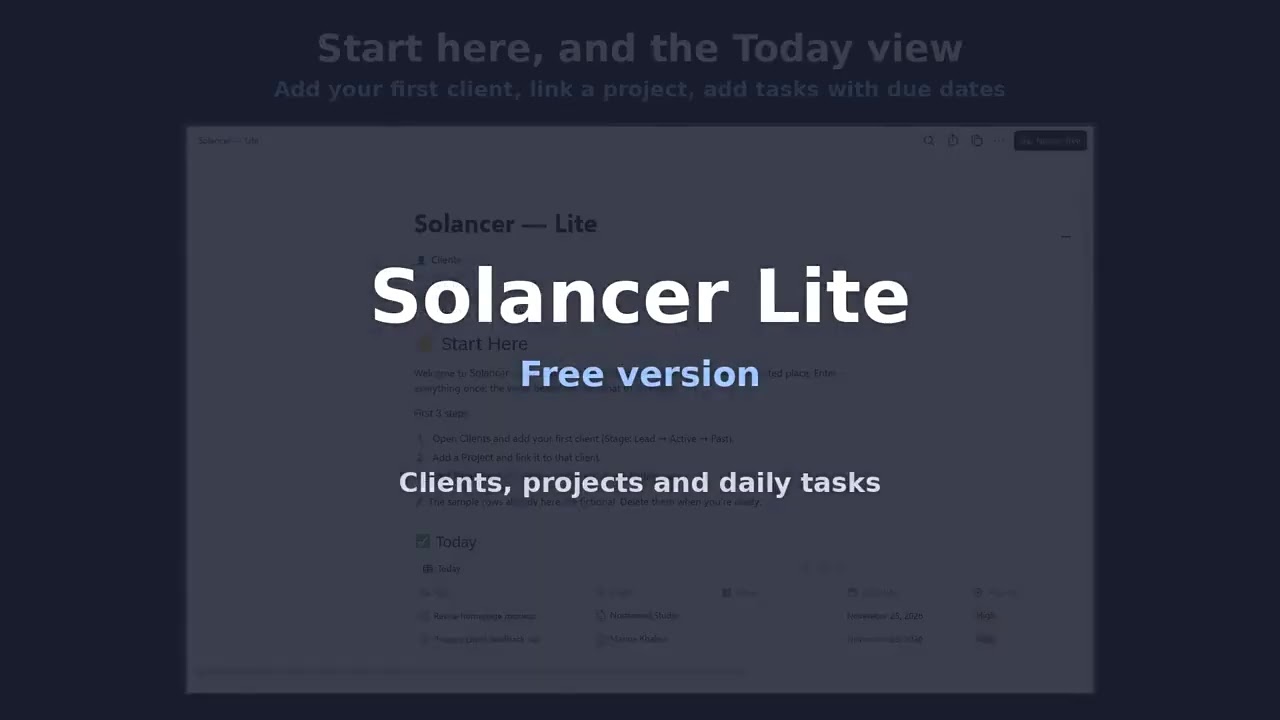
Want to try the free version first? Solancer Lite is a real Lite version with Clients, Projects, Tasks, Time entries and basic Proposals. Solancer adds billable rates, the win-rate chart, invoices with income charts, meetings and the weekly review.
View the live demo (Lite version): https://peach-tithonia-953.notion.site/Solancer-Lite-423cfd926e1481428676da8d776cb053