
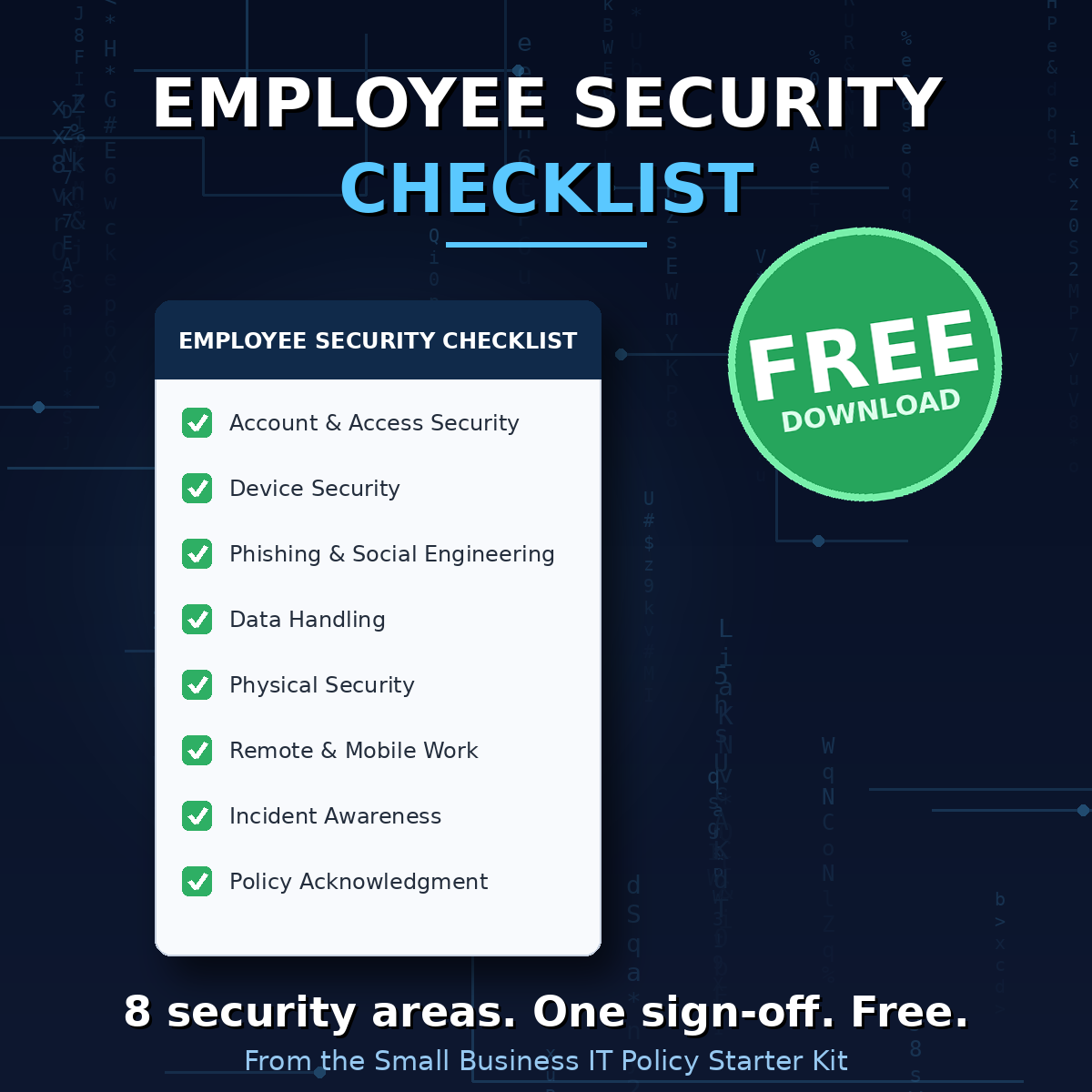
Employee Security Checklist — Free Download
Eight security areas. One sign-off. Free.
Most security incidents at small businesses aren't sophisticated hacks. They're an employee clicking a bad link, reusing a password, or leaving a laptop unlocked. The fixes aren't complicated — they just have to be written down, acknowledged, and reviewed.
This is the exact Employee Security Checklist from my Small Business IT Policy Starter Kit. It walks every employee through the eight areas that matter:
- Account & access security (unique passwords, MFA, least privilege)
- Device security (updates, encryption, screen locks)
- Phishing & social engineering awareness
- Data handling — including AI tools and customer data
- Physical security
- Remote & mobile work
- Incident awareness — what to report and to whom
- Policy acknowledgment
How to use it:
- Have every new hire complete it at onboarding, with manager or IT sign-off
- Review it with each employee annually
- Keep the signed copies — they're exactly what cyber insurance applications and vendor questionnaires ask about
Who am I?
30 years in IT — help desk technician to CIO/CISO. This is the checklist I've deployed at companies from 15 employees to 500.
Need more than a checklist?
The checklist references the policies behind it — Password, Acceptable Use, AI Usage, BYOD, and Remote Work. All five are in the Small Business IT Policy Starter Kit, along with an IT Onboarding Checklist and implementation instructions for each document. Editable Word docs, plain English, $99 — ready to customize today.
Download the checklist free. Your next new hire can sign it this week.