
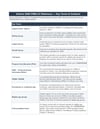

2026 CWELCC Rolling Top-Up Calculator

2026 CWELCC Rolling Top-Up Calculator
Estimate your 2026 CWELCC rolling top-up with greater clarity and confidence.
Priced in CAD — US buyers typically pay under $9.50 USD. Payhip converts automatically at checkout.
Estimate your 2026 CWELCC rolling top-up using the correct calculation method for your program. Includes eligibility guidance, provisional and confirmed estimate sections, reference terms, and a step-by-step setup guide.
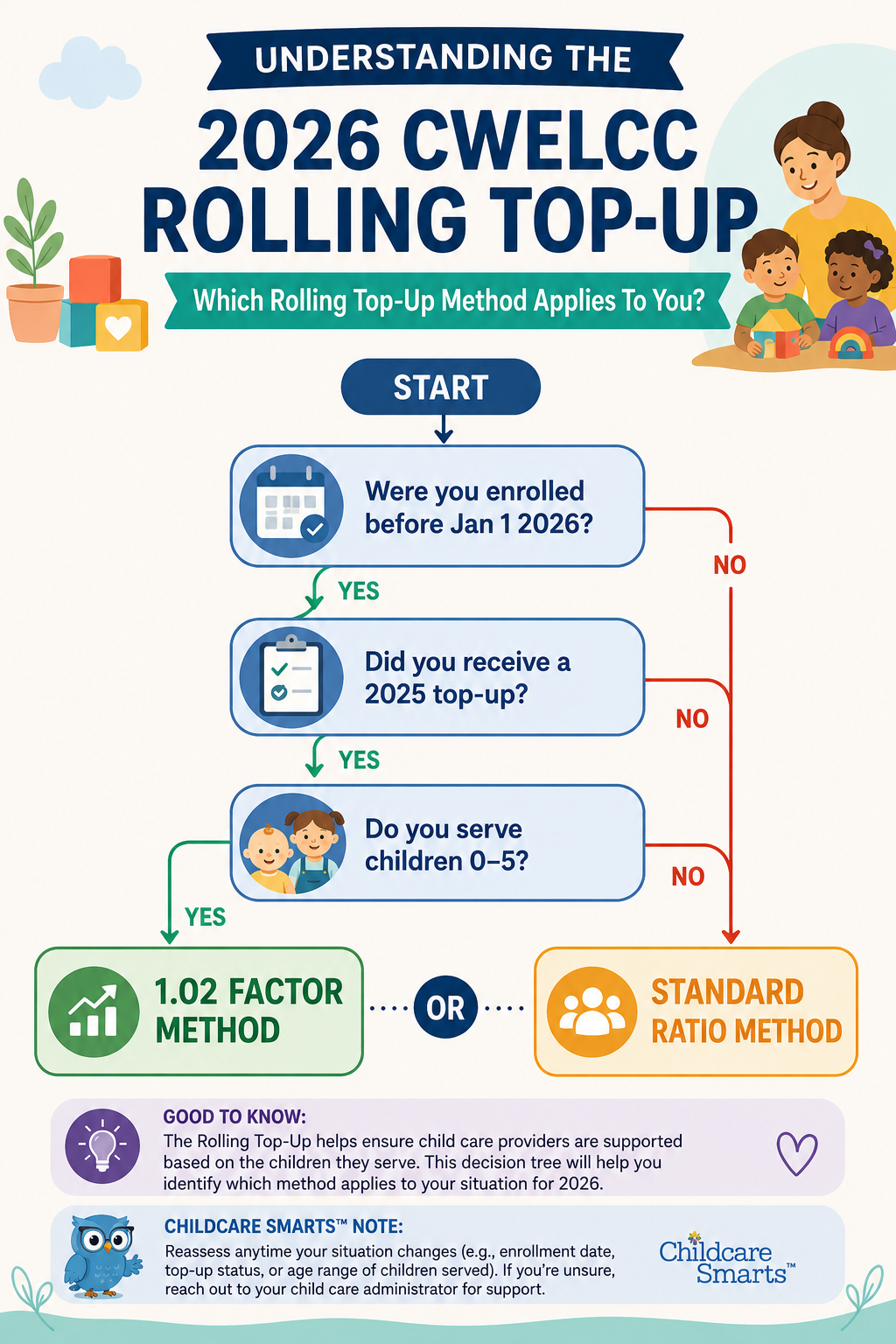
This isn’t just a spreadsheet — it’s a simple system that walks you through your entire 2026 Rolling Top-Up process from am I eligible to your results summary.
What this helps you do:
This calculator gives you a clear, organized system to manage your CWELCC Ontario Rolling Top-Up calculations all in one place.
- Determine whether the 1.02 factor or standard ratio method applies to your program
- Estimate provisional and confirmed 2026 rolling top-up amounts
- Organize key CWELCC funding figures in one structured workbook
- Better understand how rolling top-up calculations are determined
- Prepare for budgeting, reconciliation, and funding discussions with greater confidence
- Reduce the guesswork involved in interpreting allocation letters and funding terminology
What’s included:
- Eligibility check section to help determine which rolling top-up method applies to your program
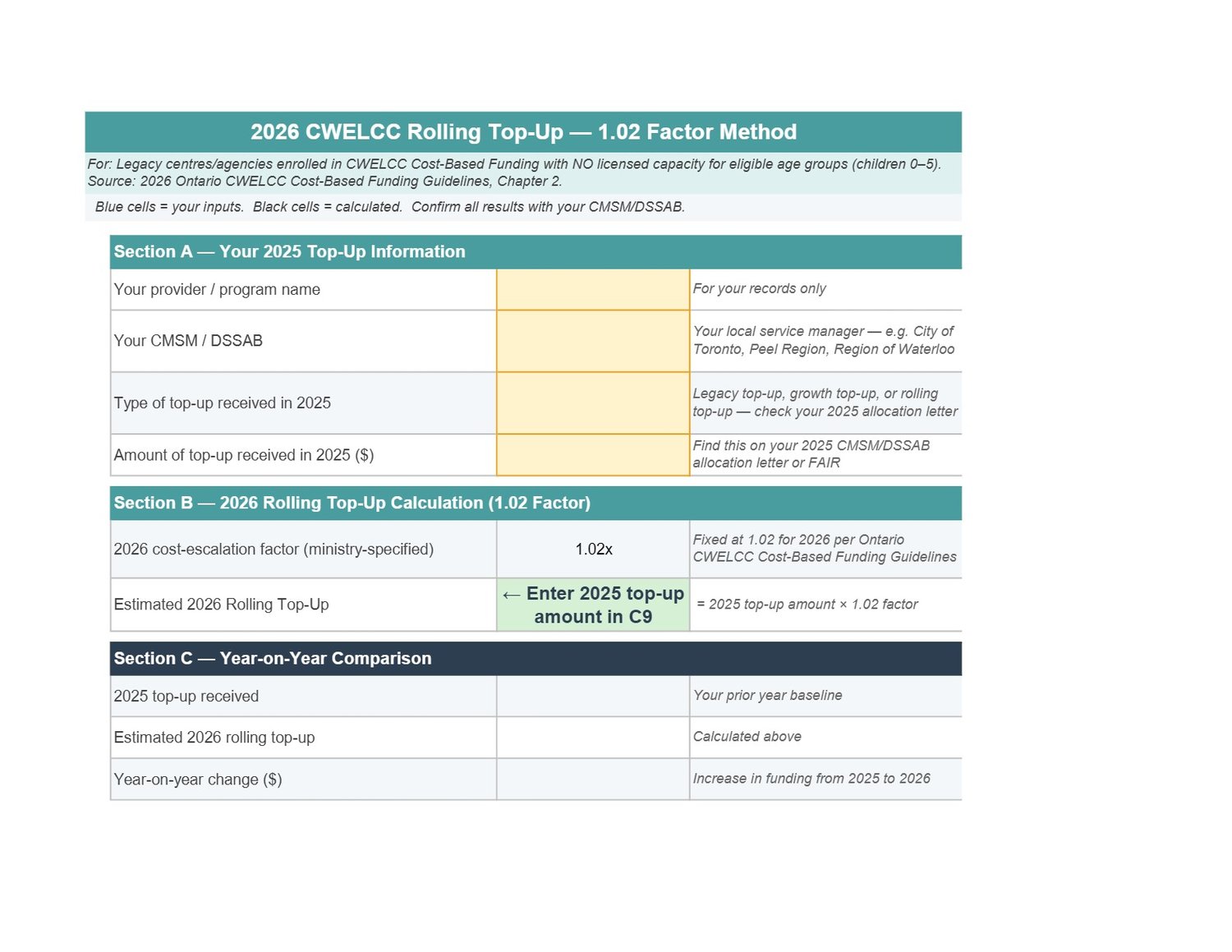
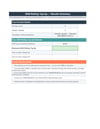
- 1.02 Factor Method calculator for eligible legacy providers with no licensed capacity for children aged 0–5
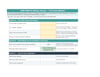
- Standard Rolling Top-Up calculator with provisional and confirmed estimate sections
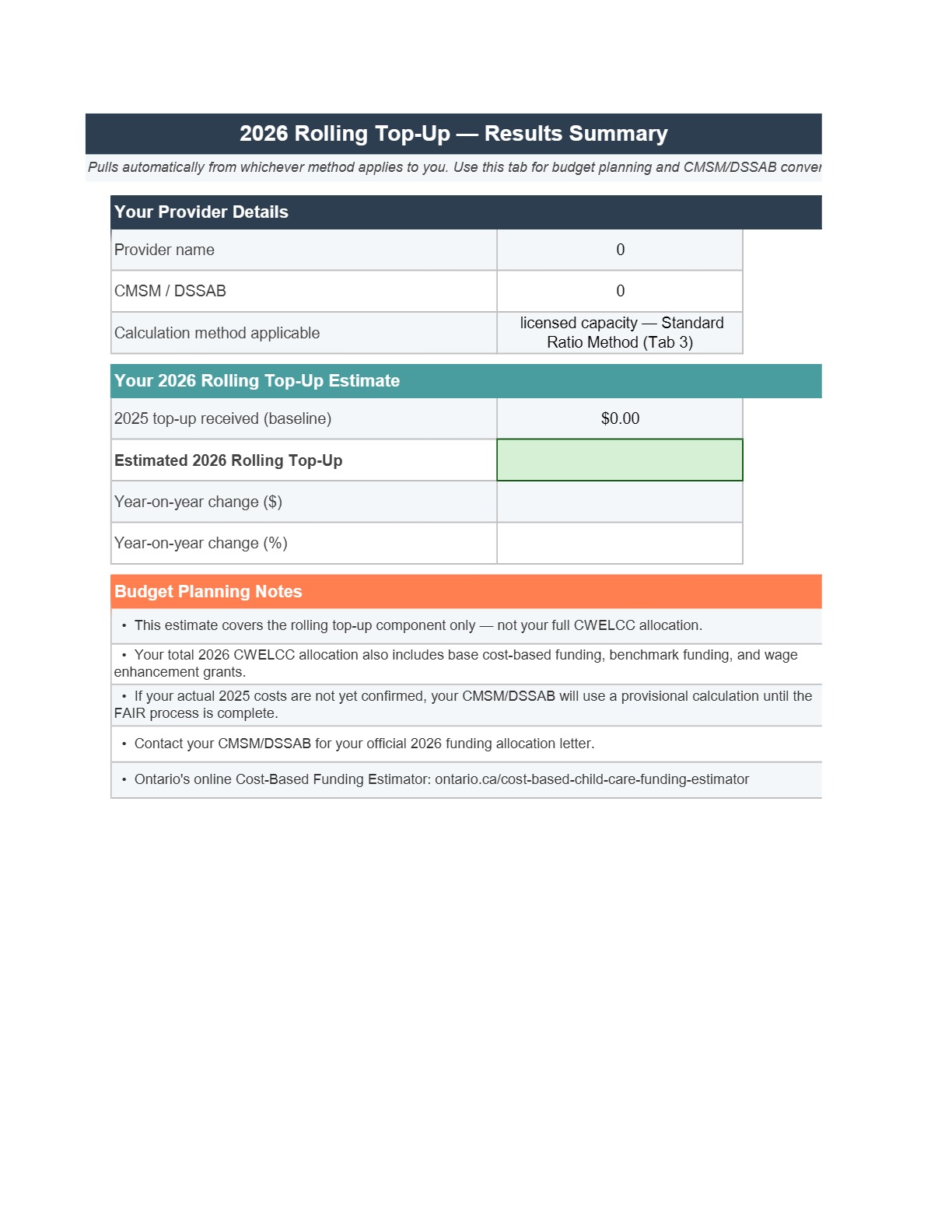
- Results Summary tab to help organize and review key planning figures
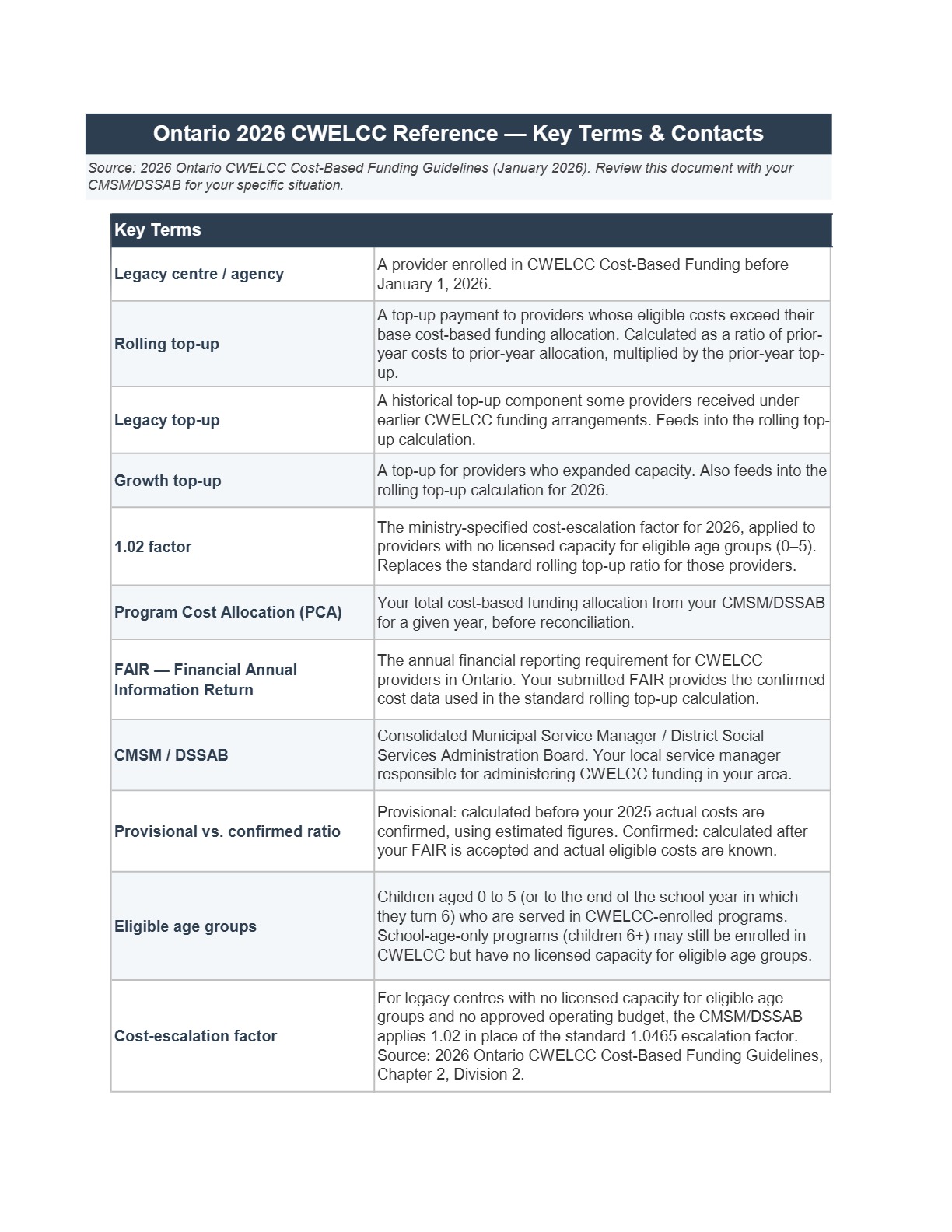
- CWELCC funding terms and Ontario childcare contact reference section
- Step-by-step setup and use guide
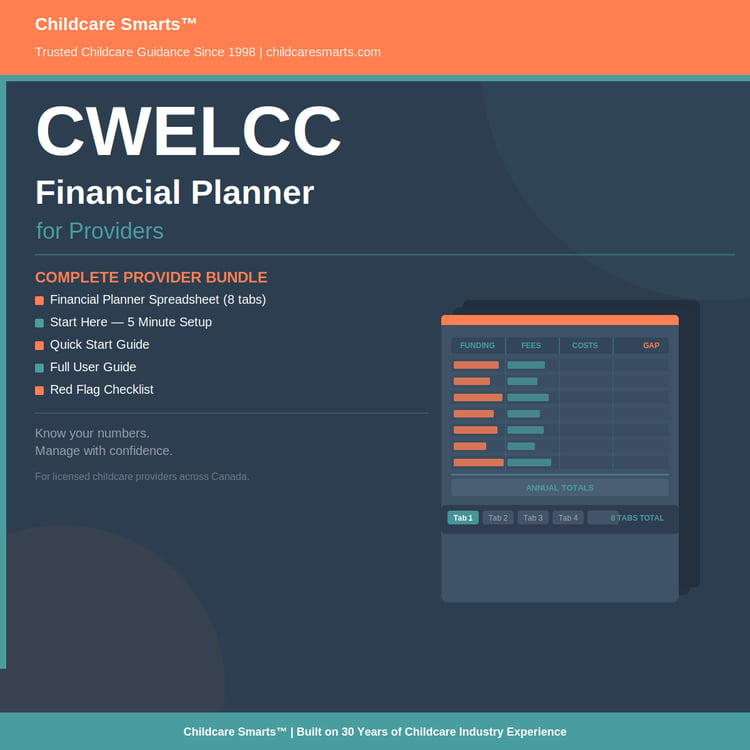
- Fully editable Excel workbook for ongoing estimate updates and planning
Bonus Included: Rolling Top-Up Calculator Setup & Use Guide
You’re not left to figure it out on your own.
The included guide walks you through:
- Step-by-step workbook setup instructions
- How to determine which calculation method applies to your program
- Guidance for entering provisional and confirmed funding figures
- Plain-language explanations of key CWELCC funding terms
- Worked calculation examples for both rolling top-up methods
- Tips for using the workbook as a budgeting and planning tool
Designed to help you get started quickly — without trial and error.
Who this is for:
- Ontario licensed childcare providers participating in CWELCC
- Childcare centres and agencies working through 2026 funding calculations
- Providers estimating provisional or confirmed rolling top-up amounts
- Operators preparing for budgeting, reconciliation, and allocation planning
- Programs trying to better understand CWELCC rolling top-up calculations and eligibility
When this is most helpful:
- After receiving your 2026 CWELCC allocation letter
- When estimating provisional or confirmed rolling top-up amounts
- During budgeting and operational planning discussions
- While preparing for reconciliation and FAIR reporting
- When trying to determine which rolling top-up calculation method applies to your program
- When funding terminology and formulas start feeling overwhelming
Important Details:
- Updated for 2026 CWELCC Guidelines
- Instant digital download
- Excel file (Google Sheets compatible)
- Fully editable
- No special software required
Created by Childcare Smarts™
Based on 30+ years of childcare experience.
Please Note:
Because this is a digital product, all sales are final.
If you have trouble accessing or using the file, support is available.
✔ Instant download ✔ Works in Excel & Google Sheets ✔ No subscription required
Disclaimer: This workbook is an independent planning tool created by Childcare Smarts™ and is not affiliated with or endorsed by the Government of Ontario. Final allocations and reconciliations are determined by your CMSM or DSSAB.