
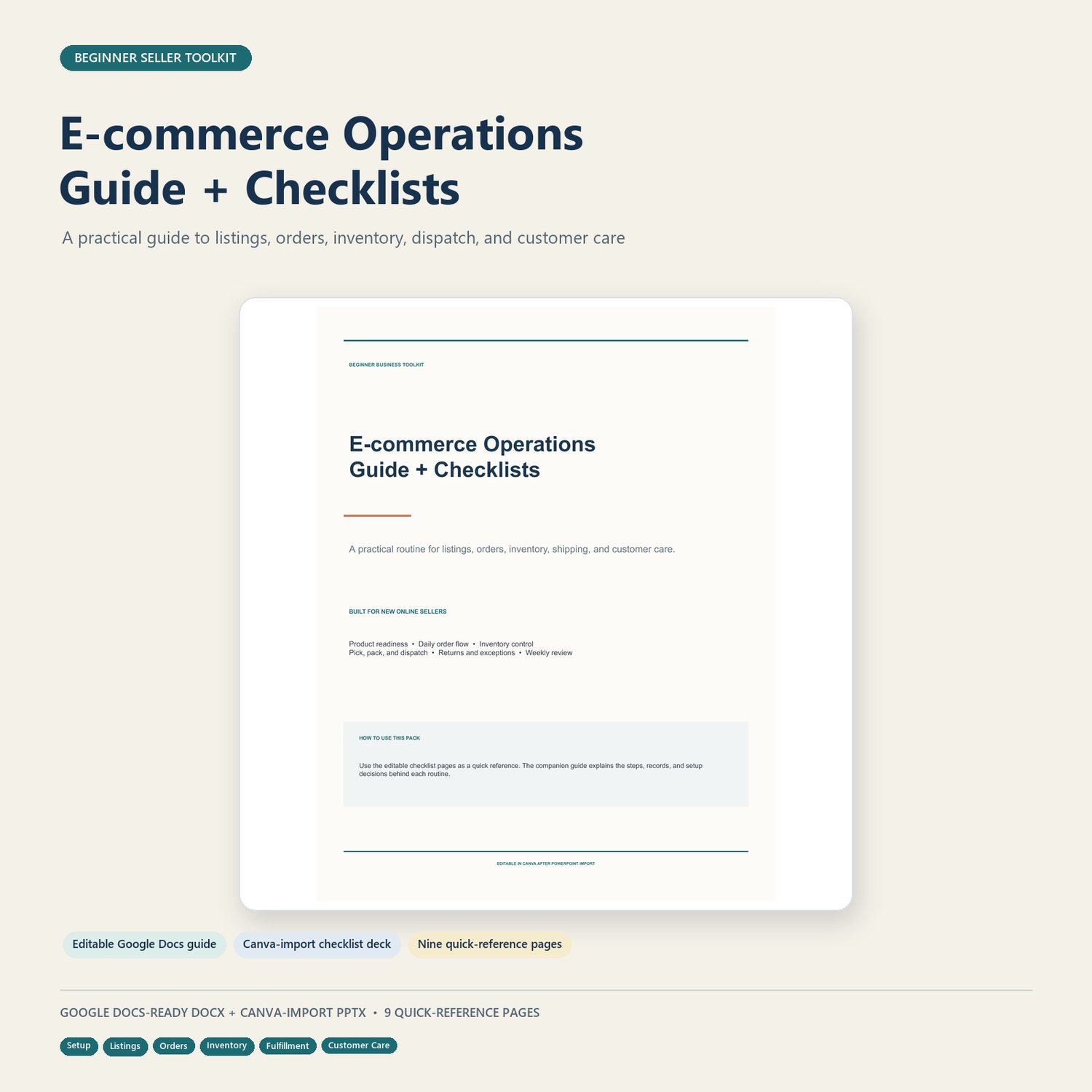
Beginner E-commerce Operations Guide + Checklists | Google Docs + Canva
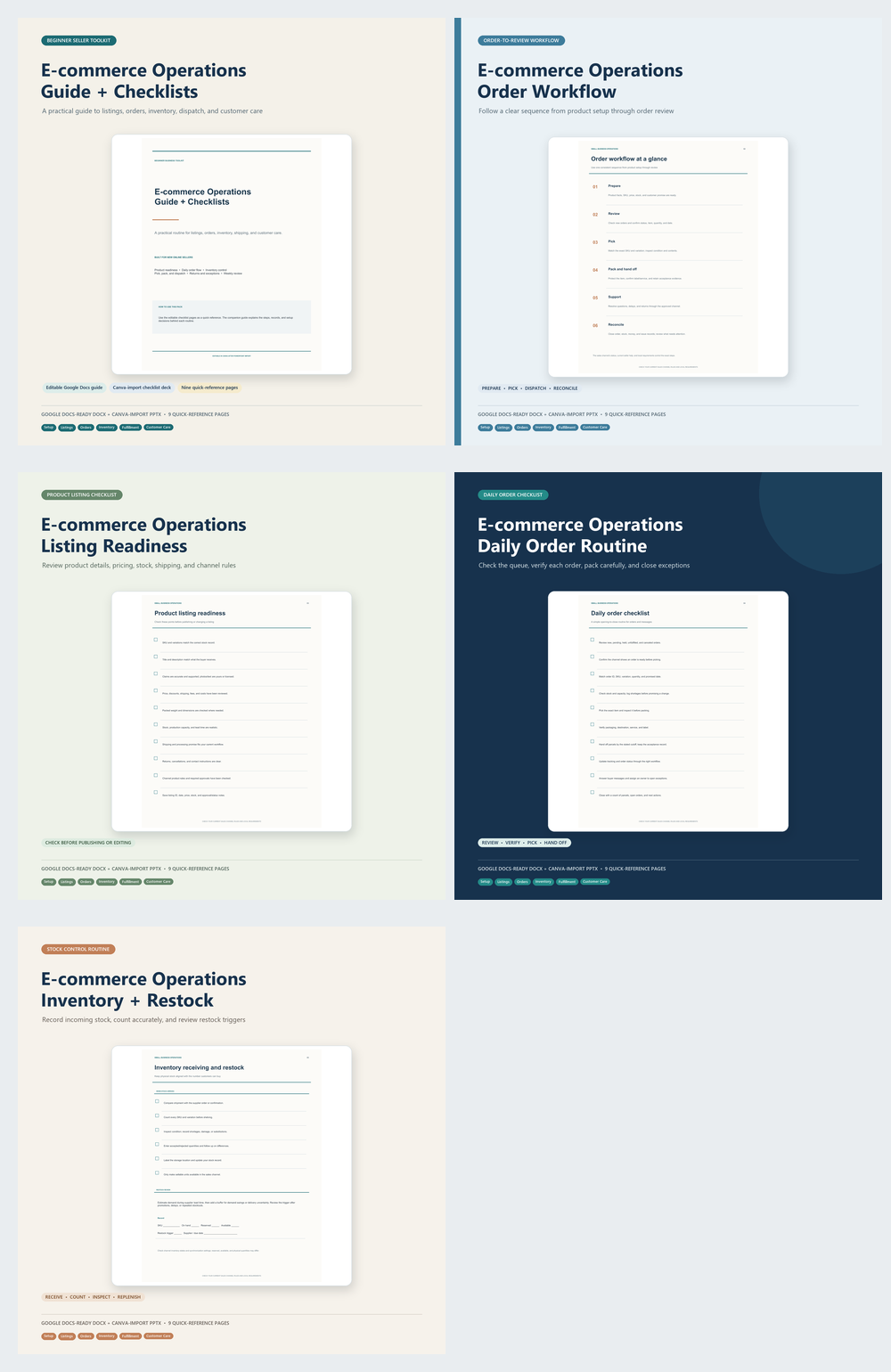
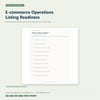
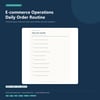
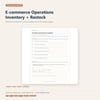
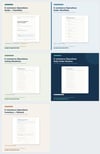
Set up practical routines for listings, orders, inventory, shipping, and customer care. Includes an editable Google Docs-ready guide, reusable operations checklists, and a nine-page Canva-import quick-reference deck.
Bring the recurring work of an online store into a clear, manageable routine.
This beginner-friendly guide walks through product and store setup, listing readiness, order handling, inventory checks, picking and dispatch, customer questions and returns, and recordkeeping. Use the accompanying checklists to keep daily tasks, weekly reviews, monthly checks, and open issues visible. A practical 30-day plan helps you get started one step at a time.
WHAT’S INCLUDED
• Google Docs-ready DOCX guide and checklists
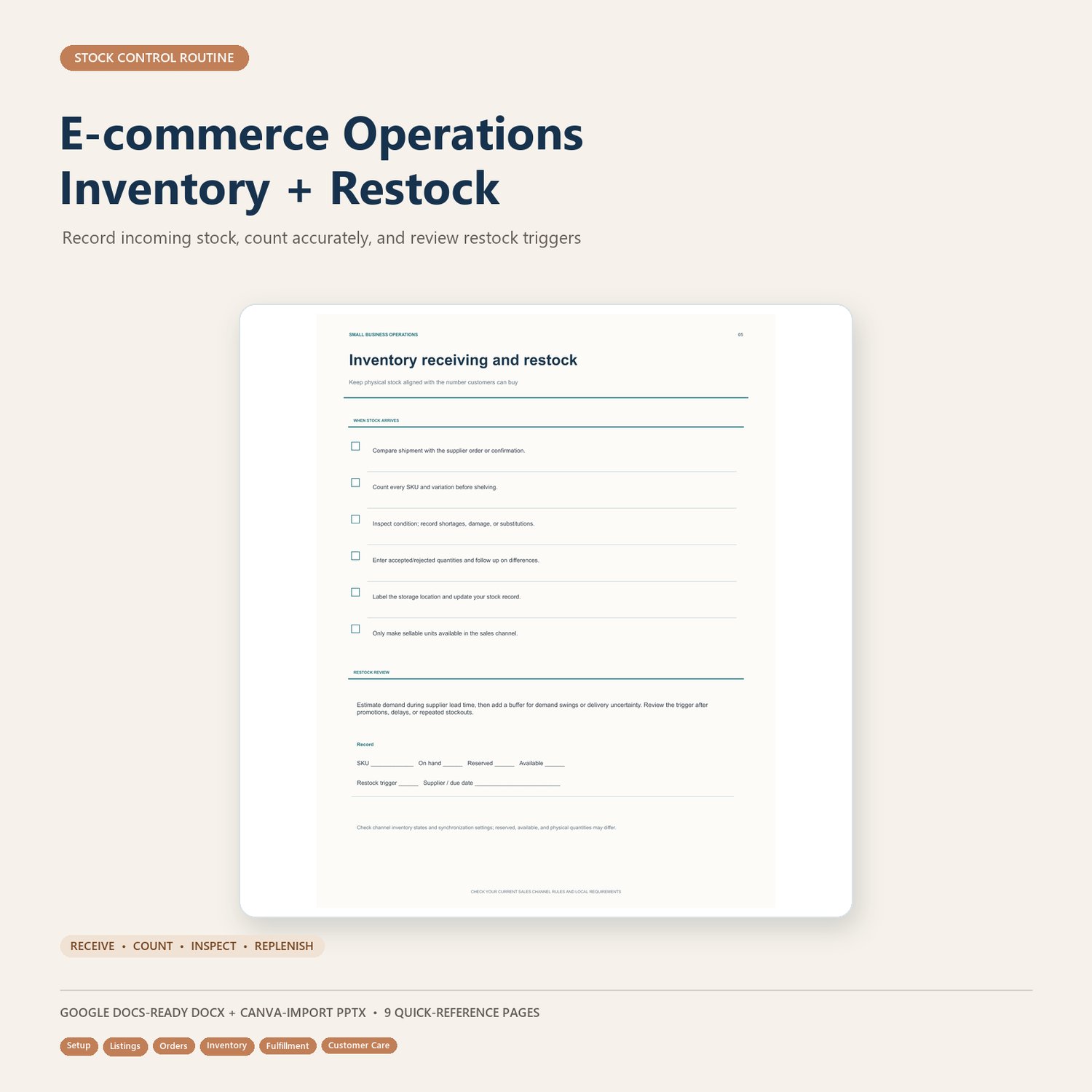
• Editable Canva-import PowerPoint deck with nine quick-reference pages
THE GUIDE COVERS
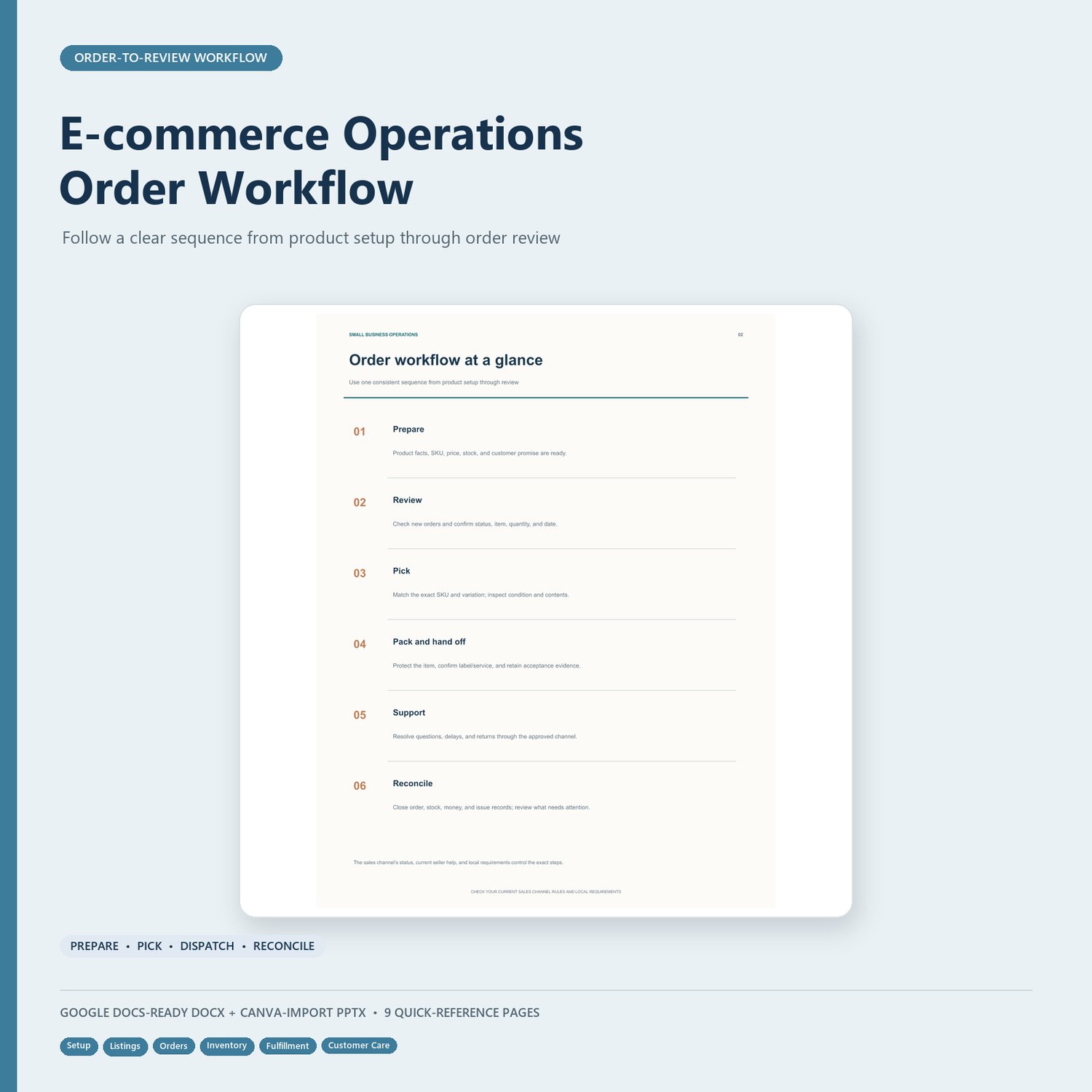
• Order workflow and basic operating setup
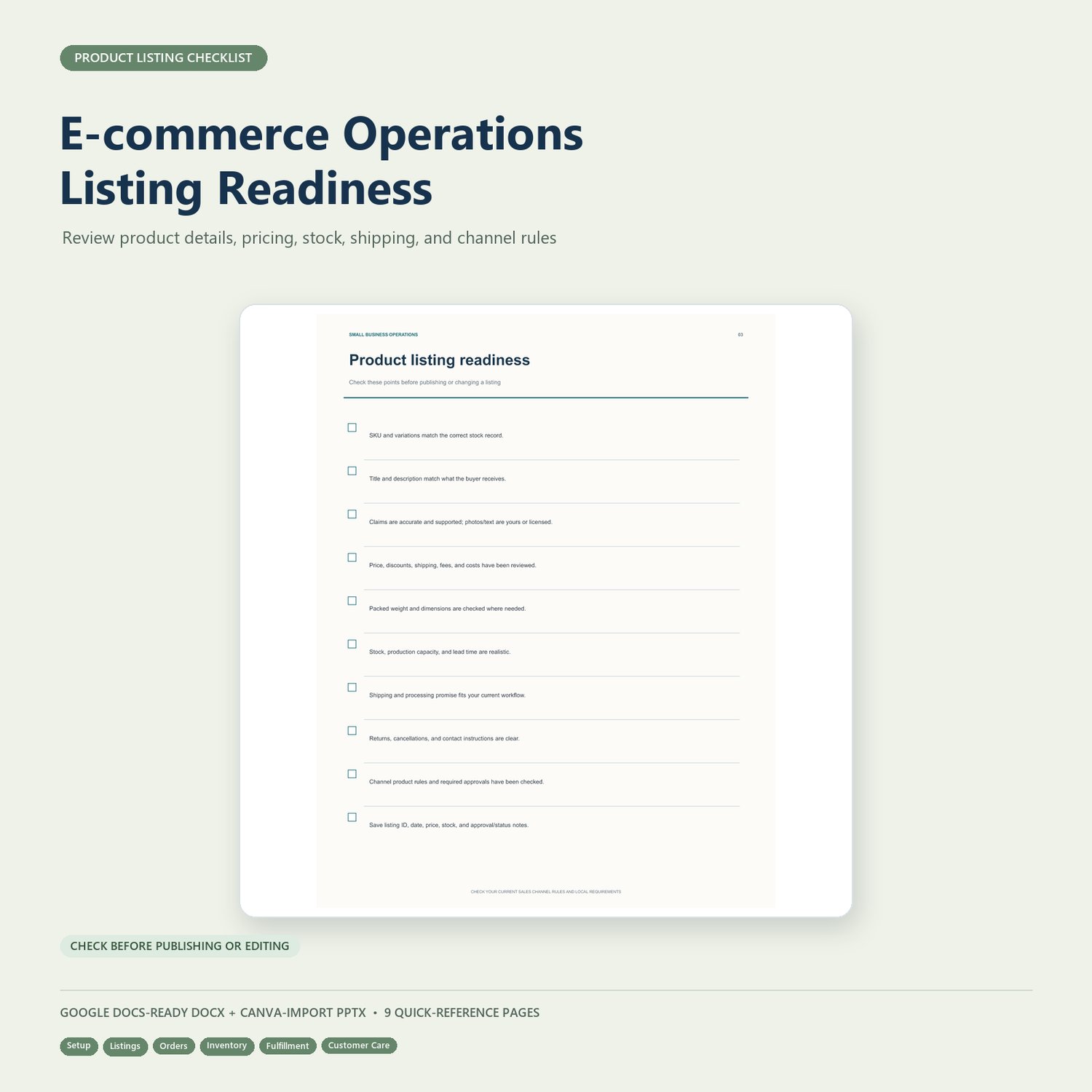
• Product listing readiness
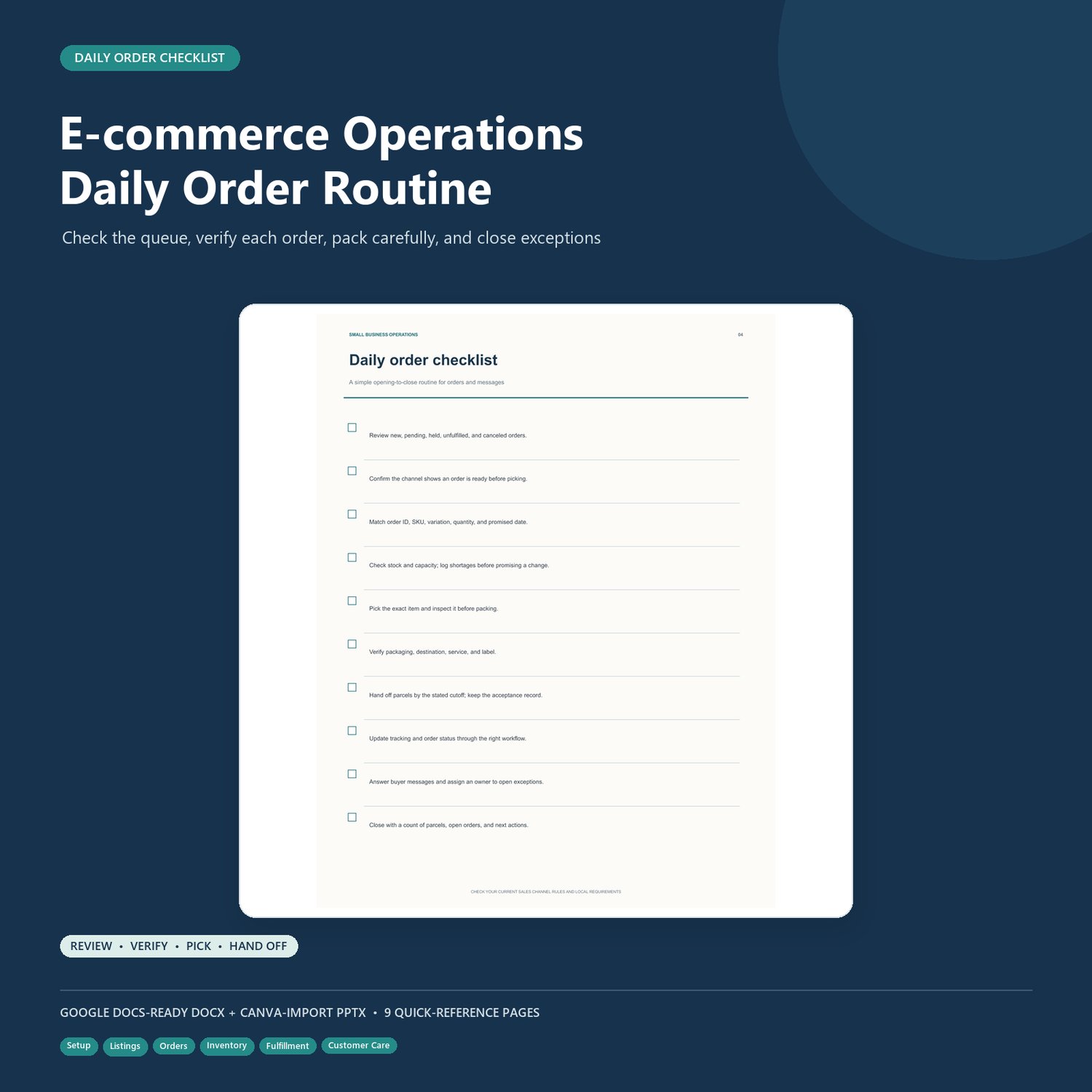
• Daily order handling and fulfillment
• Receiving, counting, and restocking inventory
• Shipping promises and dispatch checks
• Customer questions, returns, and exceptions
• Daily, weekly, and monthly operations reviews
• Issue logging and a 30-day starter plan
HOW TO USE THE BUNDLE
- Upload the DOCX to Google Drive and open it with Google Docs, or edit it in Word.
- Choose one sales channel and one product to use as your starting point.
- Customize the checklists to match your workflow and assign an owner to each recurring task.
- Upload the PPTX to Canva, review the imported pages, and customize the quick-reference deck.
- Check current channel rules and local requirements before relying on operational procedures.
PLEASE NOTE
This is a general operations guide and template, not legal, tax, safety, accounting, or marketplace-policy advice. Marketplace rules and local requirements can change and vary by location. The materials do not connect to a sales channel or automate orders, inventory, shipping, or customer messages. The Canva file is a PowerPoint import file, not a live Canva template link; fonts or layout may shift during import.
Download the guide and checklists to give your store’s recurring tasks a clear starting point.