




ULTIMATE 4K INSTAGRAM WORKFLOW
Ultimate 4K Instagram Workflow
*SCROLL DOWN FOR UPI PAYMENTS*
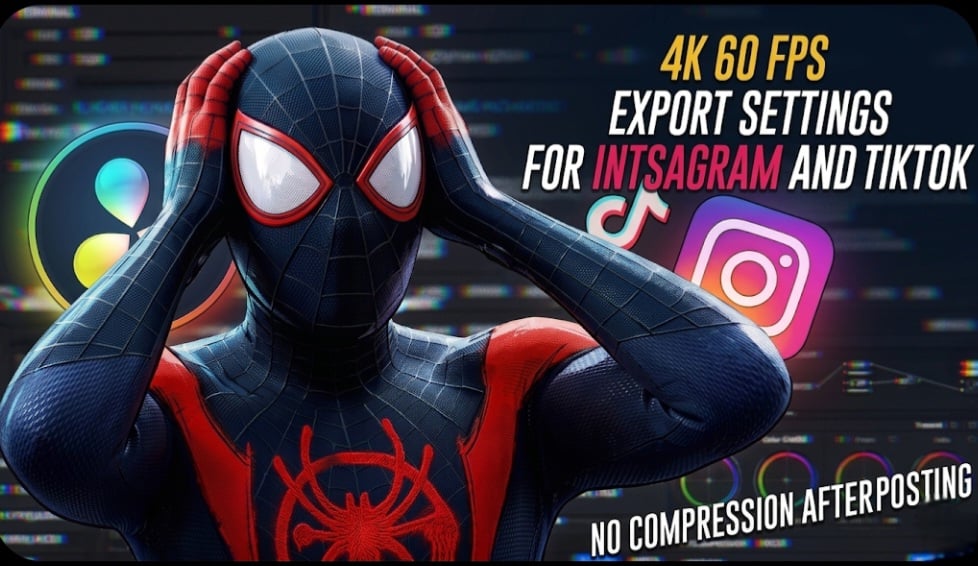
*Get the highest possible quality for your Instagram uploads.*
This complete workflow combines my export settings, AI enhancement, and compression process to help you create sharper, cleaner, and more professional-looking videos while minimizing Instagram quality loss.
🎬 WHAT YOU GET:
• Complete 4K Upload Workflow
• DaVinci Resolve Export Settings
• Adobe Premiere Pro Export Settings
• CapCut Export Settings
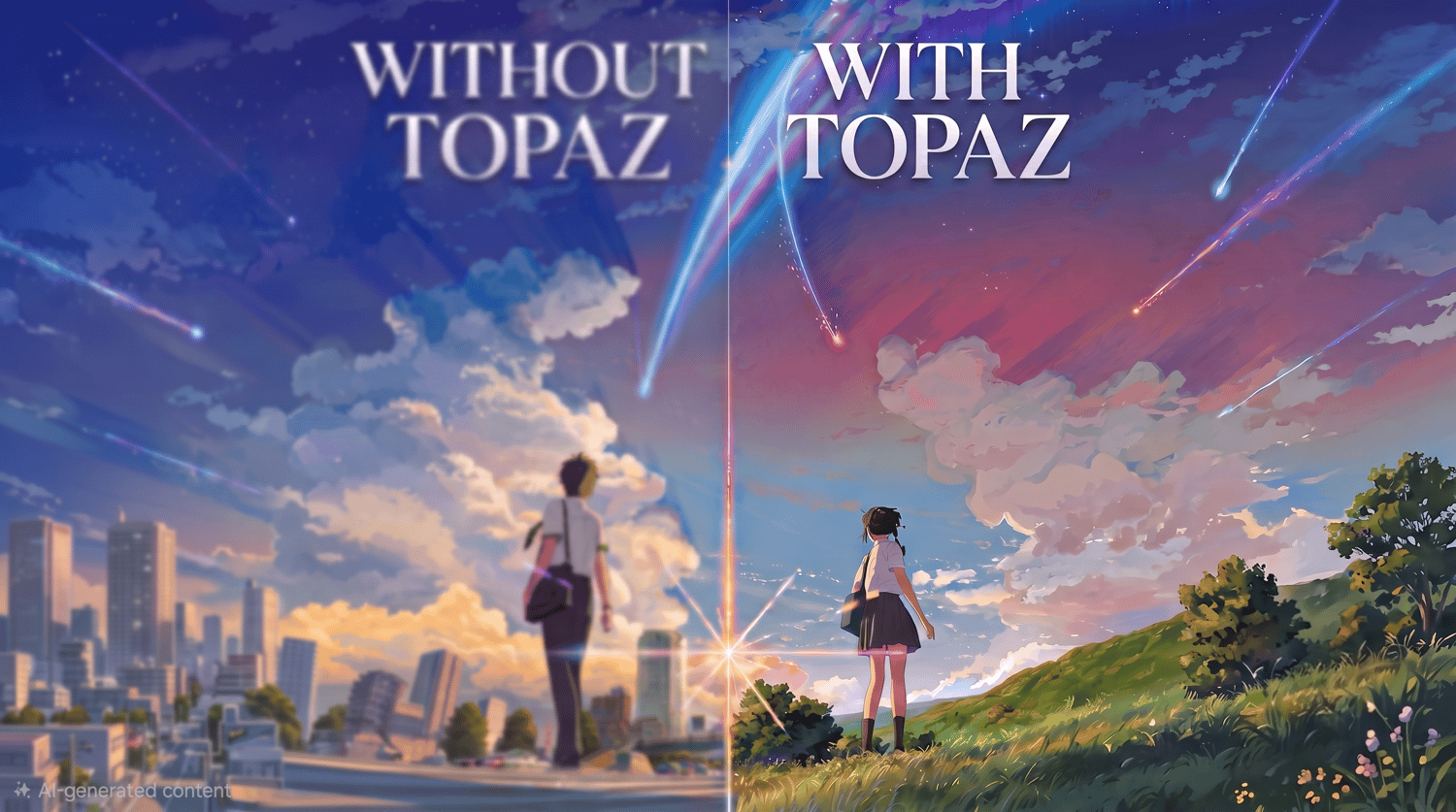
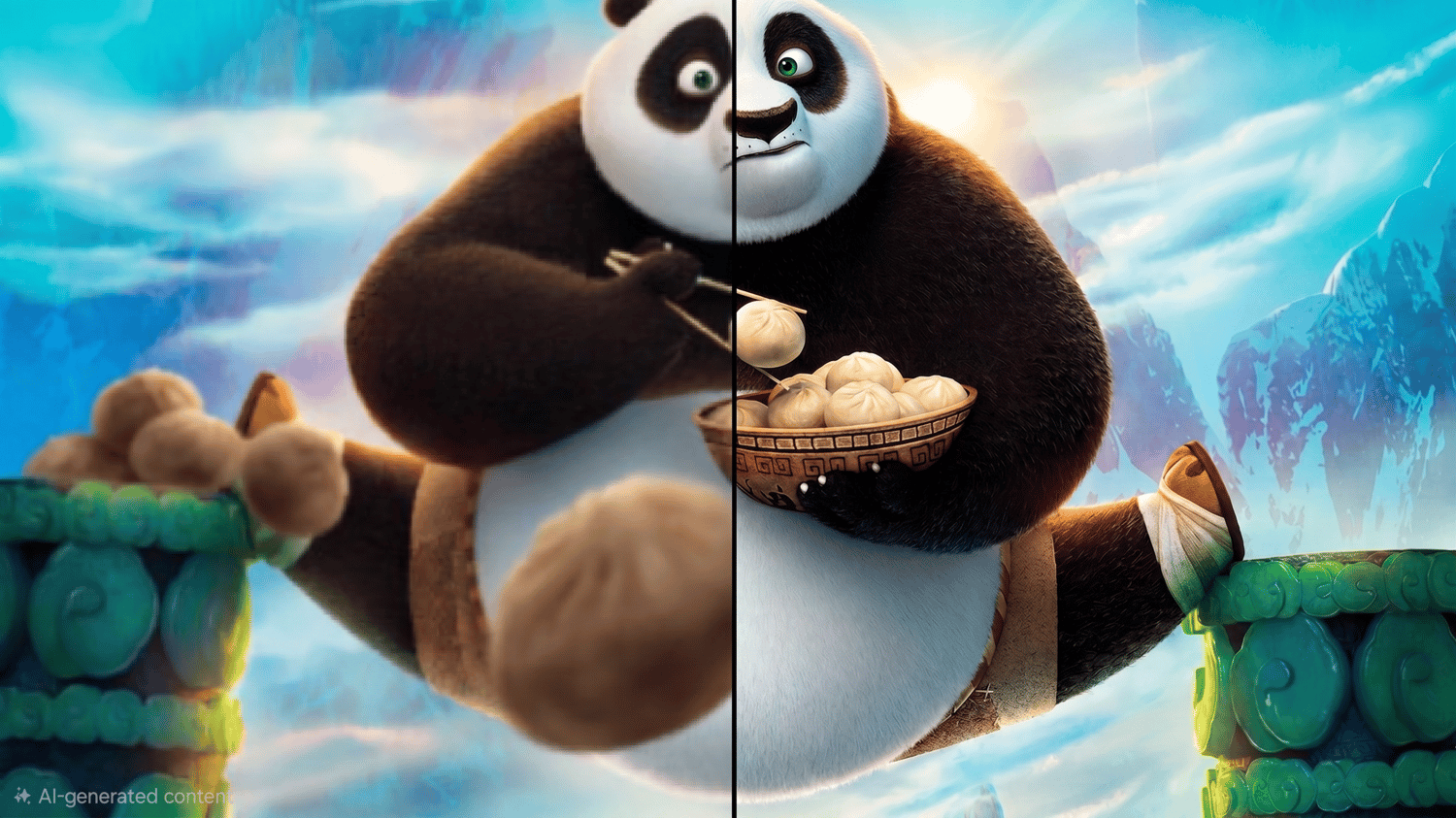
• Topaz Video AI Settings
• HandBrake Compression Settings
• Instagram Upload Settings
• Quality Optimization Guide
• Tips to Reduce Compression & Quality Loss
⚙️ SOFTWARE REQUIRED:
• DaVinci Resolve
• Adobe Premiere Pro
• CapCut
• Topaz Video AI
• HandBrake
🎯 PERFECT FOR:
• Car Editors
• Movie Editors
• Anime Editors
• Cinematic Creators
• Instagram Reels Creators
• YouTube Shorts Creators
CLICK HERE FOR ₹ UPI PAYMENTS
If you have any questions or need help with the workflow, feel free to message me on Instagram.
By purchasing this product, you acknowledge that this is a digital download. Due to the nature of digital products, all sales are final and non-refundable