

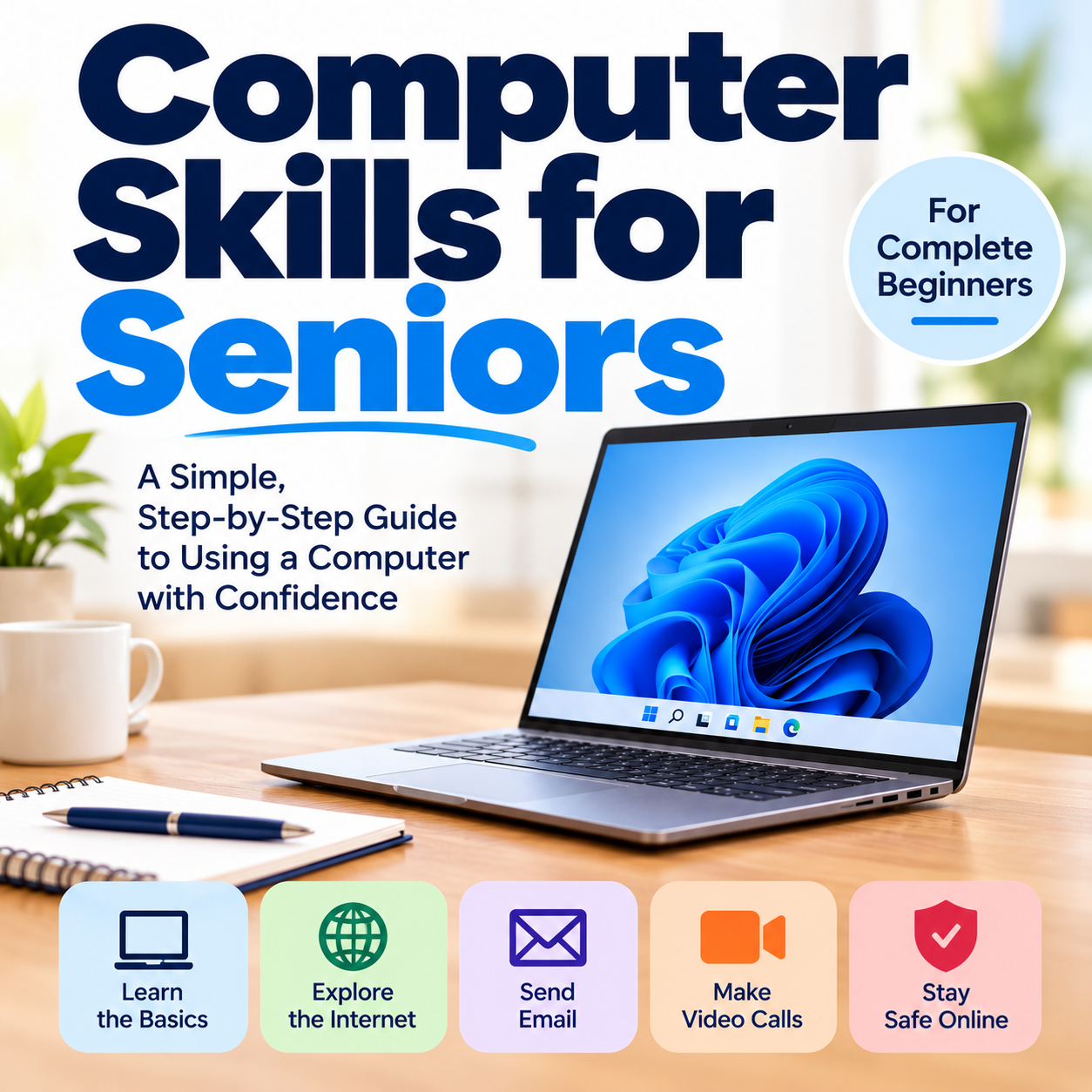
Computer Skills for Seniors
Computer Skills for Seniors | 50 Page Beginner's Guide
Learning to use a computer doesn't have to be confusing! This easy to follow, large print guide is designed for seniors and complete beginners who want to feel more comfortable and confident using a Windows 11 computer.
What You'll Learn:
• Understanding your computer and its basic parts
• Using Windows 11, the mouse and keyboard
• Organizing files, folders and photos
• Browsing the internet with confidence
• Setting up and using email
• Making video calls with family and friends
• Recognizing online scams and protecting your personal information
• Solving common computer problems
What's Included:
• 50-page digital PDF guide
• Clear explanations and helpful illustrations
• Practical activities to build your confidence
• Useful computer tips and reference pages
• Printable completion certificate
• Canadian examples and online safety information
No previous computer experience required!
Format: Digital PDF download. No physical book will be shipped.
Please note: This is a self-paced reading guide. No instructional videos, live classes or quizzes are included.
Start building your computer confidence today!