
Notes OS - Notion template
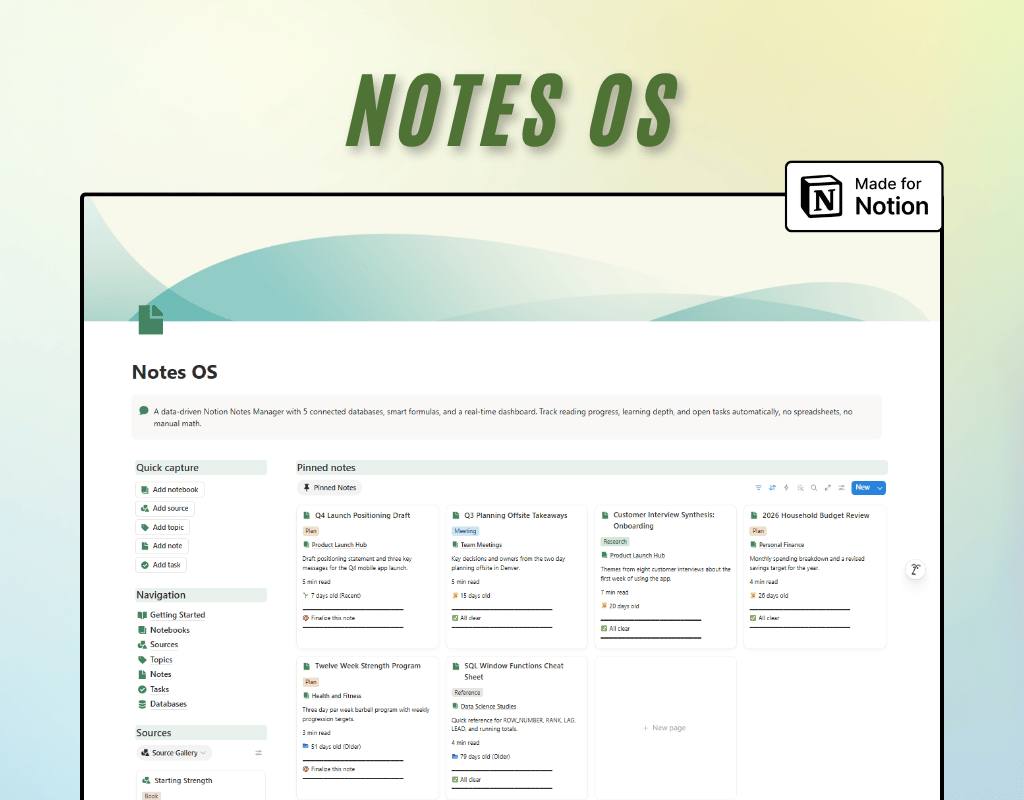
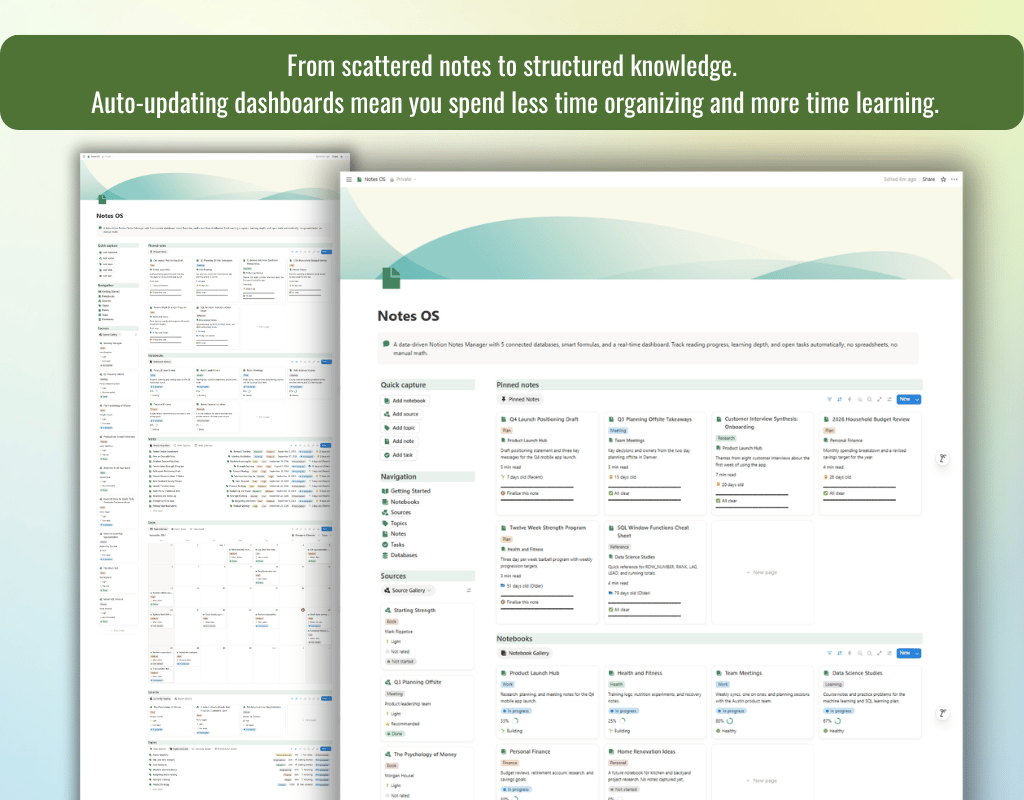
Tired of notes that go nowhere? Most note-taking systems are just digital junk drawers: you write things down, and they disappear into the void. Notes Manager is different. It's a fully connected Notion system where every note is linked to a project, a topic, a source, and its own action items, so nothing falls through the cracks.
What's inside:
5 Connected Databases
Notes, Notebooks, Topics, Tasks, and Sources work together as one system, not five separate lists. Link a note to a notebook, tag it with topics, connect it to the book or meeting it came from, and spin off tasks, all in a few clicks.
Smart formulas that do the math for you
No more manually calculating progress. Automatic formulas handle:
- Reading/course progress bars and completion percentages
- "Due Today," "Overdue," and "On Track" task labels
- Estimated read time based on word count
- Review scheduling and staleness tracking
- A "Next Step" formula that tells you exactly what each note needs
Two-Way Relations & Rollups
Every relation is bi-directional, so you can navigate from a task back to its source note, or from a notebook to see every note inside it. Rollups automatically total word counts, count open tasks, and surface your most recent activity, no manual updates required.
Beginner-friendly Getting Started guide
A full walkthrough with a relationship map, explanations of how relations/rollups/formulas work, a suggested weekly workflow, and a quick-reference cheat sheet.
Who it's for:
Students, researchers, knowledge workers, lifelong learners, and anyone who takes notes across books, meetings, courses, and projects and wants a system that actually connects them.
Note:
• This is a digital product, no physical item will be shipped
• Due to the nature of digital products, refunds are not accepted