
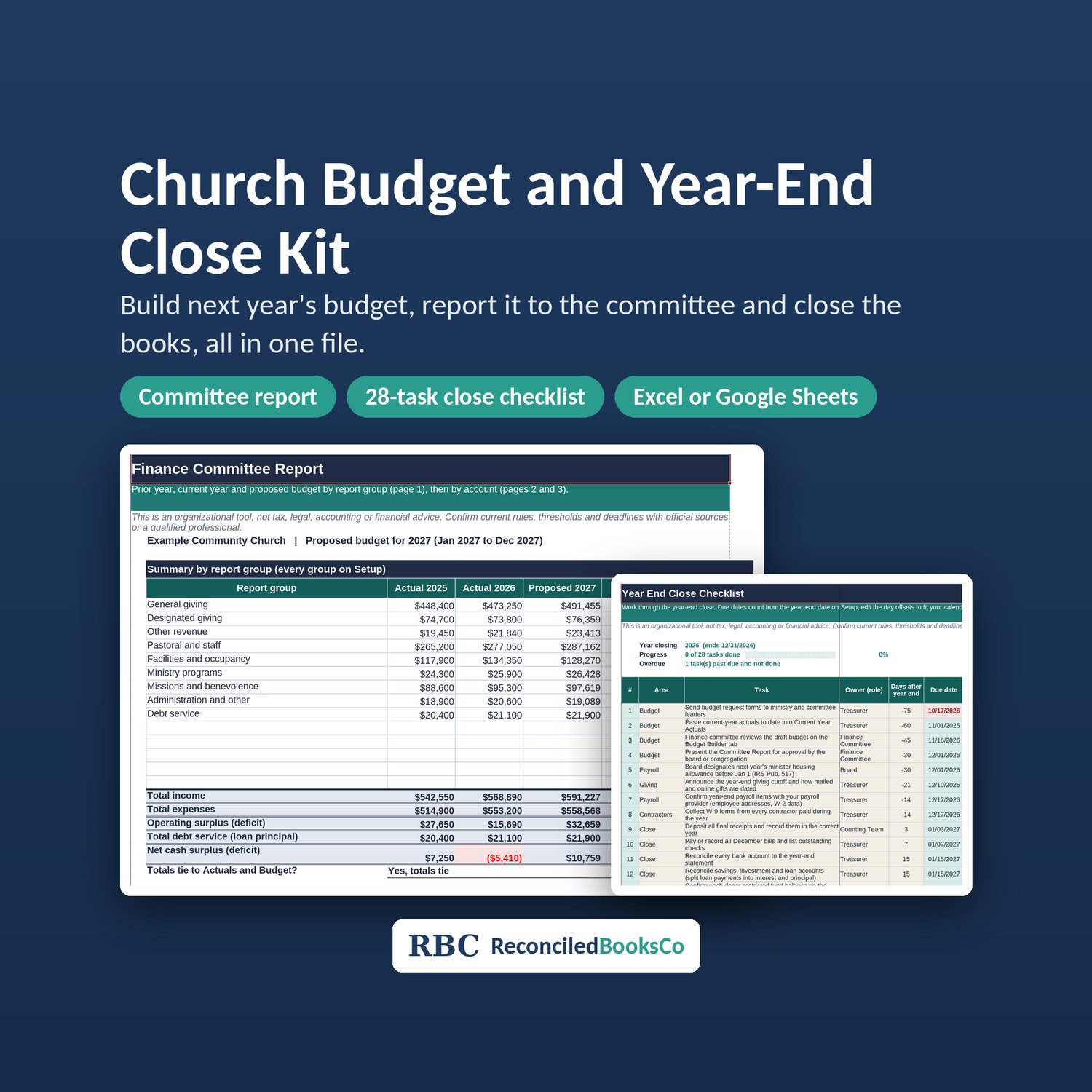
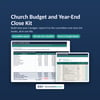
Church Budget Template 2027: Annual Budget Worksheet, Year End Close Checklist and Finance Committee Report (Excel and Google Sheets)
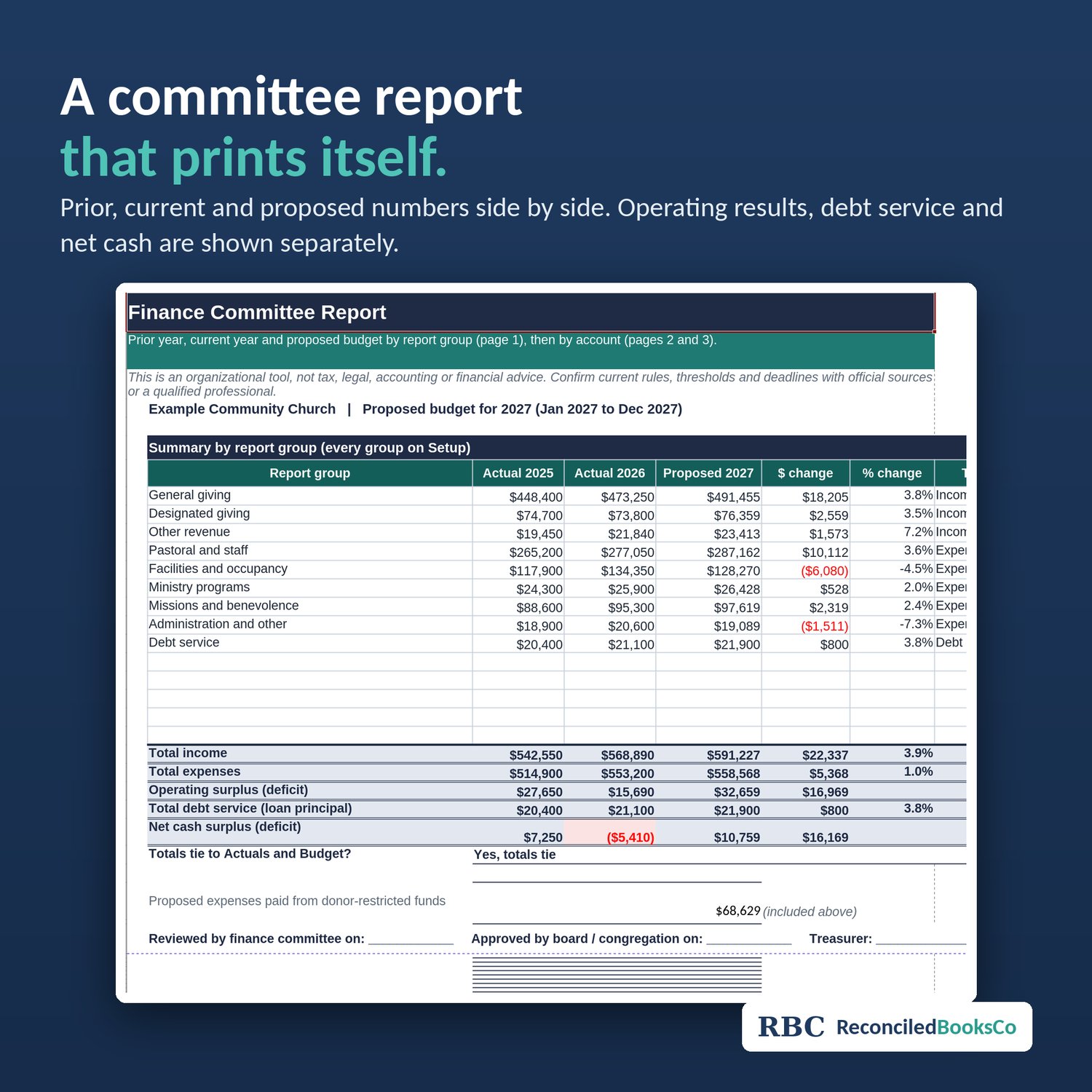
A church budget template for 2027 that also gets you through the year end close. Enter this year's actuals, build next year's annual budget worksheet line by line, and print a finance committee report that shows prior, current and proposed numbers side by side.
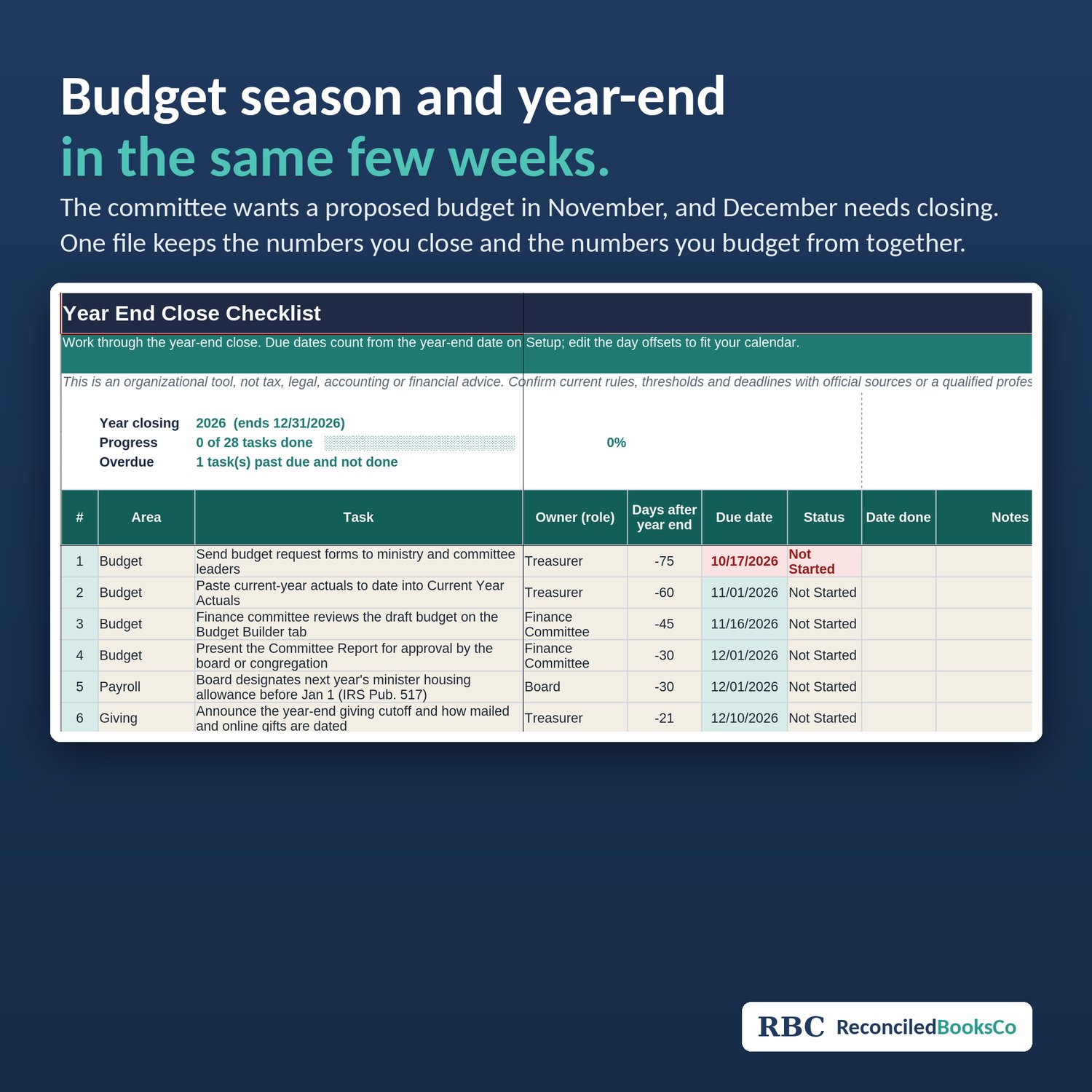
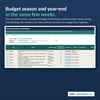
Treasurers usually face both jobs in the same few weeks: the committee wants a proposed budget in November, and December needs closing before January giving statements go out. This kit keeps both in one file so the numbers you close are the numbers you budget from.
How it works
1. On Setup, enter your fiscal year and your funds (unrestricted, board-designated and donor-restricted).
2. Paste or type actuals on Current Year Actuals. The Setup tab comes with a 67-account church chart of accounts, with room for up to 90.
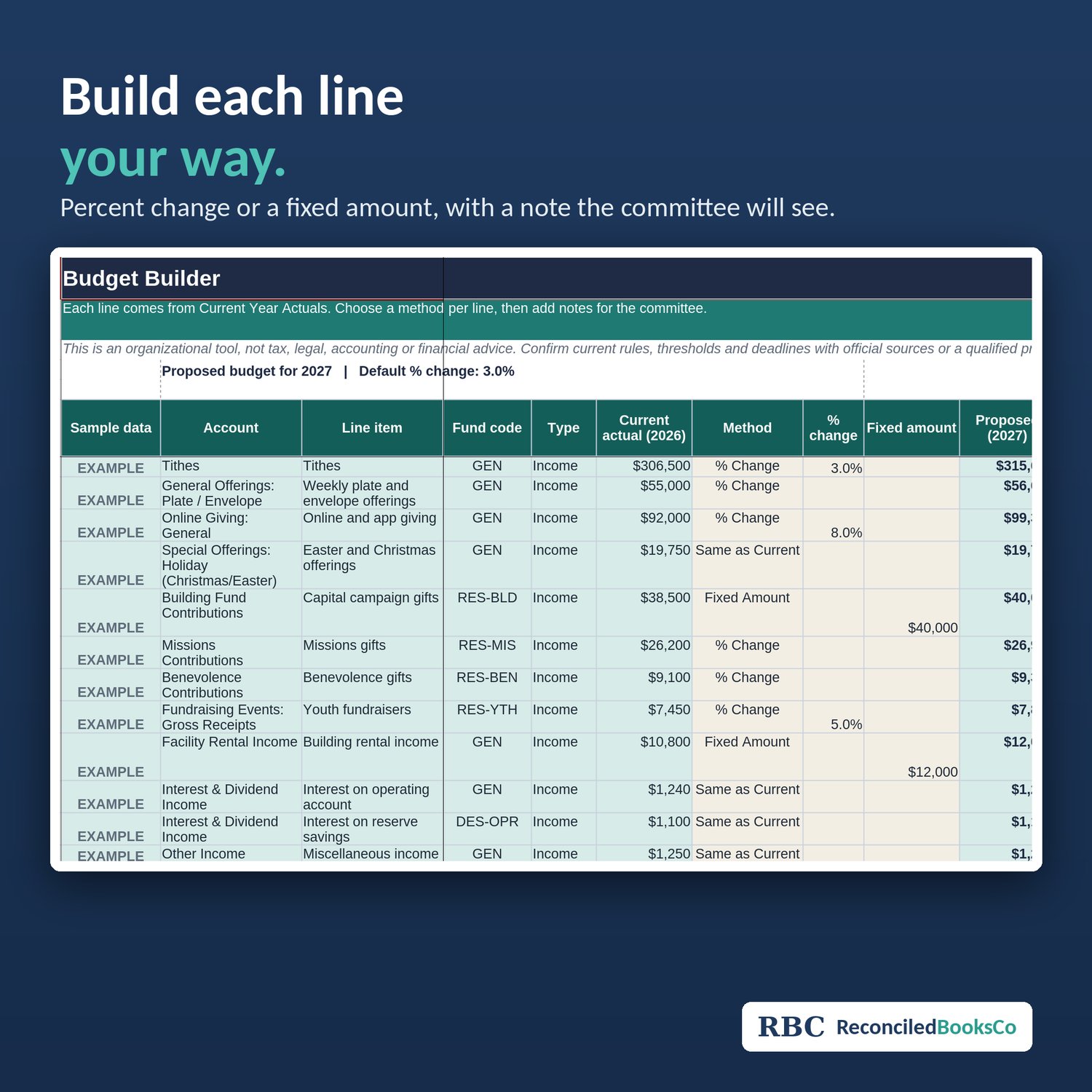
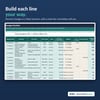
3. On Budget Builder, set each line by percent change or a fixed amount, and add a note the committee will see.
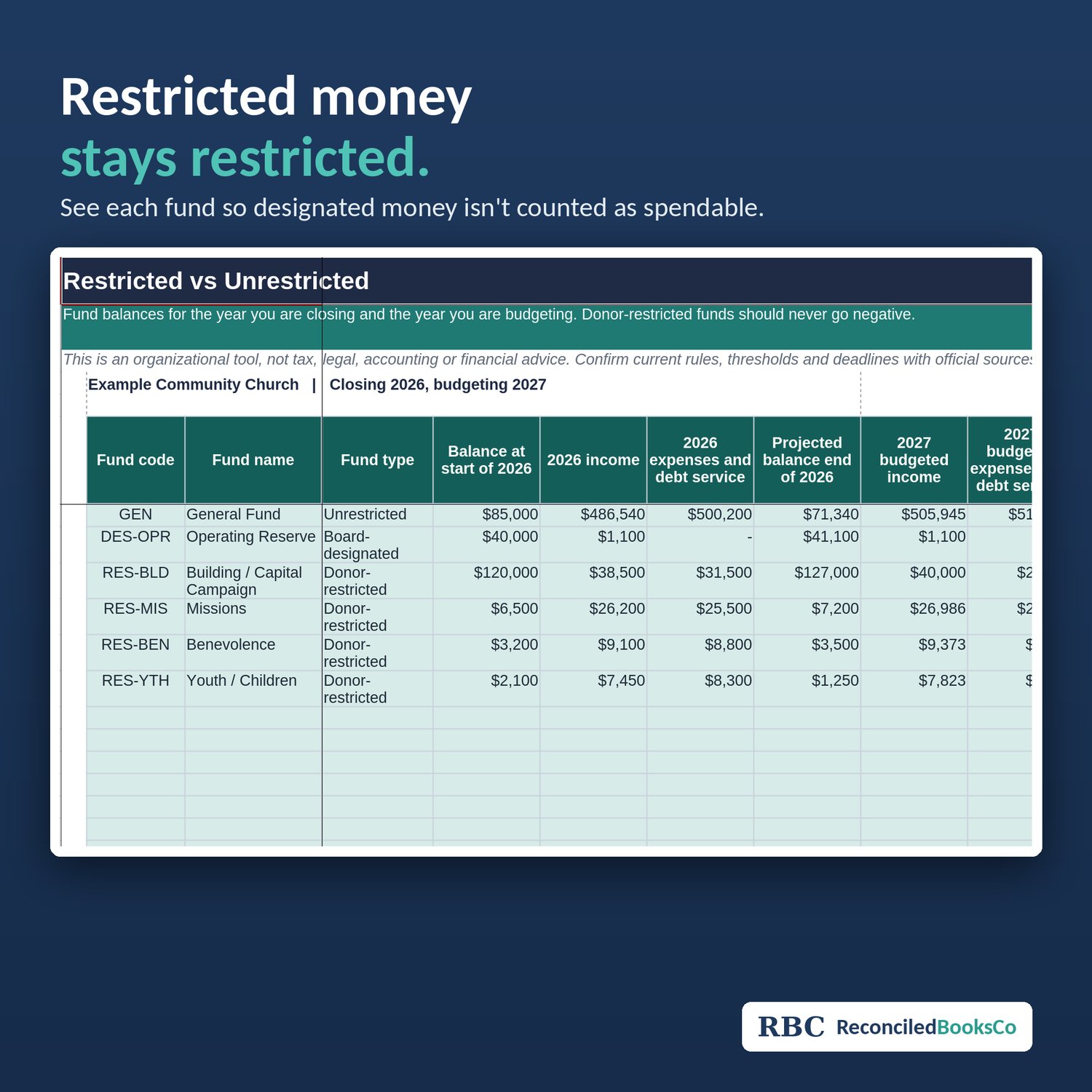
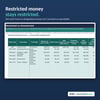
4. Check Restricted vs Unrestricted so designated money isn't counted as spendable.
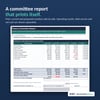
5. Print the Committee Report. Operating results, debt service (principal included) and net cash are shown separately, so you can see a cash shortfall even when operations show a surplus.
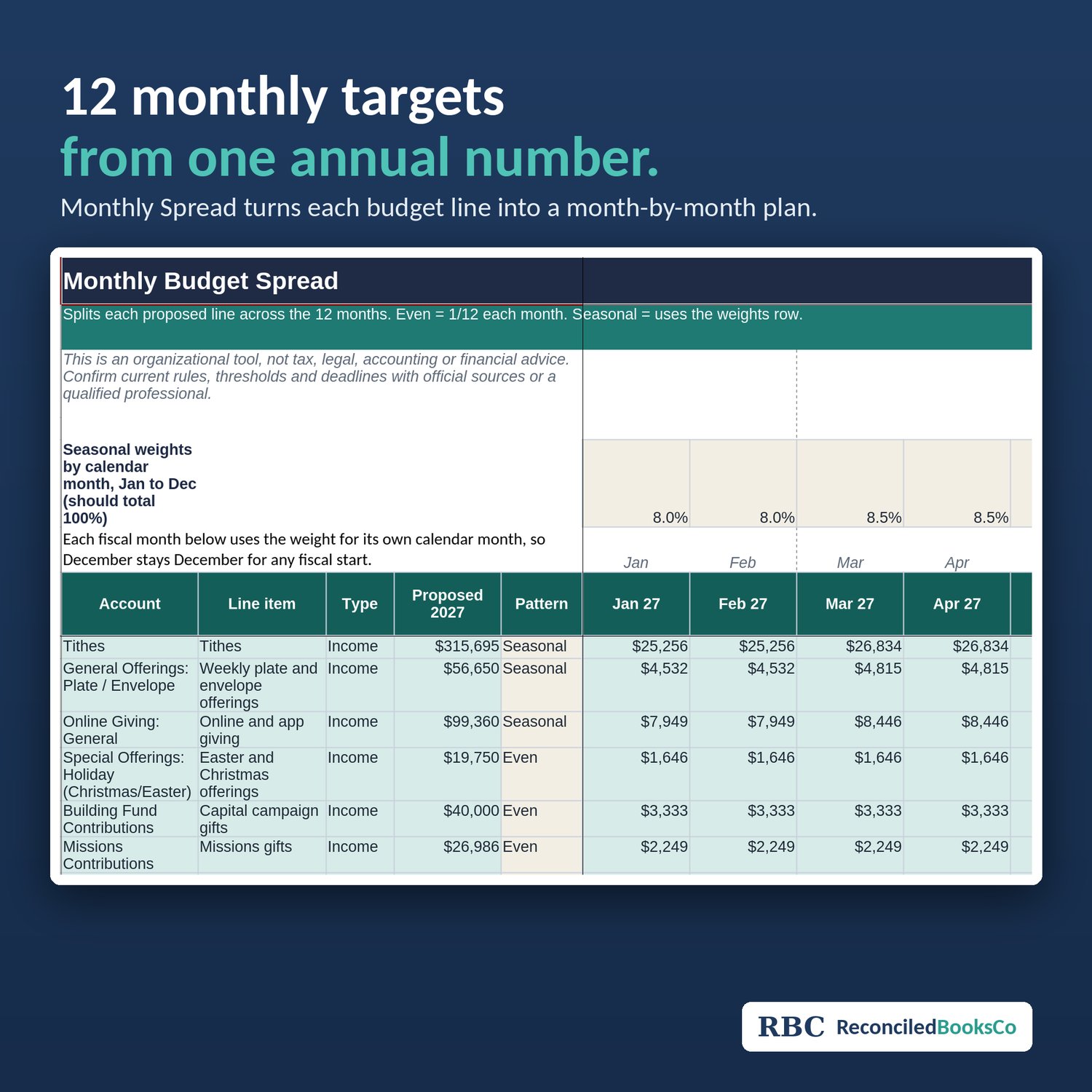
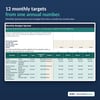
6. Use Monthly Spread to turn the annual figure into 12 monthly targets.
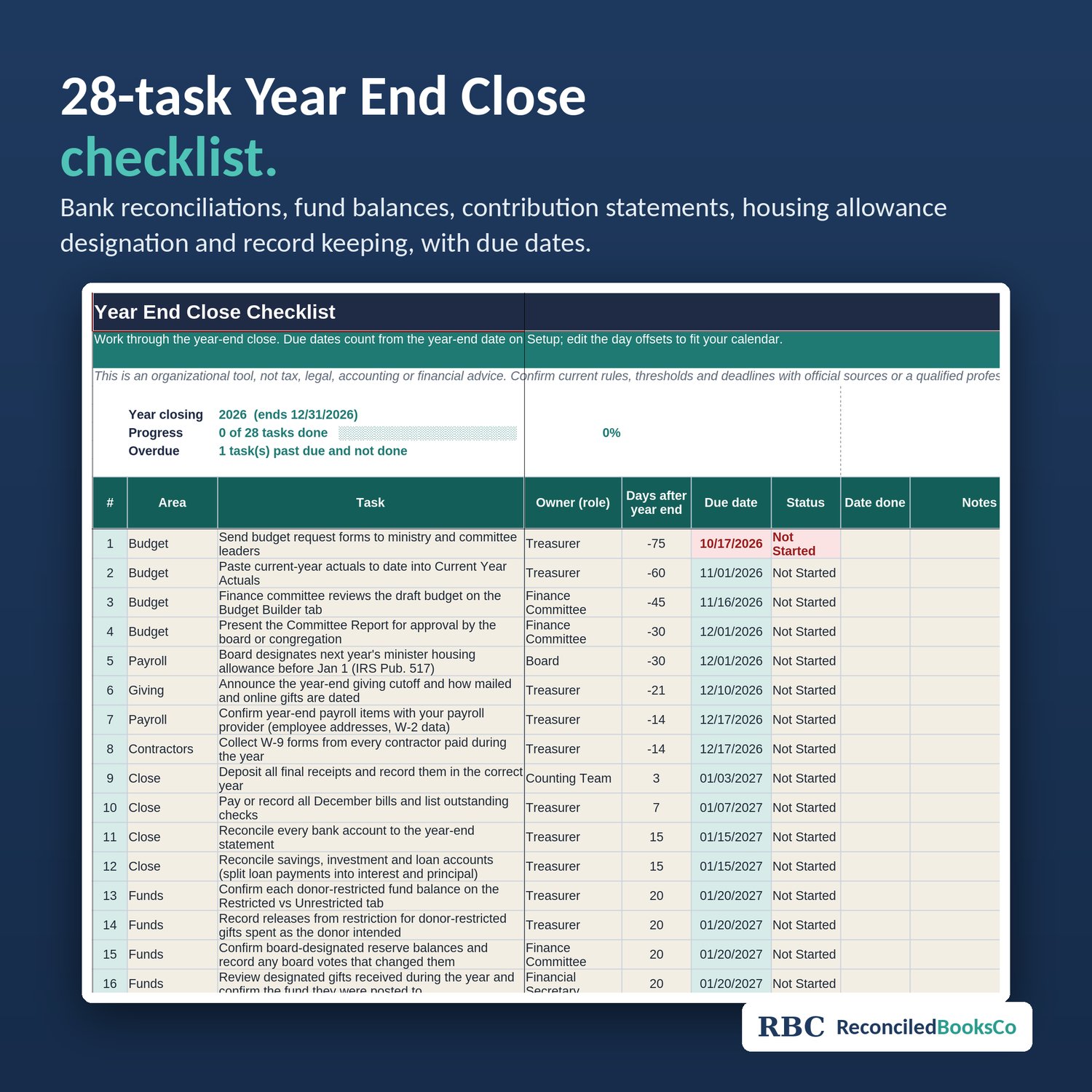
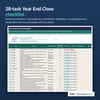
7. Work the 28-task Year End Close checklist: bank reconciliations, fund balances, contribution statements, housing allowance designation for next year, and record keeping.
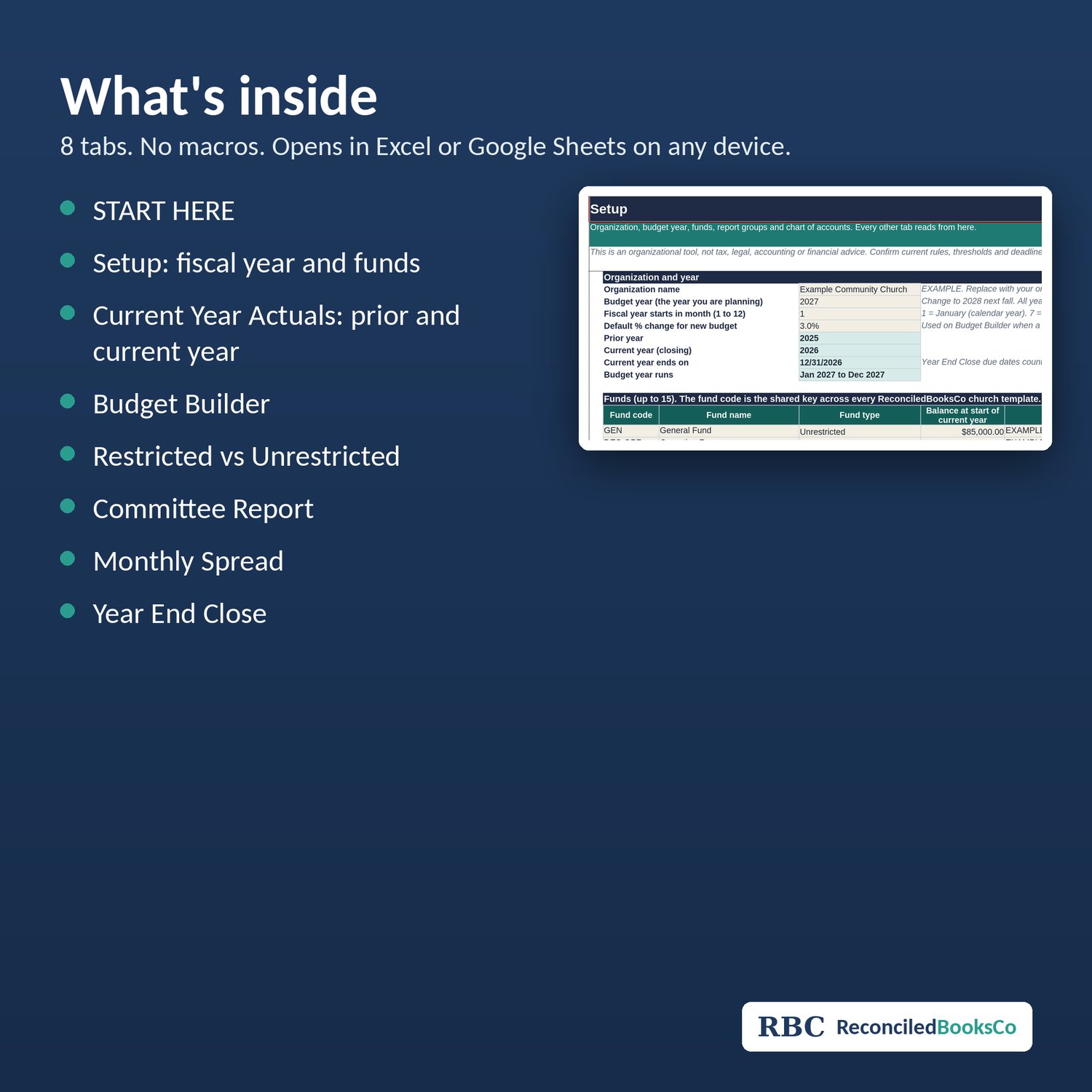
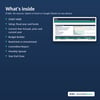
What's inside (8 tabs): START HERE, Setup, Current Year Actuals, Budget Builder, Restricted vs Unrestricted, Committee Report, Monthly Spread, Year End Close.
Works in Excel or Google Sheets on any device. No macros.
This is an organizational tool, not tax, legal, accounting or financial advice. Follow your church's or denomination's policies.
License: one purchase covers one household, business, church or organization. Please don't resell, share or redistribute the files.