

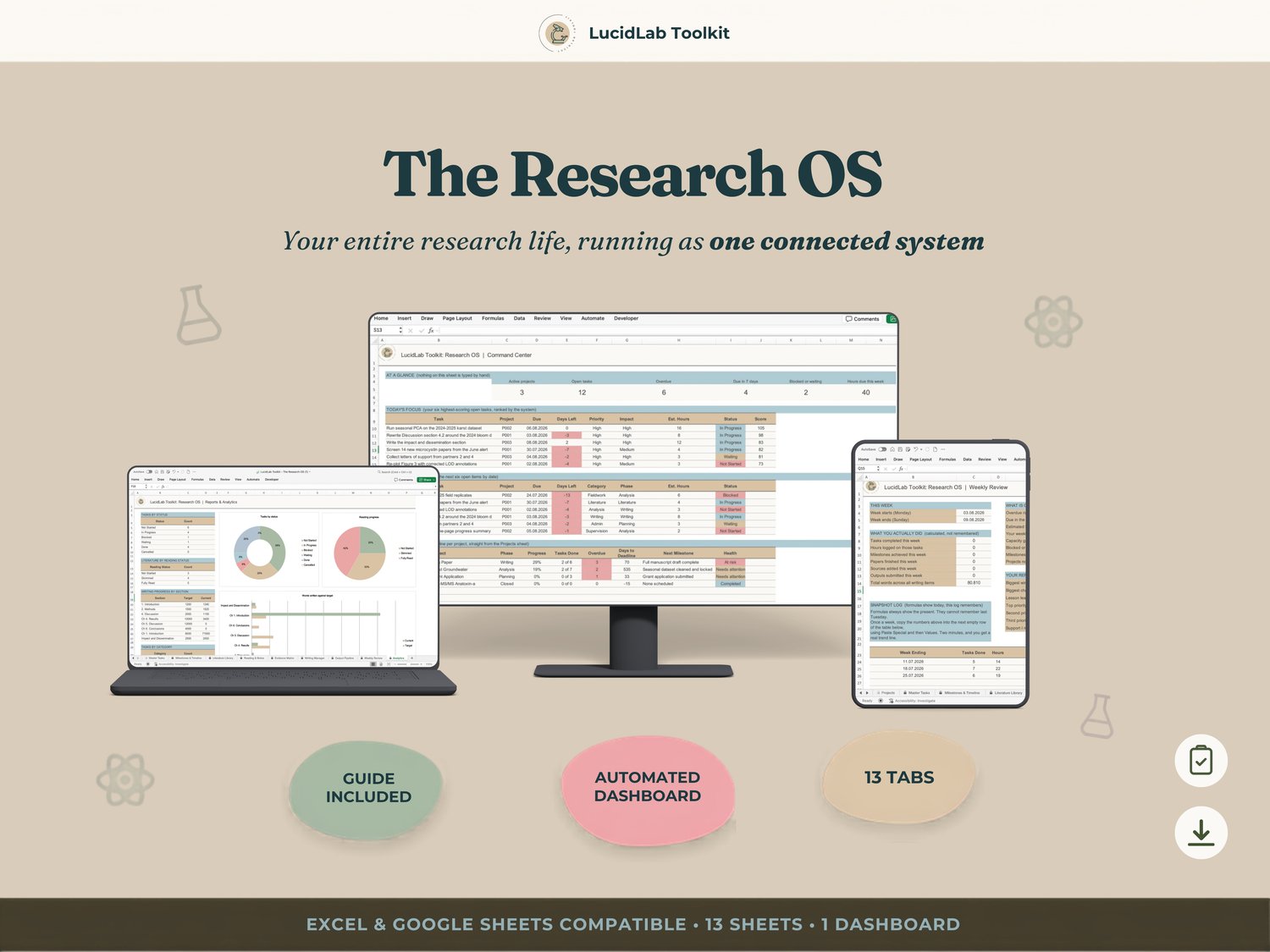
The Research OS
The Research OS | One Connected System, Not Five Separate Trackers
Enter something once. Watch it update everywhere it needs to.
You have a task list, a reading log, and a writing tracker. None of them know the others exist.
You updated a deadline last week, somewhere, in one of them. You just don't remember which. Your supervisor asked where the Discussion section stood and you had to say you'd check and get back to them. You hate that answer.
You're not behind. You're spending an hour a week on admin that should take five minutes, because your systems don't talk to each other and you've become the connective tissue between them.
I built the Research OS after I got tired of maintaining five smaller trackers side by side. It's the file that replaced all of them.
⚙️ THE ONE THING THAT MAKES THIS DIFFERENT
This is not a bigger spreadsheet. It's a different category: one system instead of five.
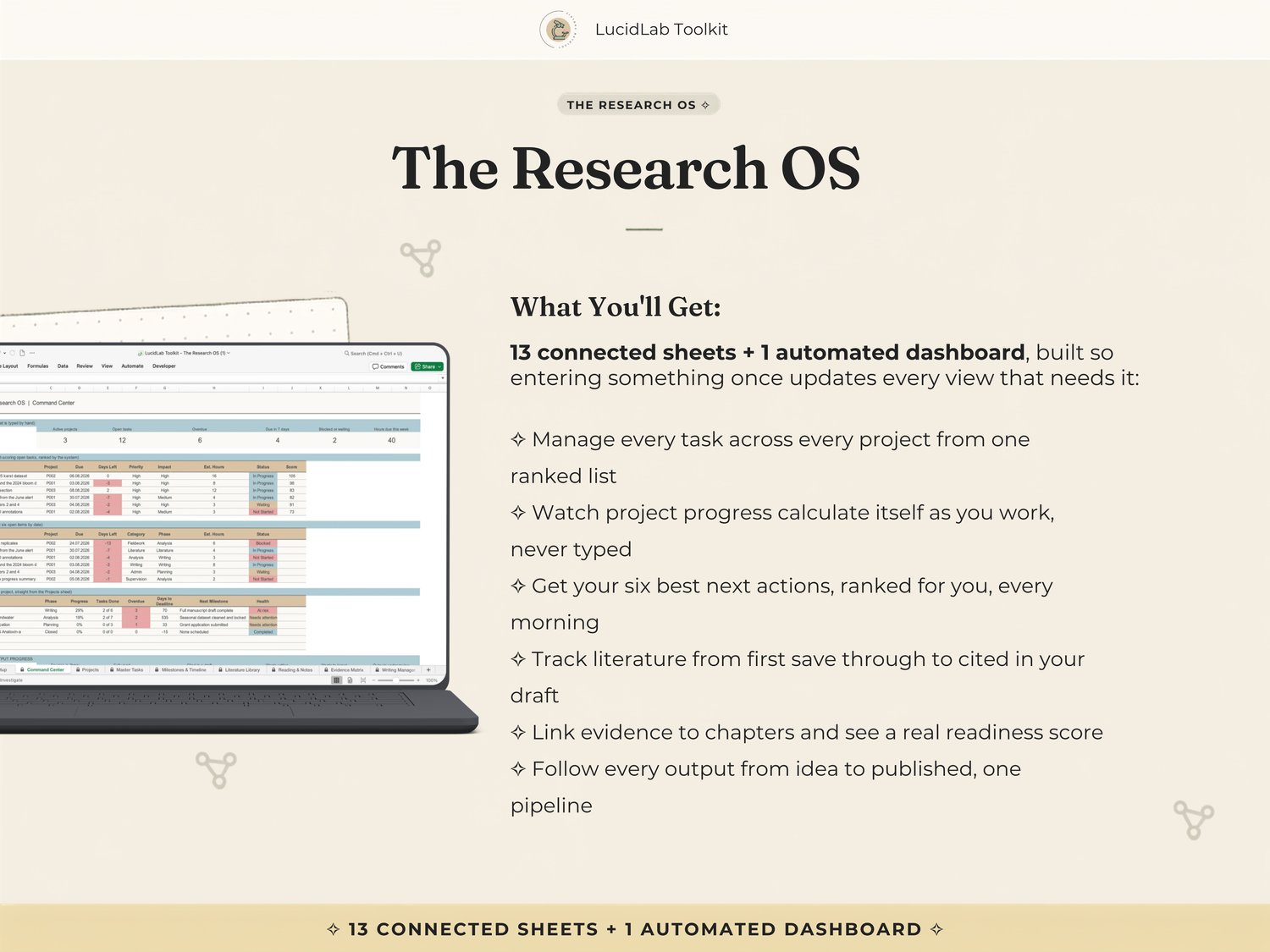
Add a task and your project's progress calculates itself. Mark a source as read and your reading queue reshuffles. Link evidence to a chapter and your Writing Manager tells you, with an actual number, how close that chapter really is. Your Command Center pulls all of it into one home screen you never update by hand.
You enter something once, in the sheet where it belongs, and every other view that needs it updates on its own.
📊 WHAT'S INSIDE, SHEET BY SHEET
1. Setup — profile, dates, every dropdown in the workbook, filled in once.
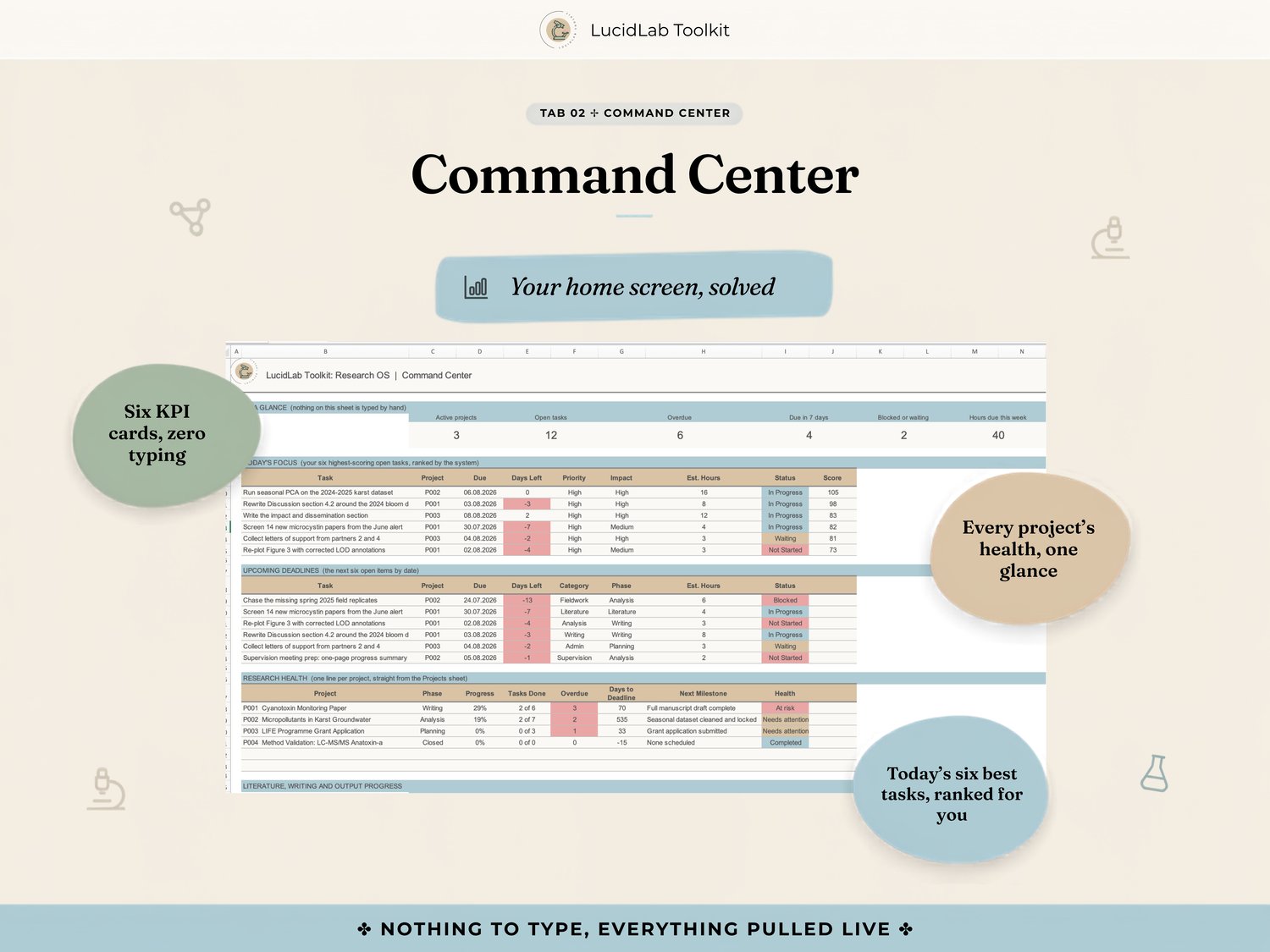
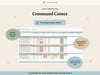
2. Command Center — your home screen. Six KPI cards, today's six best tasks, upcoming deadlines, research health per project. Nothing typed directly on it.
3. Projects — the spine. Progress and health calculated, never entered by hand.
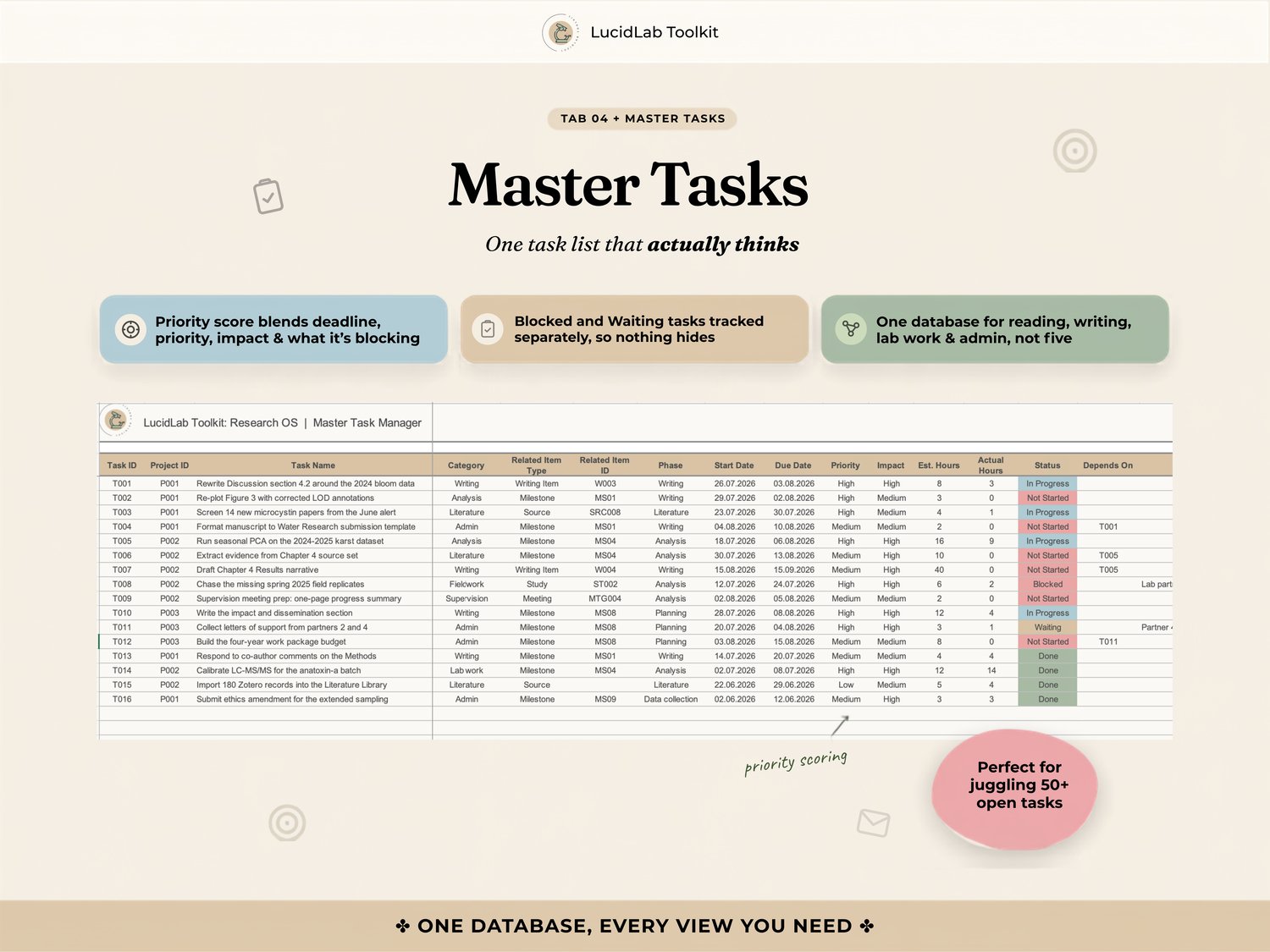
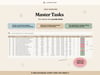
4. Master Tasks — one task database for reading, writing, lab work and admin, ranked by a real priority score, not just the oldest item.
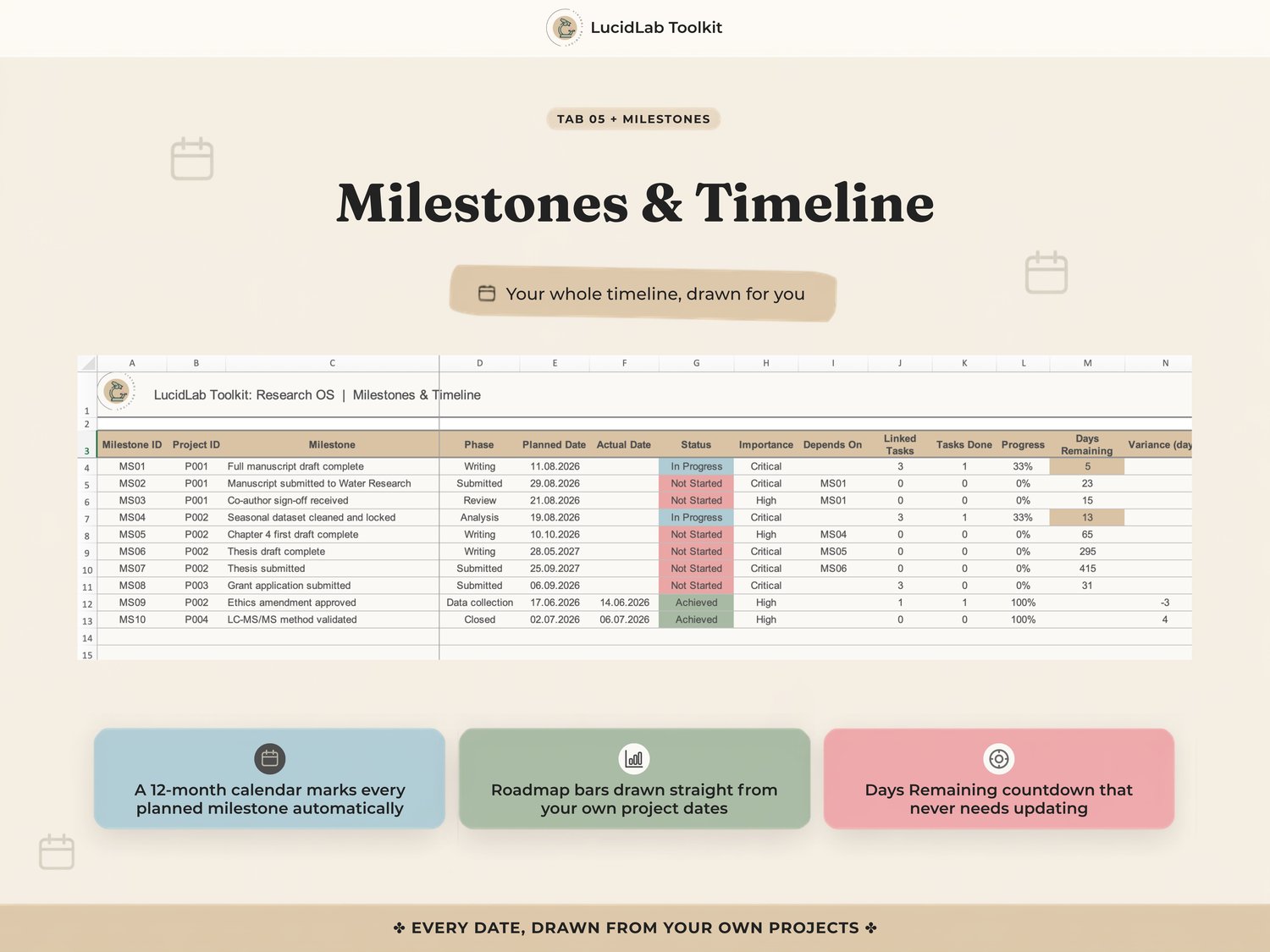
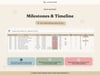
5. Milestones & Timeline — a twelve month calendar and a project roadmap that draw themselves from your own dates.
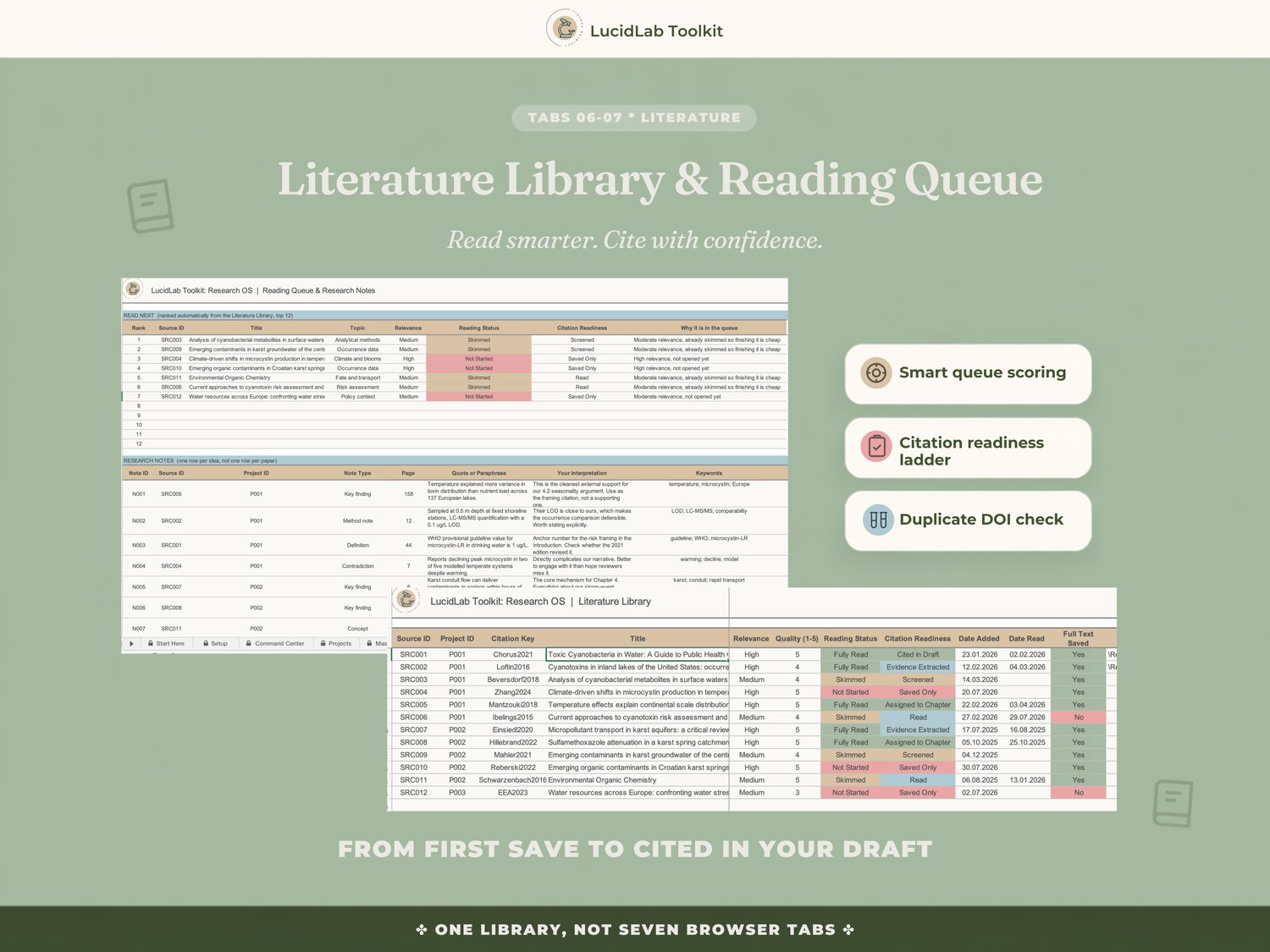
6. Literature Library — a citation readiness ladder from Saved Only through to Cited in Draft.
7. Reading & Notes — a reading queue ranked for you, one row per idea instead of one row per paper.
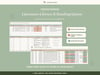
8. Evidence Matrix — every claim linked to a source, a chapter and a research question, including the evidence that disagrees with you.
9. Writing Manager — word count against target, and a real evidence-based readiness score per chapter.
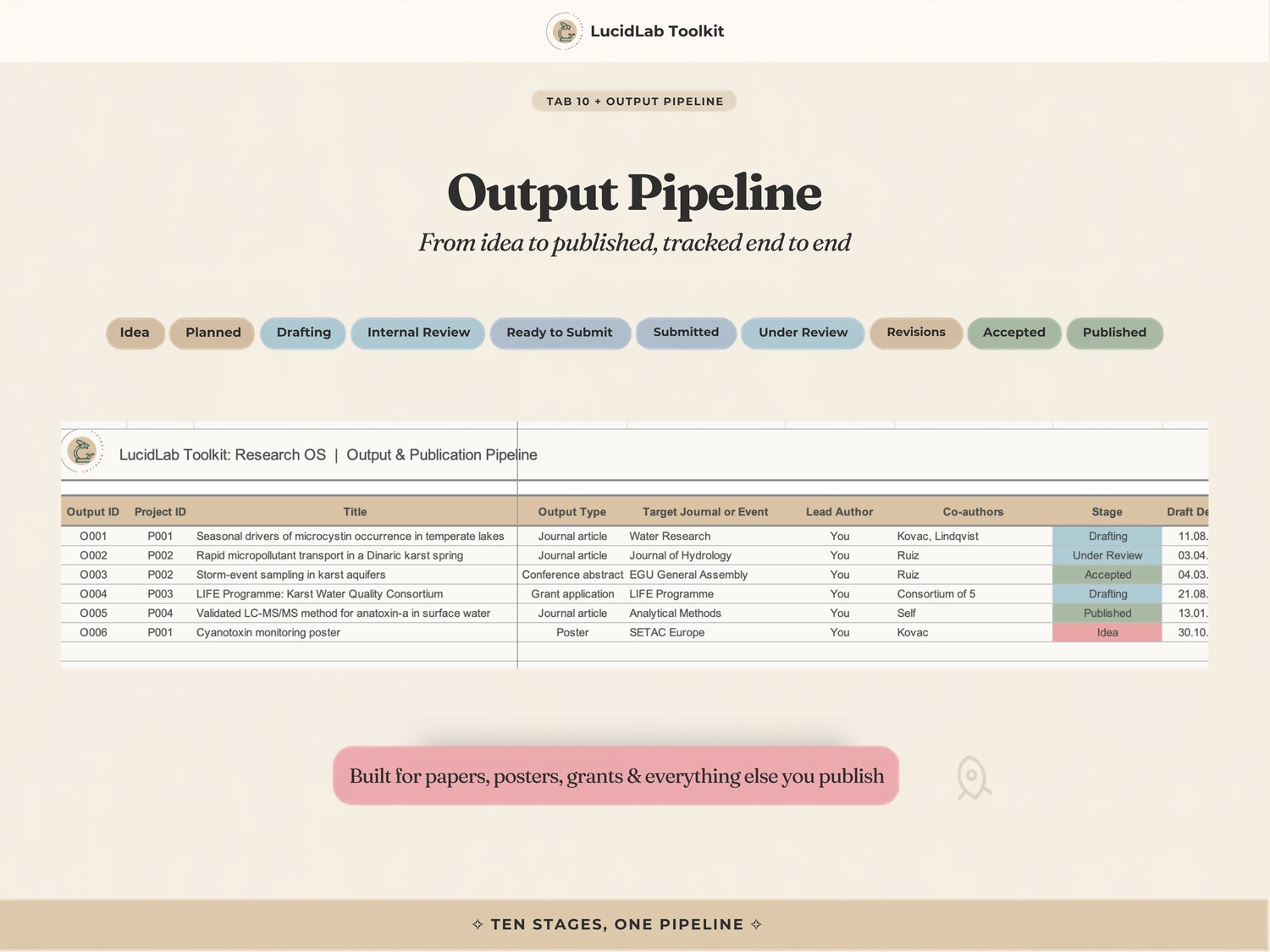
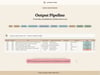
10. Output Pipeline — thirteen stages from Idea to Published, one system for every paper, poster and grant application.
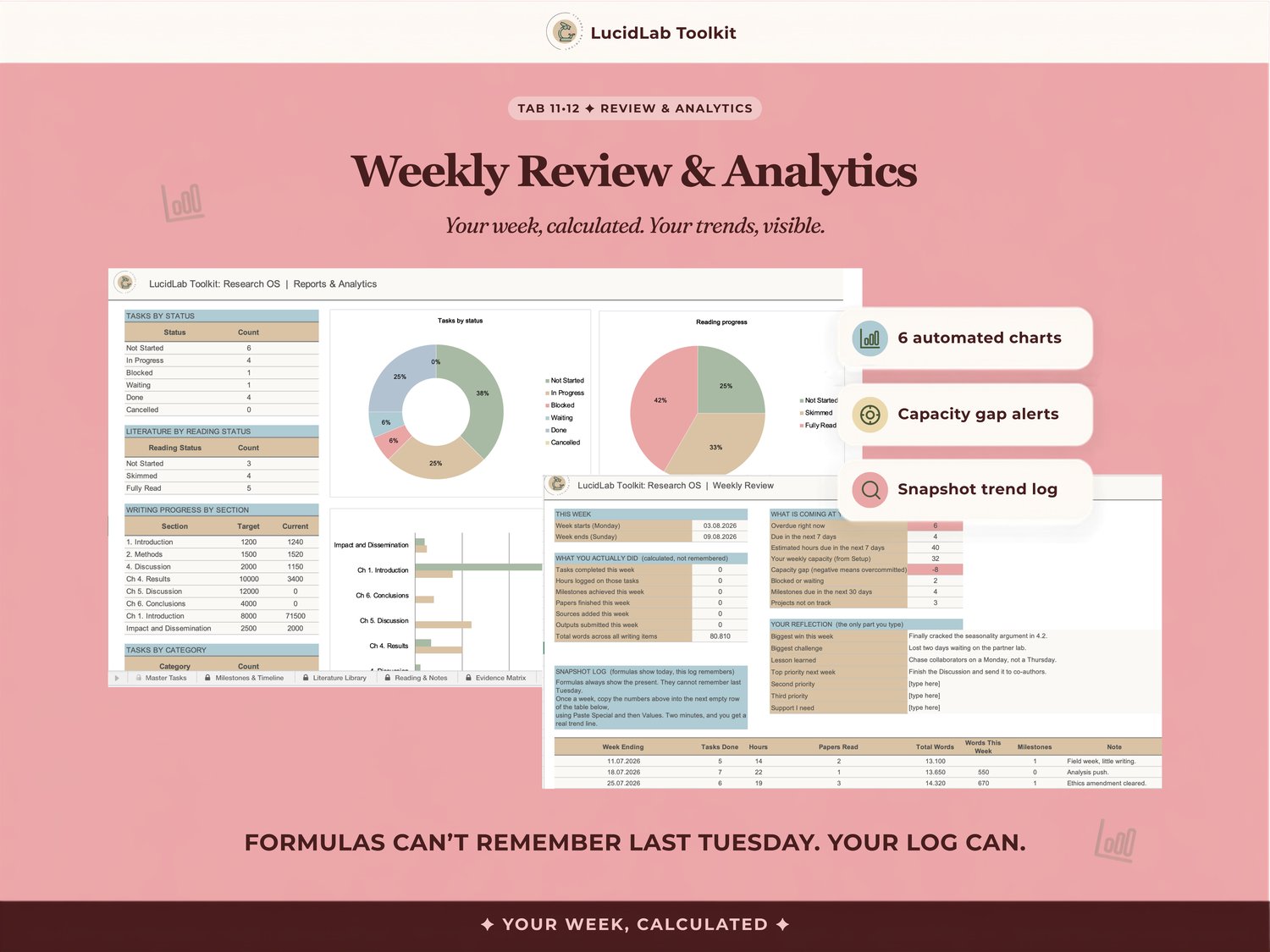
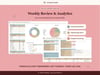
11. Weekly Review — your week, calculated automatically, with a capacity gap that flags when you've committed to more hours than you have.
12. Analytics — six charts across tasks, reading, writing and your publication pipeline.
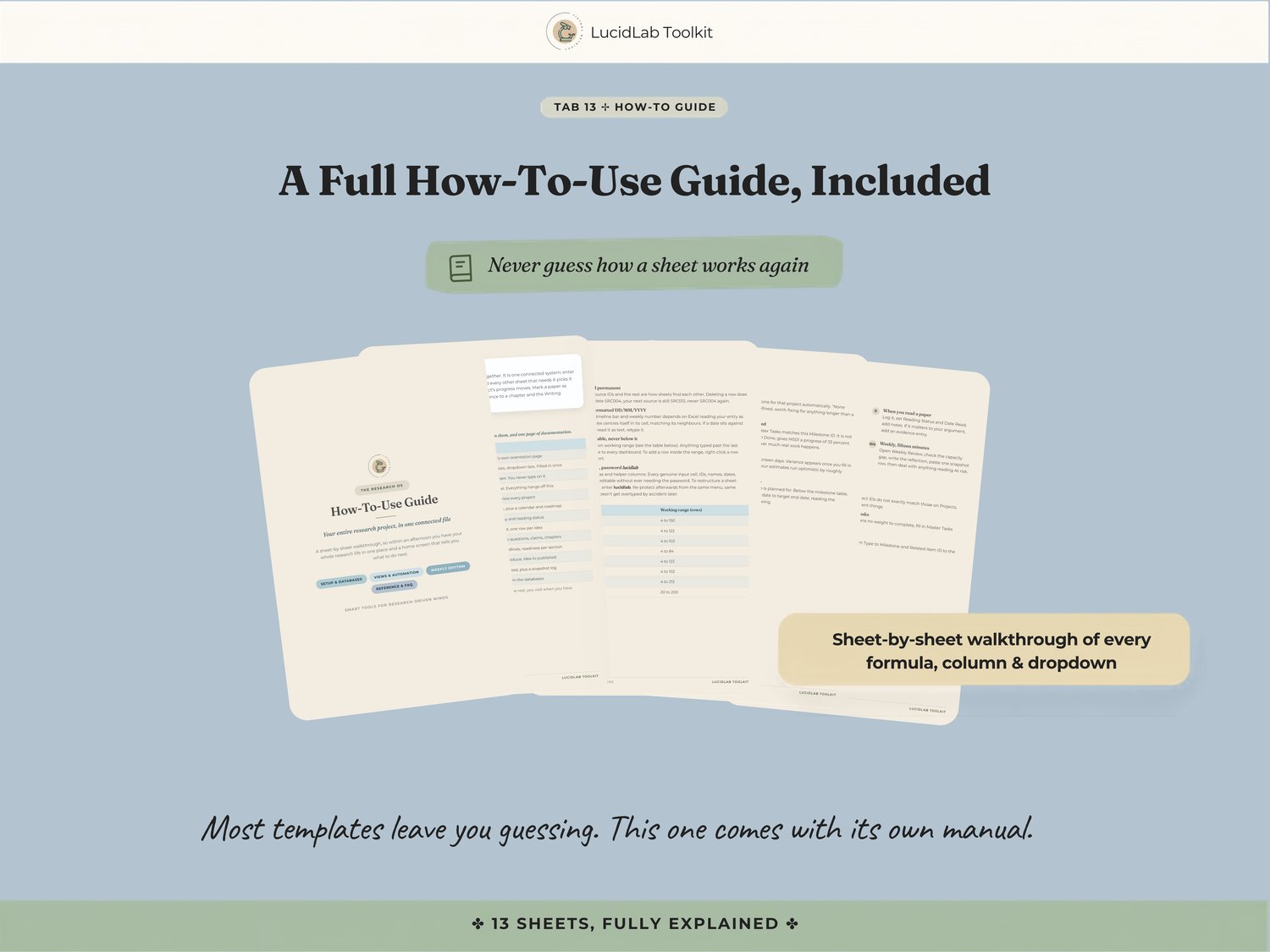
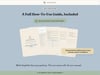
13. How-To-Use Guide — sheet by sheet, formula by formula. Most templates leave you guessing whether something's broken. This one doesn't.
✅ WHY IT WORKS
- The task list actually thinks. A priority score blends deadline proximity, priority, impact and what a task is blocking, so what's at the top is what actually matters today.
- The Evidence Matrix is the sheet other trackers don't attempt. Every claim tied to a source, a chapter and a question, contradicting evidence included rather than conveniently left out.
- Writing readiness is a number, not a guess. A chapter at zero words with no evidence assigned is a genuinely different problem than one that simply hasn't started, and the workbook treats it that way.
- It ships already working. Realistic demo data across every sheet, so every connection is visible before you've typed a single thing.
- No macros, no security warnings. Formulas protected so nothing breaks by accident.
🎓 WHO THIS IS FOR
PhD candidates and postdocs running more than one project at once · Researchers with a thesis in several states of done, a paper alongside it, maybe a grant application too · Anyone currently updating the same deadline in three different trackers
This isn't for someone easing into research life who needs structure from nothing. It's for someone whose organization stopped scaling.
🖥️ FORMAT & REQUIREMENTS
A single Excel file (.xlsx). Works in desktop Excel, Excel for Mac, Excel Online, and opens cleanly in Google Sheets, formulas and dropdowns included. No macros, no add-ons, no subscriptions.
📦 WHAT YOU GET
- The Research OS workbook, 13 connected sheets
- Full How-To-Use Guide
- Realistic demo data so every connection is visible from first open
- Free updates, forever
⚡ INSTANT DOWNLOAD
Files available the moment payment clears. For personal use; no resale or redistribution.
Questions before or after you buy? Message me, I answer every one. 🤍
Built by a researcher, for researchers.