
Resource Finder - Single Site
Turn a spreadsheet of documents into a searchable, filterable resource library on your website.
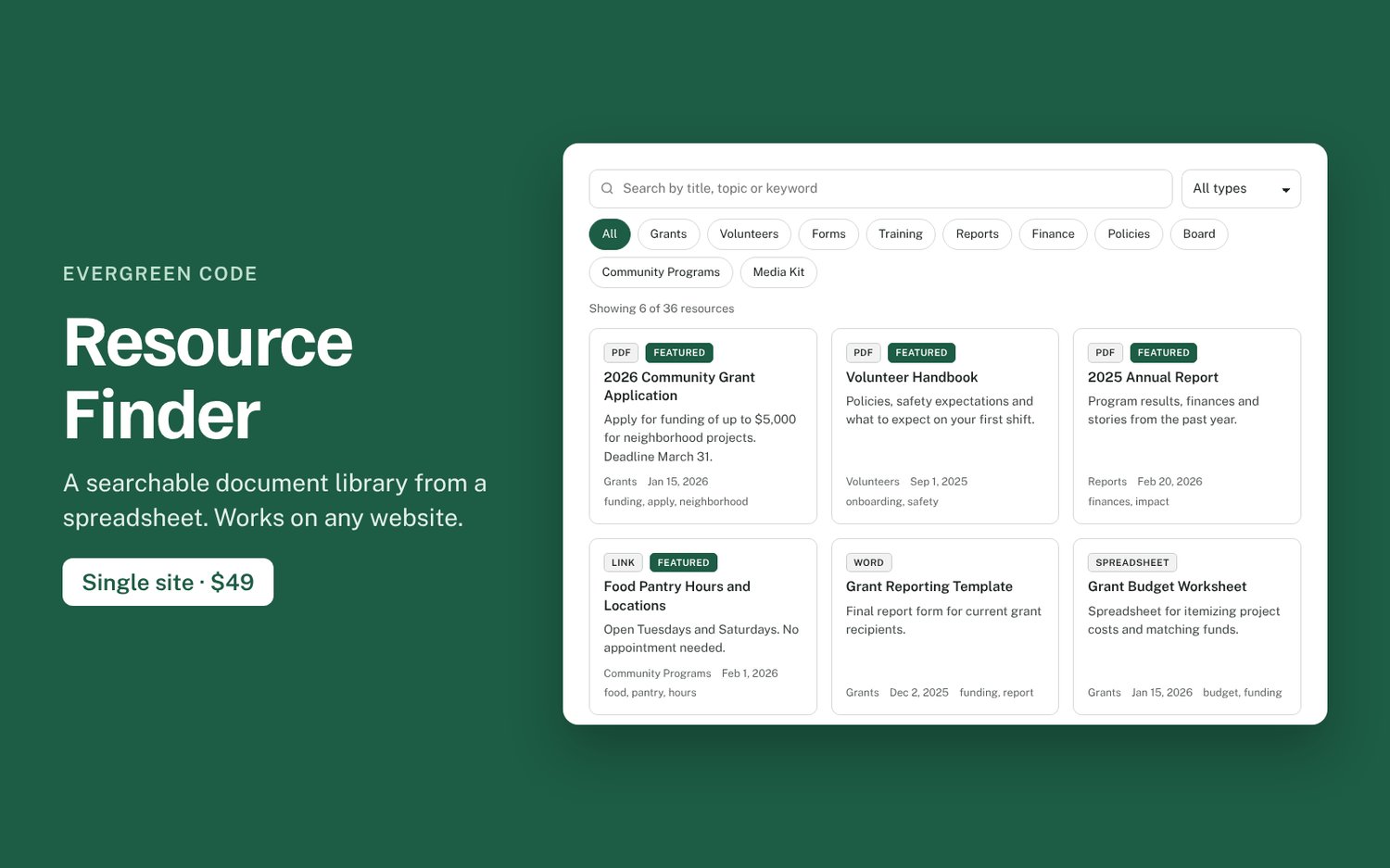
Most resource pages are a long list of links nobody can search. Resource Finder replaces that list with a library visitors can search as they type, filter by category and file type, and sort by date. You keep the list in a Google Sheet or a CSV file. Add a row, and your website updates.
What you get
- Search across titles, descriptions, categories and tags, with matches highlighted
- Category buttons and a file-type filter (PDF, Word, Spreadsheet, Slides, Video and more, detected automatically)
- Featured items pinned to the top, and “Show more” paging for long lists
- Shareable links to filtered results
- Uses your site’s fonts and colors automatically. Pick one brand color, cards or list layout.
- Accessible: keyboard support, screen-reader labels, visible focus
- No database, plugin, account, cookies or tracking
Works on: Squarespace, WordPress, Wix, Webflow, Shopify, Ghost, Carrd and any HTML page. Some builders only allow custom code on certain plans, so check yours.
Included in the download
- The script, a compact 22 KB file with no dependencies
- Copy-paste snippets for Google Sheets, pasted data or an uploaded file
- A spreadsheet template and a demo with sample data
- Step-by-step install guides for each platform
License: one website (one domain and its subdomains). Includes 6 months of updates and installation help by email. If it doesn’t work on your site and we can’t fix it, you can get a refund within 14 days.
Try the live demo: https://evergreen-code.vercel.app/products/resource-finder/