

The Christmas Spreadsheet
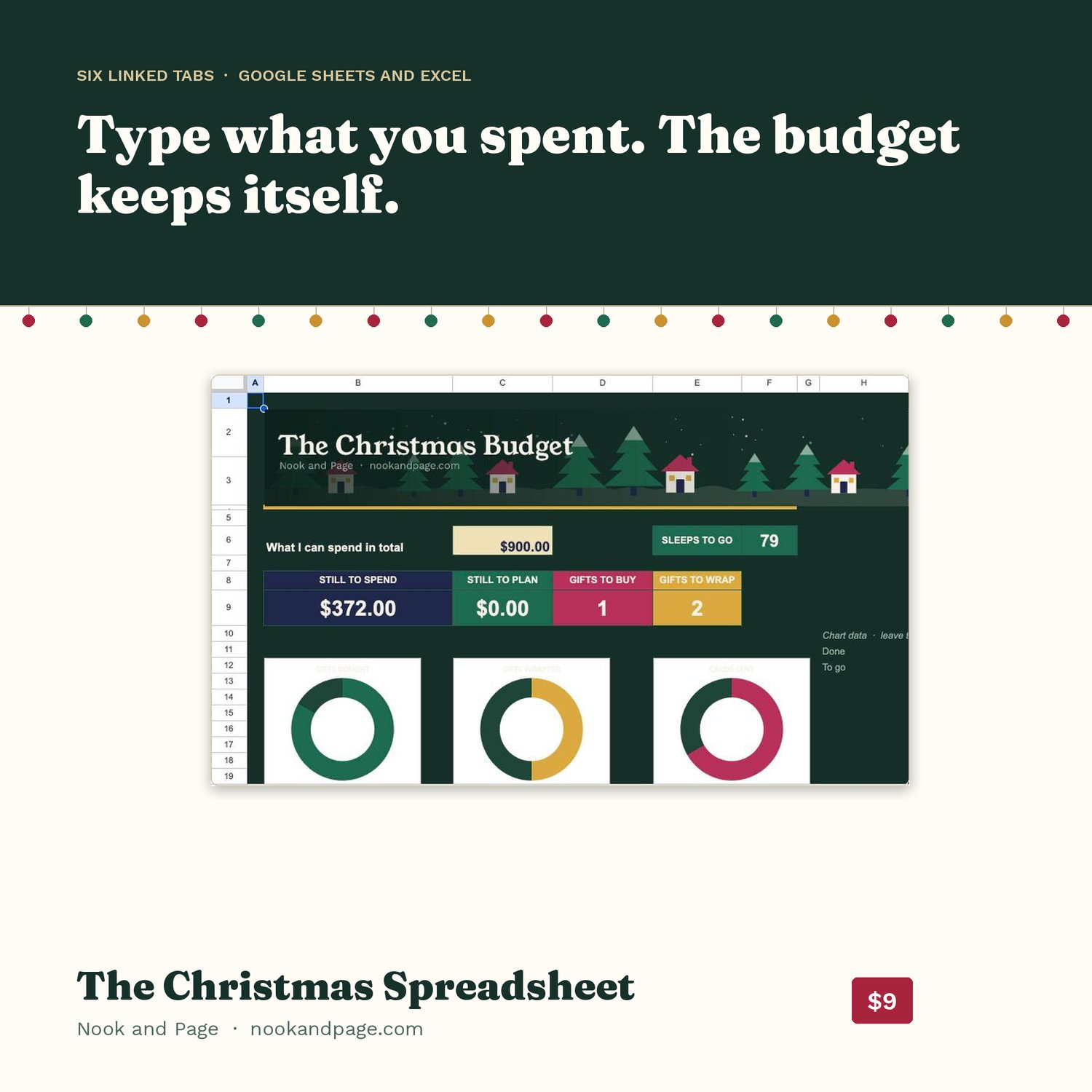
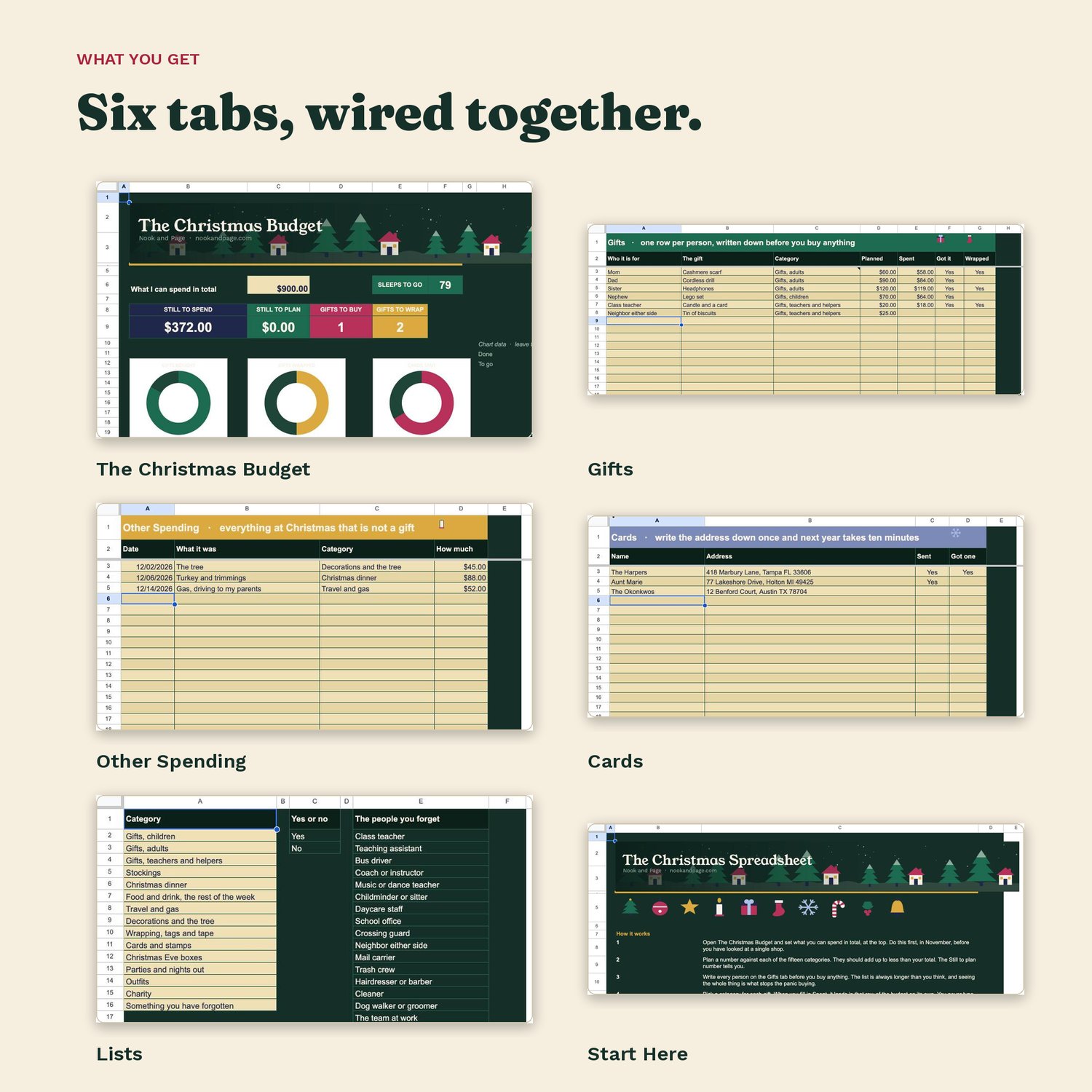
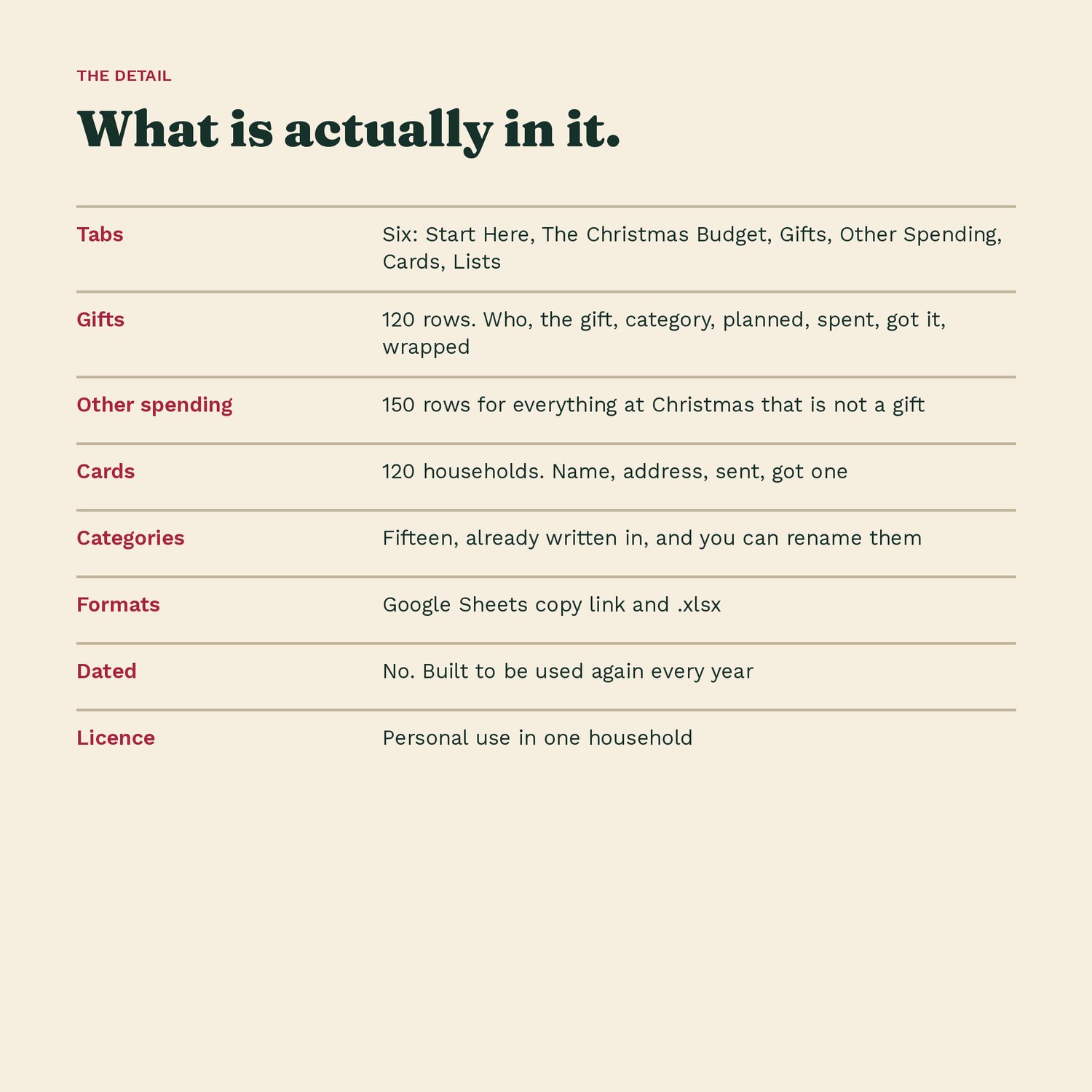
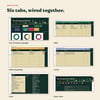
Six tabs that talk to each other. Type what you spent on a gift and it lands in the right row of the budget on its own. You never type a total.
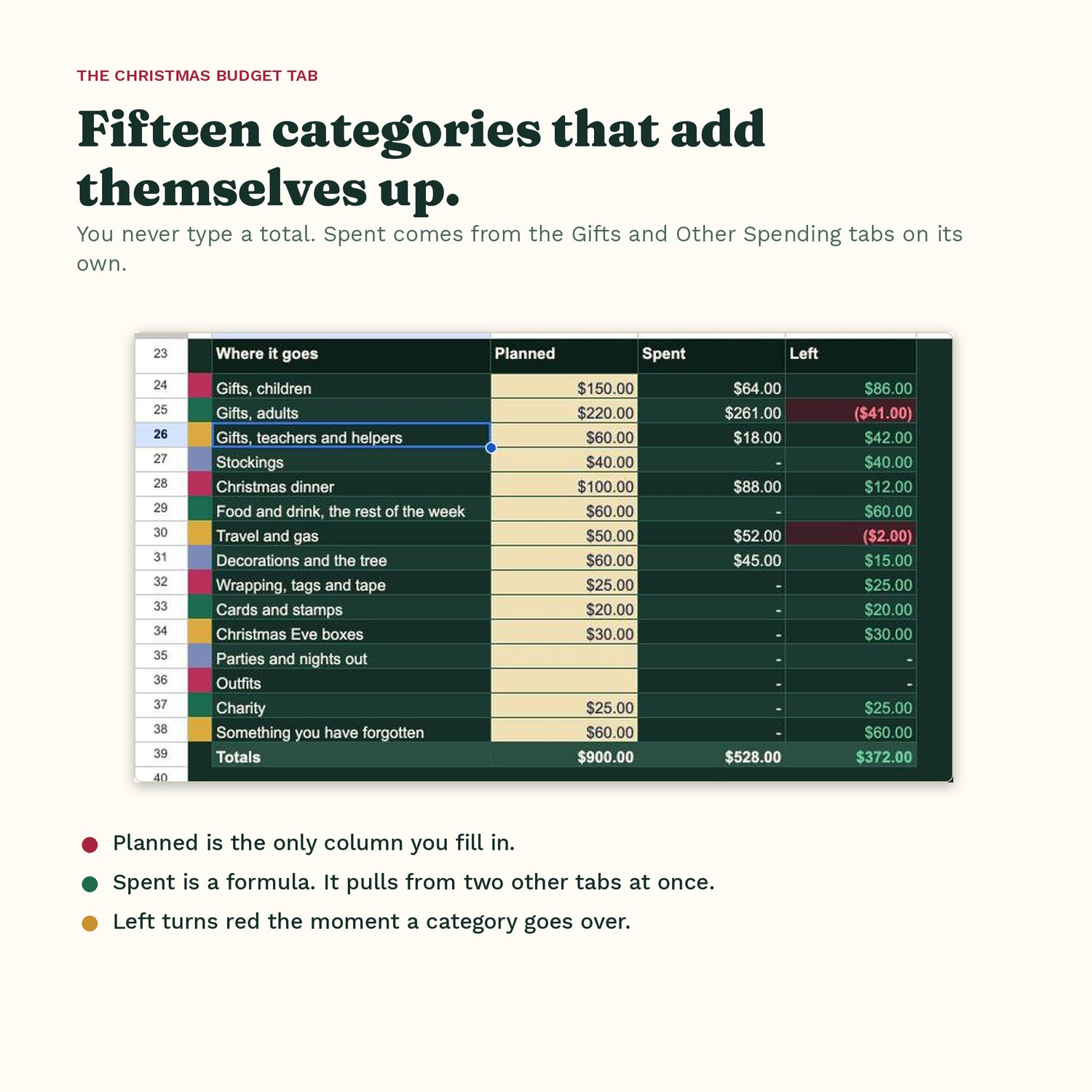
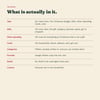
The Christmas Budget is the money view and the first tab you open. Fifteen categories, already written in, because Christmas is not expensive because of the gifts. Set what you can spend at the top and four numbers keep themselves: still to spend, still to plan, gifts still to buy, gifts still to wrap.
Gifts has 120 rows. Who it is for, the gift, a category from the dropdown, planned, spent, got it, wrapped.
Other Spending has 150 rows for everything at Christmas that is not a gift. The tree, the turkey, the gas to drive to your parents. Same categories, same automatic rollup into the budget.
Cards has 120 households. Name, the full address, sent, got one. Fill it in once and next year the cards take ten minutes instead of an hour.
Lists holds the fifteen categories and the twenty people nobody writes down. Rename the categories to match your Christmas, or add your own.
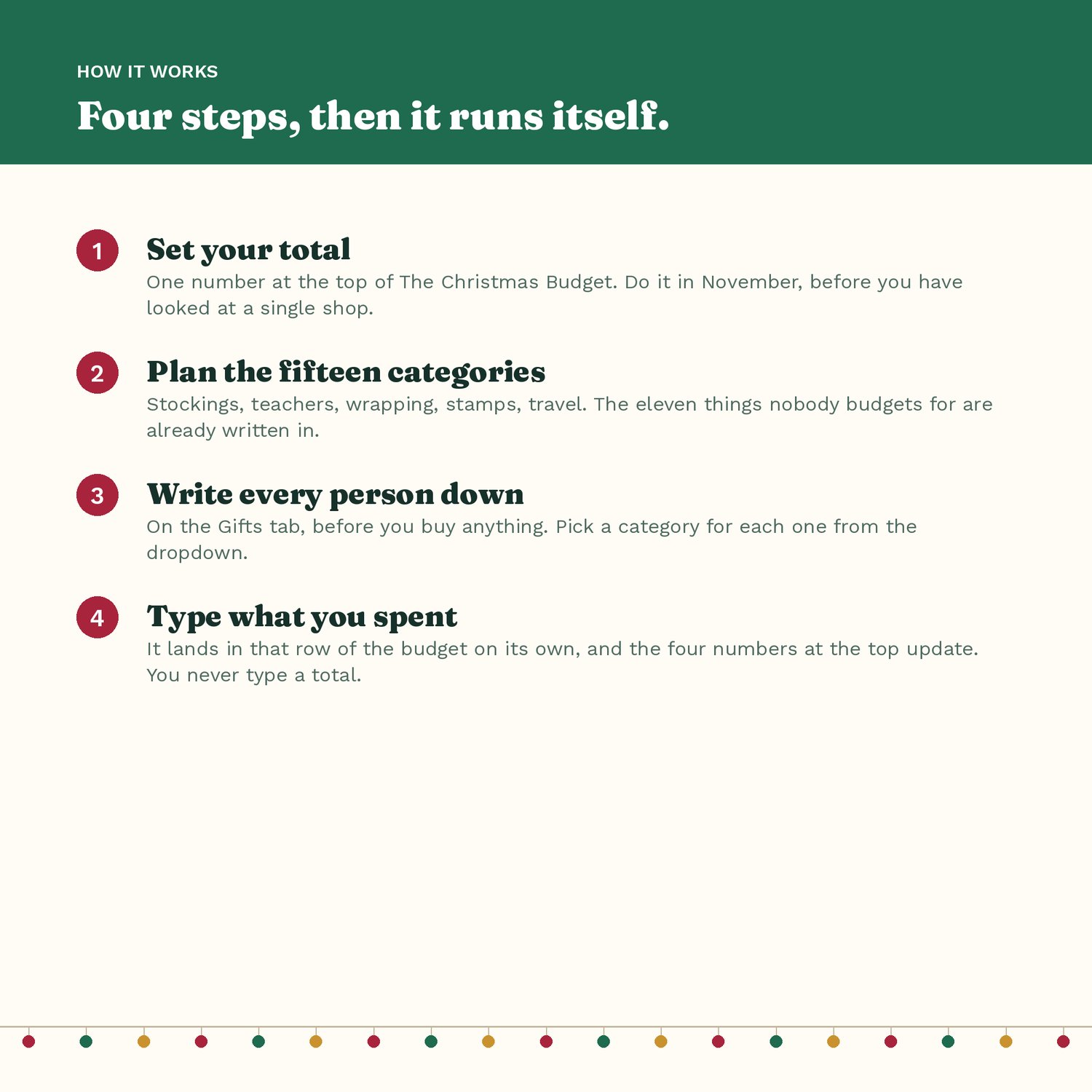
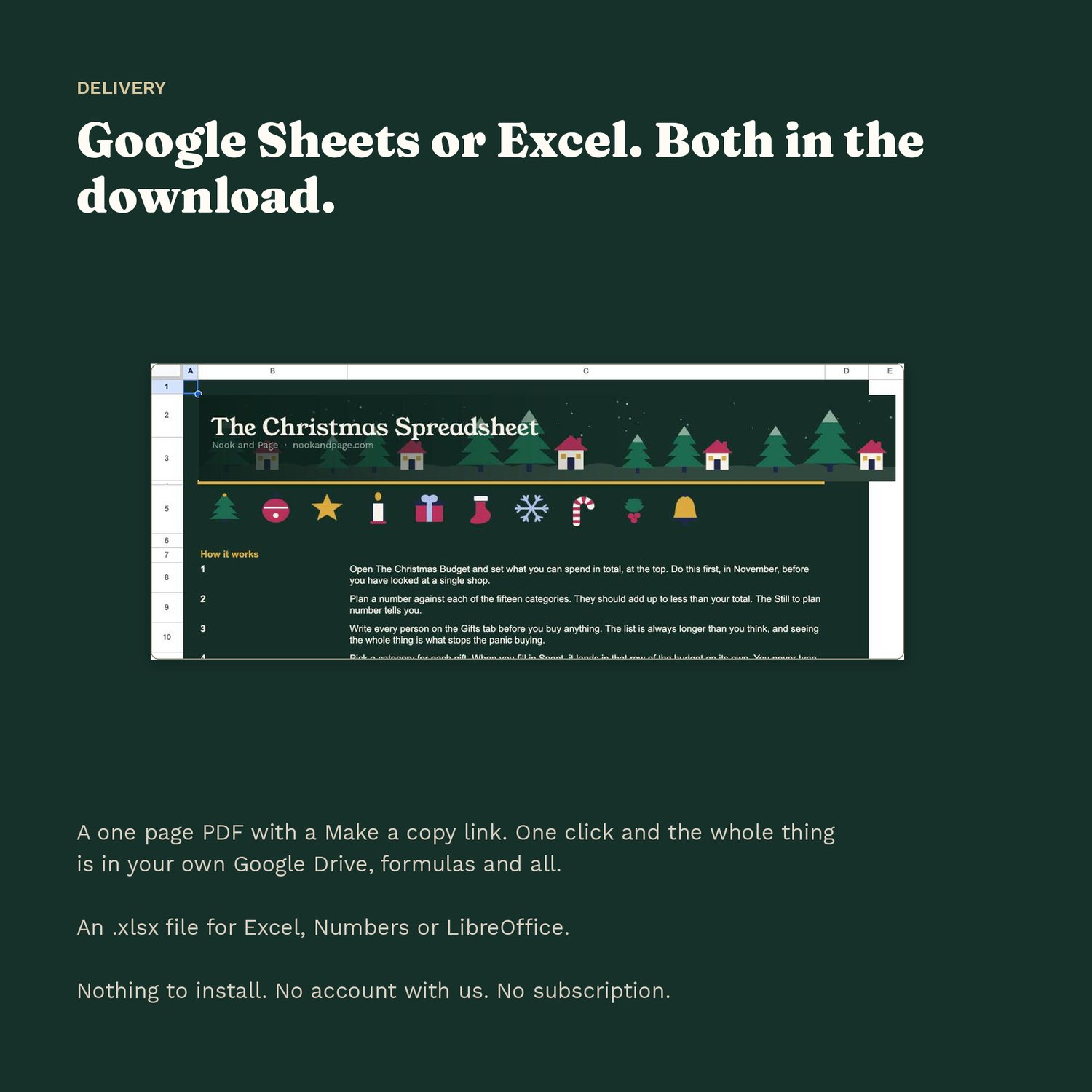
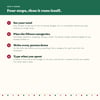
Start Here is one page explaining how it works, in six steps.
Every yellow cell is one you can type in. Everything else is a formula.
It arrives as a one page PDF with a Make a copy link, so one click puts the whole thing in your own Google Drive, formulas and all. An .xlsx file is in the download too, for Excel, Numbers or LibreOffice. Nothing to install, no account with us, no subscription.
Undated on purpose, so the same file works every year.
Licensed for personal use in one household. Please do not share or resell the file.