



Videography Business Profit Tracker
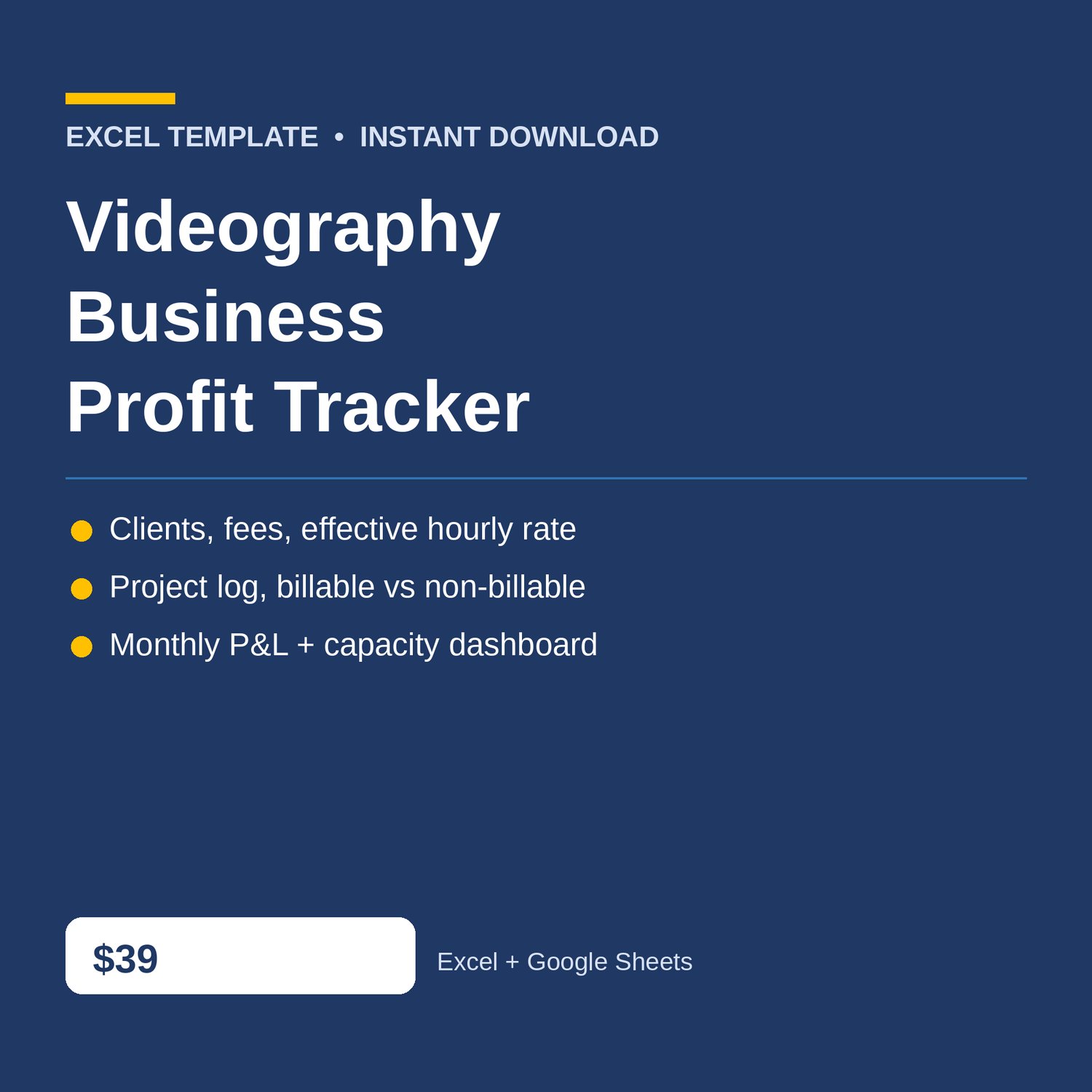
Videography Business Profit Tracker Excel for your videographers and small video businesses — clients and fees, work log, expenses, and a monthly P and L dashboard. Know what every client actually pays — and whether the month actually made money.
Built for videographers and small video businesses who need to know, client by client and hour by hour, what the fee is really worth per hour — without accounting software. If a client is eating hours at a discount rate, this workbook shows it before the next engagement.
WHAT'S INCLUDED (6 sheets):
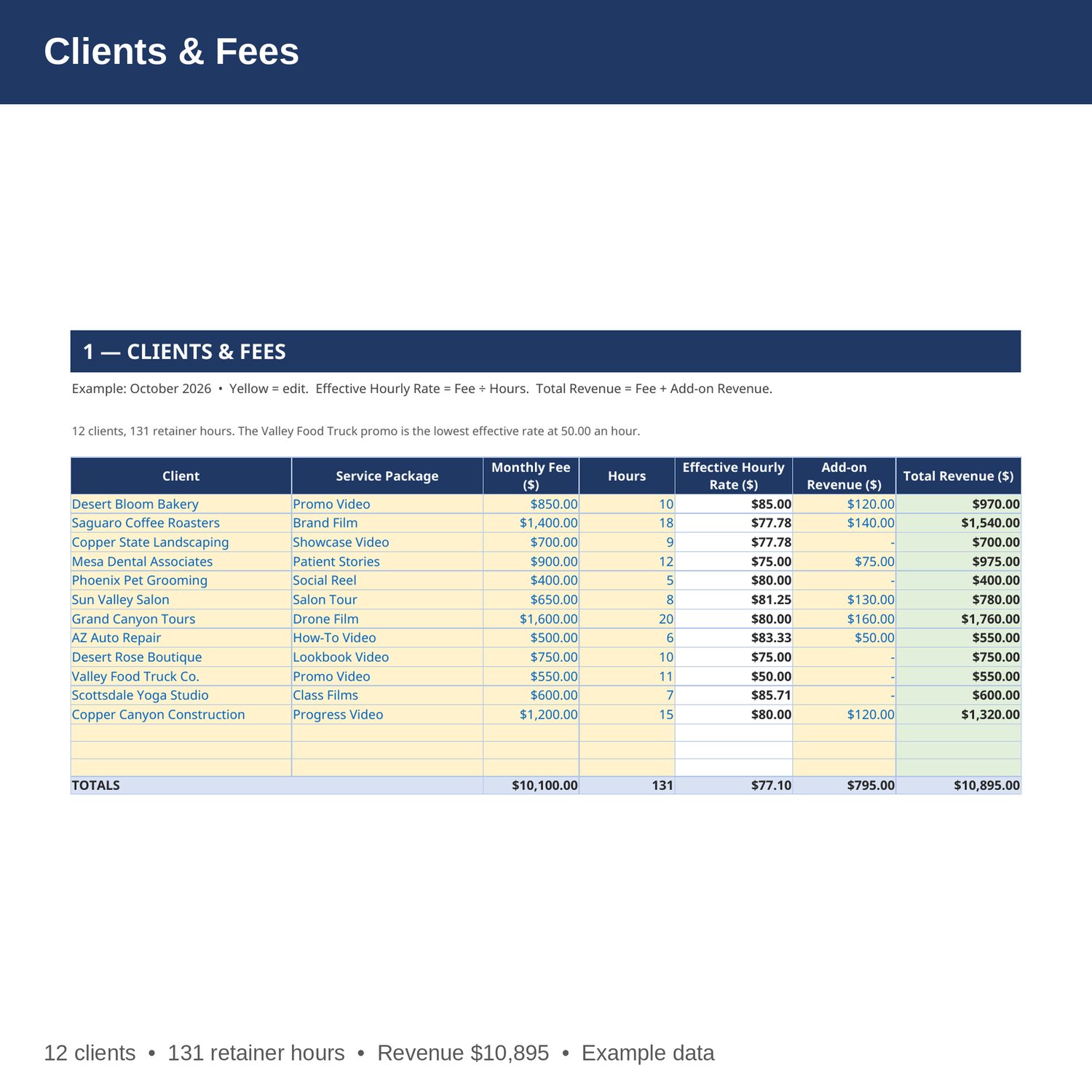
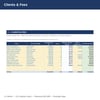
- Clients & Fees — client, service package, monthly fee, hours per month, effective hourly rate, add-on revenue, and total monthly revenue for every client. Change a fee and the rate and totals update.
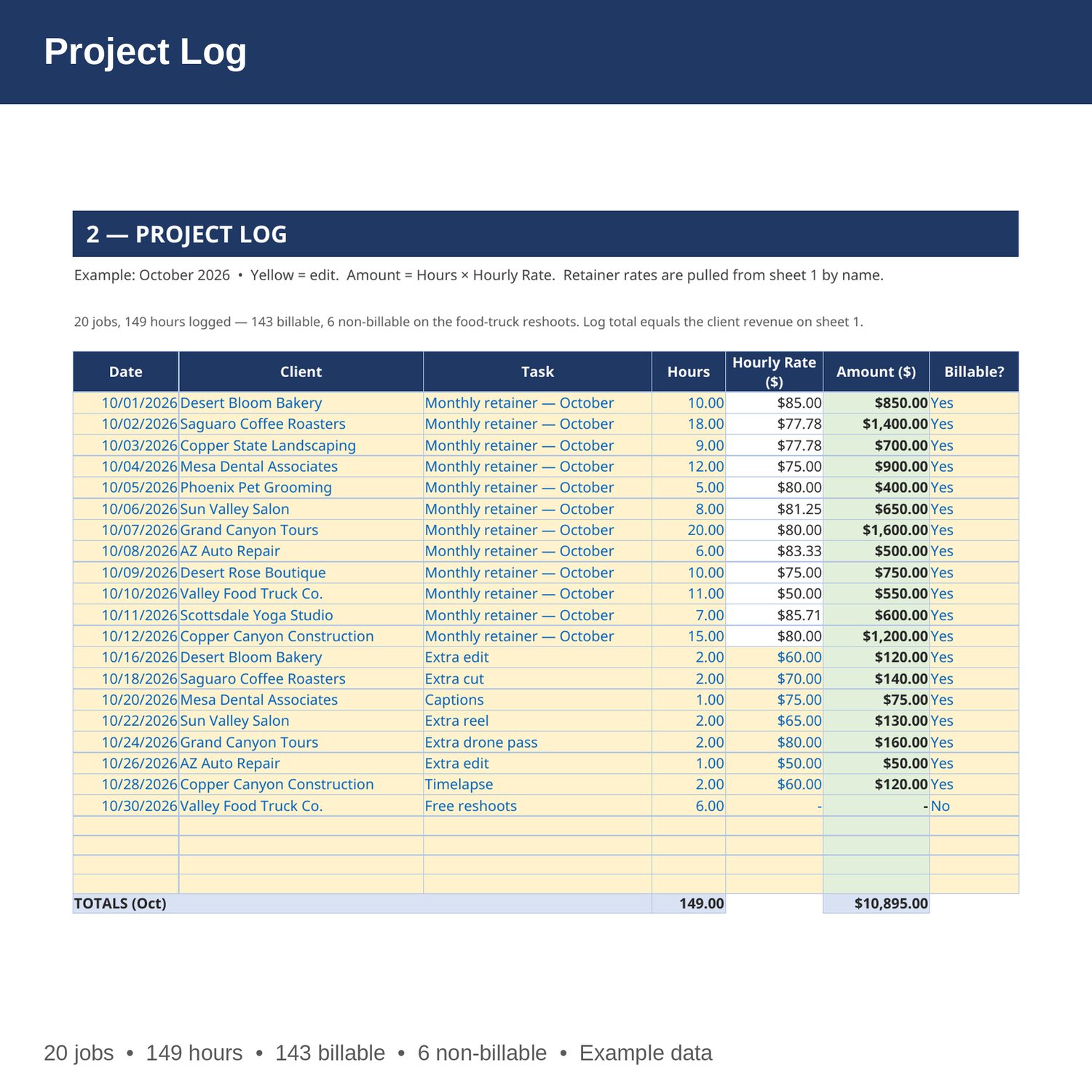
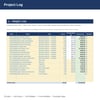
- Project Log — date, client, task, hours, hourly rate, amount, and whether it was billable for every job. Retainer rates are pulled from sheet 1 by formula; add-on jobs are priced per job.
- Expenses — equipment, mileage, office, marketing, insurance, software, other costs, with a monthly cost for each.
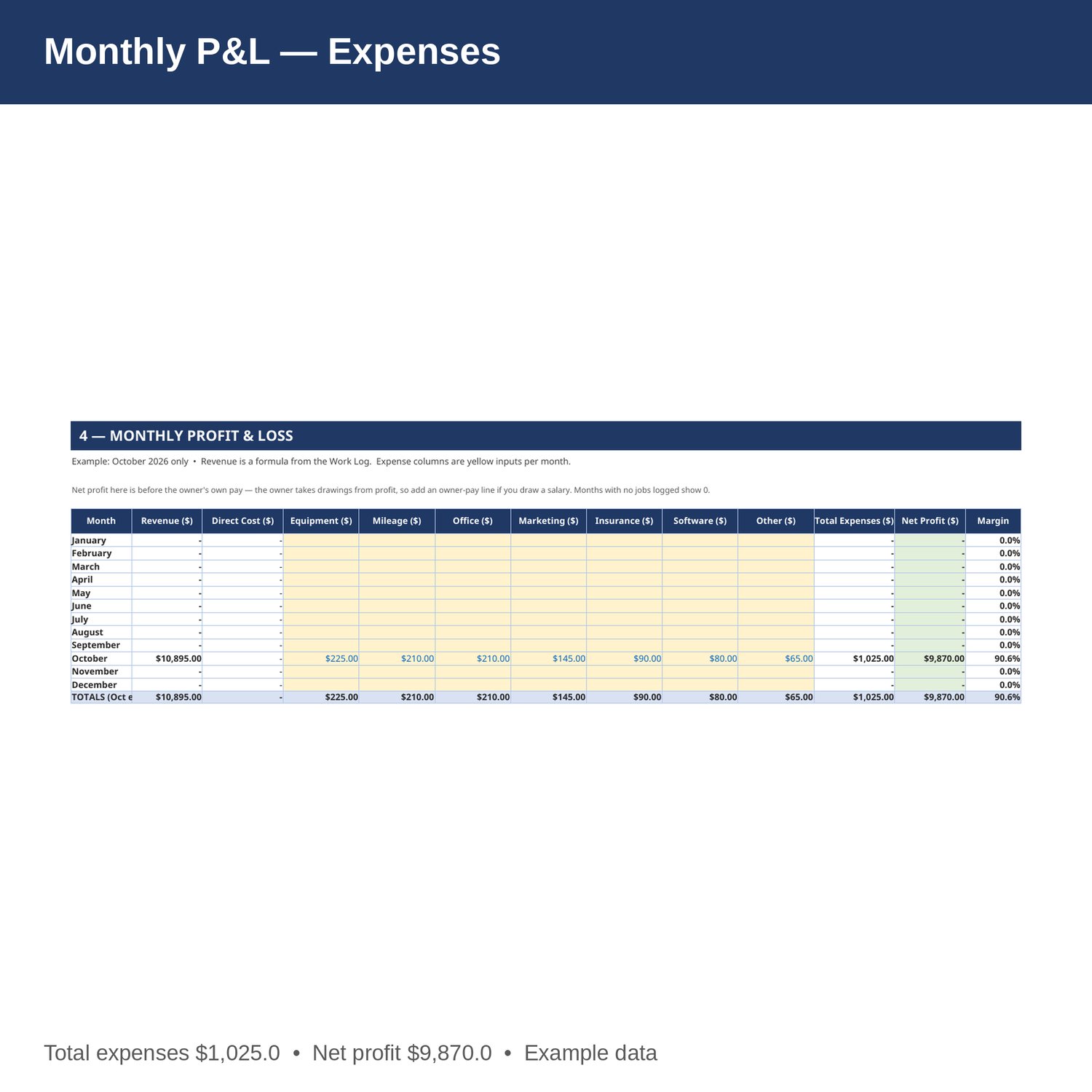
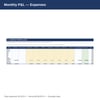
- Monthly P and L — revenue, equipment, mileage, office, marketing, insurance, software, other expenses by month, Jan-Dec, with net profit and margin. Revenue is a formula from the Project Log.
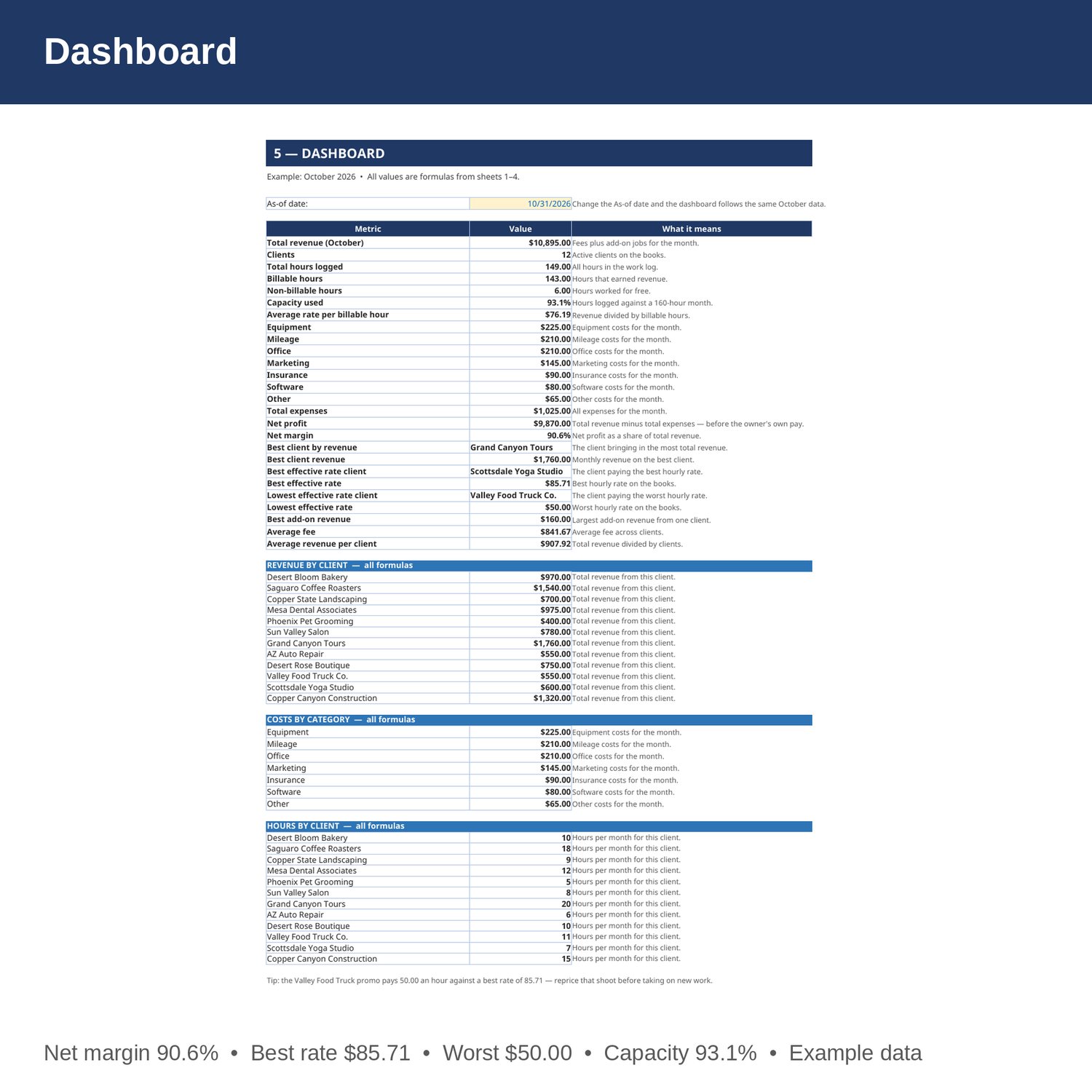
- Dashboard — total revenue, clients, hours, billable vs non-billable hours, capacity used, average rate, expenses, net profit and margin, best and weakest clients, revenue by client, costs by category, and hours by client.
- Cover and How to Use — start here. Yellow cells are the only ones you edit.
EXAMPLE DATA (October 2026 — replace with your own numbers):
- 12 clients; monthly fees 10,100; add-on revenue 795; total revenue 10,895.
- 131 retainer hours; 149 hours logged (143 billable, 6 non-billable); capacity used 93.1 percent of a 160-hour month; average rate per billable hour 76.19.
- Equipment 225; Mileage 210; Office 210; Marketing 145; Insurance 90; Software 80; Other 65; total expenses 1,025; net profit 9,870; net margin 90.6 percent.
- Best client by revenue: Grand Canyon Tours, 1,760. Best effective rate: Scottsdale Yoga Studio, 85.71 per hour. Lowest effective rate: Valley Food Truck Co., 50.00 per hour.
- Average monthly fee 841.67; average revenue per client 907.92; best add-on revenue 160.
HOW IT WORKS:
1. Download the Excel file instantly after purchase.
2. On sheet 1, enter each client's service package, monthly fee, hours per month, and add-on revenue. Effective hourly rate and total monthly revenue fill in by formula.
3. On sheet 2, add a row per job: date, client (spelled exactly as on sheet 1), task, hours, hourly rate, and whether it was billable. Amount fills in by formula. Retainer rows pull the rate from sheet 1.
4. On sheet 3, enter each month's costs by category.
5. On sheet 4, enter expenses each month, then check capacity and net profit on the Dashboard.
HOW THE NUMBERS WORK:
Effective hourly rate is monthly fee divided by hours per month. Total monthly revenue is the fee plus add-on revenue. Average rate per billable hour is total revenue divided by billable hours. Capacity used is hours logged divided by a 160-hour month. Net profit is revenue minus equipment, mileage, office, marketing, insurance, software, other expenses — before the owner's own pay, which comes out of profit as drawings.
WHO IT'S FOR:
Videographers, video business owners, and freelance filmmakers who want client fees, effective rates, billable hours, capacity, and a monthly P and L in one workbook — without accounting software.
PLEASE NOTE:
- This is a digital download. No physical item will be shipped.
- Works in Microsoft Excel and Google Sheets (upload to Google Drive to open in Sheets).
- Example data for October 2026 is included (12 clients, 131 retainer hours, 149 hours logged in total, 12 expense items). Replace it with your own numbers.
- The example is simplified: net profit is before the owner's own pay — the owner takes drawings from profit, so add an owner-pay line on the P and L if you draw a salary. Capacity is measured against a 160-hour month; change it on the Dashboard if your month is different.
- This is a bookkeeping and planning tool only, not tax, legal, or CPA advice.
- Due to the nature of digital downloads, refunds are not available. Message me before buying if you have a question.
Built by an accountant: B.S. Accountancy, ASU W. P. Carey, with revenue-reconciliation experience at Marriott and audit work at PwC.