






Exit Ticket Viewer App • Printable Exit Ticket Generator & Question Viewer
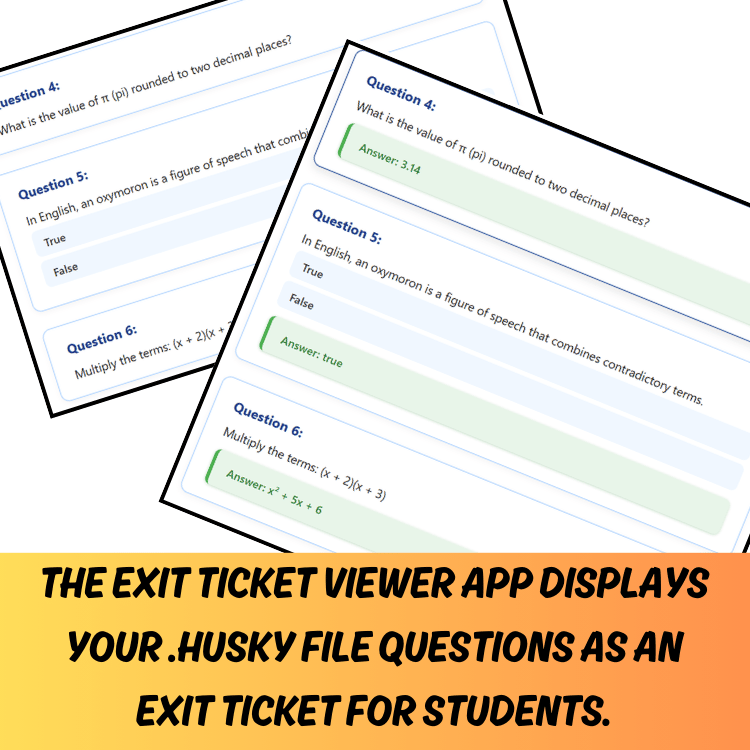
This Exit Ticket Viewer App is a printable and digital, browser-based digital resource built for teachers. Load your .husky files instantly, toggle answers, search by tags, and print polished exit tickets with a single click—no logins, no clutter, no hassle.
What the Exit Ticket Viewer App Does
- Loads .husky files instantly so you can preview exit ticket questions in a clean, printable layout
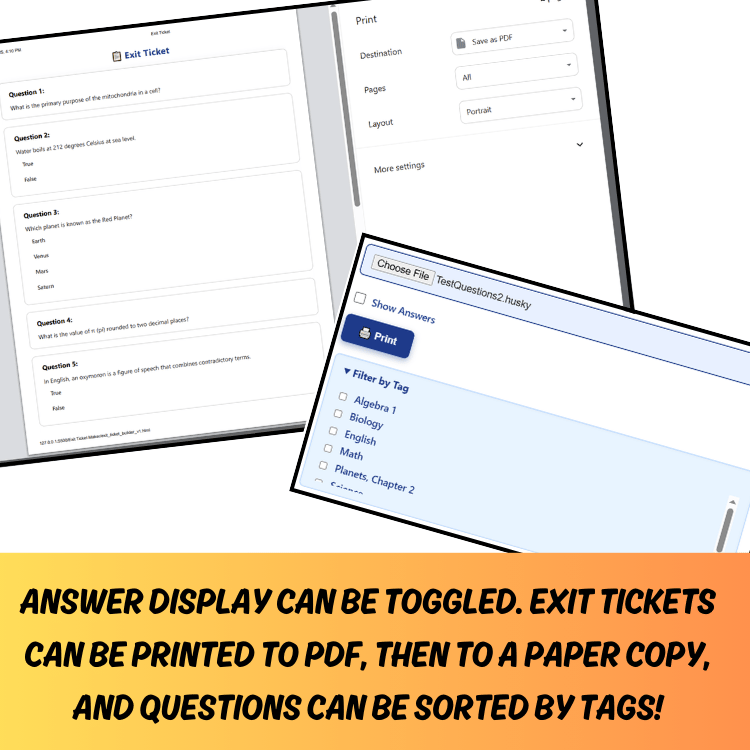
- One-click print exit tickets—no formatting needed
- Toggle answers on/off—use for assessment or review
- Search by tag to quickly find questions in large sets
- Clean print view—questions and answers neatly spaced, no extras shown
IMPORTANT: What You’re Buying
When you purchase this item, you receive a PDF containing:
A password unlock code to access the full App at
https://howlinhuskyapps.netlify.app/
Step-by-step instructions for use
A link to try all Husky Apps free via the demo dashboard
TRY THIS APP FREE: https://howlinhuskyapps.netlify.app/ – click Dashboard to check out this and other Husky Apps.
Why Teachers Love This Exit Ticket App:
- Simple, intuitive interface—no tech skills needed
- Professional, modern design on both screen and paper
- Saves prep time—no formatting or editing required
- Ideal for exit slips, ticket-out-the-door tasks, bell ringers, and assessment check-ins
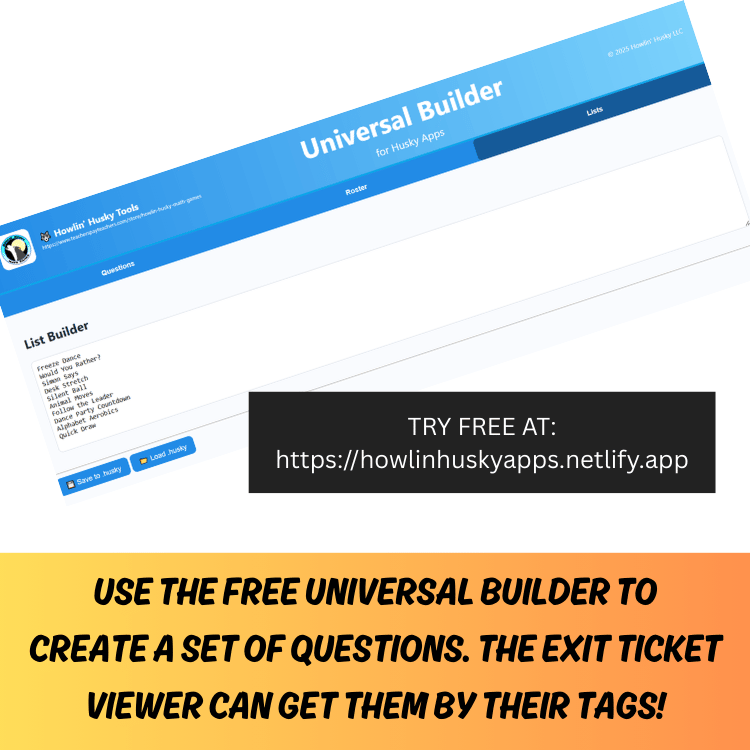
- Works seamlessly with your Universal Question Builder .husky question files
Perfect For:
- Teachers wanting to create exit tickets fast. You can use them on a projector or print them out!
- Educators already using the Universal Question Builder
- Classrooms that use digital and paper resources
- Teachers organizing and previewing question sets by tag
Teacher Benefits:
- Printable exit tickets in seconds—no formatting hassle
- Efficient workflow—save prep time
- The clean layout ensures student buy-in and usability
- Lightweight tool made by teachers, for teachers