

Neucruve plugin Costume easing with 5 engine graph for After Affect
NEUCURVE - AFTER EFFECTS EXTENSION
"Professional Easing & Animation Curve Tool for After Effects"
NEUCURVE is an After Effects extension that helps animators create, modify,
and apply complex animation curves quickly and intuitively.
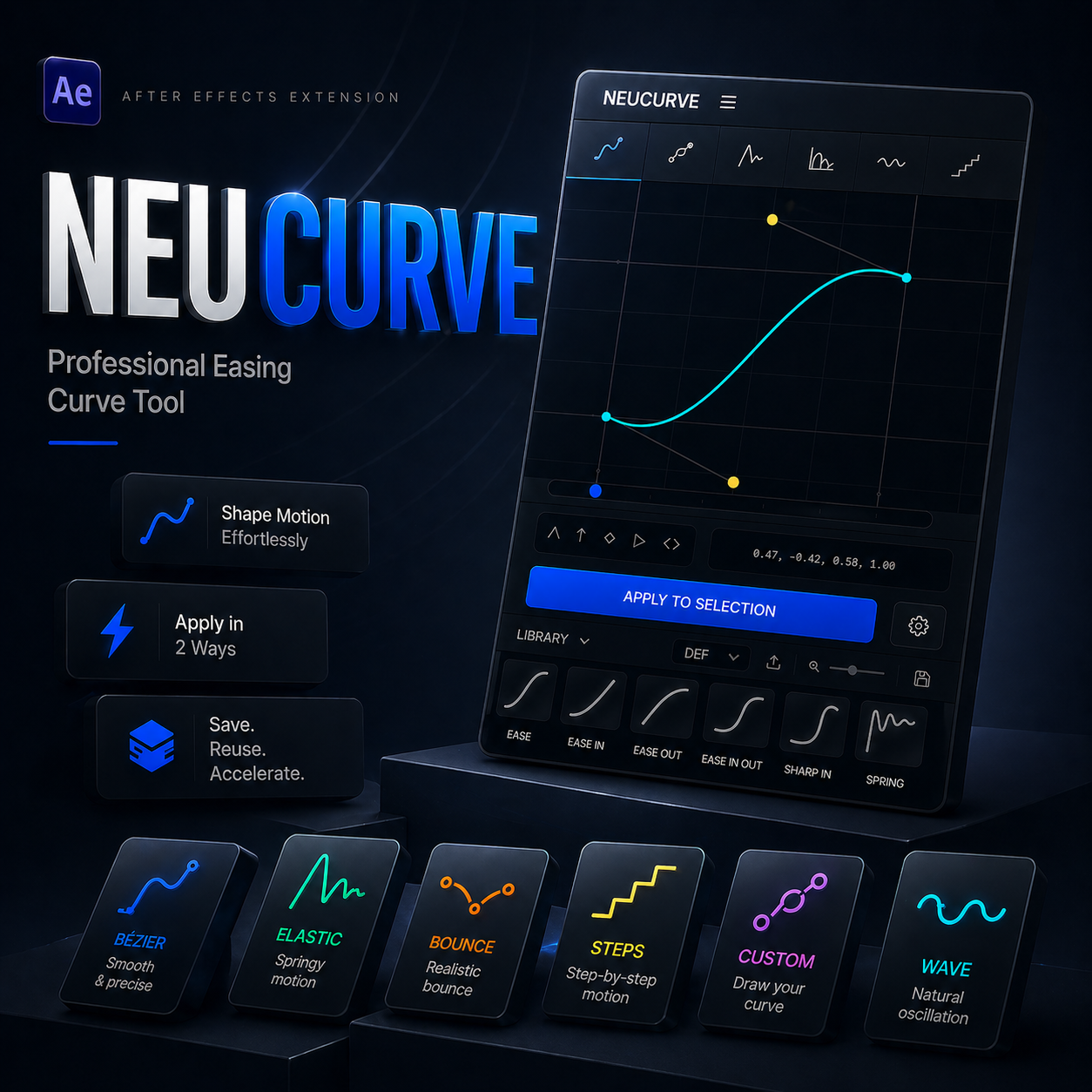
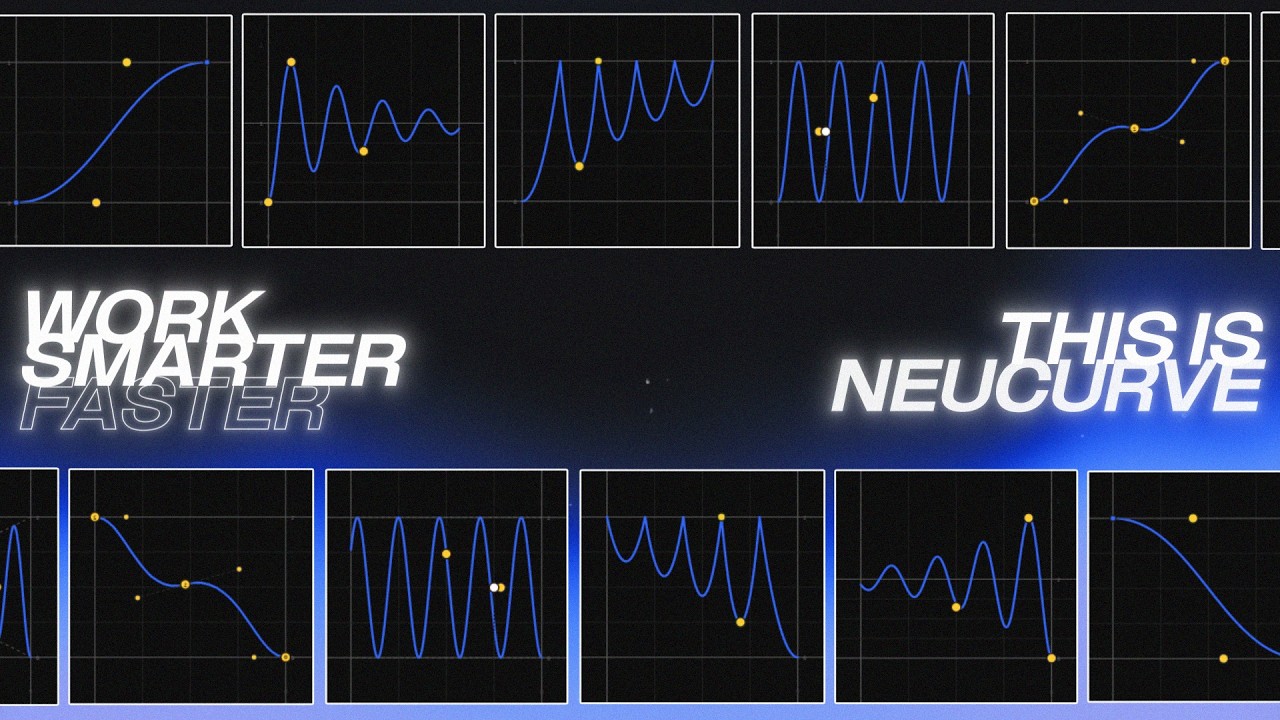
1. FIVE MAIN ANIMATION MODELS
- BEZIER: Standard easing control using Cubic Bezier handles.
- ELASTIC: Spring-like animation with oscillation (Amplitude, Frequency, Decay).
- BOUNCE: Physical bounce simulation with Stiffness and Bounce count controls.
- STEPS: Stepped animation (stair-like) for "stop-motion" or "hold" styles.
- CUSTOM: Freely draw curves using an anchor and handle system per segment.
2. INTERACTIVE GRAPH EDITOR
- SHIFT SNAP: Helps align handles to common grid values (0, 0.5, 1).
- ALT BREAK: (In Custom mode) Break handles to create sharp corners.
3. PRESET & LIBRARY SYSTEM
- DEFAULT PRESETS: Includes standard presets such as Ease In/Out, Bounce, Spring, and Steps.
- USER PRESETS: Save your own custom curves into a personal library for reuse in other projects.
4. TWO APPLICATION METHODS (APPLY)
- BAKE KEYS: Converts the curve into actual keyframes in the After Effects timeline. Ideal for traditional keyframe control.
- EXPRESSION: Applies the curve using After Effects expressions. Advantage: Keeps the timeline clean (only requires 2 keyframes: start/end).
5. MODERN FEATURES FOR FAST WORKFLOW
- REAL-TIME PREVIEW: A moving ball animation that follows the curve to preview the motion feel before applying it to keyframes.
- TAB DROPDOWN: Compact navigation between the editor, library, and expression code.
QUICK USAGE GUIDE:
1. Select one or more keyframes in the After Effects Timeline.
2. Choose a curve model (Bezier, Elastic, etc.) in NeuCurve.
3. Adjust the curve by dragging points on the graph.
4. Click the "APPLY TO SELECTION" button.