




Simple Audio Manager
On Sale
$9.99
$9.99
RESOLD HERE, I RECOMMEND BUYING IT ON THE UNITY ASSET STORE WHEN AVAILABLE THERE.
A sleek, simple, and efficient Audio Manager for Unity.
A lightweight and easy-to-use code-driven audio system that handles a good chunk of what someone may need without all of the fat of some of the larger audio systems.
Features:
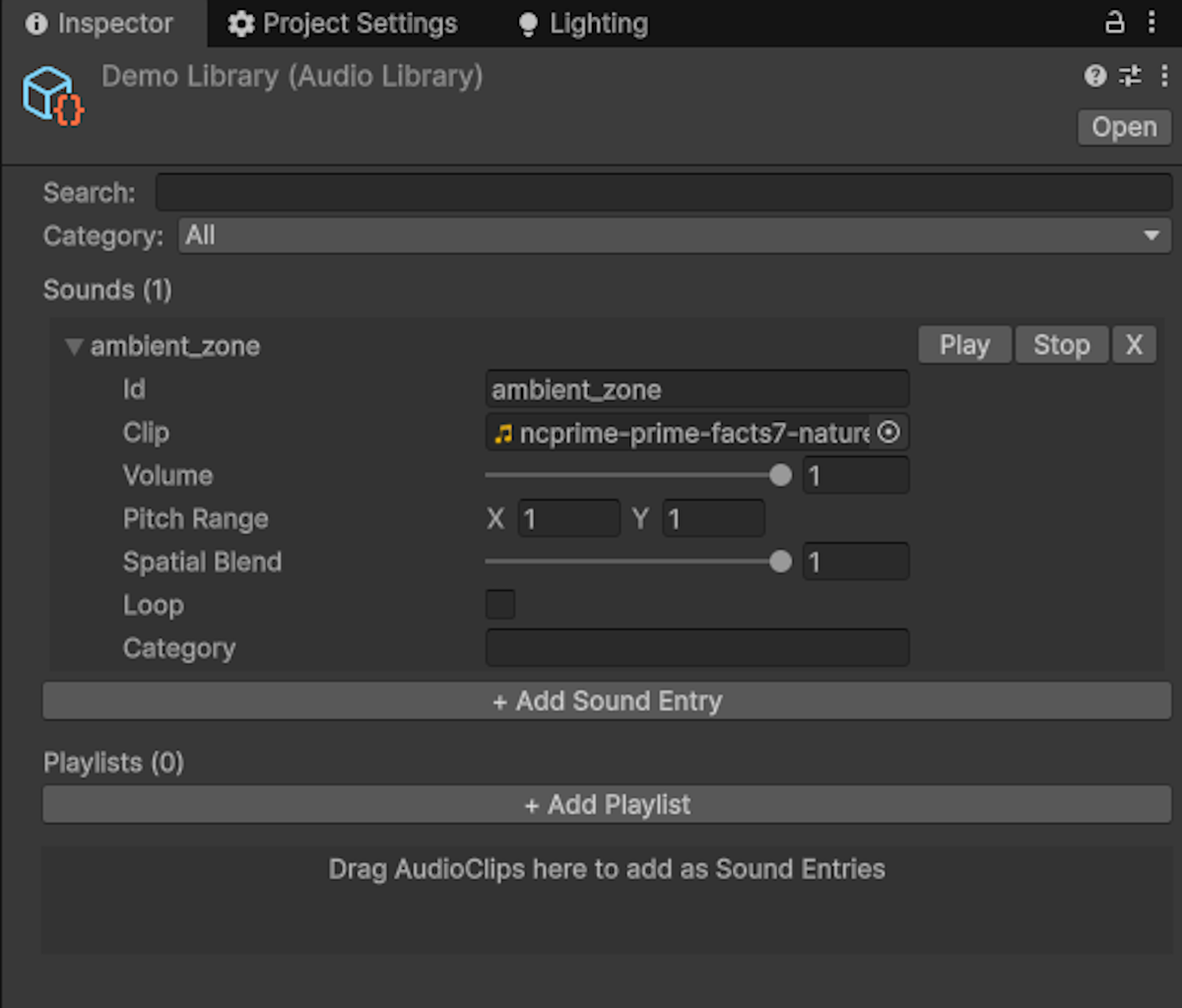
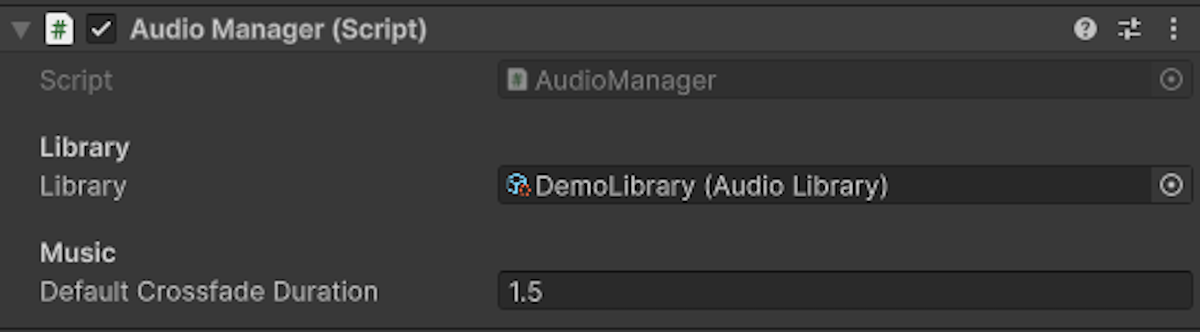
- Organize and Play your audio efficiently via an AudioLibrary system, allowing for you to call upon an audio by using a string instead of a reference to the clip itself.
- Organize and Play full playlists of audio via the AudioLibrary system with shuffling and looping.
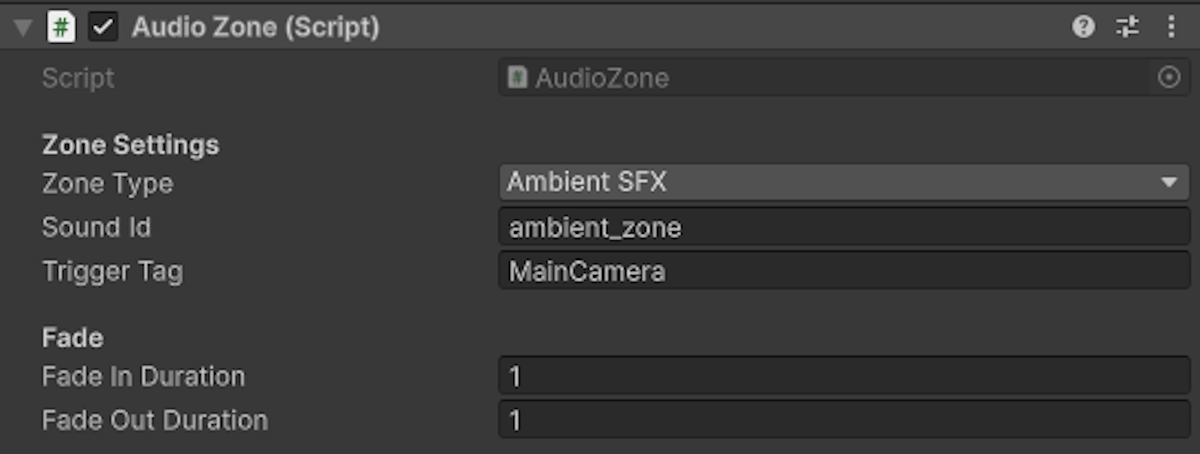
- AudioZones for ambience or music changes with customizable crossfade.
- Callbacks to major events for ease-of-use.
- Separate volume for Master, Music, and SFX for easy interfacing with a settings menu.
- Custom Editors for ease-of-use.
- Per-sound settings. Each sound has custom pitch randomization, spatial blend, volume, looping, and even categories.
- Crossfading with configurable timing.
- Simplistic API and Singleton structure.
- Full source code.
- Audio Mixer Group support.
- Support several clips per track for variations.
Methods:
- AudioManager.PlaySFX(string id); - Play an Audio by its assigned ID.
- AudioManager.PlaySFX(string id, Vector3 position) - Play an audio by its assigned ID at a position.
- AudioManager.PlayMusic(string id, fadeIn = 0f) - Play an audio by its assigned ID with optional crossfade in.
- AudioManager.CrossfadeMusic(string id, float duration = -1f) - Crossfade from the currently playing track to a new one.
- AudioManager.PlayPlaylist(string playlistName, fadeIn: 0f); - Start a playlist.
- AudioManager.SetMasterVolume(float volume); - Set Master Volume (autosaves to playerprefs)
- AudioManager.SetMusicVolume(float volume); - Set Music Volume (autosaves to playerprefs)
- AudioManager.SetSFXVolume(float volume); - Set SFX Volume (autosaves to playerprefs)
- AudioManager.PauseAll(); - Pause all audio.
- AudioManager.ResumeAll(); - Resume all audio.
Callbacks:
- AudioSettings.OnMasterVolumeChanged - Called whenever the master volume changes.
- AudioSettings.OnMusicVolumeChanged- Called whenever the music volume changes.
- AudioSettings.OnSFXVolumeChanged- Called whenever the sfx volume changes.