
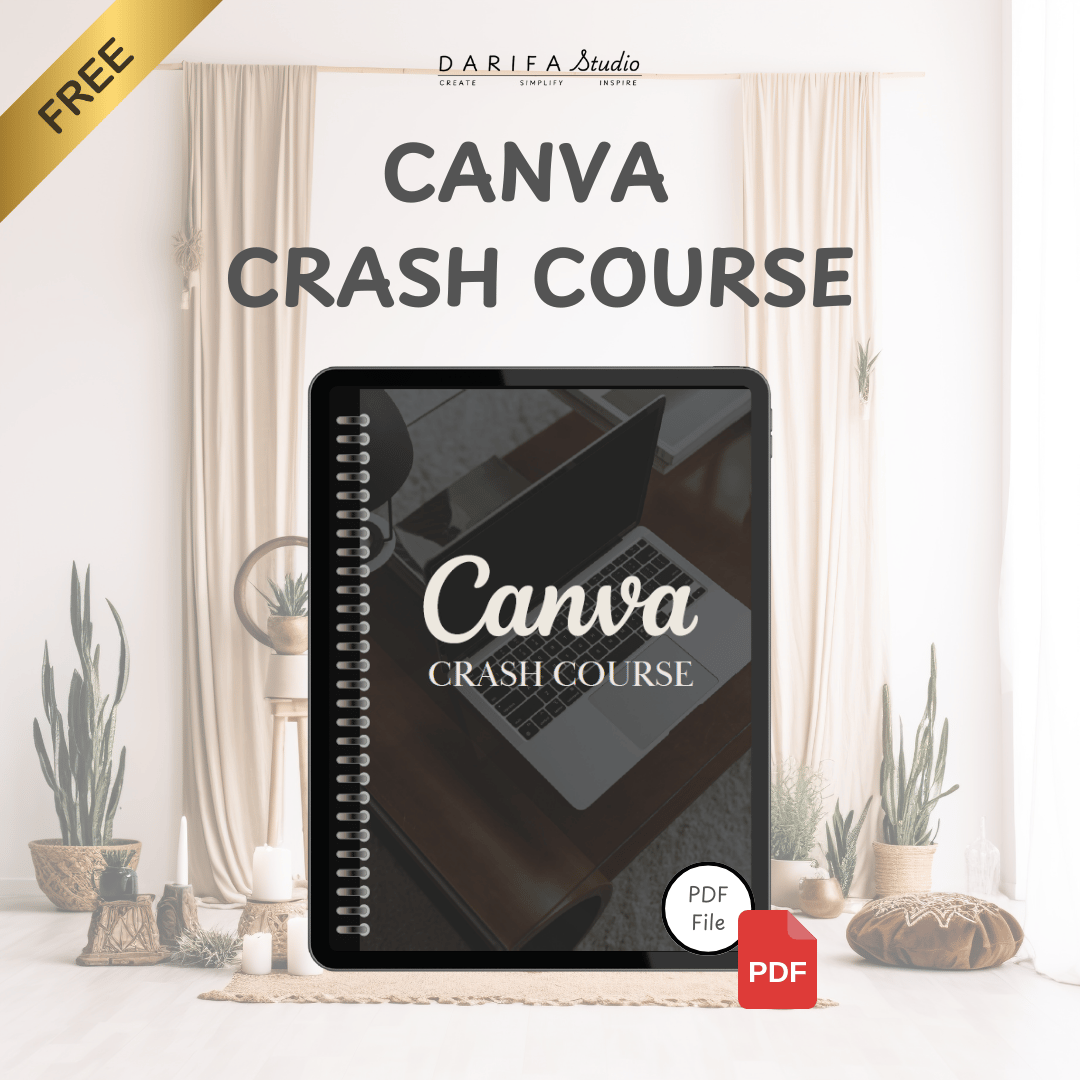
[Free] Canva Crash Course
🎨 Canva Crash Course 🎨
Master Canva Quickly and Effectively with the Canva Crash Course
The Canva Crash Course is an editable Canva template designed to help beginners and aspiring designers unlock the full potential of Canva. With step-by-step guidance on navigating the platform, understanding tools, and mastering design essentials, this course empowers you to create professional designs effortlessly.
Benefits of the Canva Crash Course
✅ Effortless Navigation and Mastery
- Learn how to set up your workspace, navigate Canva’s interface, and optimize your workflow with Getting Started with Canva and Navigating Your Workspace.
🎨 Unlock Your Creativity
- Master Canva’s toolset, from basic elements to advanced features, with the Understanding The Toolset module.
- Elevate your designs with practical tips on Font Pairing to create visually harmonious projects.
💾 Seamless Project Management
- Learn how to Save and Share Your Projects effortlessly, making collaboration and sharing with clients or team members a breeze.
📚 Customizable and Editable Template
- Personalize the course content with your branding, logo, and colors using Canva’s easy-to-edit features.
- Use it as a standalone product, part of a workshop, or as bonus content for clients.
PLR License
The Canva Crash Course includes a Private Label Rights (PLR) license, allowing you to:
- Rebrand and customize the course with your logo, colors, and design.
- Resell the course as your own product on platforms like Etsy or your website.
- Use it in workshops, design boot camps, or as additional resources for your clients.
(Note: Redistribution of PLR rights is prohibited.)
Product Details
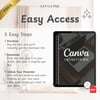
Format: Editable Canva template, accessible via an instant-downloadable PDF with setup instructions and template links.
Features:
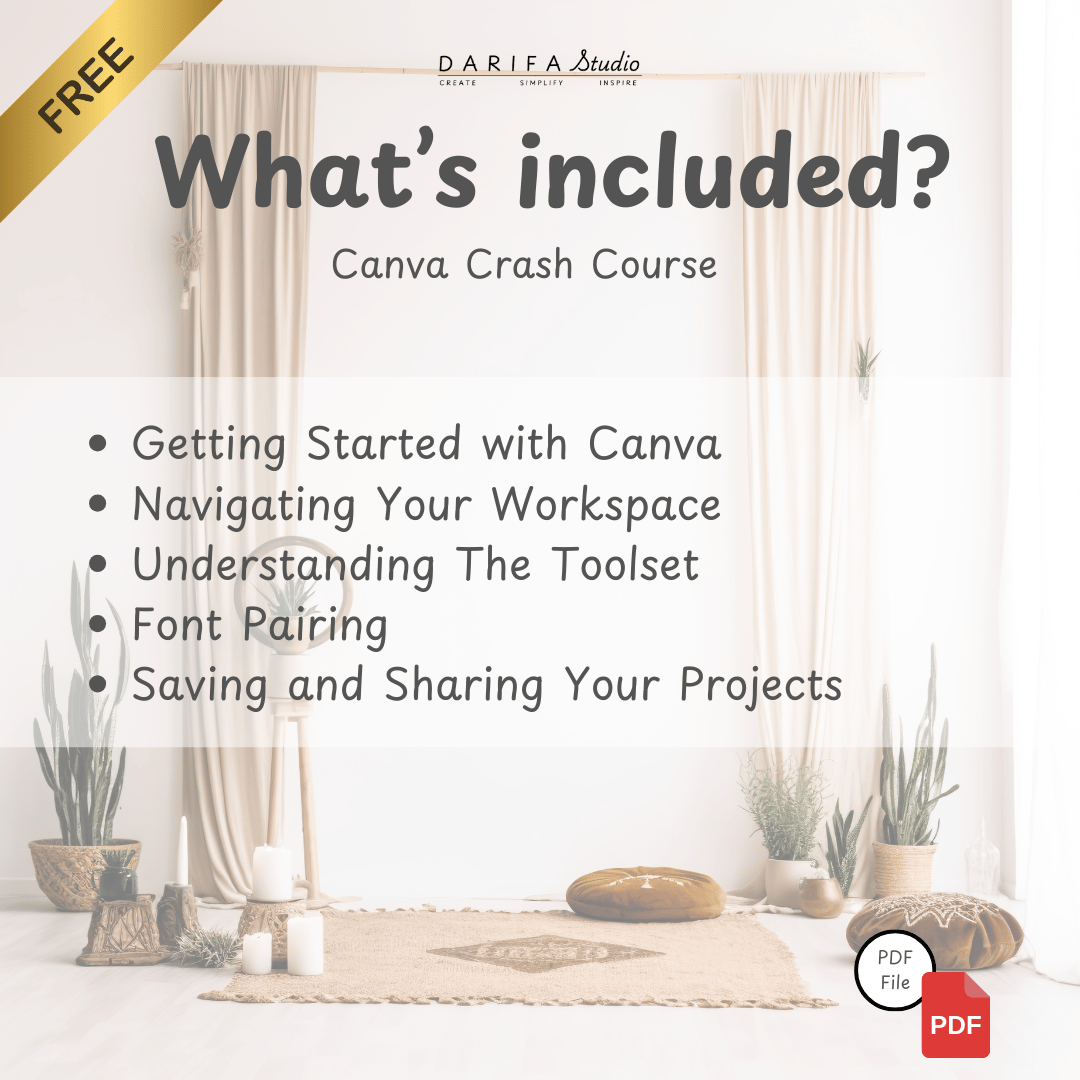
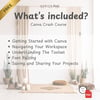
- Getting Started with Canva: Step-by-step guidance for creating your Canva account and exploring its basic features.
- Navigating Your Workspace: Learn how to efficiently navigate Canva’s interface and organize your projects.
- Understanding The Toolset: A comprehensive guide to Canva’s tools, from basic shapes to advanced editing features.
- Font Pairing: Practical tips and examples to choose and pair fonts like a pro for stunning designs.
- Saving and Sharing Your Projects: Instructions on saving designs, exporting files, and sharing your work seamlessly.
Ideal for: Beginners, freelancers, business owners, and anyone looking to design like a pro with Canva.
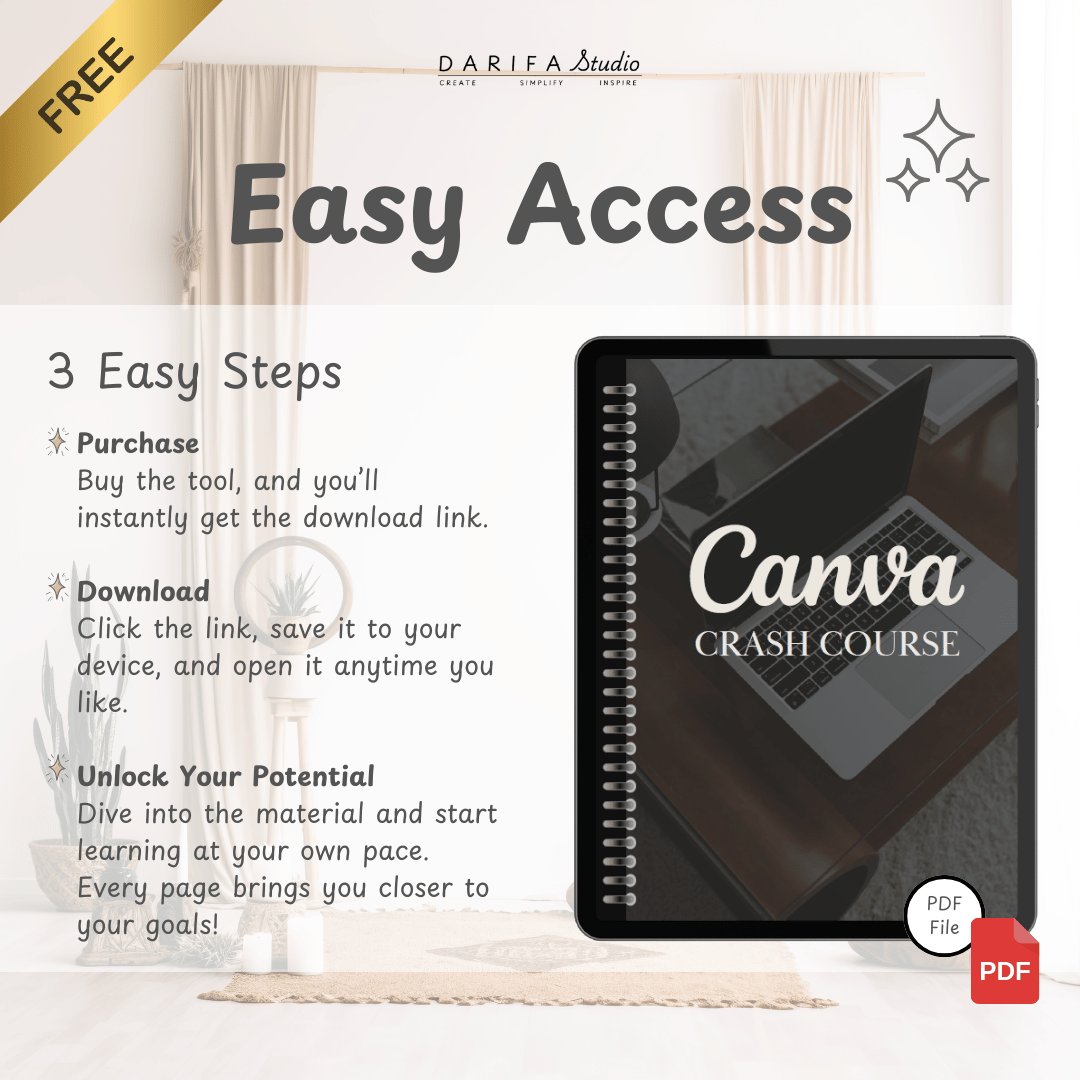
Delivery: Instant access upon download. Includes a PDF guide with setup instructions and template links.
Empower your creativity and design like a pro—start your journey with the Canva Crash Course today! 🎨