
Household Finances Workbook for Separation or Divorce
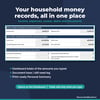
One workbook for your household money records during a separation or divorce.
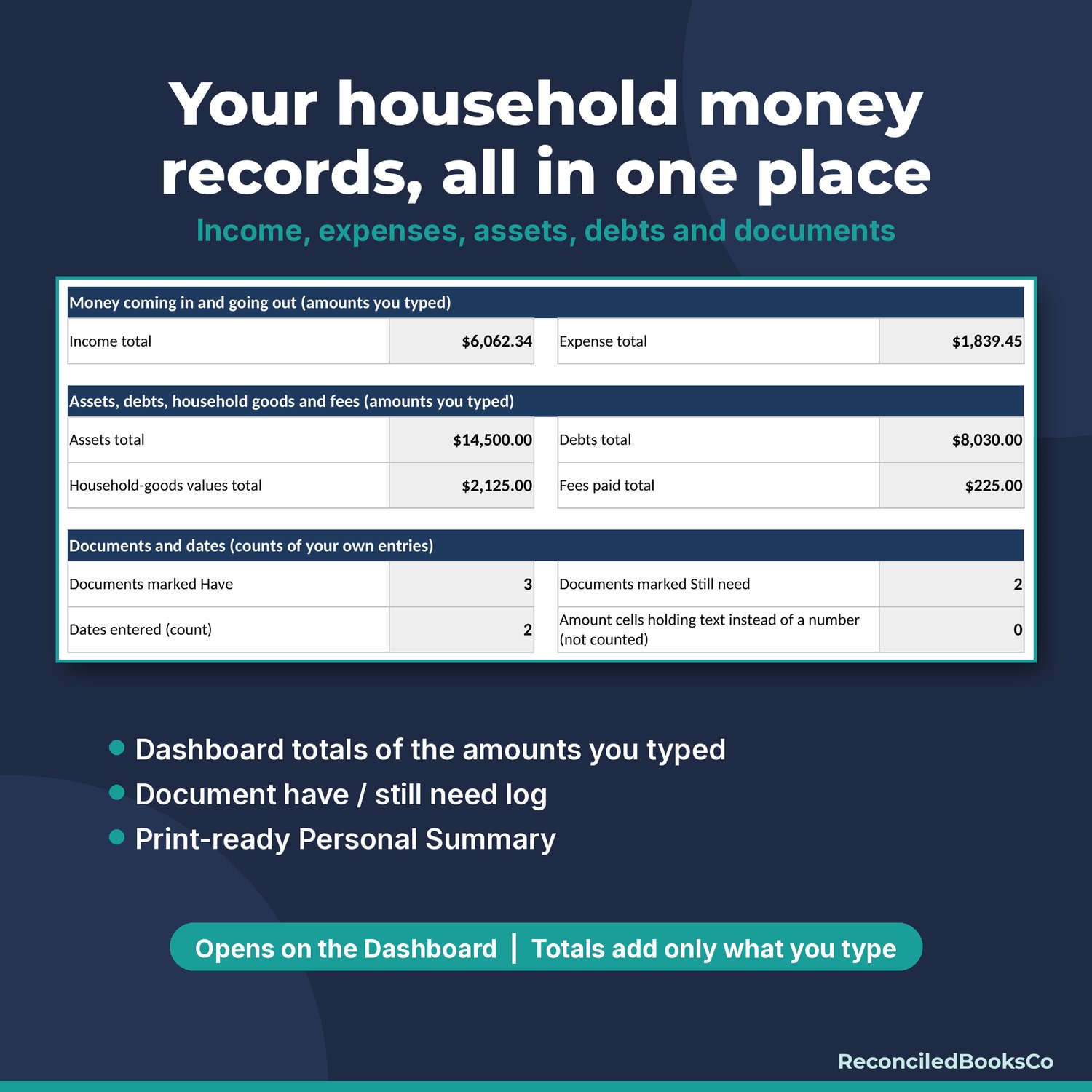
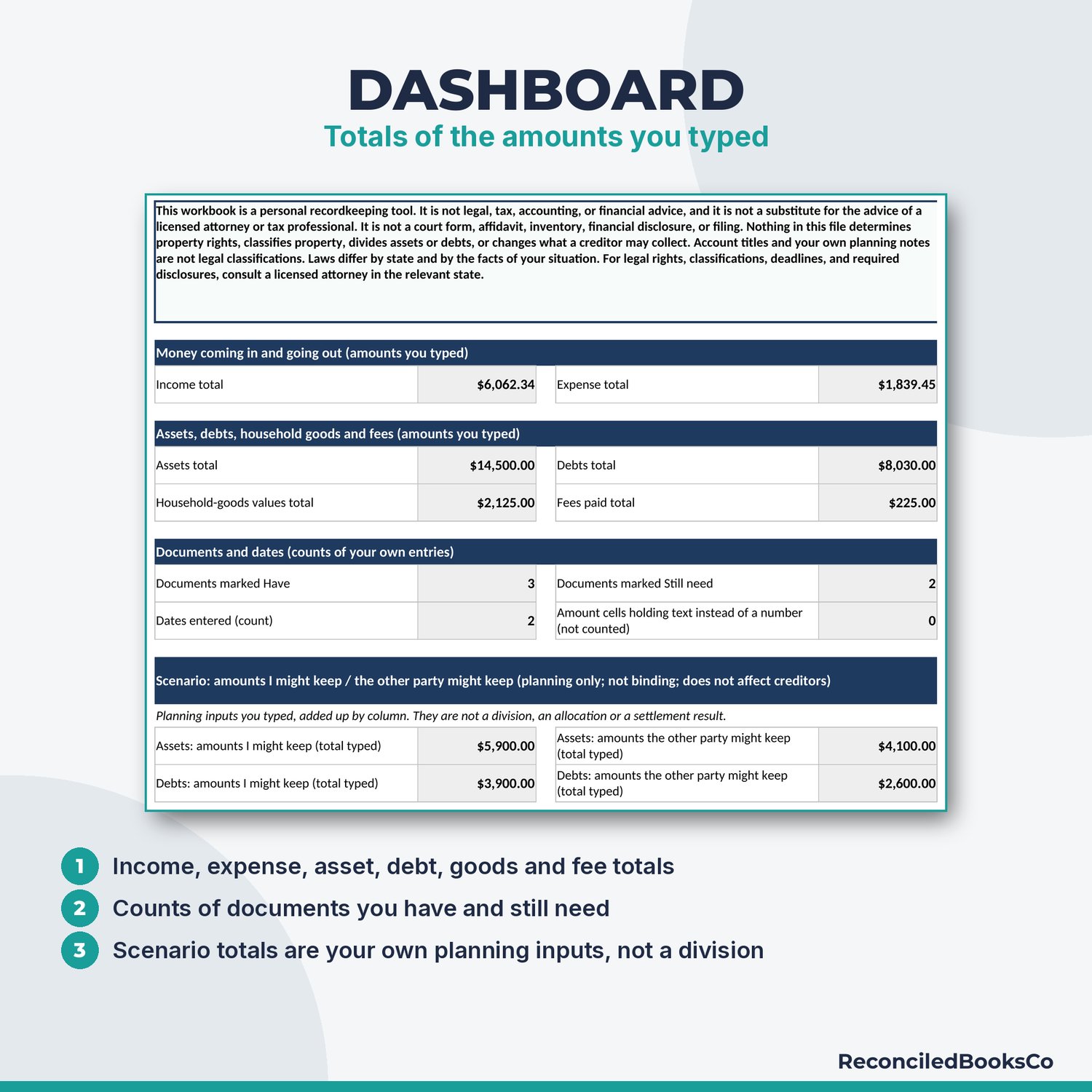
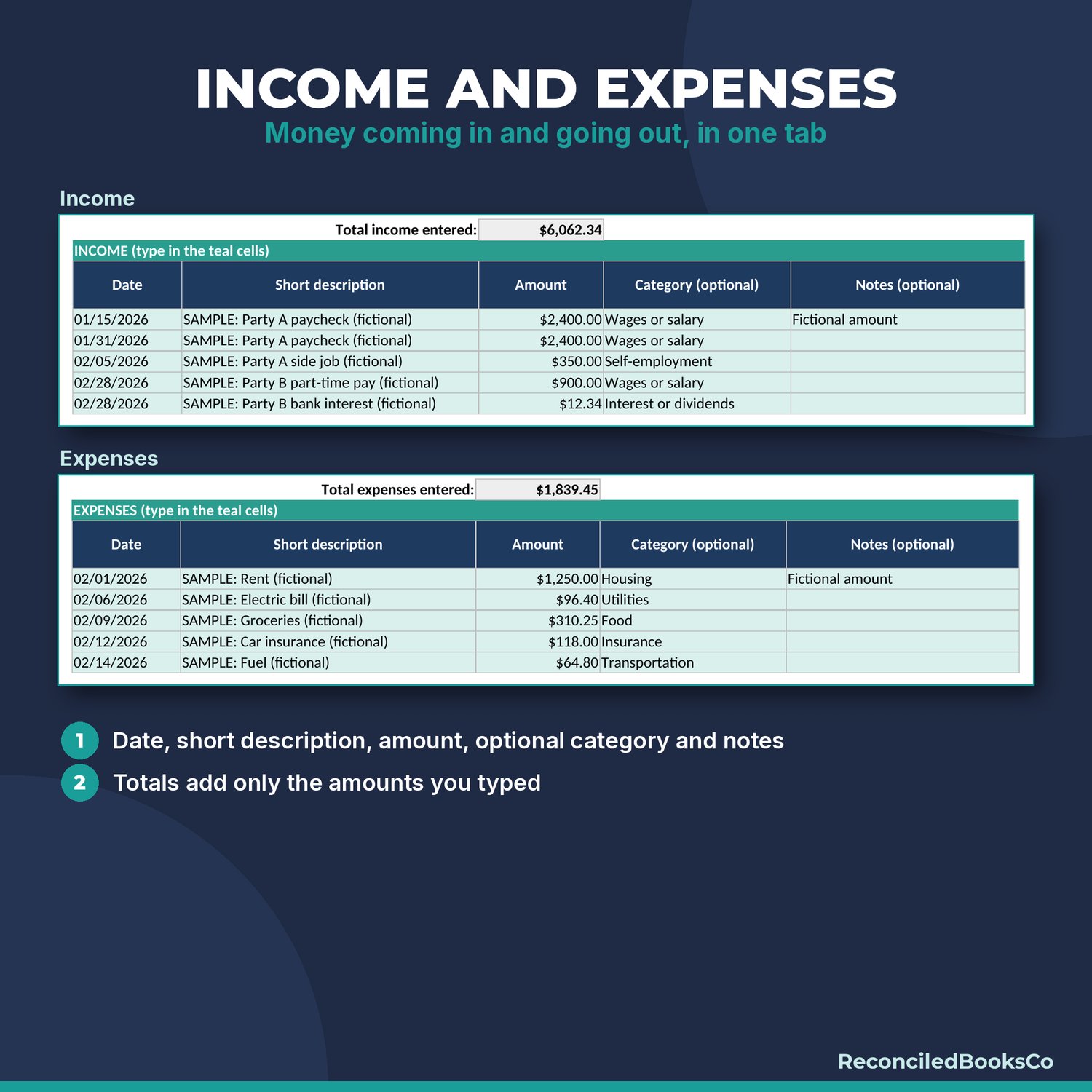
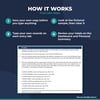
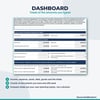
Type in your income, expenses, assets, debts and papers, and the Dashboard shows the totals in one place.
This is an organizer only. It does not divide assets or debts, classify property, handle custody or work out deadlines.
Who it's for: people who want to organize their own household money records during a separation or divorce.
What you can record
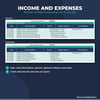
• Income and expenses, with totals of what you enter
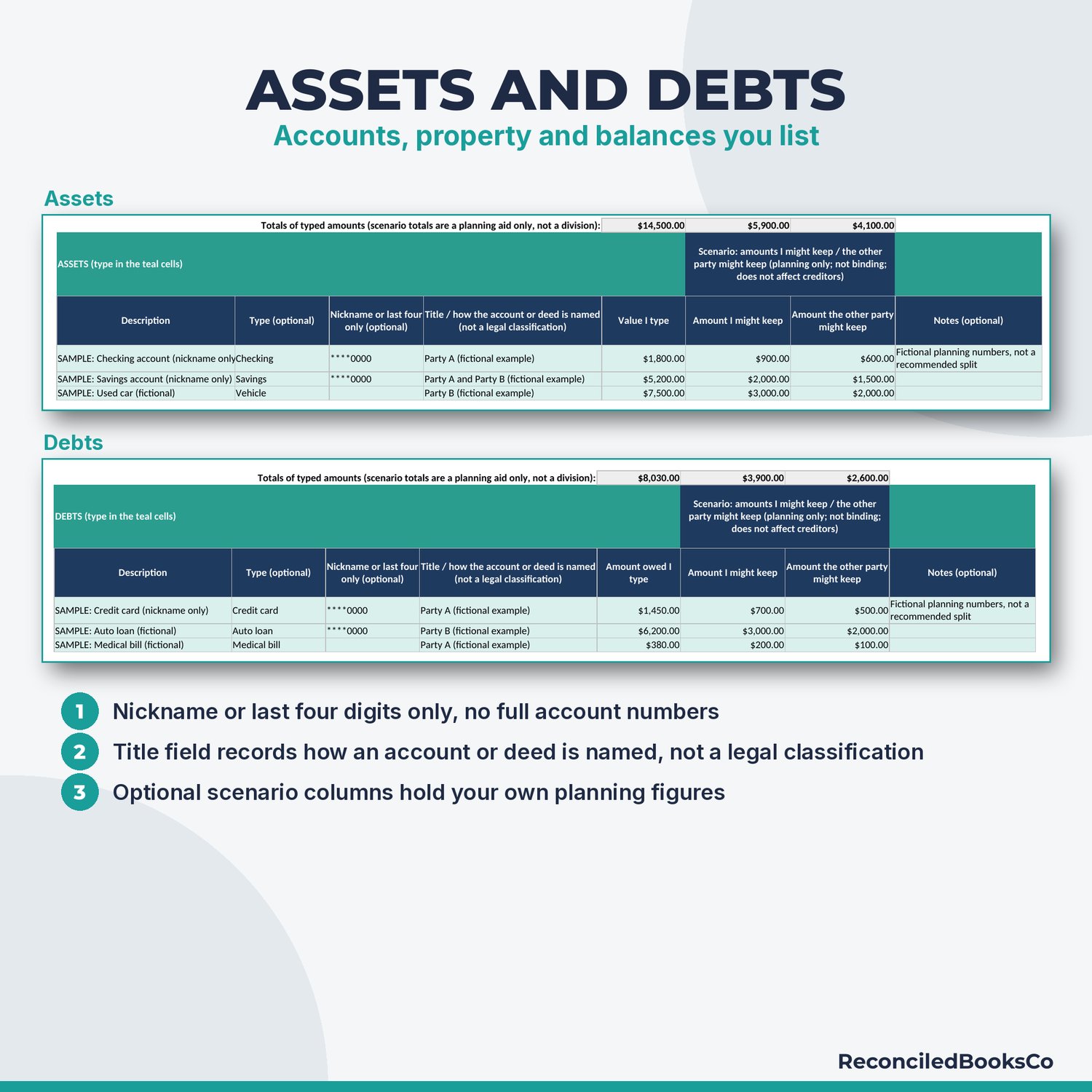
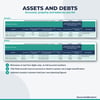
• Assets and debts, with a field for how each account or deed is titled. That is a record of the title, not a legal classification.
• Your own planning figures for what each person might keep. These are private notes. They are not binding and do not change what a creditor may collect.
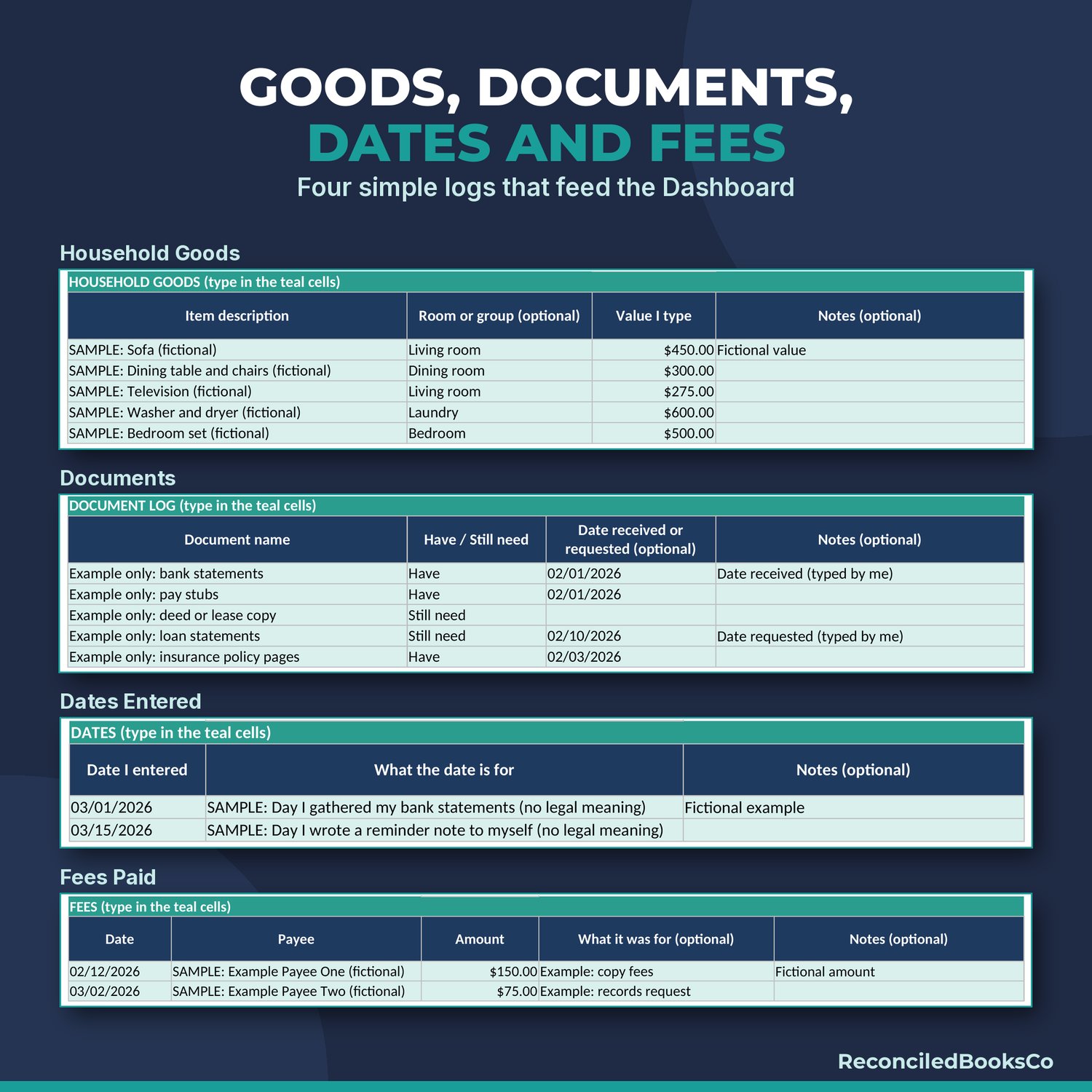
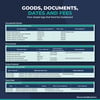
• Documents you have and documents you still need. Any examples in the file are examples only, not a required legal list.
• Dates you type in. The workbook does not calculate or check deadlines.
• Household goods and the values you give them
• Fees you paid, as a record only, not tax advice
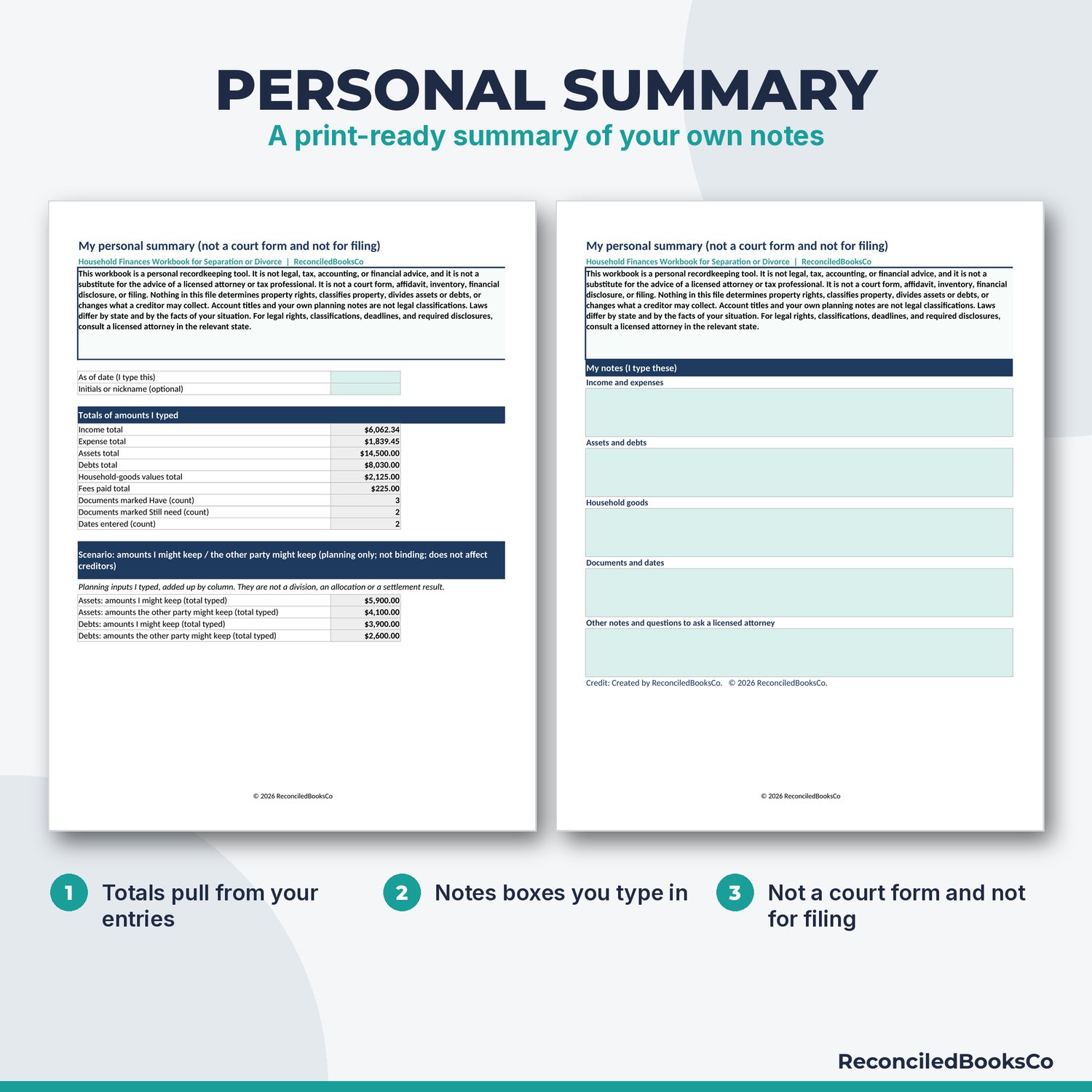
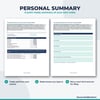
• A printable Personal Summary of your own notes. It is not a court form and is not for filing.
Light teal cells are for typing. Formulas are protected so they stay put.
Specs
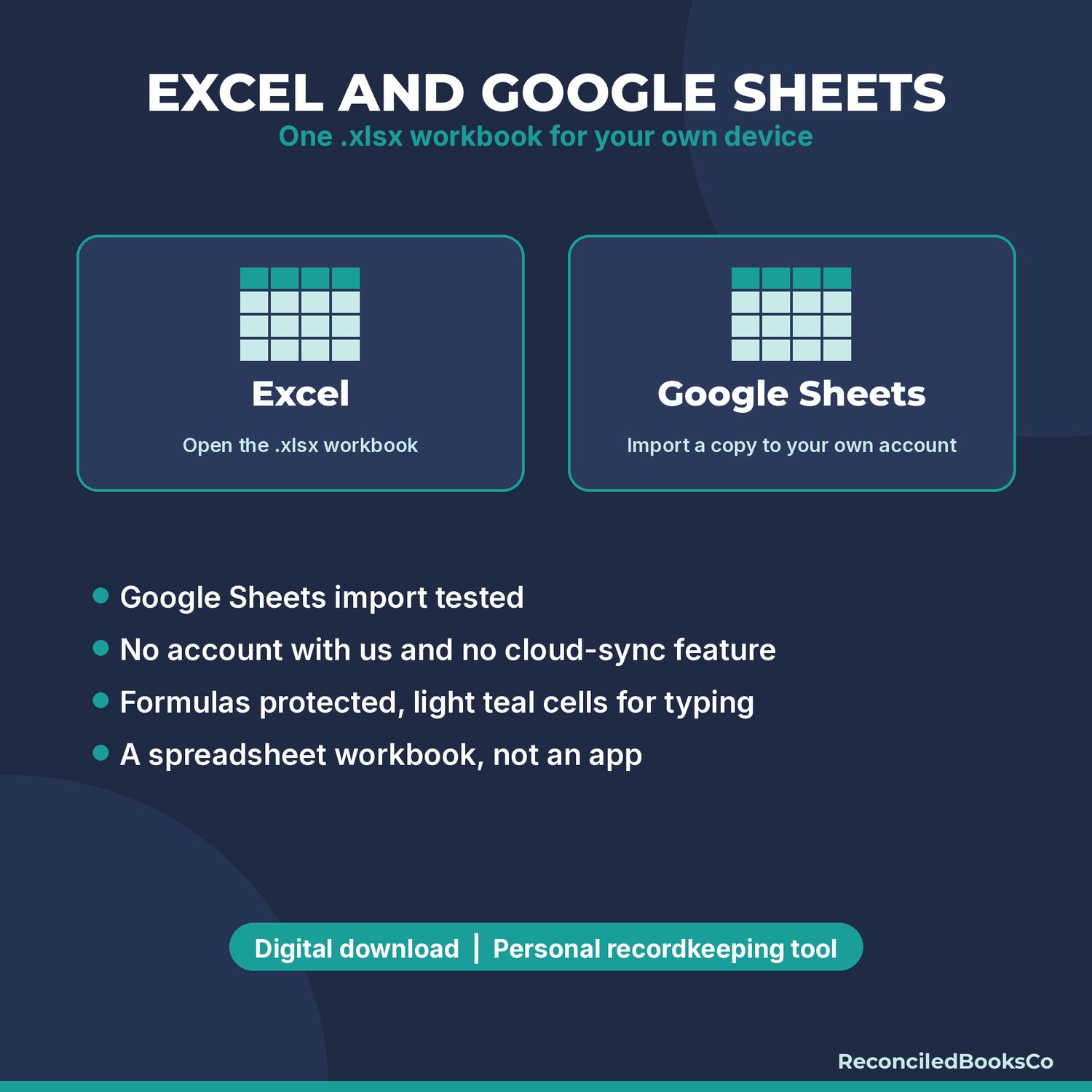
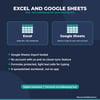
Format: .xlsx workbook, plus a Google Sheets copy through the link in the included PDF
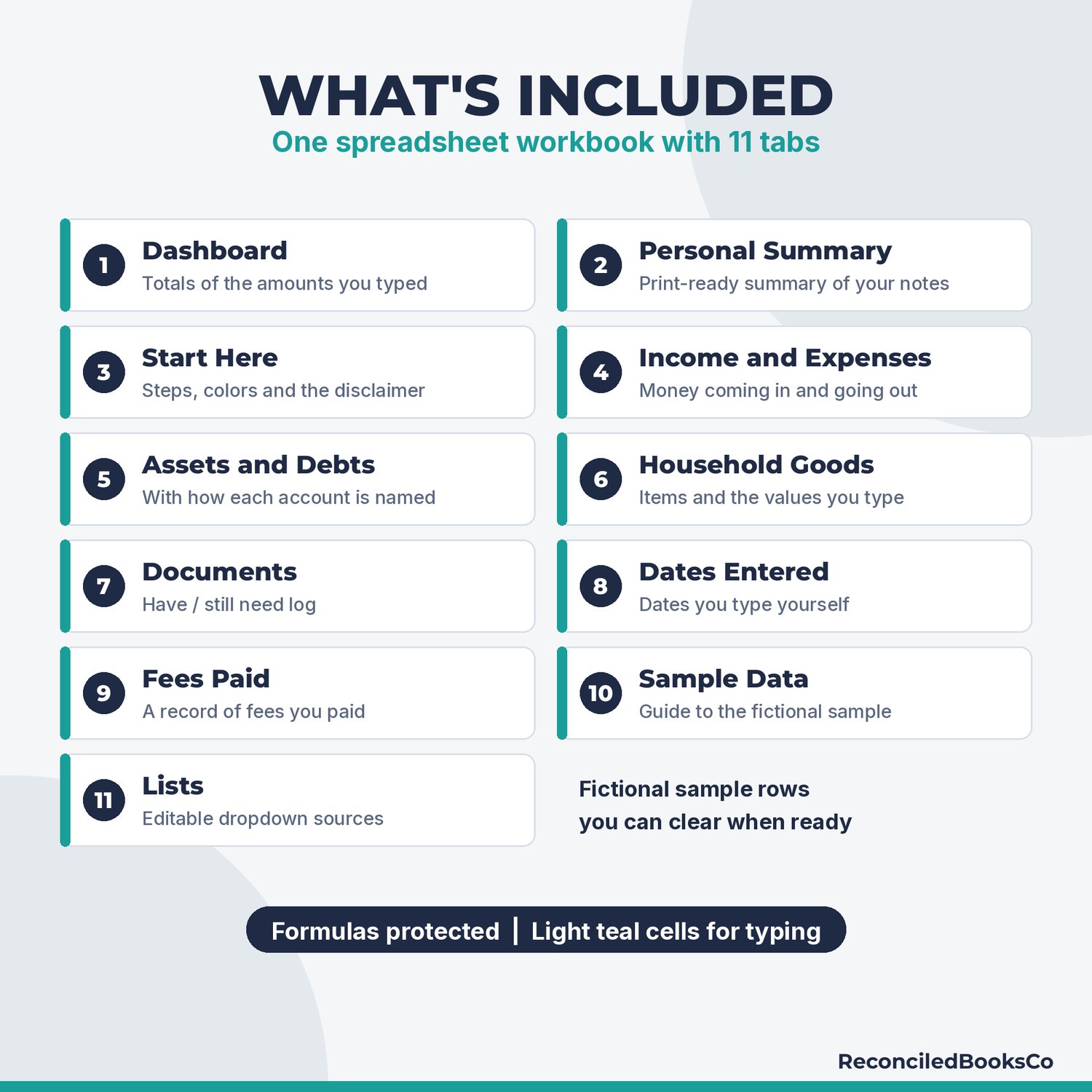
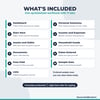
Tabs: 11 (Dashboard, Personal Summary, Start Here, Income and Expenses, Assets and Debts, Household Goods, Documents, Dates Entered, Fees Paid, Sample Data, Lists)
Google Sheets: import tested
Devices: any device that can open an .xlsx workbook, or a browser signed in to your Google account for the Sheets copy
Printing: the Personal Summary prints on 2 US Letter pages
Workbook size: about 66 KB
Delivery: instant digital download (one .zip file). Nothing ships.
What's included (2 files in the .zip)
• The .xlsx workbook with 11 tabs
• A 1-page PDF with a Google Sheets "Make a copy" link
Questions
How do I use it in Google Sheets?
Open the PDF, sign in to your Google account and click the link. Choose "Make a copy". The copy saves to your own Google Drive.
How do I use the .xlsx file?
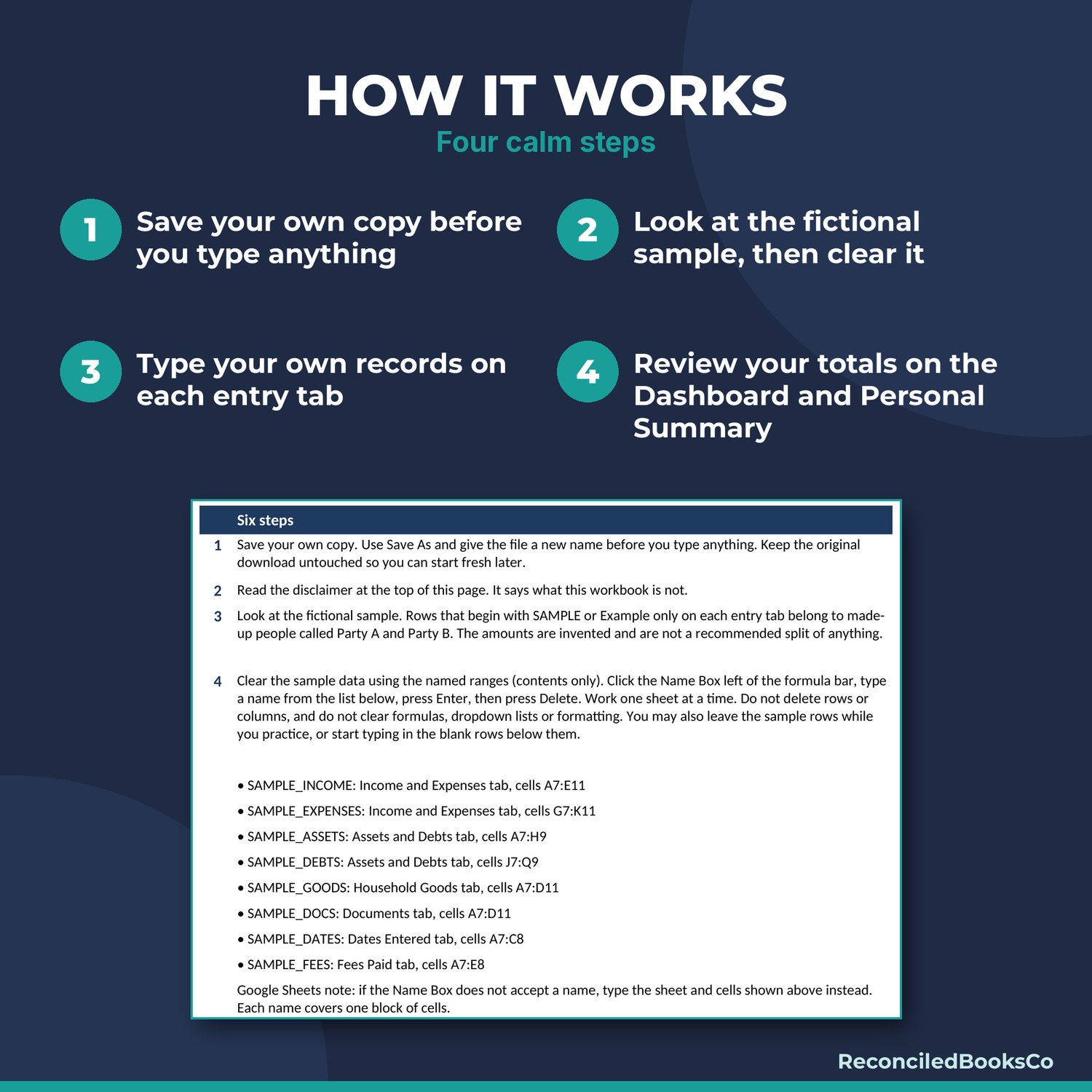
Unzip the download and save your own copy first. Then open the .xlsx workbook. Start Here walks you through the steps.
Why are there numbers in it already?
The file starts with fictional sample rows so you can see how it works. The Start Here and Sample Data tabs show how to clear them.
Is my information sent anywhere?
No. There is no account with us, and the file does not upload your information. Copies you email, print or save in a cloud folder are still copies of your notes.
License: for personal use or use in your own business, church or organization. Please don't resell, share or redistribute the file.
Important information
This workbook is a personal recordkeeping tool. It is not legal, tax, accounting, or financial advice, and it is not a substitute for the advice of a licensed attorney or tax professional. It is not a court form, affidavit, inventory, financial disclosure, or filing. Nothing in this file determines property rights, classifies property, divides assets or debts, or changes what a creditor may collect. Account titles and your own planning notes are not legal classifications. Laws differ by state and by the facts of your situation. For legal rights, classifications, deadlines, and required disclosures, consult a licensed attorney in the relevant state.
This is a digital download. No physical item will be shipped.
Built by ReconciledBooksCo, a small shop run by an experienced accountant.