
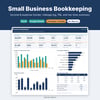
Small Business Bookkeeping Spreadsheet | Income & Expense Tracker | Schedule C, Mileage Log, Quarterly Tax | Excel & Google Sheets
If you freelance, run a side hustle or own a small service business, your bookkeeping probably lives in a shoebox, a bank app and your memory. This spreadsheet gives it one home. No accounting software, no subscription and no jargon.
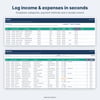
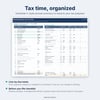
Log income and expenses as they happen, choose a category from the dropdown, note whether you kept the receipt, and the rest updates for you: a monthly profit & loss, a dashboard with charts, a mileage deduction, a rough quarterly tax set-aside, and an annual summary organized the way Schedule C (Form 1040) is.
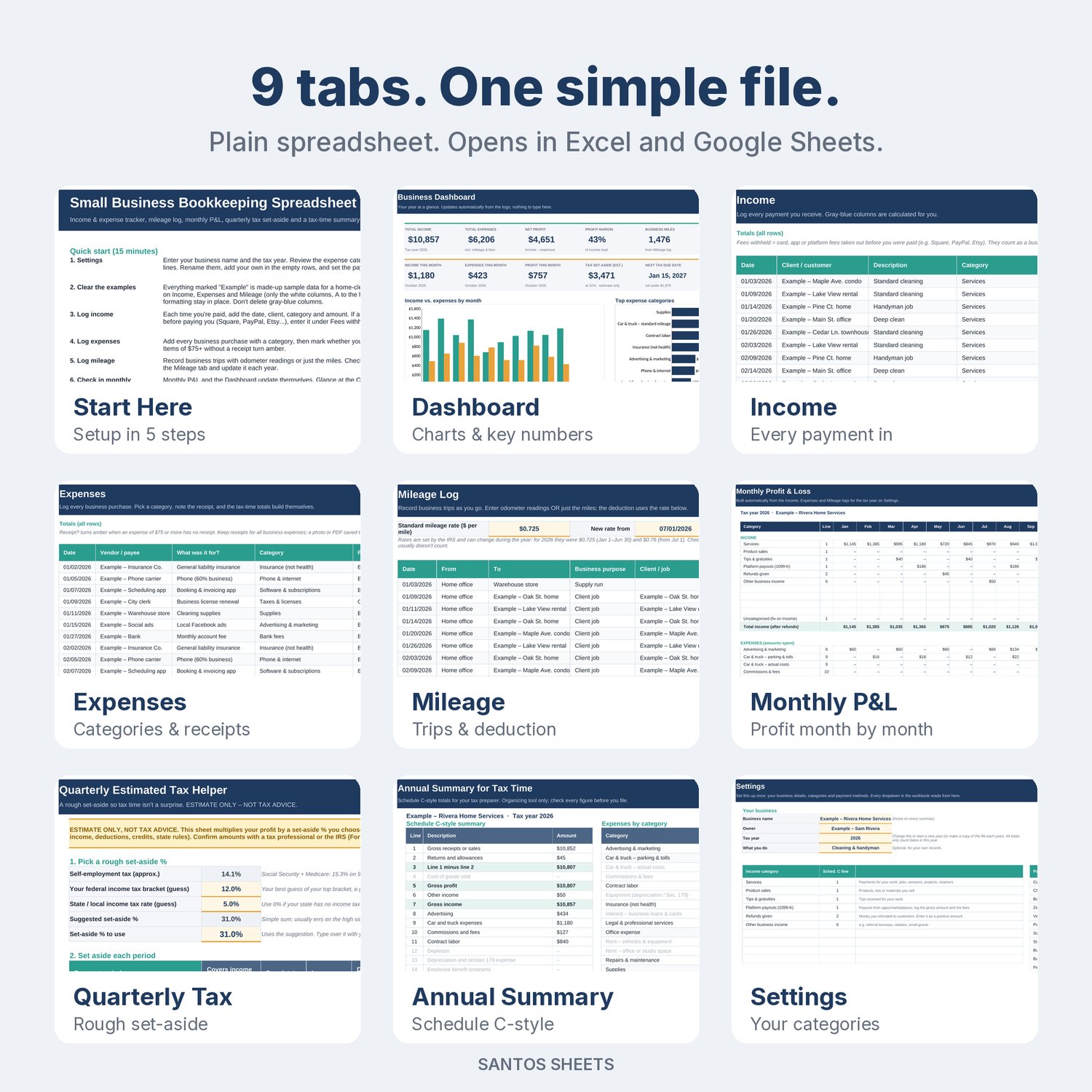
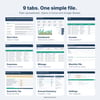
What's inside (9 tabs):
- Start Here: a quick setup guide (about 15 minutes) and tips for keeping it up to date.
- Settings: your business name, tax year, payment methods, and income and expense categories. The expense categories are based on IRS Schedule C lines, and you can rename or add your own.
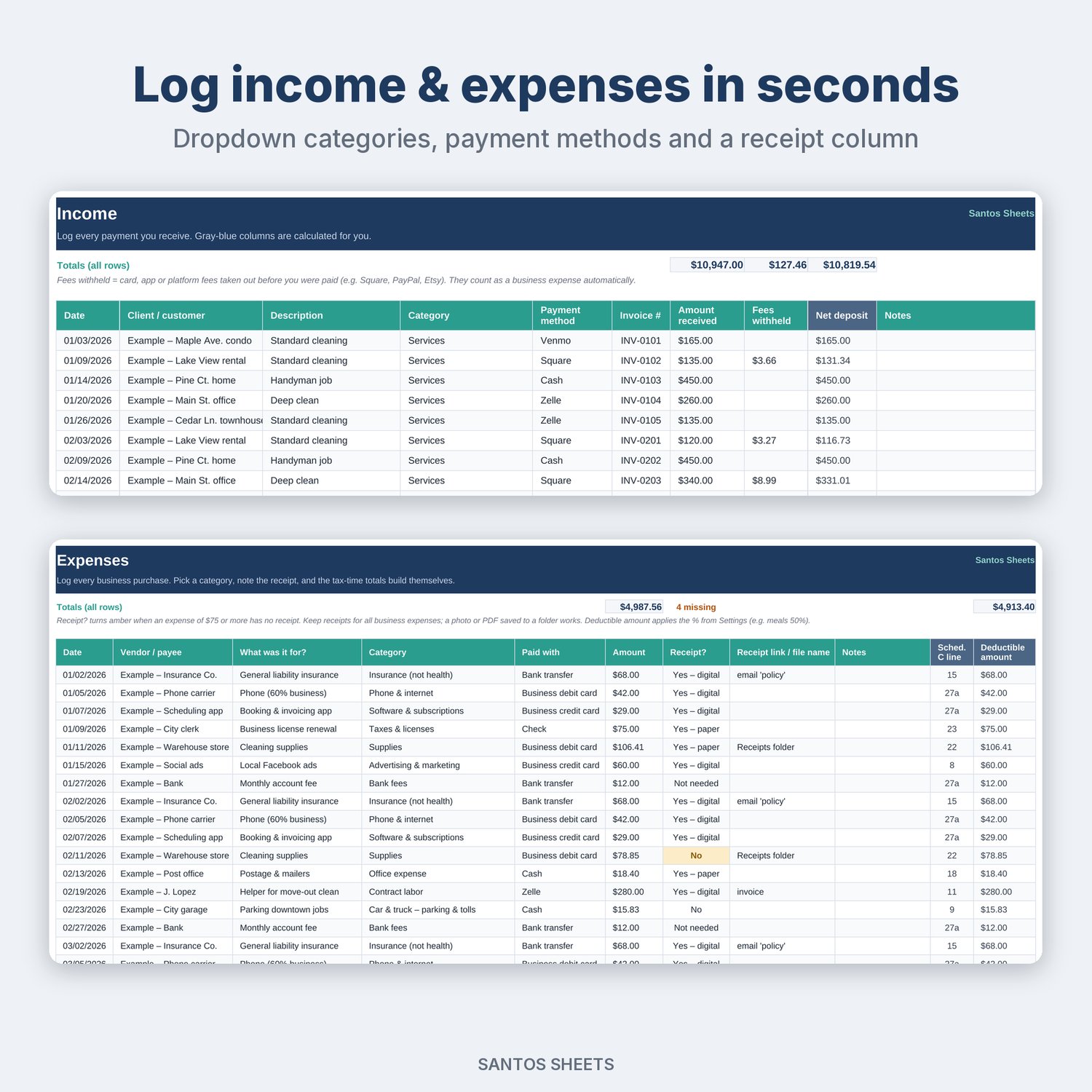
- Income: date, client, description, category, payment method, invoice #, amount, and fees withheld (Square, PayPal, Stripe, app platforms). Your net deposit is calculated for you.
- Expenses: 26 ready-made categories in a dropdown, plus a receipt column (paper / digital / no) and a link or file-name field. Expenses of $75 or more with no receipt are highlighted so you can fix them before tax time. Meals are counted at 50% deductible by default.
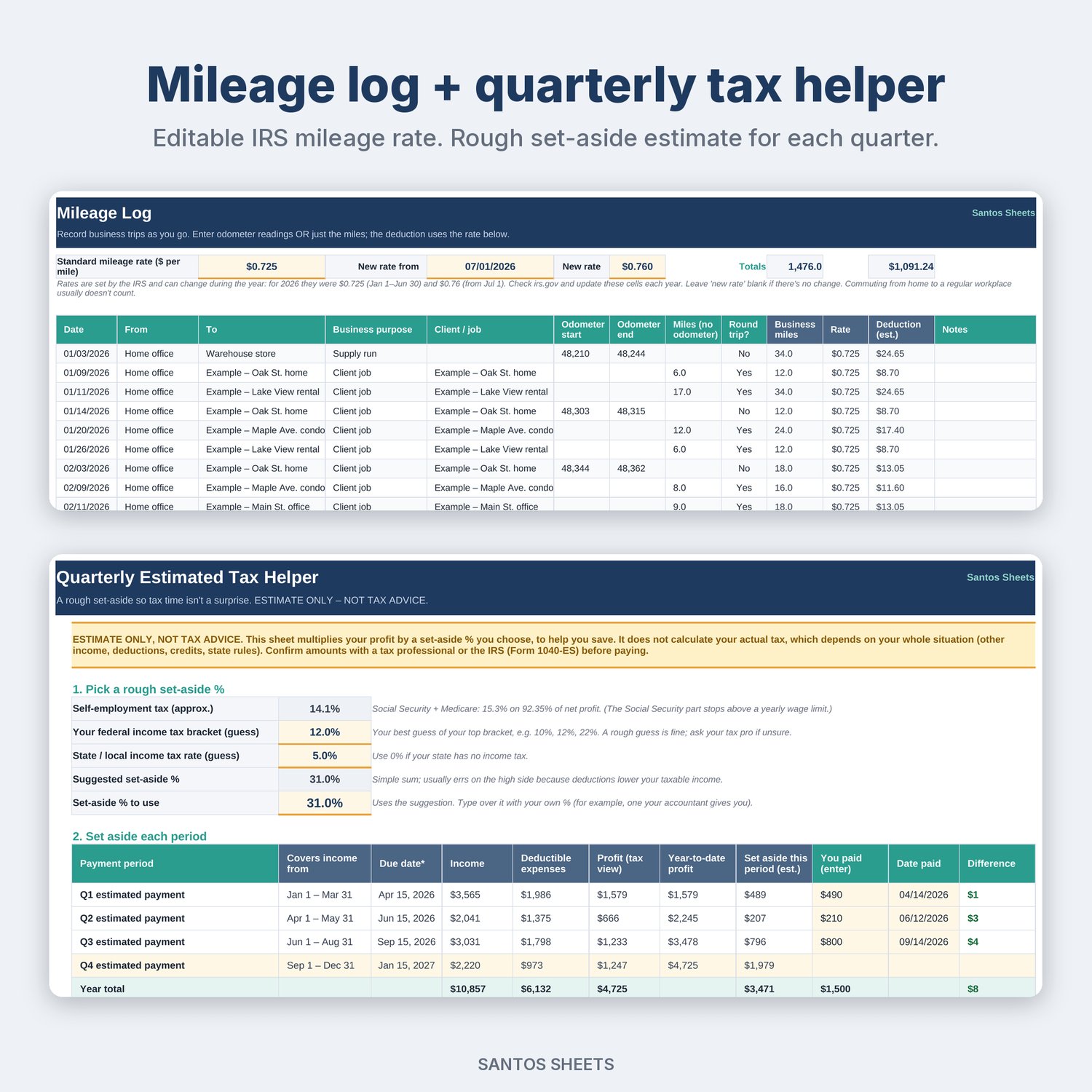
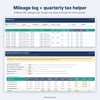
- Mileage Log: odometer readings or miles, round-trip option, and the standard mileage rate in an editable cell. There's also an optional mid-year rate change.
- Monthly P&L: income, expenses by category, net profit and margin for all 12 months.
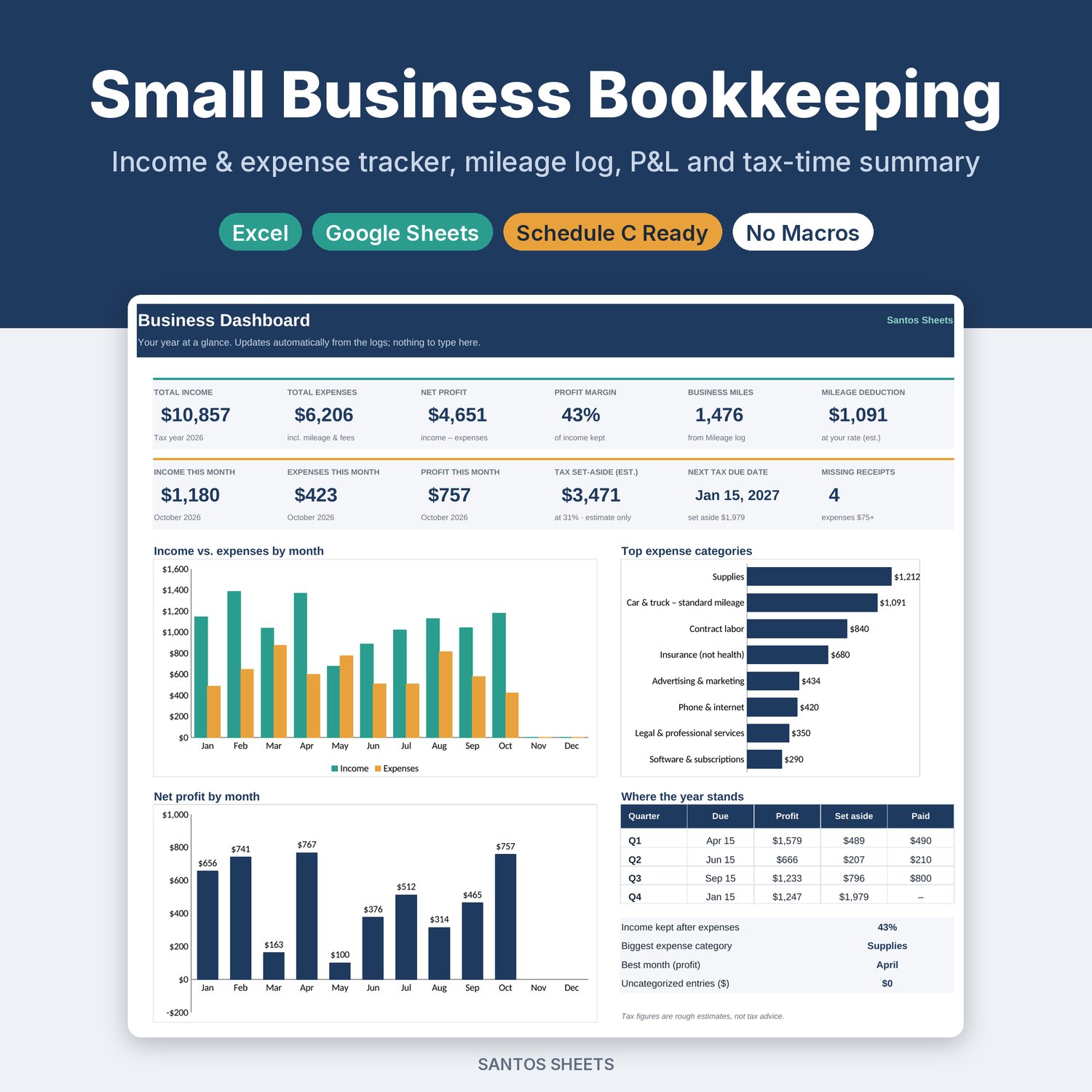
- Dashboard: income vs. expenses by month, net profit by month, top expense categories, this month at a glance, the next estimated-tax due date, and missing receipts.
- Quarterly Tax Helper: pick a rough set-aside % and see how much to put aside for each IRS payment period, with due dates. You can log what you actually paid. Clearly labeled as an estimate, not tax advice.
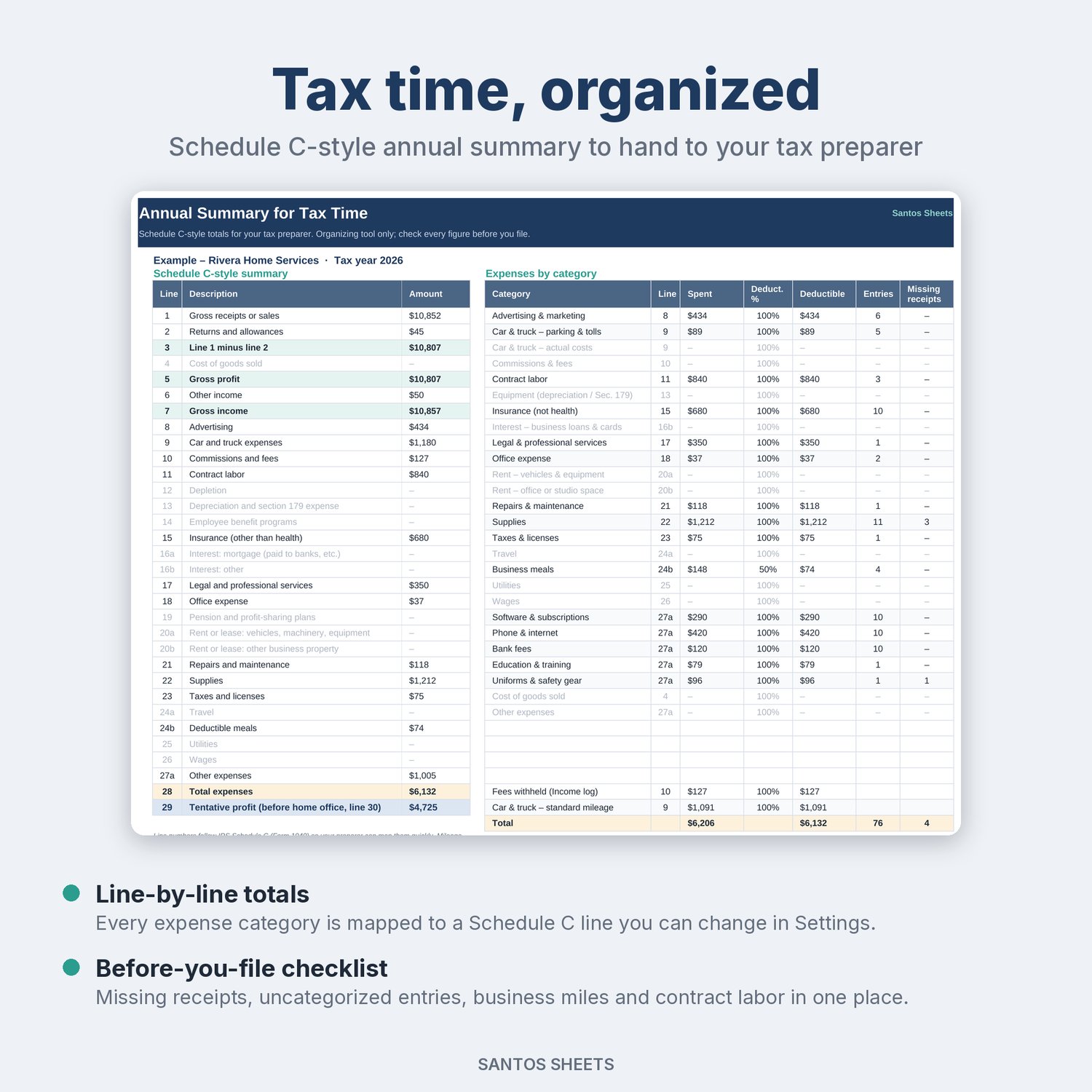
- Annual Summary: Schedule C-style totals line by line, expenses by category, and a "before you file" checklist (missing receipts, uncategorized entries, business miles, contract labor).
Made for:
- Freelancers & 1099 contractors: designers, writers, VAs, photographers, consultants
- Side hustlers: resellers, tutors, delivery and rideshare drivers, crafters
- Small service businesses: cleaning, handyman, lawn care, pet sitting, hair & beauty, mobile detailing (the example data is a cleaning & handyman business)
Details:
- Works in Microsoft Excel (desktop & web) and Google Sheets (upload to Google Drive, then Open with -> Google Sheets)
- No macros, add-ons or sign-ups. It's just a spreadsheet
- Room for 1,000 income entries, 1,500 expenses and 1,000 trips per year
- Comes filled with clearly labeled "Example" entries so you can see how it works. Delete them and add your own
- Reusable: change the tax year in Settings, or make a fresh copy each year
- Instant digital download (1 .xlsx file)
Please note: this is a digital file, so nothing will be mailed to you. It is an organizing tool, not tax, legal or accounting advice. The tax set-aside is a rough estimate based on the percentage you choose. It does not calculate what you actually owe, and it doesn't handle home office, depreciation, inventory or credits. Mileage rates are set by the IRS and can change, so check irs.gov each year. Confirm every amount with a tax professional or the IRS before you file. Designed for US sole proprietors and single-member LLCs. Apple Numbers and LibreOffice will open the file, but it is built for Excel and Google Sheets.