
Voice Planner Free Starter Kit: Alexa Commands for Notion Tasks
Download the free Voice Planner Starter Kit and preview how Alexa can help you manage Notion tasks by voice.
Voice Planner is an Alexa Skill connected to Notion. It helps you read open Notion tasks, create one new task at a time, complete tasks, and delete tasks using simple Alexa voice commands.
This free Starter Kit is designed for Notion users who want to understand the Voice Planner workflow before activation. It is useful if you are looking for Alexa commands for Notion tasks, hands-free Notion task management, voice commands for Notion, or a simple way to read Notion tasks with Alexa.
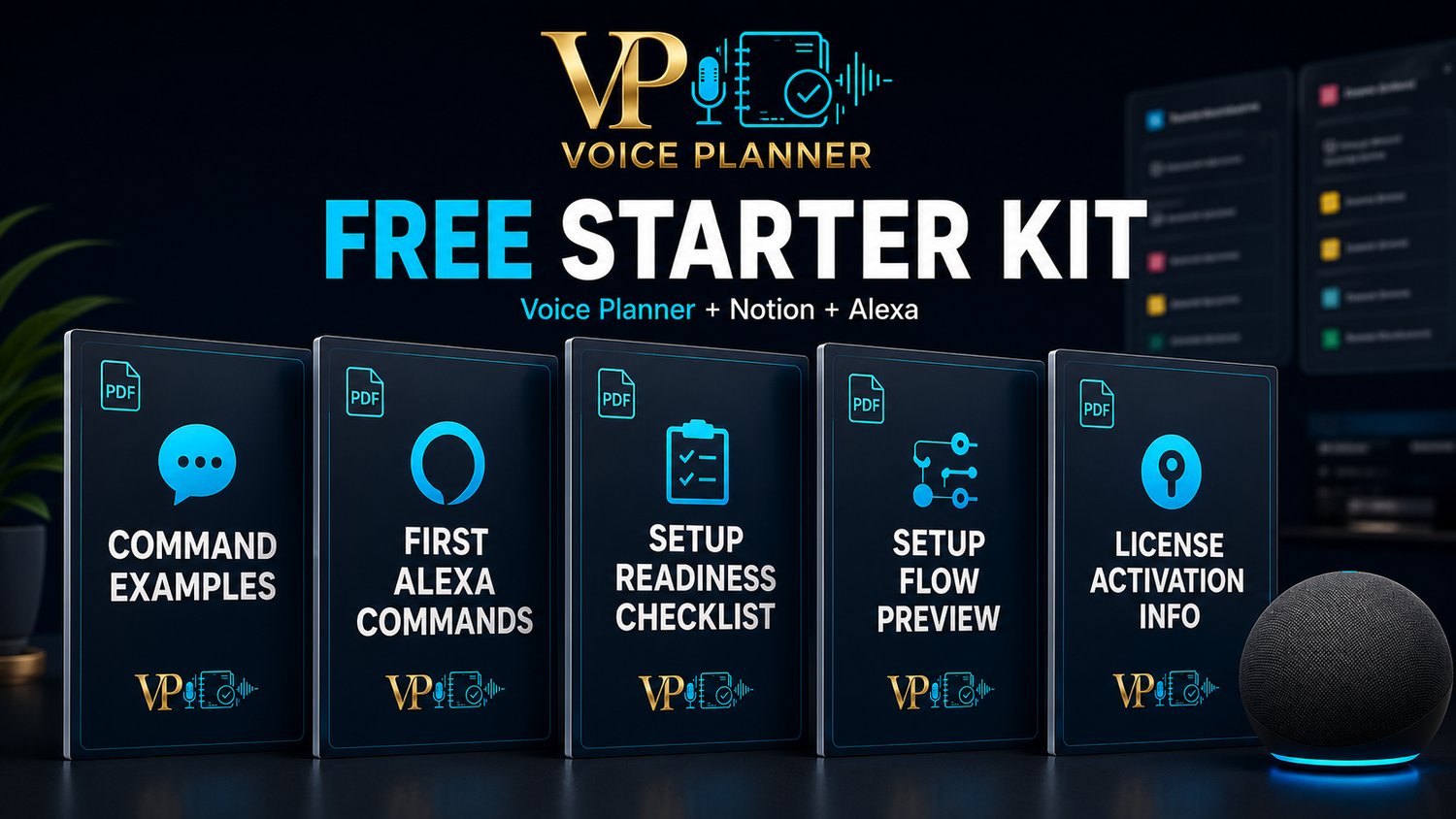
Inside the kit, you’ll get:
- Alexa command examples for Notion tasks
- First Alexa commands to test after setup
- Setup readiness checklist
- Setup flow preview
- License activation information
Voice Planner helps you keep Notion as your organized backend while Alexa becomes your fast voice interface.
Instead of opening Notion every time, you can ask Alexa what is open, what is due today, what is coming tomorrow, or what tasks belong to a specific category or priority.
Voice Planner is especially useful for:
- Notion users who want faster task access
- people who want hands-free productivity
- users who manage home, work, personal, or finance tasks in Notion
- families and caregivers who want a simple voice-based task workflow
- professionals, freelancers, and remote workers who want fewer app interruptions
- anyone who wants to preview an Alexa Notion task manager before activation
What Voice Planner can help with:
- read open Notion tasks by voice
- create one new task at a time
- complete tasks by setting them to DONE
- delete tasks you no longer need
- manage supported task fields such as task name, date, time, category, and priority
Supported categories:
- Personal
- Work
- Home
- Finance
Supported priorities:
- Normal
- High
- Low
FAQ
Is the Starter Kit free?
Yes. The Voice Planner Starter Kit is free to download.
Does this activate Voice Planner?
No. This free Starter Kit does not activate Voice Planner. License activation happens during the official Voice Planner setup inside the Voice Planner dashboard.
Do I need Notion?
Yes. Voice Planner works with Notion, so you need a Notion account and a connectable Notion workspace or database.
Do I need Alexa?
Yes. Voice Planner works through Alexa. You need access to Alexa through an Echo device or the Alexa app.
Does Voice Planner replace Notion?
No. Notion remains your organized task backend. Alexa becomes the fast voice interface.
Can Voice Planner create multiple tasks with one command?
No. One creation command creates one task at a time.
Does Voice Planner manage notes or full Notion pages?
No. Voice Planner focuses on essential task management: task name, date, time, category, priority, and status.
Does Voice Planner make automatic payments?
No. Voice Planner can help you remember finance-related tasks saved in Notion, but it does not make payments or manage banking.
Important:
This free Starter Kit does not activate Voice Planner. To use the Alexa Skill with Notion, you must complete the official guided setup and activate a valid Voice Planner license inside the Voice Planner dashboard.