



PDF Rotate & Save
Residential CAD Solutions
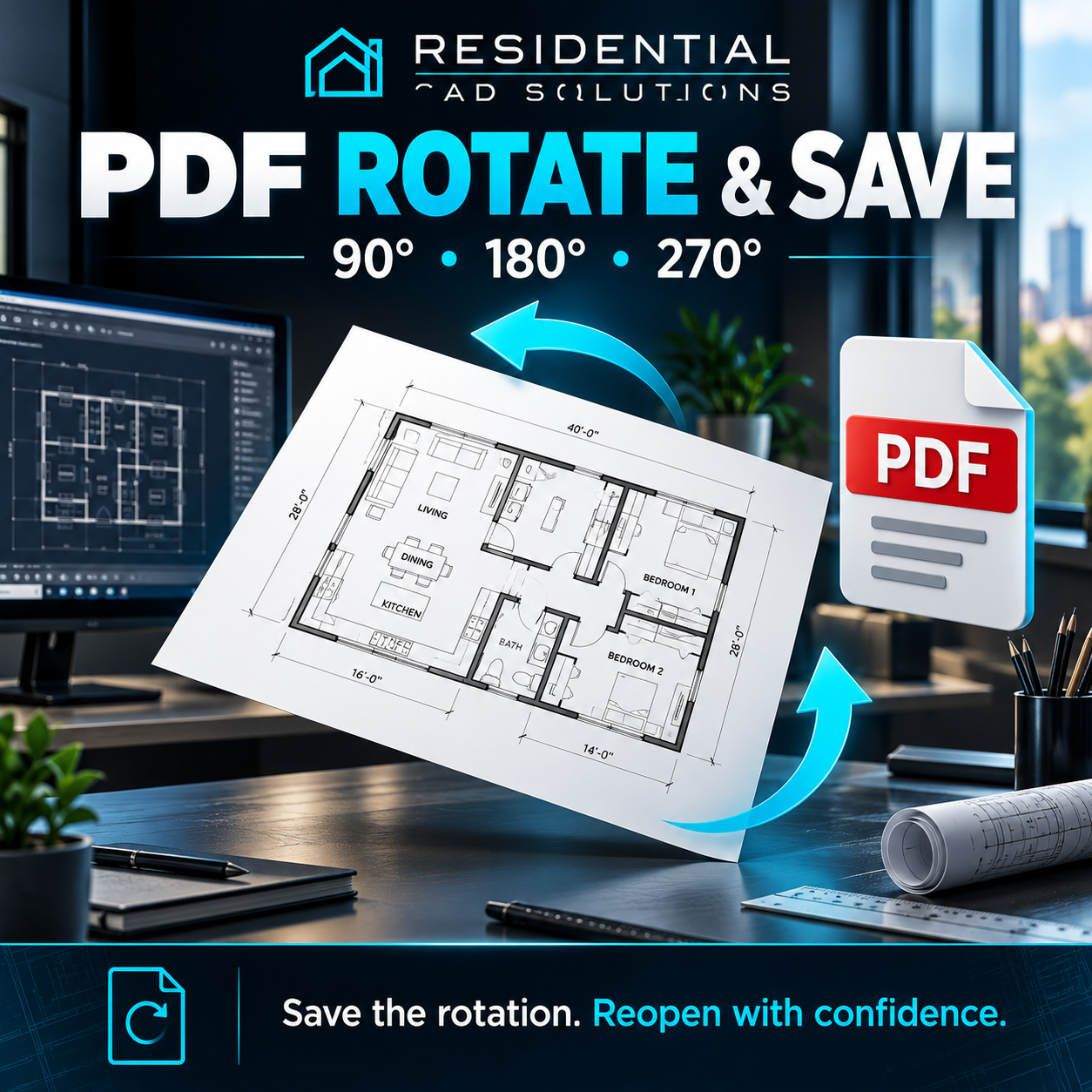
Rotate your PDF, save a new copy, and keep that rotation when you reopen it.
PDF Rotate & Save is a simple utility for correcting sideways or upside-down architectural drawings, scanned documents, and other PDF files.
Features
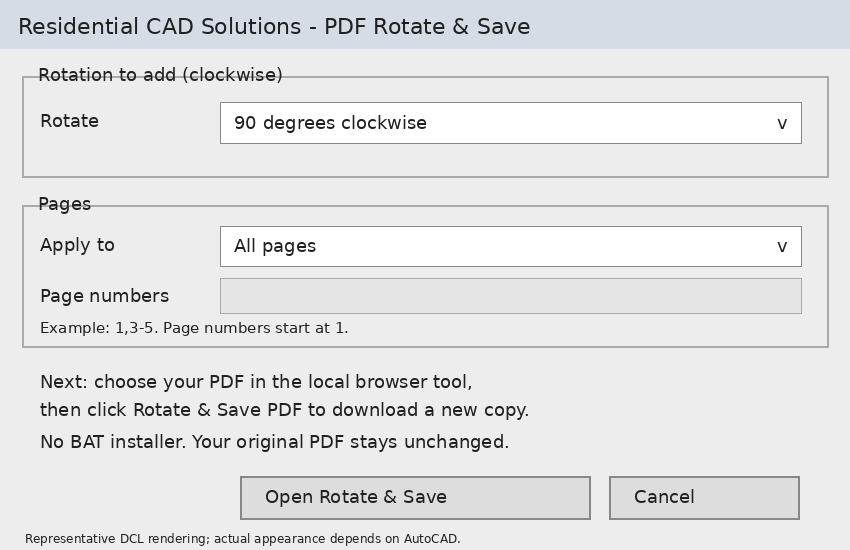
- Rotate pages 90°, 180°, or 270° clockwise.
- Apply rotation to all pages or selected pages.
- Enter page ranges such as 1,3-5.
- Save a new PDF copy while keeping your original unchanged.
- Automatically check the saved page rotation before downloading.
- Preserve vector drawing content without converting pages to images.
- Process files locally, without uploading them to an online service.
Two ways to use it
Open the included offline HTML tool in a modern browser, or launch it from AutoCAD using the included LISP and gray DCL dialog.
AutoCAD command: PDFROTATE
Your download includes
- AutoLISP launcher (.LSP)
- Dialog interface (.DCL)
- Self-contained offline PDF rotation tool (.HTML)
- Installation and operating instructions
- Gray DCL preview image
Requirements: A modern desktop browser such as Chrome or Edge. The optional AutoCAD launcher targets Windows full AutoCAD 2002 and later with Visual LISP/ActiveX; local compatibility testing is required.
Please note: Password-protected PDFs are not supported. Editing digitally signed PDFs invalidates their signatures. The browser saves the rotated copy through its normal download controls.
No BAT installer, PDF24, or Adobe Acrobat required.
Digital download. No physical product.