
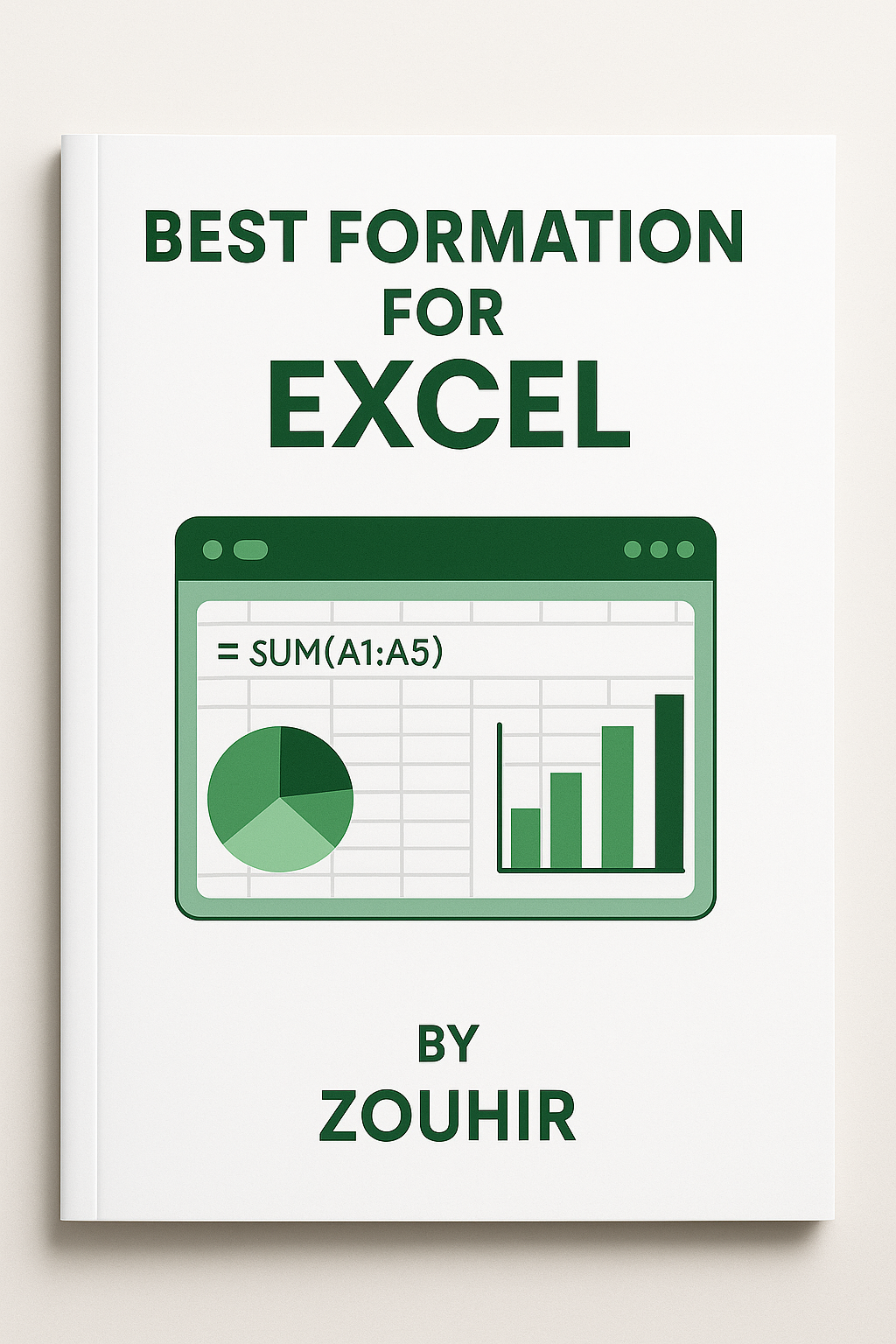
formation about exel
On Sale
$5.00
(25% off)
$3.75
- Start with Basics: We’ll begin with the Excel interface, how to navigate between cells, rows, and columns, and formatting your data correctly.
- Master Excel Formulas: Learn to use powerful Excel formulas like SUM, AVERAGE, VLOOKUP, IF and many others. These formulas are key to doing more complex analysis and saving time.
- Data Analysis with Pivot Tables: One of the most valuable skills in Excel is learning how to analyze and summarize large datasets with Pivot Tables, making data insights easier to understand.
- Data Visualization: Excel allows you to create stunning visual charts and graphs that can highlight your data in a meaningful way, making it easy to communicate insights.
- Advanced Features: We dive deep into advanced Excel features such as VLOOKUP, INDEX, MATCH, and logical functions to make data manipulation easier.
- Automate Your Tasks: Save time by learning how to automate repetitive tasks with Excel Macros and VBA scripting, allowing for custom solutions to your workflow.
Key Takeaways
- Learn how to organize and analyze data efficiently.
- Create charts and graphs to visualize your data.
- Automate tasks and save time with Excel Macros.
- Master Pivot Tables to summarize and filter complex data.
- Gain confidence with advanced Excel skills to improve your workflow.
Who Should Take This Course?
- Professionals looking to improve efficiency in their work.
- Students aiming to learn Excel to use in academic or future career settings.
- Business Owners who want to manage business data more effectively.
- Anyone who needs to use Excel for data management, analysis, or personal projects.