
Budget & Debt Payoff Planner (Excel Spreadsheet)
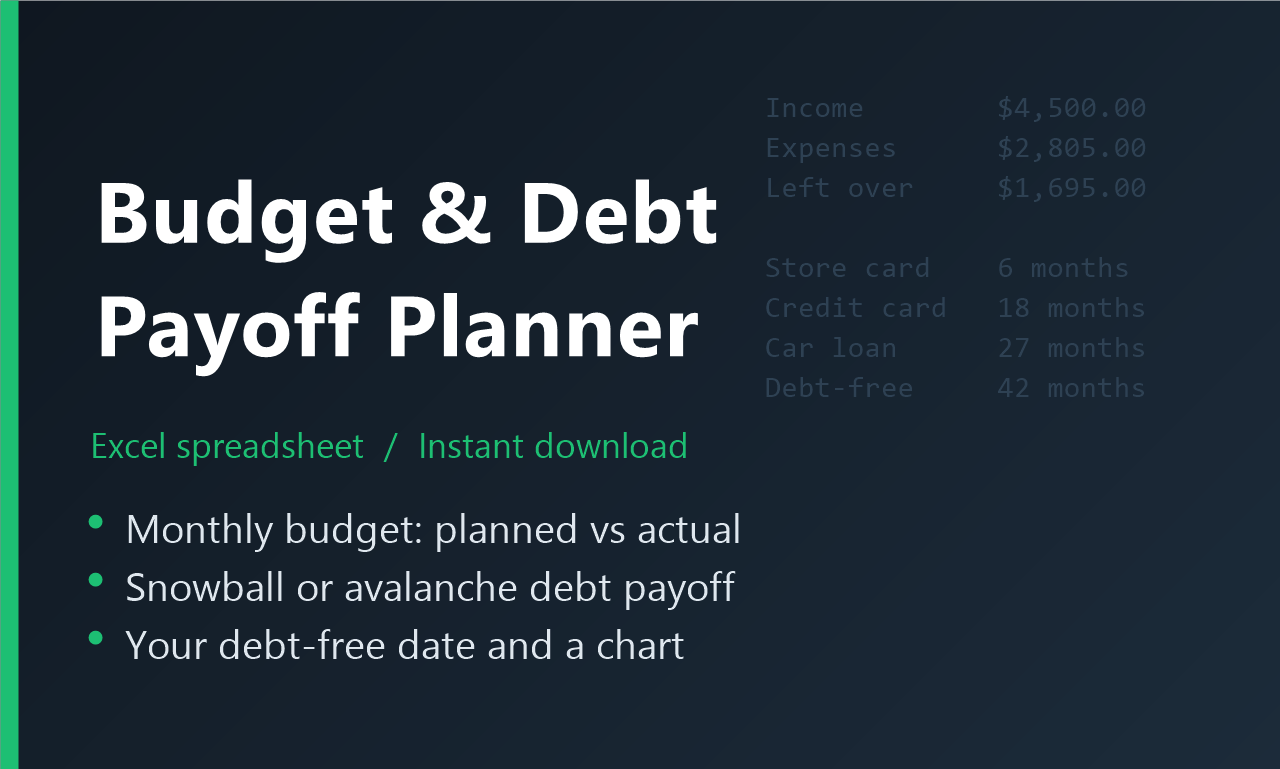
See when you'll be debt-free. This Excel planner puts your monthly budget and a complete debt payoff plan in one easy file. Type your numbers into the yellow cells and everything else is calculated for you.
Try the idea free first: our One-Page Budget (free PDF), and the free guide debt snowball vs avalanche.
WHAT'S INSIDE
- Monthly Budget: planned vs actual income and expenses, a category dropdown, totals by category, what's left over, and your savings rate. Overspending shows in red.
- Debt Payoff: up to 10 debts. Choose Snowball (smallest balance first) or Avalanche (highest interest first) and add any extra monthly payment.
- Real rollover: when a debt is paid off, its payment automatically moves to the next one, just like the real snowball method.
- Your debt-free date, months to pay off each debt, interest paid per debt, and a chart of your total debt going down.
- A 30-year month-by-month payoff schedule, calculated automatically.
- A Start Here sheet with simple instructions.
DETAILS
- Format: Excel workbook (.xlsx), instant download
- Works in Microsoft Excel 2016 or newer and Excel for Microsoft 365
- Example numbers included so you can see how it works; delete them and add your own
Not the right fit if you don't have Microsoft Excel 2016 or newer (or Excel for Microsoft 365), or you want an app that connects to your bank: you type the numbers in yourself.
Want the full plan? The Debt-Free Kit ($45; $49 bought separately) adds The Debt Payoff Workbook and No More Surprise Bills, our sinking-funds workbook. Watch the free Debt-Free Kit review.
For personal budgeting and education only; not financial advice. Personal-use license: please don't resell or share the file.