



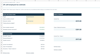
UK Sole Trader Tax Tracker 2026/27 | Excel and Google Sheets
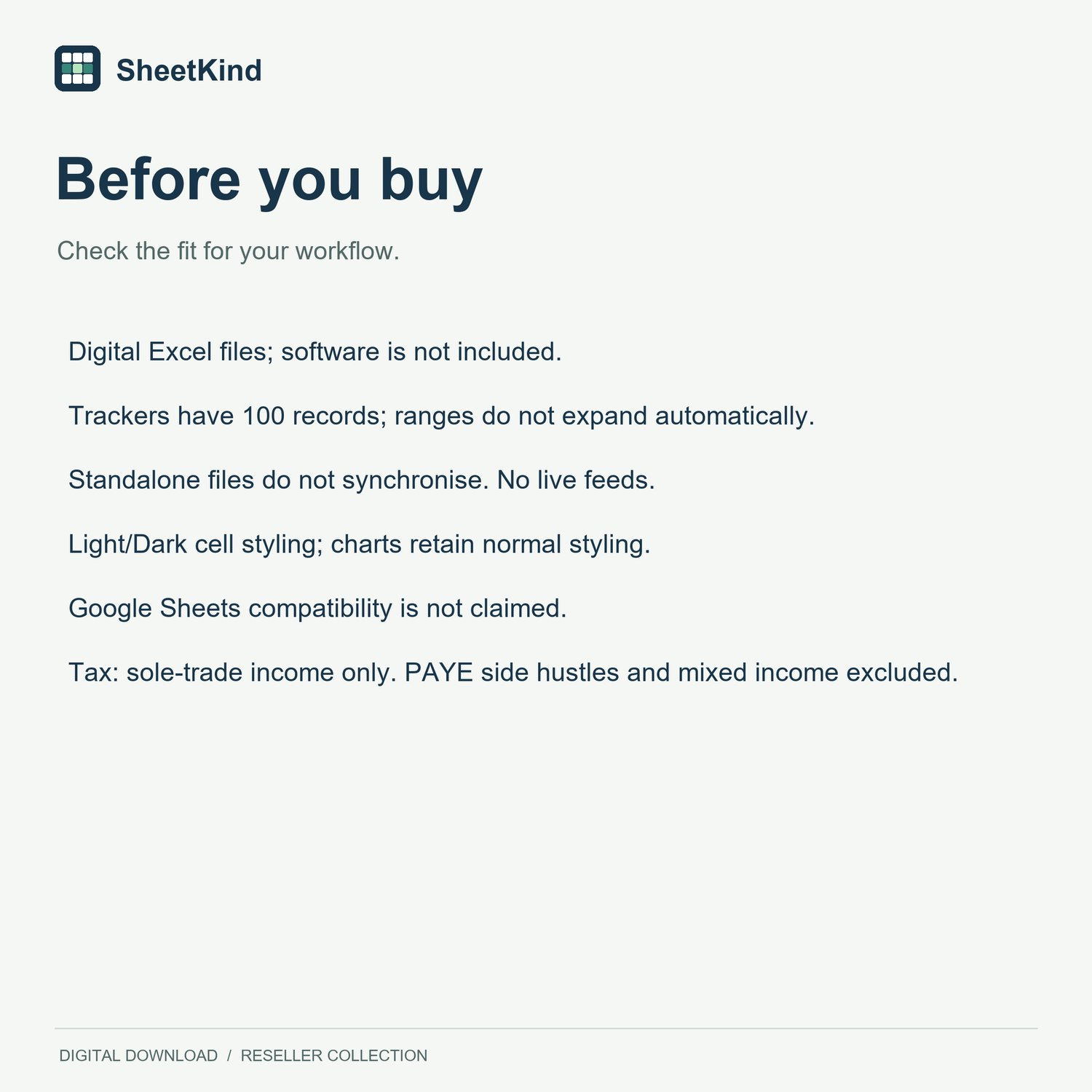
Keep your trading receipts and paid business costs together, with a monthly cash view and an estimate of your annual Income Tax and Class 4 National Insurance.
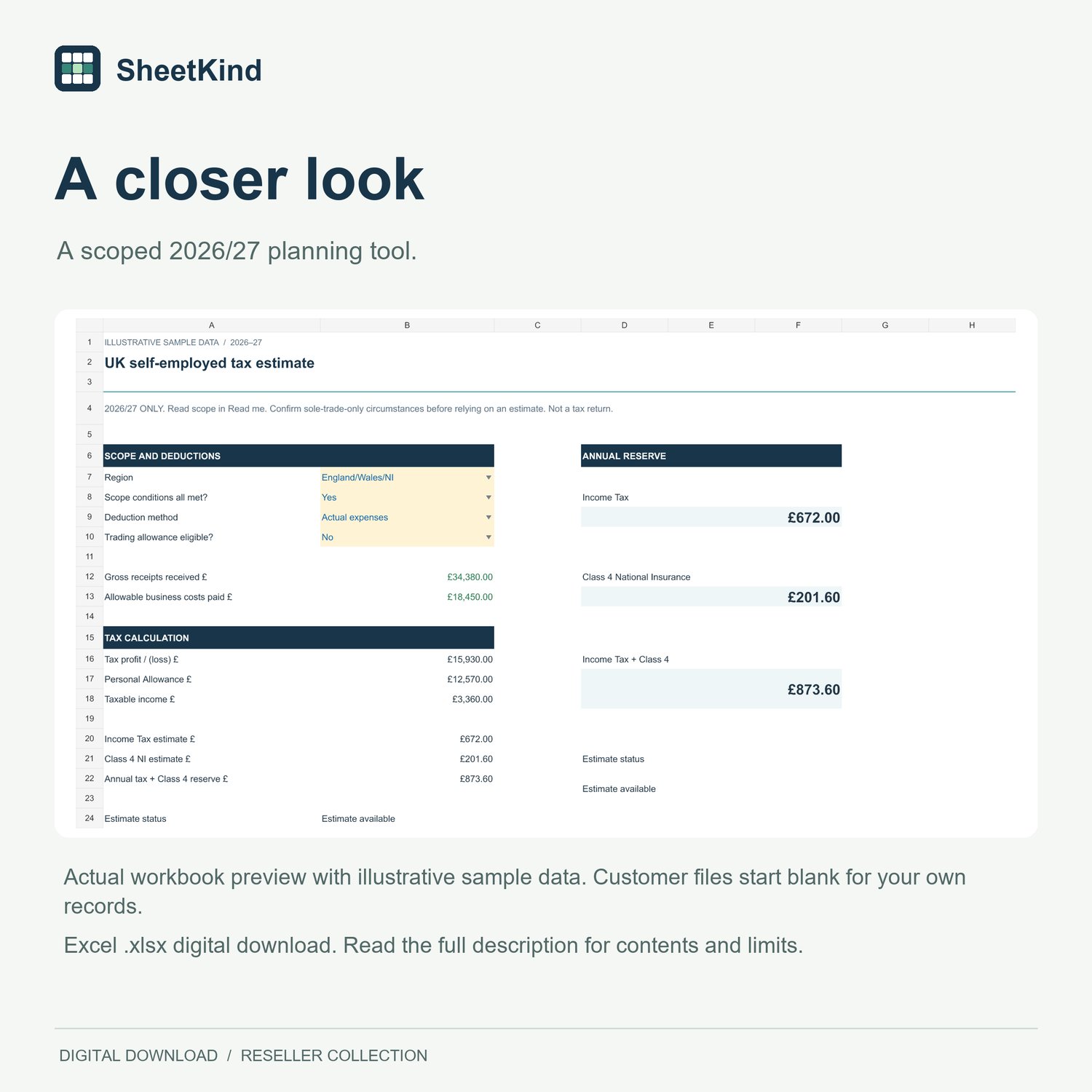
This Excel download is for the 2026/27 tax year, from 6 April 2026 to 5 April 2027. It is designed for people whose only income is from one eligible UK sole trade. It does not calculate tax for employment alongside reselling or other mixed income.
What's included
• One Excel workbook with a cash ledger, cash-flow summary and tax estimate, plus a matching Google Sheets copy link.
• 100 cash-entry rows, with business-use percentages and checks for incomplete entries.
• England, Wales and Northern Ireland or Scotland options.
• Personal Allowance taper and Class 4 NI calculations.
• Actual allowable costs or the trading allowance, where eligible.
• Light and dark worksheet styling, quick-start instructions, source notes and a permitted-use licence.
Who the tax estimate suits
One UK-resident sole trade using eligible cash-basis accounting, standard allowances and solely trading income. You must be aged 16 to below State Pension age throughout the year. Read the full scope in the download before confirming eligibility.
Employment, pensions, interest, dividends, property or foreign income need a broader calculation. VAT registration and margin schemes, companies, partnerships, student loans, Child Benefit charge, pension or Gift Aid relief, other allowances, losses and loss relief, prior-year adjustments and NI annual maxima are outside this estimate.
The reserve covers annual Income Tax and Class 4. Payments on account, existing payments, voluntary Class 2 and tax-return rounding are separate, so the result is not your HMRC balance due. This is a planning and record-keeping template, not tax-return or Making Tax Digital submission software or personalised tax advice. No independent qualified tax review or HMRC approval is claimed.
Using the file
Extract the ZIP and keep a backup. Read START_HERE and TAX_SCOPE, then enter transactions in the amber cells and correct any Review flags. The 100-row summaries are fixed and do not expand automatically. Transactions and fees are entered manually.
Supplied as .xlsx for Excel. Representative tasks have been tested in Windows desktop Excel, alongside automated numerical and structure checks. Native Google Sheets versions were checked in the browser. Other Excel platforms, Google Sheets mobile apps and offline use have not been tested. No paid desktop Excel subscription is required. Open the .xlsx file in free Excel for the web with a Microsoft account. Internet is required. Some features may differ from desktop Excel, and these files have not been tested in Excel for the web.
Digital download with ongoing use for your own records or business. Resale or redistribution of the templates is not permitted. Questions or custom requests? Contact sheetkind@proton.me.