
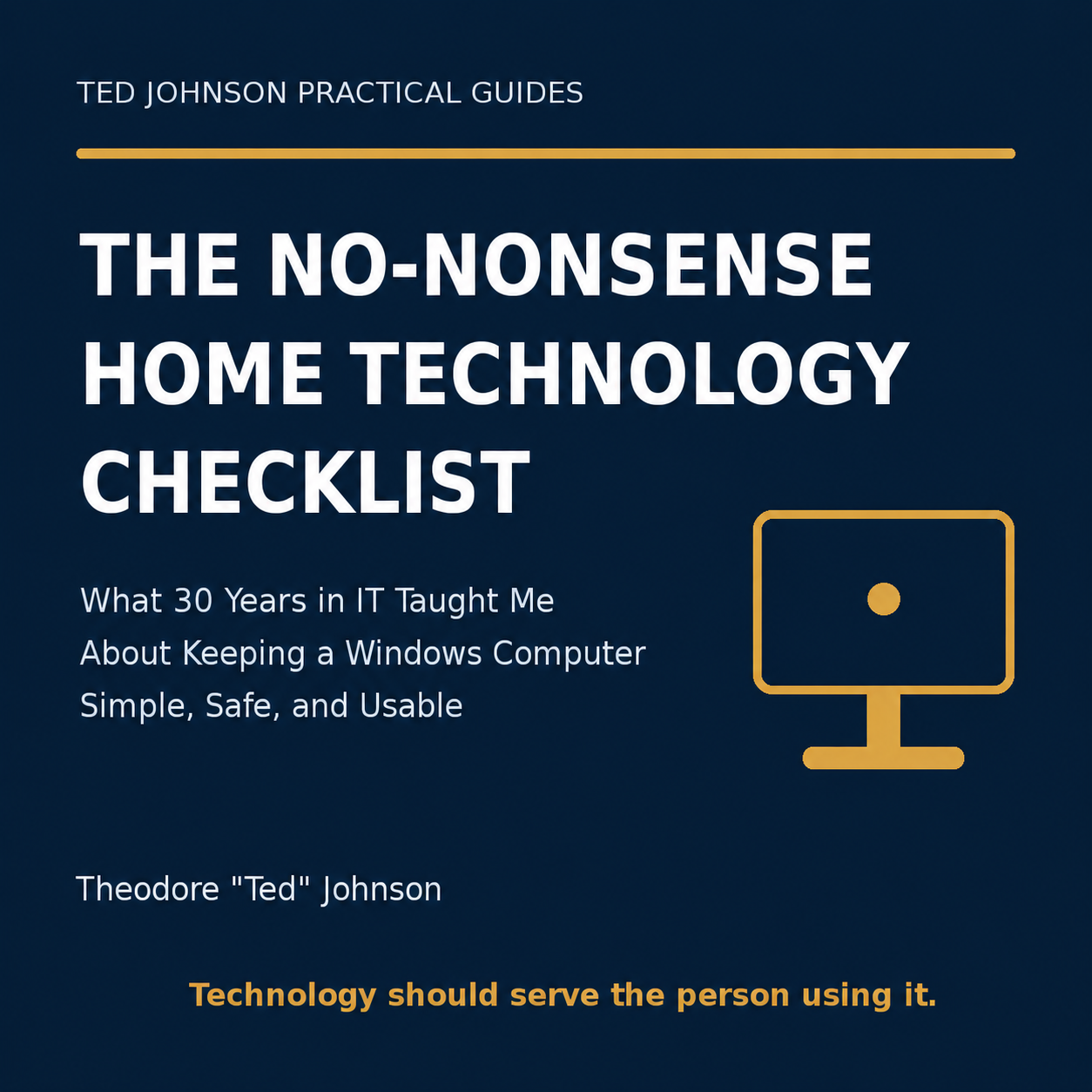
The No-Nonsense Home Technology Checklist
Technology should make life easier—not leave you wondering what to click, what to trust, or whether your important files are protected.
Drawing on more than 30 years in information technology, Theodore “Ted” Johnson created this plain-English guide for everyday Windows users—not IT professionals.
Inside this 14-page printable PDF, you’ll learn how to:
• Complete a 10-minute computer safety check
• Protect important accounts and passwords
• Recognize common scams before clicking or paying
• Create a practical backup plan
• Organize files so you can find them again
• Safely troubleshoot a slow computer
• Prepare before calling technical support
• Make smarter computer-buying decisions
• Follow a simple monthly maintenance checklist
• Respond quickly if someone gains access to your computer
The guide also includes printable worksheets, trusted-resource links, and a one-page emergency plan you can keep near your computer.
No unnecessary jargon. No questionable “computer cleaner” recommendations. Just practical steps that help you stay safer, organized, and in control.
Format: 14-page downloadable PDF
Best for: Everyday Windows 11 users, older adults, caregivers, and anyone who wants straightforward technology guidance
This guide provides general educational information and does not replace individualized technical, cybersecurity, legal, or financial advice.
Need personal help deciding what to do next?
Book a 30-Minute Technology Clarity Call
COMPLIMENTARY PURCHASE BONUS
Every purchase includes The Everyday Technology Quick Reference at no extra charge—a concise guide to useful Windows shortcuts, smartphone essentials, safer technology habits, and practical AI tips.