


Room Finish Manager Pro
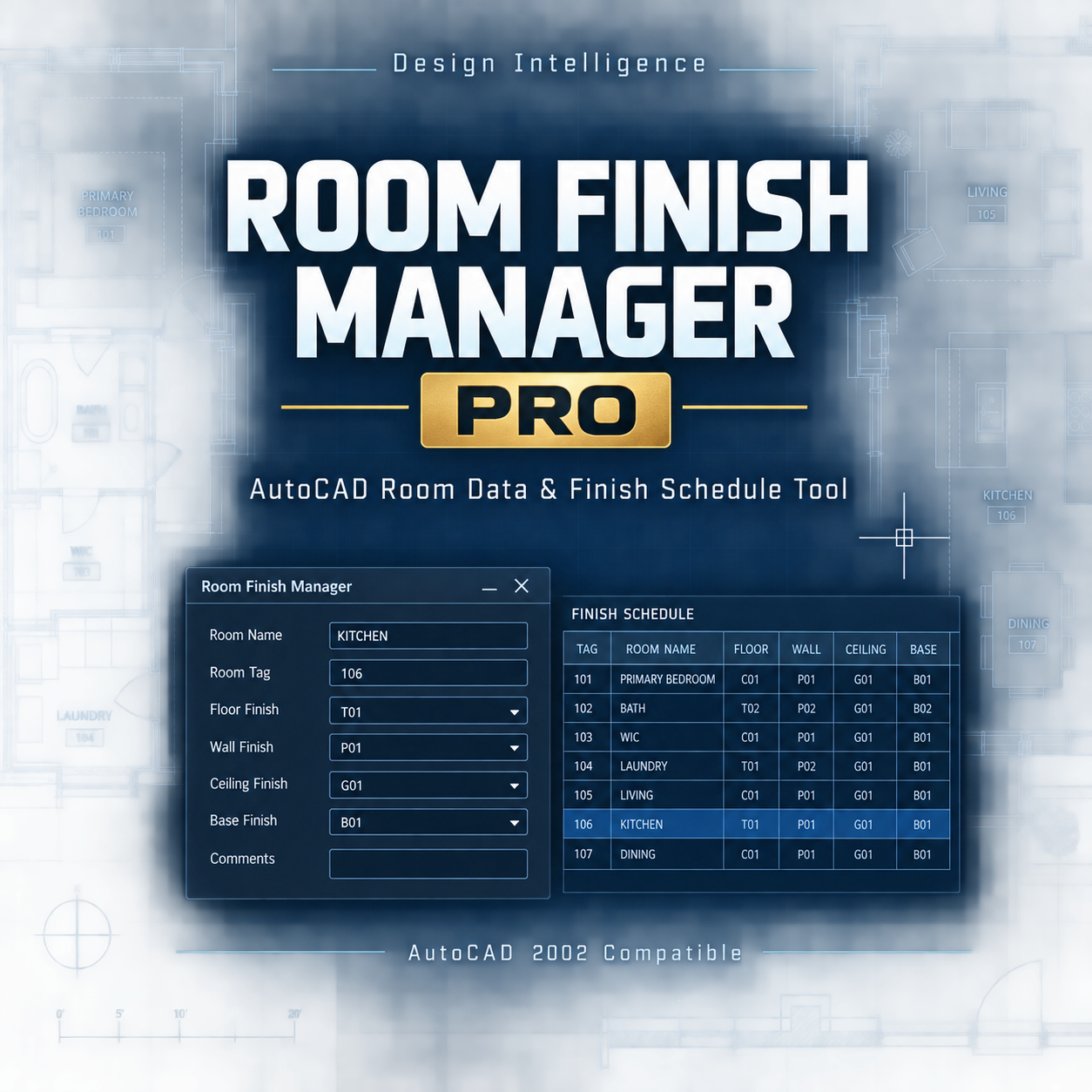
Organize room data and create professional finish schedules directly inside AutoCAD with Room Finish Manager Pro.
Designed for residential drafters, architects, designers, and CAD professionals, this AutoLISP and DCL utility helps you create editable room tags, manage finish codes, generate in-drawing schedules, and export room data to CSV.
Key features:
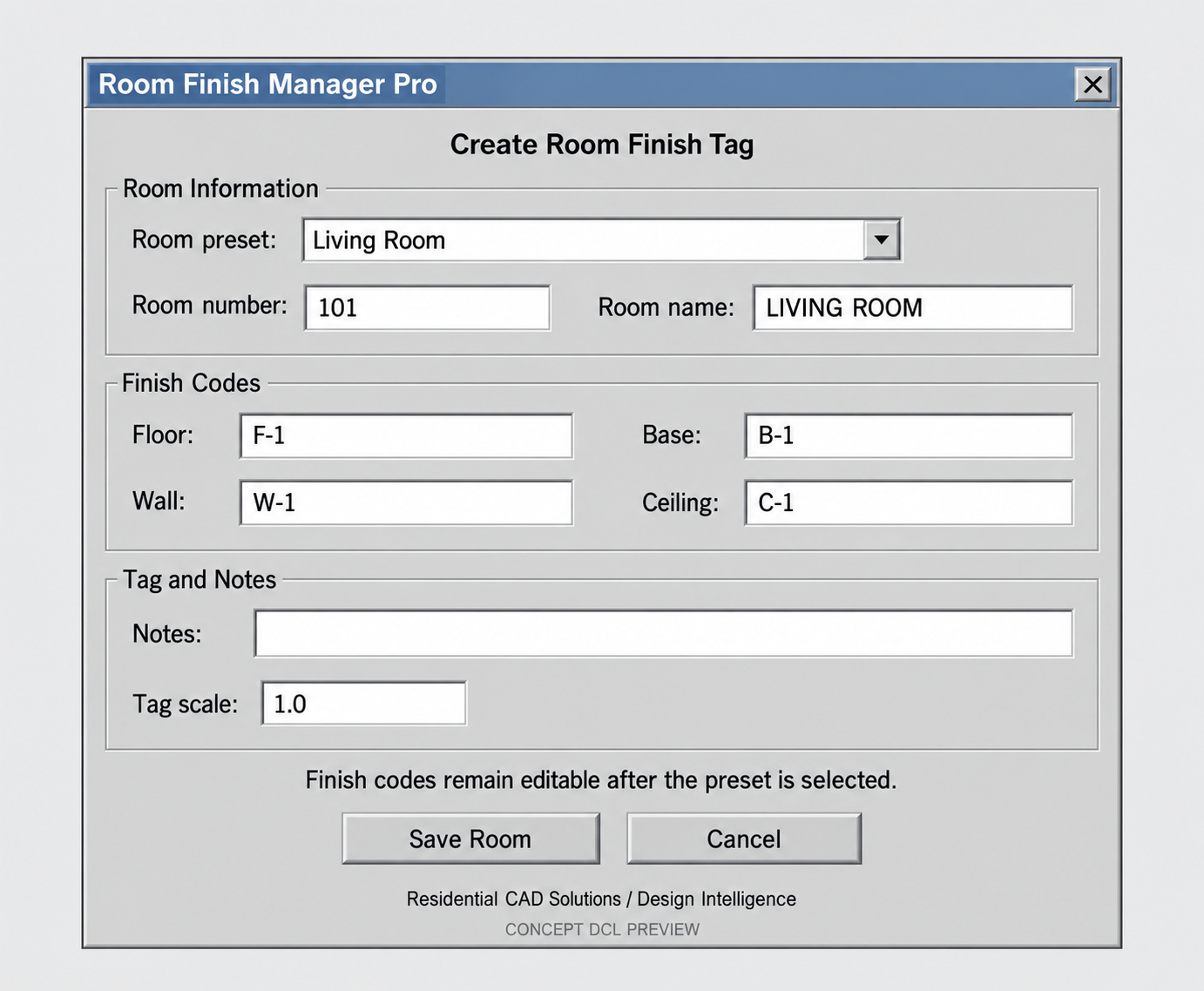
- Create room-finish tags with room numbers and names
- Store floor, base, wall, ceiling, and notes information
- Common presets for kitchens, bedrooms, bathrooms, garages, halls, and more
- Edit existing room tags with a guided dialog
- Generate an organized room finish schedule
- Export room data to CSV for Excel and spreadsheet coordination
- List managed rooms at the AutoCAD command line
- Organized tag and schedule layers
- AutoCAD 2002-compatible LSP and DCL foundation
Commands included:
- RFM — Create a room finish tag
- RFMEDIT — Edit an existing room tag
- RFMSCHEDULE — Create an in-drawing finish schedule
- RFMEXPORT — Export room data to CSV
- RFMLIST — List managed rooms
- RFMABOUT — View product information
Your download includes:
- AutoLISP program
- DCL interface
- PNG and SVG product covers
- Installation guide
- Command reference
- Finish-code guide
- Sample workflow
- Compatibility information
- Commercial license
- Professional-use disclaimer
- Support information
- Changelog
Important notice:
Room Finish Manager Pro is a drafting and data-organization utility. It does not select, specify, approve, or verify building materials, finishes, code compliance, or manufacturer requirements. Users must verify all room information, finish codes, materials, notes, specifications, and project requirements before issuing drawings or purchasing materials.