

Australian Christmas Planner Excel | Budget, Gifts, Menu, Timeline
Plan a summer Australian Christmas in one Excel workbook: a budget with a dashboard, a gift list with a Kris Kringle wishlist tracker, a Christmas Day and Boxing Day menu with a shopping list, and a hosting timeline from 8 weeks out. Type the year once and every date moves.
What is inside (7 sheets)
- Start Here: step-by-step instructions and print tips.
- Settings: host names, the Christmas year (Christmas Day is 25 December of that year), guest numbers for Christmas Day and Boxing Day, your overall budget, categories and shopping lead times.
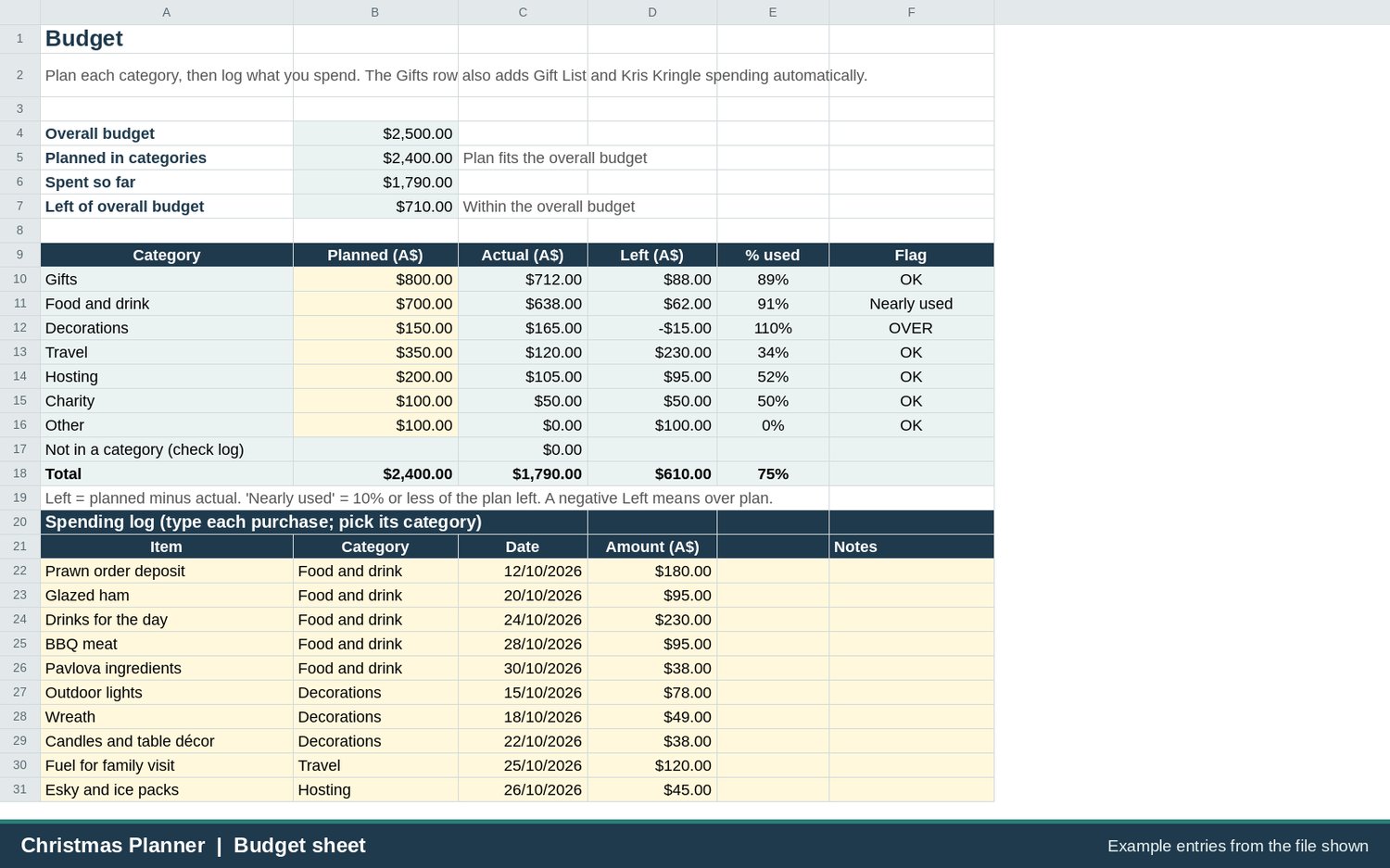
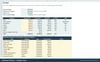
- Budget: seven editable categories (gifts, food and drink, decorations, travel, hosting, charity, other), planned against actual, with what is left and an OK / Nearly used / OVER flag, plus a spending log.
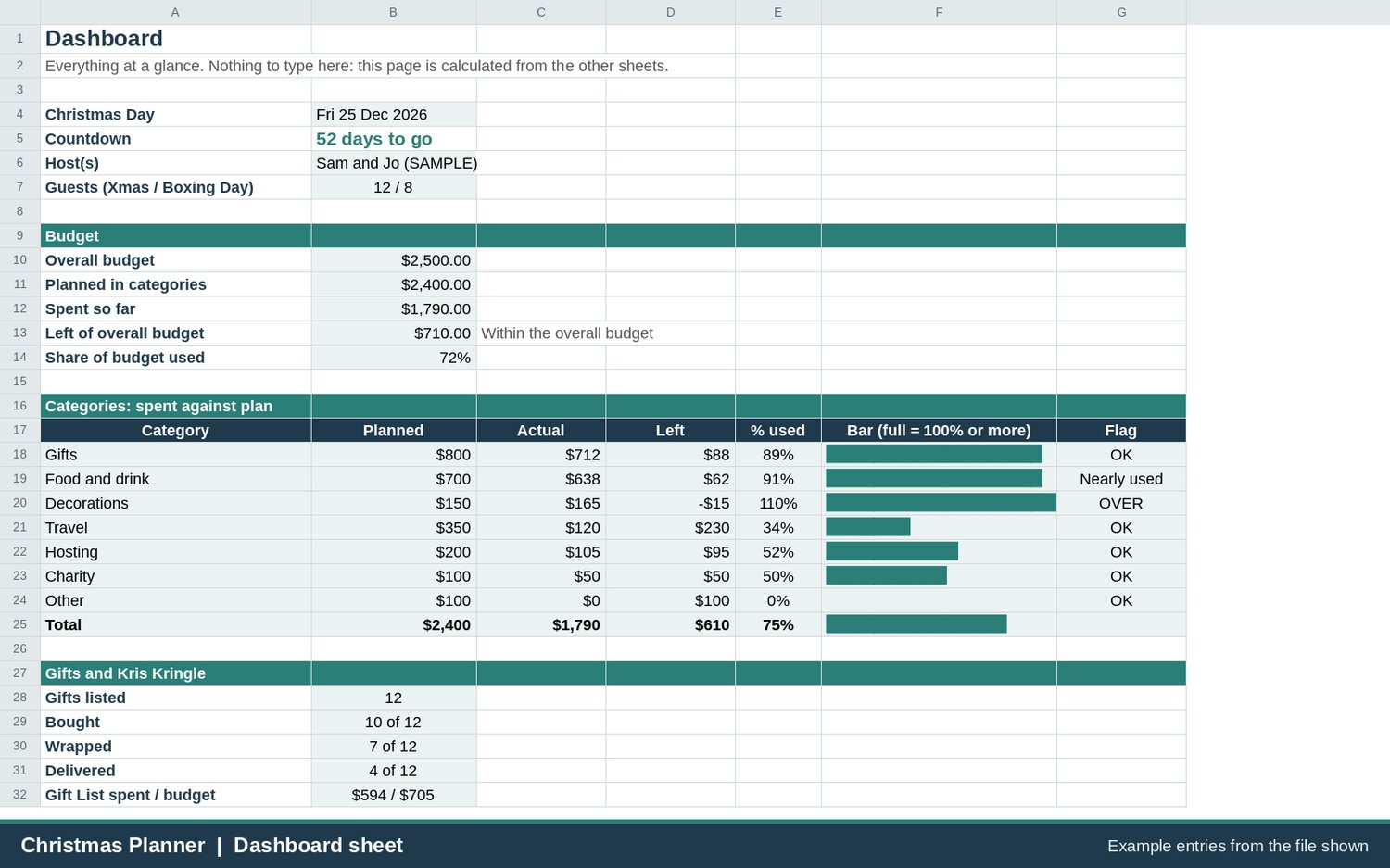
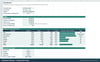
- Dashboard: one printable page with a countdown to Christmas Day, budget used, a bar for each category and a summary of gifts, shopping and tasks.
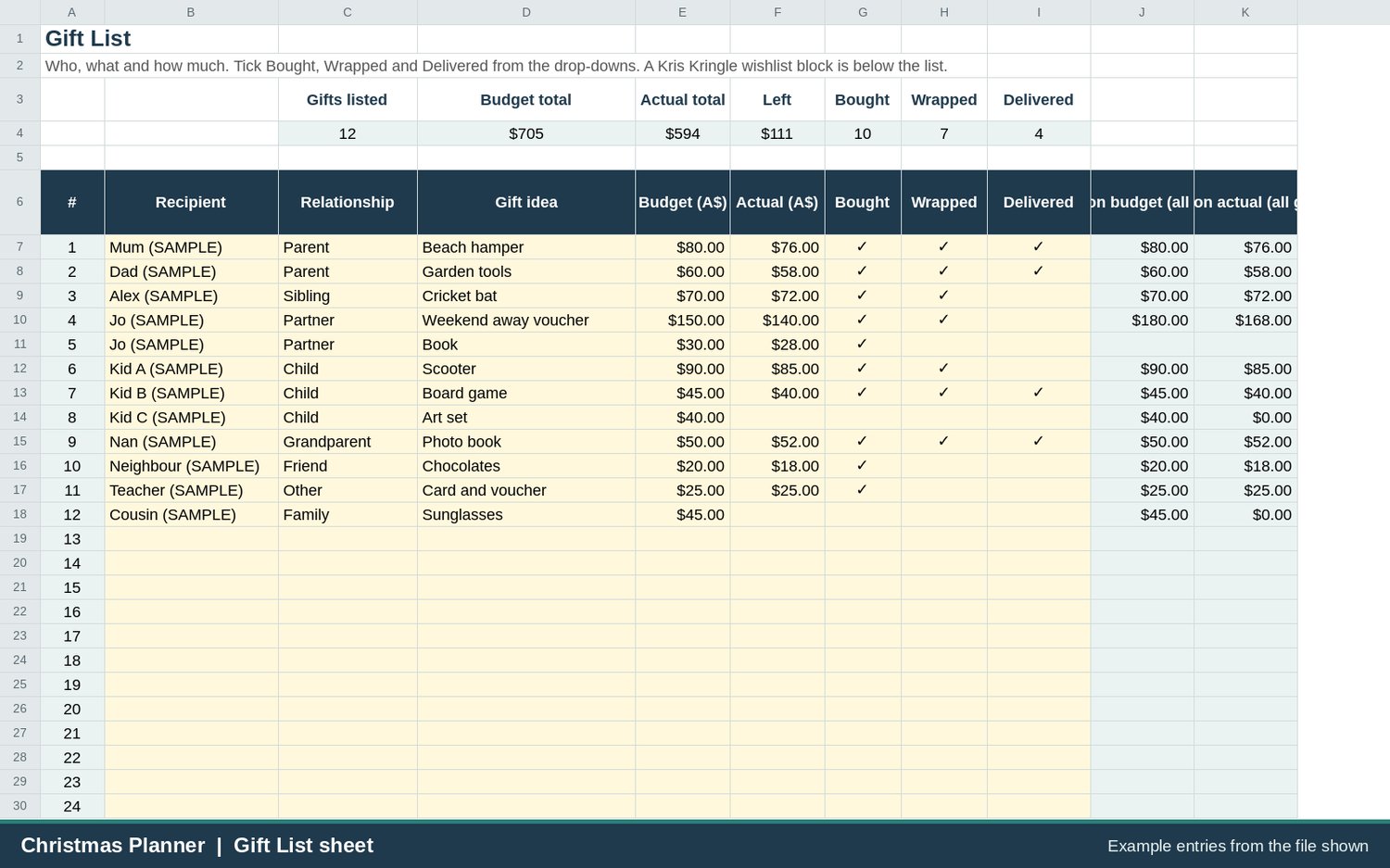
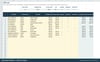
- Gift List: recipient, idea, budget and actual, Bought / Wrapped / Delivered drop-downs and per-person totals. The Kris Kringle block tracks wishlists, spend limit and status (it tracks only, it does not run the draw).
- Menu and Shopping: Christmas Day and Boxing Day menus by course, quantities from your guest numbers, and a shopping list with "buy by" dates and OVERDUE / DUE SOON / OK flags.
- Hosting Timeline: a countdown task list from 8 weeks out to Boxing Day with due dates worked out from Christmas Day, plus an editable holiday grid for 24 December to 2 January.
Who it is for
- Anyone hosting Christmas Day or a Boxing Day lunch in an Australian summer: cold prawns, the BBQ, pavlova, esky and ice on the to-do list.
- Families and friend groups who want one gift list and one budget, with a Kris Kringle tracker for the office or the extended family.
- People who would rather tick off a dated task list than keep it all in their head.
Made for Australia
Dates show as day, month, year (for example Fri 25 Dec 2026), the menu and timeline are set up for hot-weather hosting, and amounts use the $ sign (enter your own prices in Australian dollars). Each sheet is set to A4 portrait, one page wide, ready to print.
Made for Excel 2016 or later (including Microsoft 365) and Google Sheets
Standard .xlsx file, no macros.
How it works
1. Download the .xlsx file after payment: the link appears after checkout and is emailed to you.
2. Open it in Excel, or upload it to Google Drive and open it with Google Sheets.
3. Clear the SAMPLE entries (yellow cells), then set your year, guests and budget on Settings.
What you get
- 1 x Excel workbook (.xlsx): Greygum-AU-Christmas-Planner-v1.1.xlsx, with SAMPLE data you clear before use.
- Start Here instructions inside the file.
- Reuse it next year by changing the year on Settings.
Good to know
- Digital product. Nothing is posted.
- Sample names, gifts, menu items, prices and dates are placeholders only. Quantities and prices are your own estimates.
- Sheets are protected without a password so formulas are not overwritten by accident (Review > Unprotect Sheet).
- Personal use only. Please do not resell or share the file.
- Not affiliated with any retailer, brand or government agency.
Frequently asked questions
1. Can I get a refund on a digital download?
This is a digital download, but Australian Consumer Law consumer guarantees still apply. If the file is faulty, will not open, or is not as described, email hello@greygumgoods.com.au and we will fix it, replace it or refund you as the Australian Consumer Law requires. Nothing here limits your rights under the Australian Consumer Law.
2. How do I use it in Google Sheets?
Upload the .xlsx to Google Drive (New > File upload), then right-click the file and choose Open with > Google Sheets. Or, in a blank Google Sheet, choose File > Import > Upload. It uses standard functions available in Excel 2016 and later, and no macros. Layout and printing can look slightly different from Excel.
3. Does it work on a Mac or in Apple Numbers?
Made for Excel (Windows or Mac) and Google Sheets in a current web browser. Numbers can open .xlsx files, but we have not tested this planner in Numbers and some features (drop-down lists, colour flags, sheet protection) may not carry across, so we suggest Excel or Google Sheets.
4. Can I edit it, change the year and clear the sample entries?
Yes. Yellow cells are for you to type in, so clear the SAMPLE entries and enter your own. Change the year in the yellow box on Settings and the countdown, timeline, buy-by dates and the 24 Dec to 2 Jan grid all move. The lists on Settings (categories, shopping types, menu courses) are editable. If you need to change more, use Review > Unprotect Sheet in Excel; there is no password.
5. Who do I contact if something is wrong?
Email hello@greygumgoods.com.au with a short description of the problem and what program you opened the file in. If you lose your download link, email us and we will help. You can download the file up to 5 times; email hello@greygumgoods.com.au if it stops working.
This workbook provides general information and a household organising layout only. It is not financial, tax, gift, nutrition, dietary or allergy advice. Prices and quantities are your own estimates, and the sample entries are examples only. The holiday grid shows dates only and does not state public holidays or trading hours: please check those yourself. We do not promise any particular saving, outcome or result. Not affiliated with any retailer, brand or government agency.
Refunds and support: this is a digital download, but Australian Consumer Law consumer guarantees still apply. If the file is faulty, will not open, or is not as described, email hello@greygumgoods.com.au and we will fix it, replace it or refund you as the Australian Consumer Law requires. Nothing here limits your rights under the Australian Consumer Law.
Built for Excel and Google Sheets; tested in Google Sheets and LibreOffice.