
Humanizer Mastering Desktop & VST3
Download Free Demo - Version-1.2.3
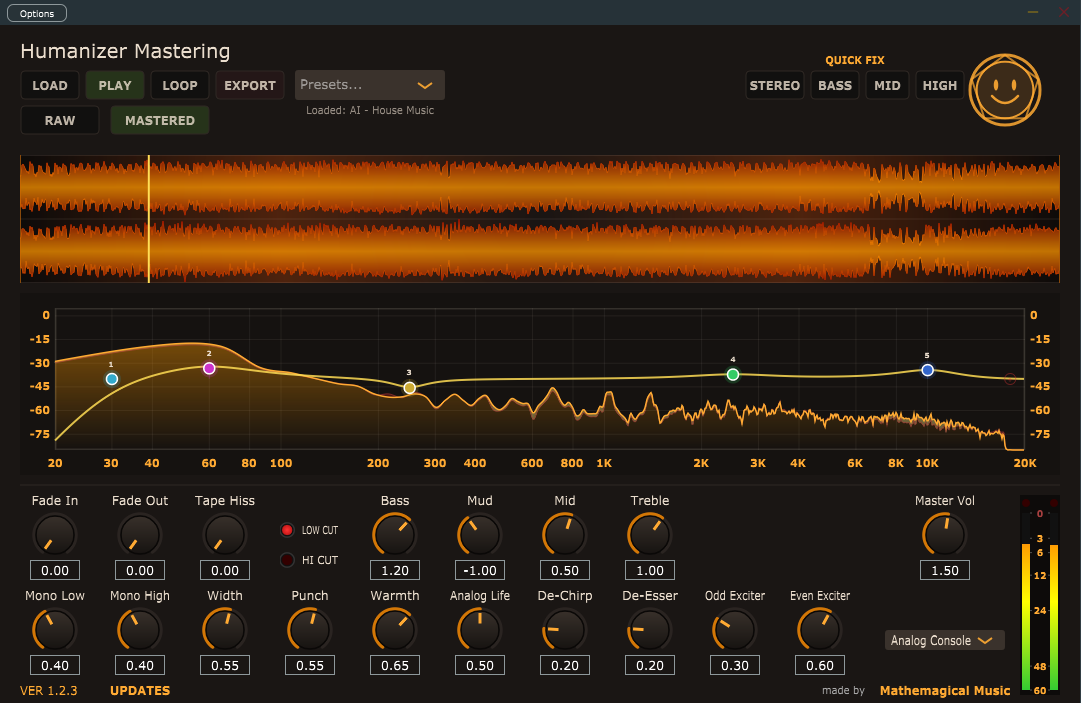
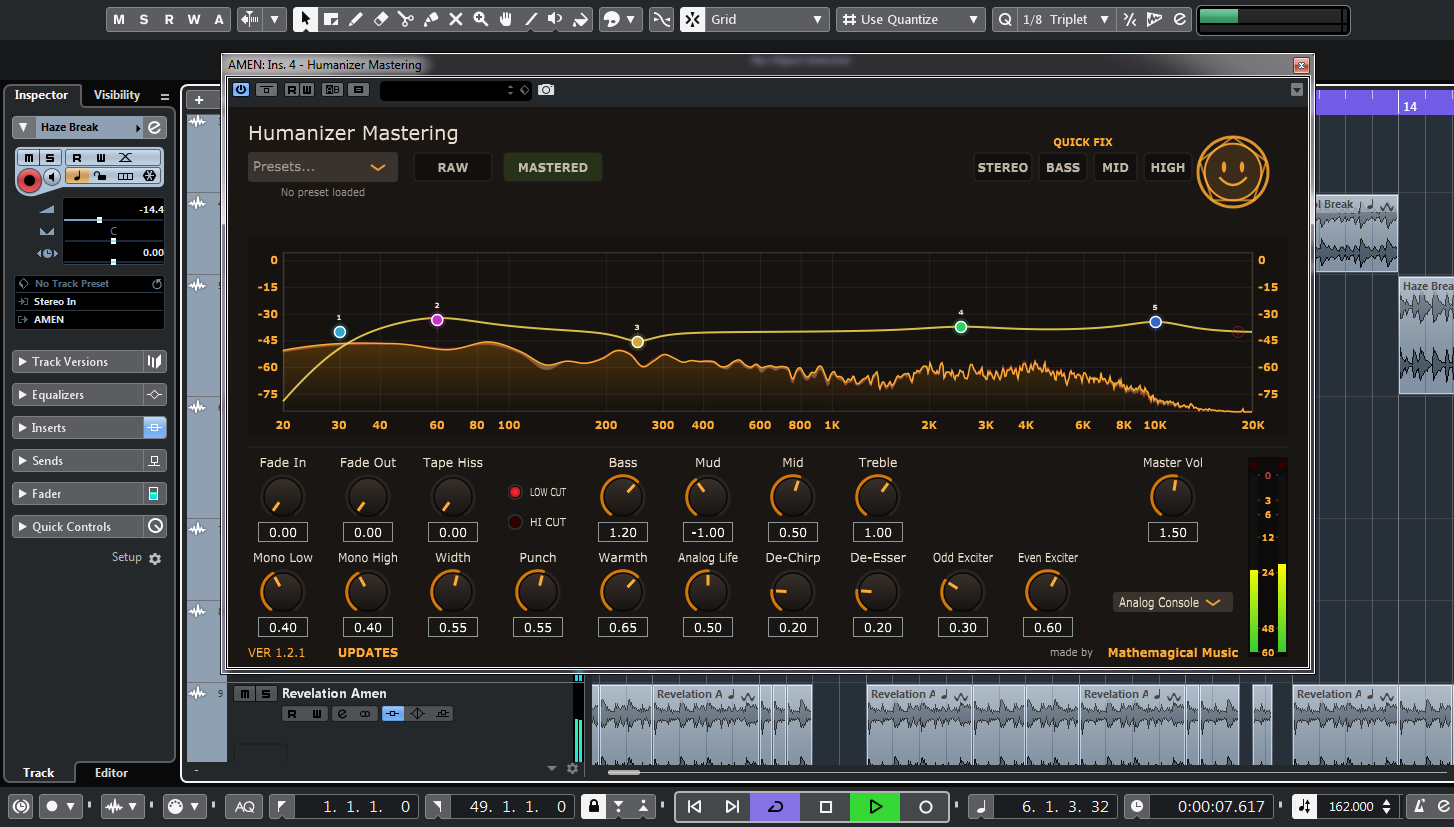
This tool cleans digital artifacts and makes your music warm and human. It can run as a standalone on your desktop, or as a VST3 in your favorite DAW. It only has one dial for each effect with all other settings hard coded to optimum settings. With this tool, even your mother can make sloppy music sound punchy and warm!
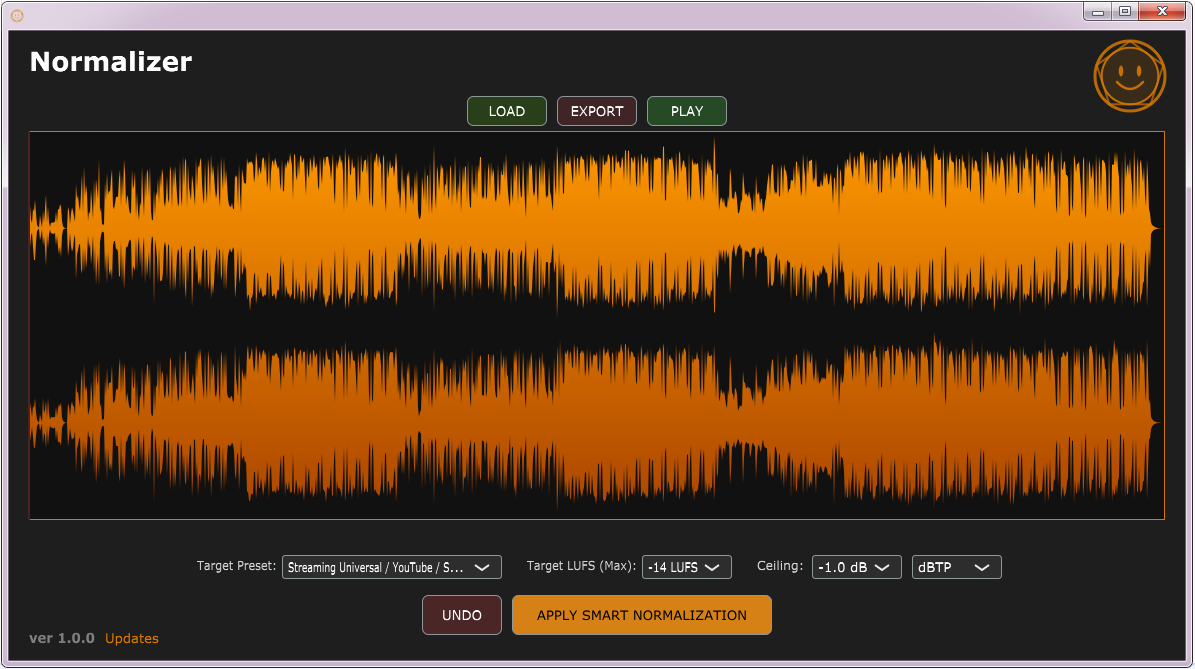
Includes free normalizing software to optimize LUFS for streaming after mastering.
HOW TO UPDATE: If you own it already, update to the latest version by clicking "updates" on the bottom left of the software, and then download latest version. It will always be unlocked on your system. If it is not unlocked, use your old unlock code, it will work forever.
✅ OS: Windows 7 to 11 (64-bit).
✅ Desktop Installation: No installation needed! Simply place the .exe file on your desktop and double-click to run.
✅ Windows Defender may show a blue "Windows protected your PC", click "More info" and "Run anyway".
✅ VST3 Installation: Simply drag and drop the .vst3 file into C:\Program Files\Common Files\VST3.
✅ MAC and Linux installation: Not properly tested yet, download the free demos and read the instructions, test them before buying !
Mastering:
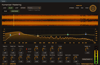
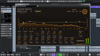
EQ: Click on the EQ nodes in the spectrum analyzer to activate them, drag them up or down, or left and right to adjust them, or use your mouse wheel to adjust Q.
Mono low: Stereo bass is never good, this makes only your bass mono leaving the rest of the track in stereo.
Mono high: A lot of high pitched artifacts that hurt your ears are cause by stereo phase problems, making the highest frequencies in your track mono can tame these. These are also typical problems that AI detection looks for, this does not happen in human music so much.
Punch: This makes your drums and bass punchier and less floppy.
De-chirp: This is a modulated comb filter designed to smear high frequency artifacts.
De-esser: Removes high sss and sh sounds in vocals, or just general high and sharp frequencies that are not constant.
Exciters: If you use "mono high" and "de-chirp" on a track, it will also make the whole track less bright, the exciters add harmonics in the high range to replace these missing high frequencies with better quality high frequencies. Think if this as a treble control to bring out brightness lost to other effects.
Analog life: This is a saturator that adds sparkly harmonics to your track, it is great for adding life to any sterile digital recording. It also smears typical AI artifacts quite well.
Width: Most AI music has too much width, so don't use this if you don't need it. It also adds some mid-range to your track which can make it harsh. Only add this if you used a lot of Mono high or mono low and need to add some stereo back.
Tape hiss: This adds natural tape hiss, a classic studio trick to mask digital artifacts. Its volume modulates slightly with your music for a more natural sound.
Warmth: Adds thick warm saturation to your mix.
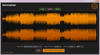
Fade in and Fade out: these add fades to the start and end of your track, you can see what they are doing in the track display.
Analogue hardware emulation: Instead of a compressor or limiter at the end of the signal chain, analogue hardware clipping has been emulated. If you push the master volume into the red, it will distort in nice way. If you pull back your volume until it stops distorting so much, it will sound really nice and warm. Choose between: analogue console, vacuum tube, magnetic tape, and soft-knee diode emulators at the end of the chain.