
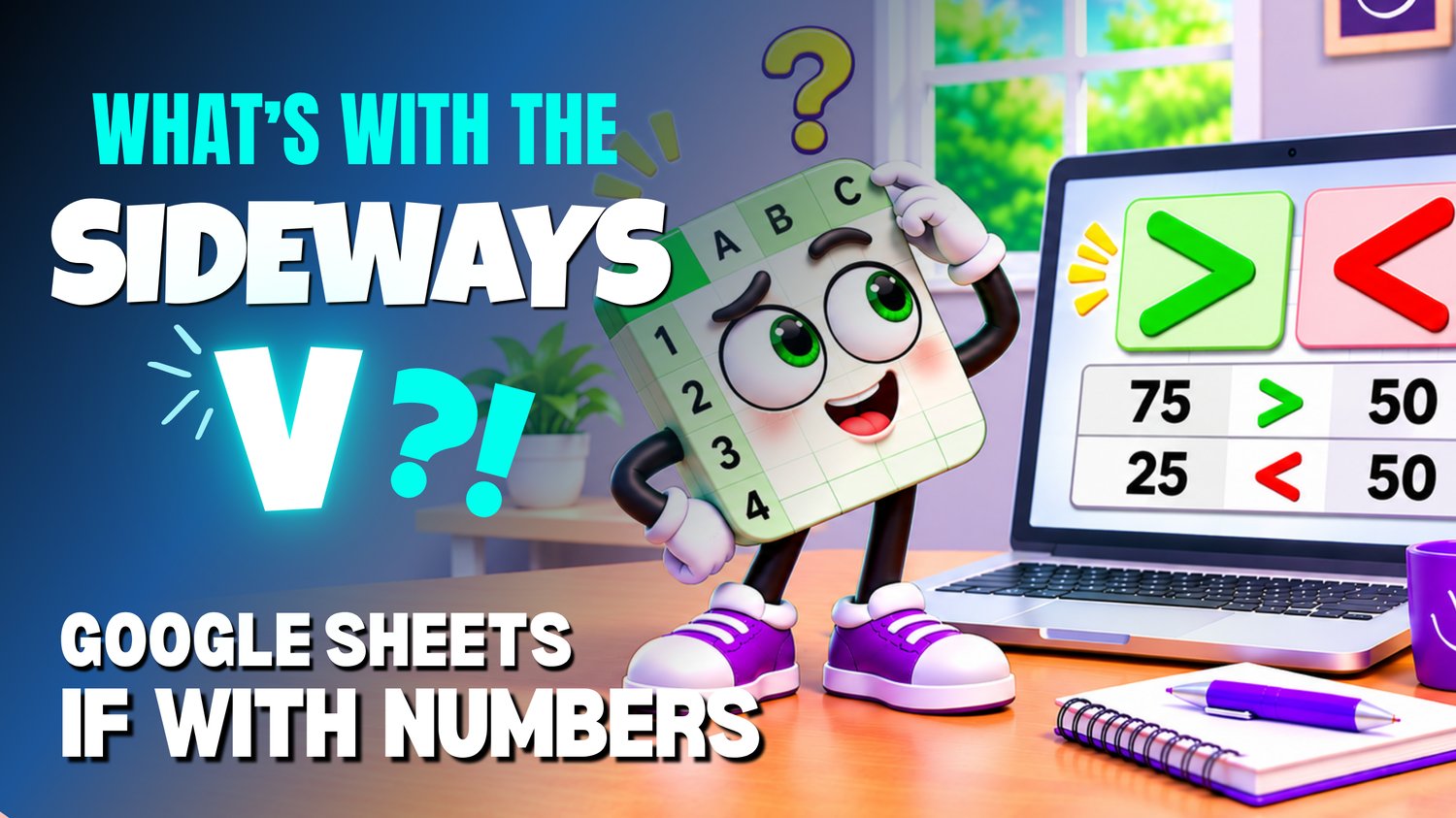
Google Sheets IF with Numbers Practice Workbook | Beginner Formulas
Learn how to use the IF function with numbers in Google Sheets with this beginner-friendly practice workbook from Easy Mode Excel Tutorials!
Ever wondered how your spreadsheet can compare numbers and automatically choose between two results? That's exactly what the IF function can do!
Whether you're checking if an amount qualifies for a discount, comparing numbers against a target, or testing whether a value meets a condition, the IF function helps your spreadsheet make simple decisions.
This hands-on workbook accompanies our free Google Sheets IF with Numbers video lesson, giving you the opportunity to practice writing IF formulas and comparing numbers with confidence.
What You'll Practice
✓ Understand how the IF function checks a condition
✓ Recognize how TRUE and FALSE conditions affect formula results
✓ Use greater than (>) and less than (<) comparisons
✓ Use greater than or equal to (>=) and less than or equal to (<=) comparisons
✓ Write IF formulas that return different results based on numbers
✓ Build confidence using numerical conditions in Google Sheets
What's Included
✓ One Google Sheets practice workbook
✓ Beginner-friendly exercises to reinforce the lesson
✓ A workbook you can copy and edit in your own Google Sheets account
✓ Hands-on practice you can complete at your own pace
Perfect for Google Sheets beginners! Learn how to make your spreadsheets compare numbers and automatically return the appropriate result using simple IF formulas.
Price: $2.49 USD — one-time purchase.
After purchasing, you'll receive access to your Google Sheets practice workbook. Simply make your own copy and start practicing right away!
This purchase includes access to the practice workbook only. A free Google account is needed to use Google Sheets.
Watch the FREE Video Lesson
🎥 Google Sheets IF with Numbers: https://youtu.be/Uo8URsdUVBQ