

Tradie Business Manager - Quotes, Invoices & Who Owes You
LAUNCH PRICE: A$49 one-off. No subscription.
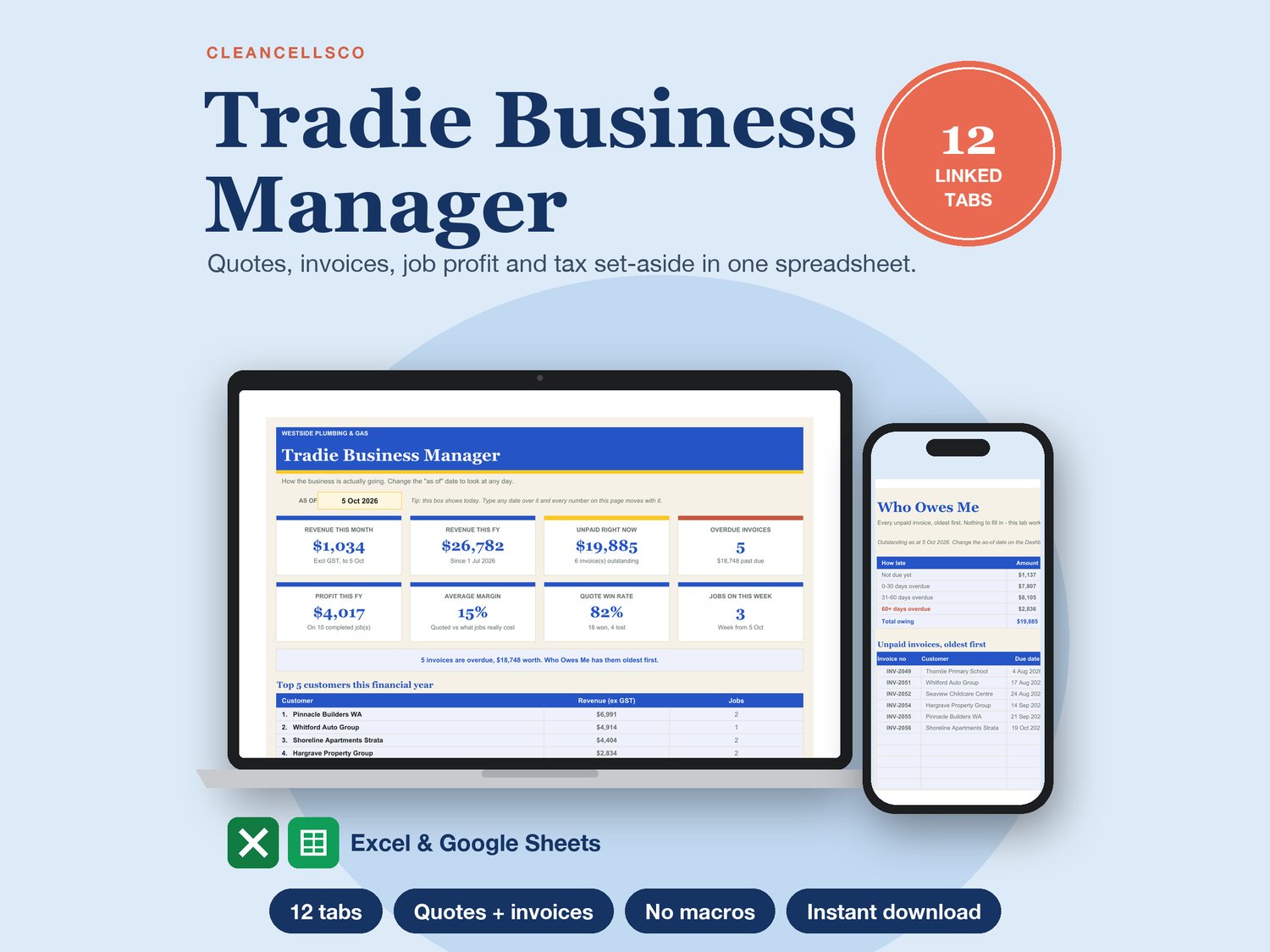
Quotes, invoices and who owes you - one spreadsheet, on your phone or laptop.
What you get (instant download, Excel + Google Sheets):
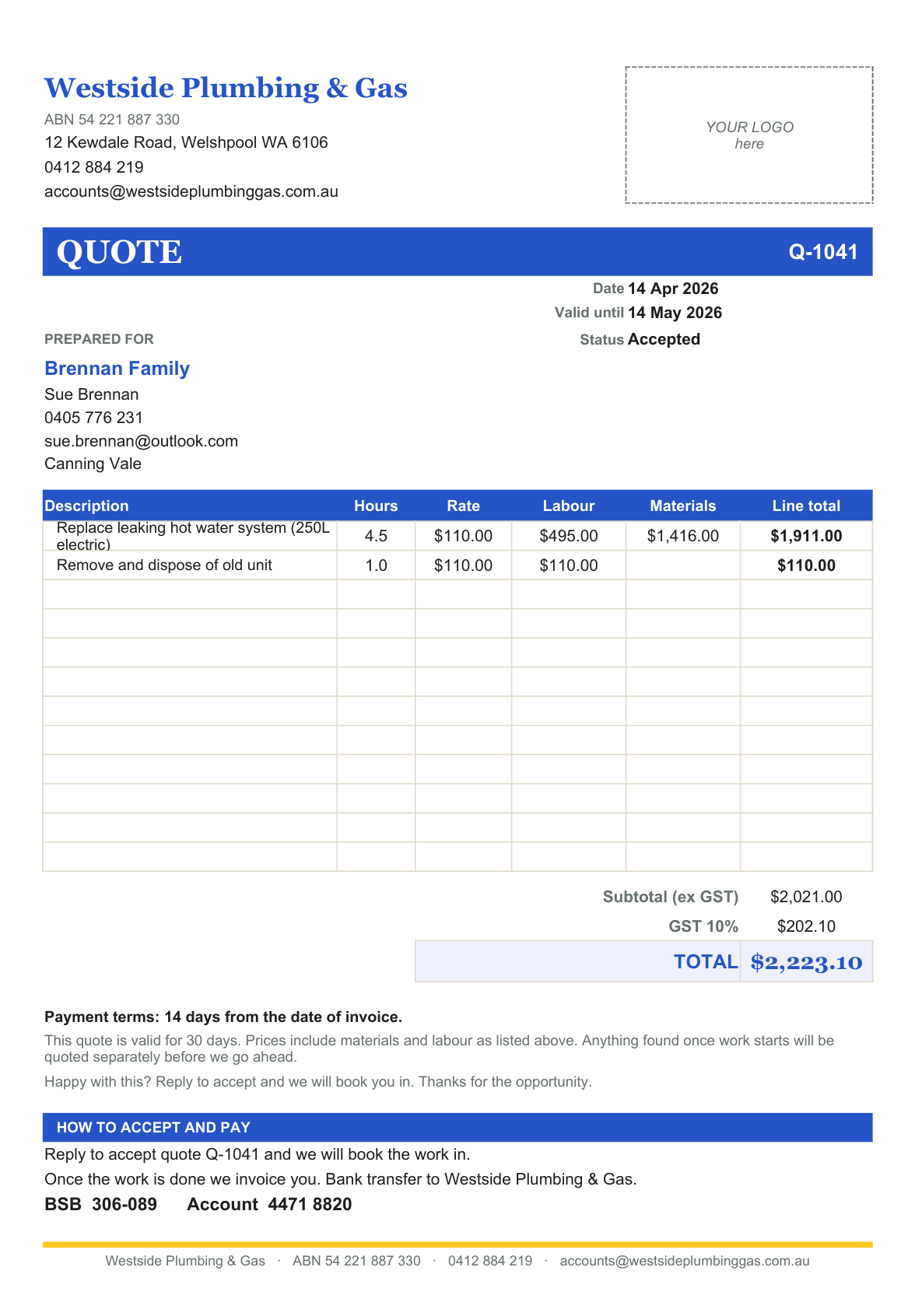
✔ A quote on your own letterhead in minutes - print it or send it as a PDF
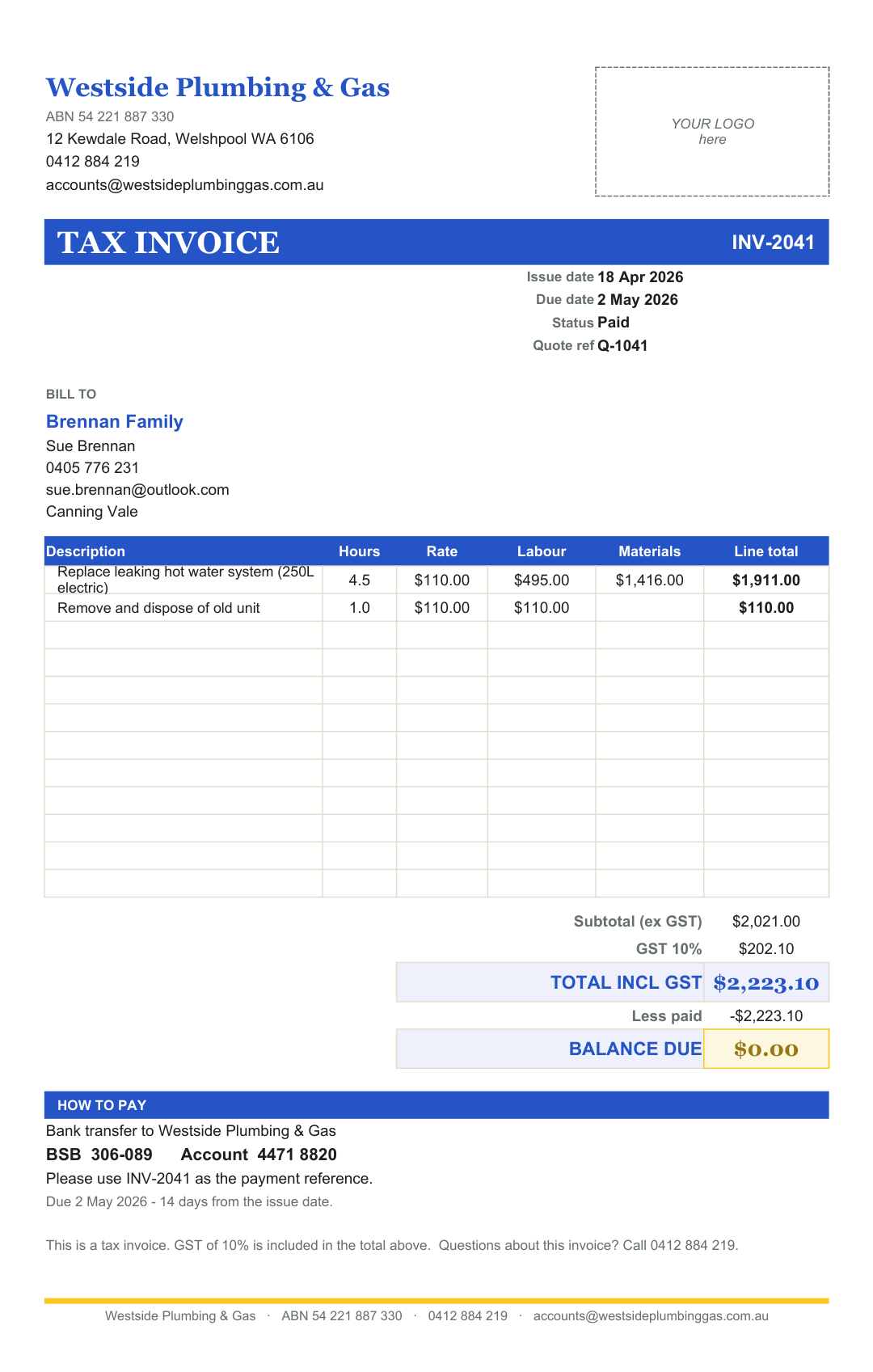
✔ Turn it into a tax invoice with your ABN and bank details
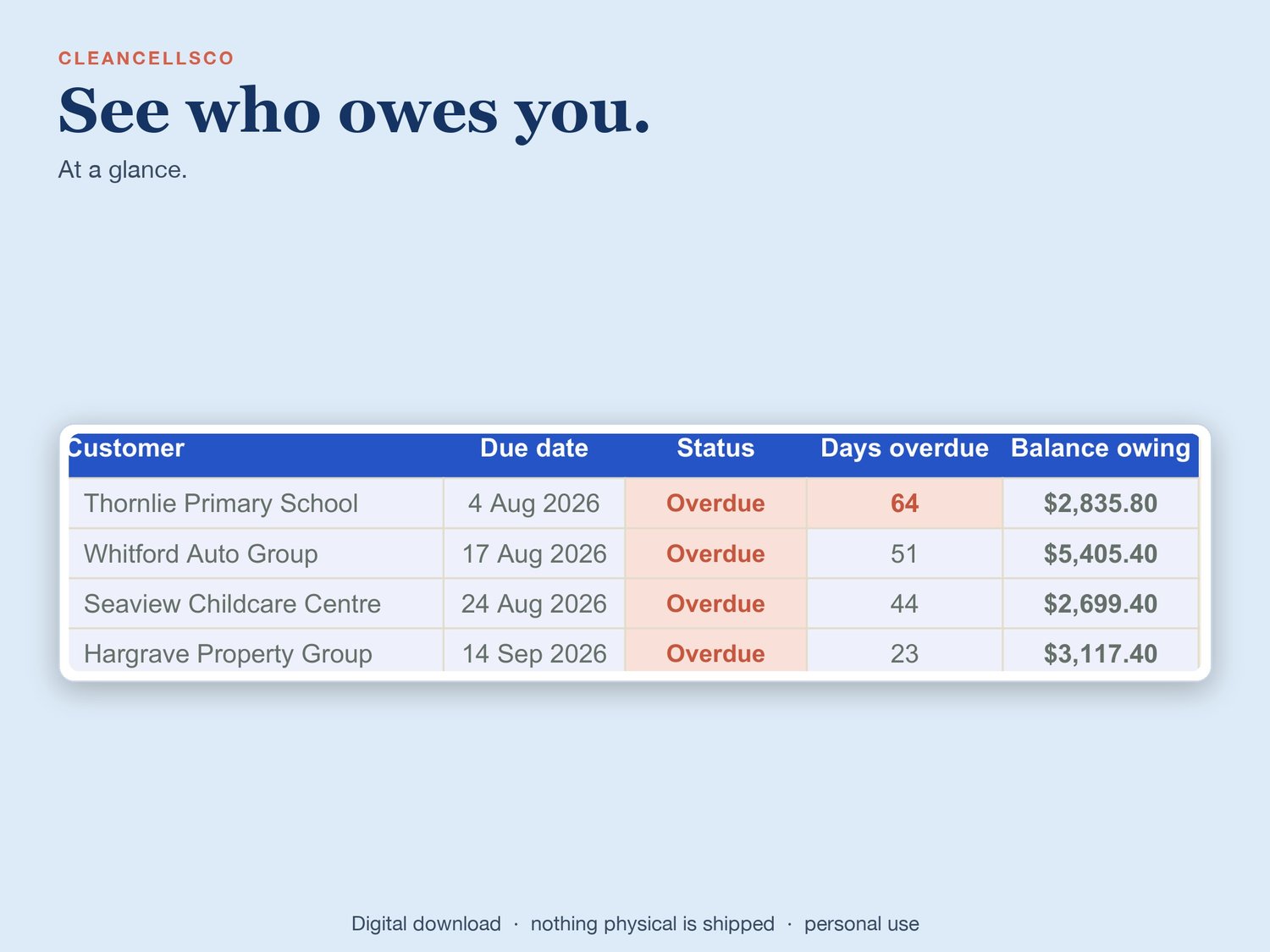
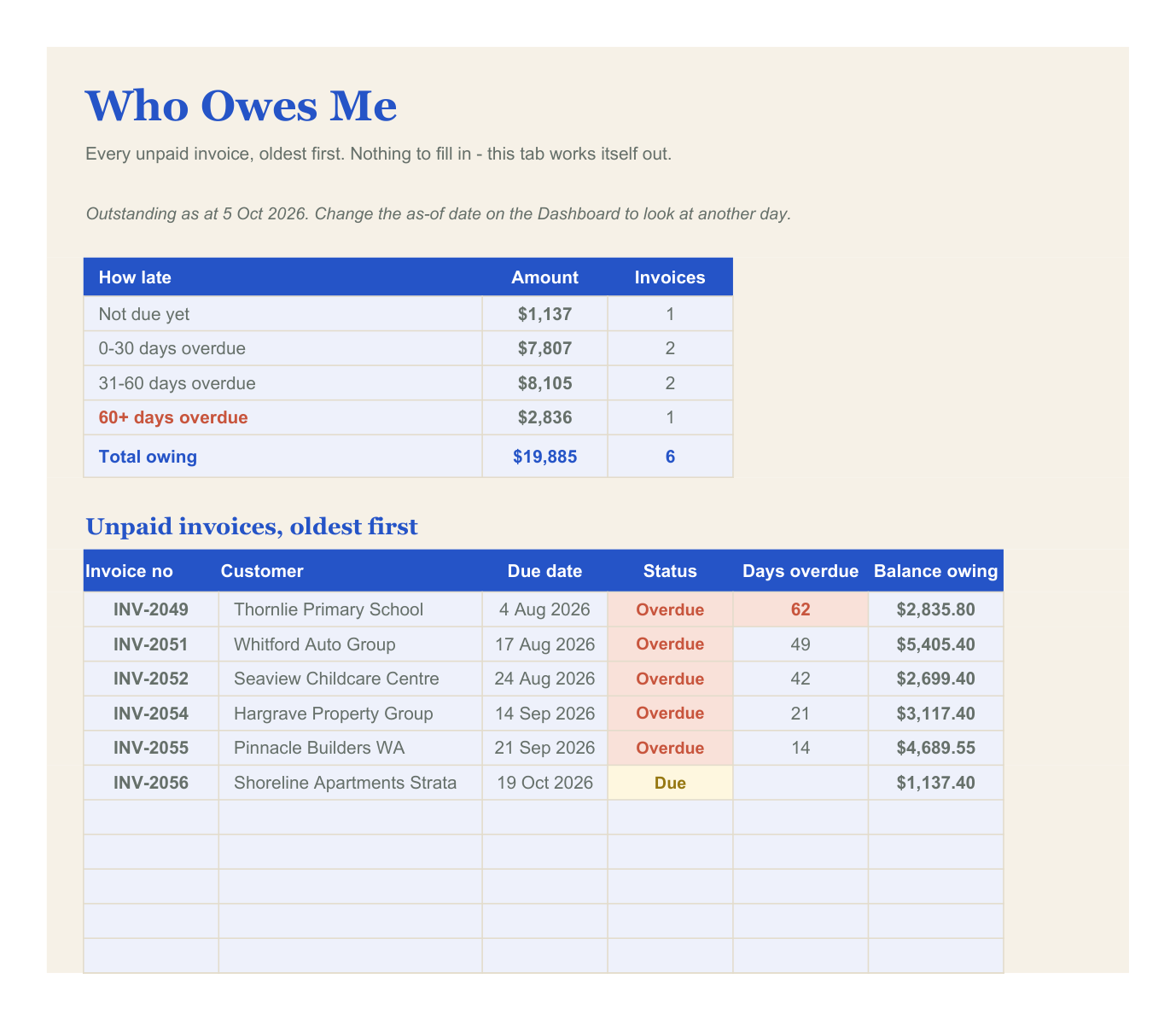
✔ A "Who Owes Me" list - every unpaid invoice, oldest first
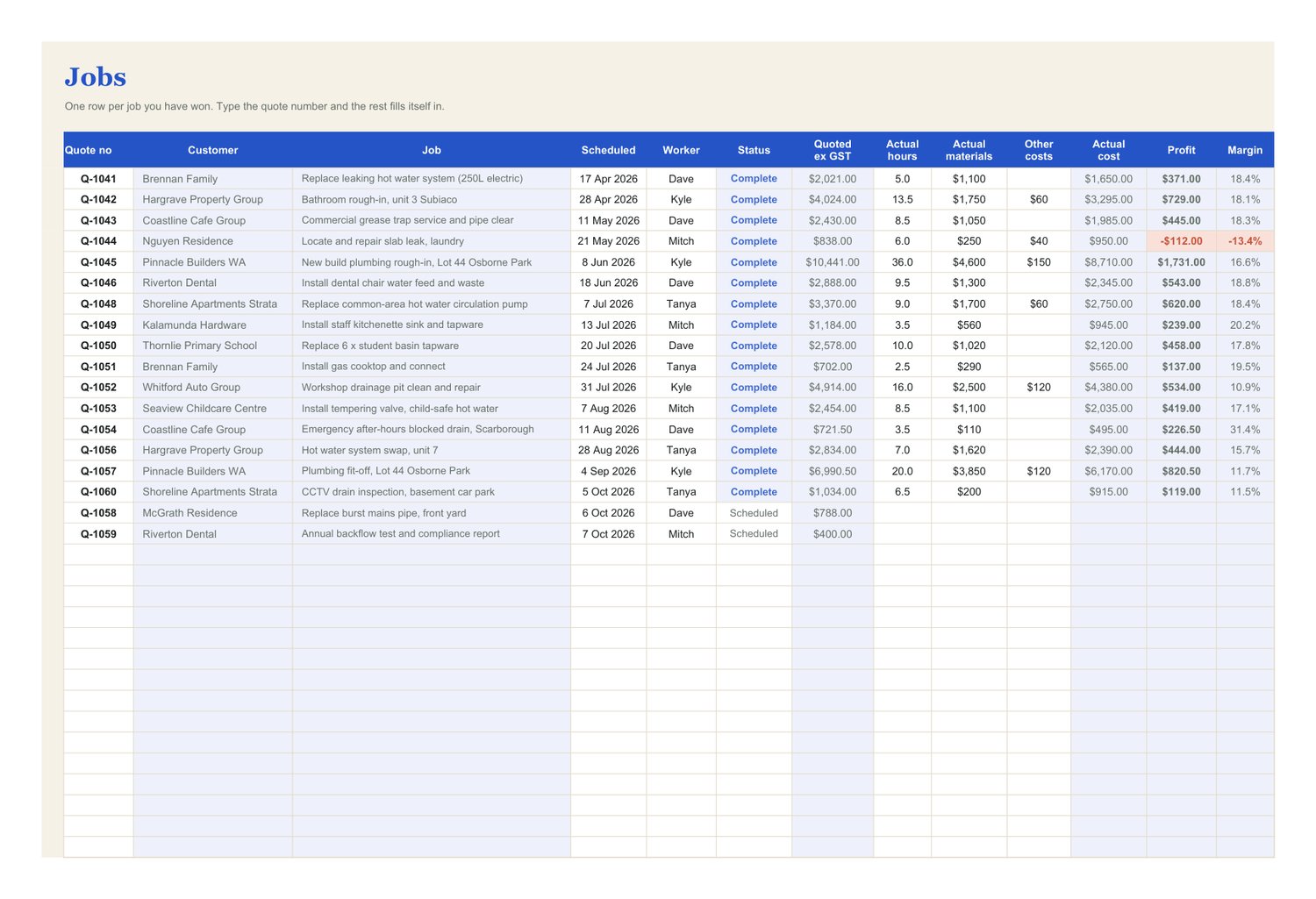
✔ Profit on every job, so you know which ones actually pay
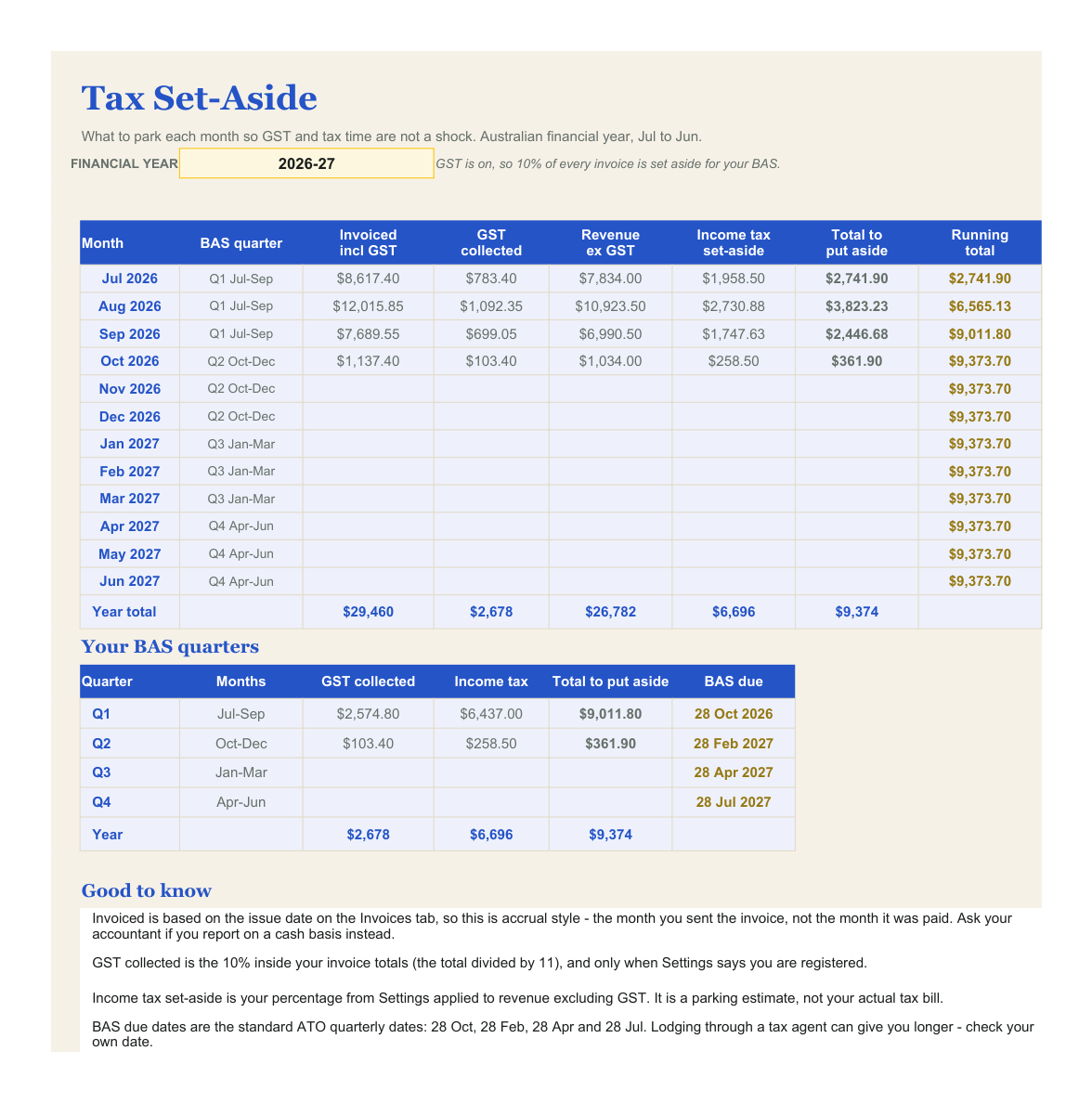
✔ Tax set-aside, so the BAS stops being a surprise
Not happy with it? Email me within 14 days for a full refund.
🎥 Watch the full video tutorial: https://youtu.be/ttB_pL6Er0k
Quoting at 10pm again?
You were on the tools at 6am. The job finished at 4. Now it's 10pm, dinner's gone cold, and you're trying to remember what you quoted the bloke in Wanneroo, which invoices are still sitting unpaid, and whether there'll be enough in the account when the BAS lands.
The Tradie Business Manager is one spreadsheet that handles the whole lot. Type your business details in once and your quotes, invoices, job costs, debtor list and tax set-aside all feed off each other from there. No double entry, no app to learn.
WHAT'S INSIDE - 12 LINKED TABS
Start Here - how it all fits together, in plain English.
Settings - business name, ABN, address, phone, email, bank BSB and account, payment terms, default hourly rate, default materials markup, GST status, income tax set-aside percentage and up to six crew names. Typed once. Every other tab reads from it.
Customers - name, contact, phone, email and suburb. Feeds the dropdowns on your quotes.
Quotes - one row per quote line, 180 lines. Put in the hours and the materials; labour, markup, GST and every total are worked out for you. Leave Rate or Markup blank and it uses your defaults.
Quote (printable) - pick a quote number at the top and you get a one-page quote on your letterhead, print area already set, with a box for your logo. Print it or save it as a PDF and send it.
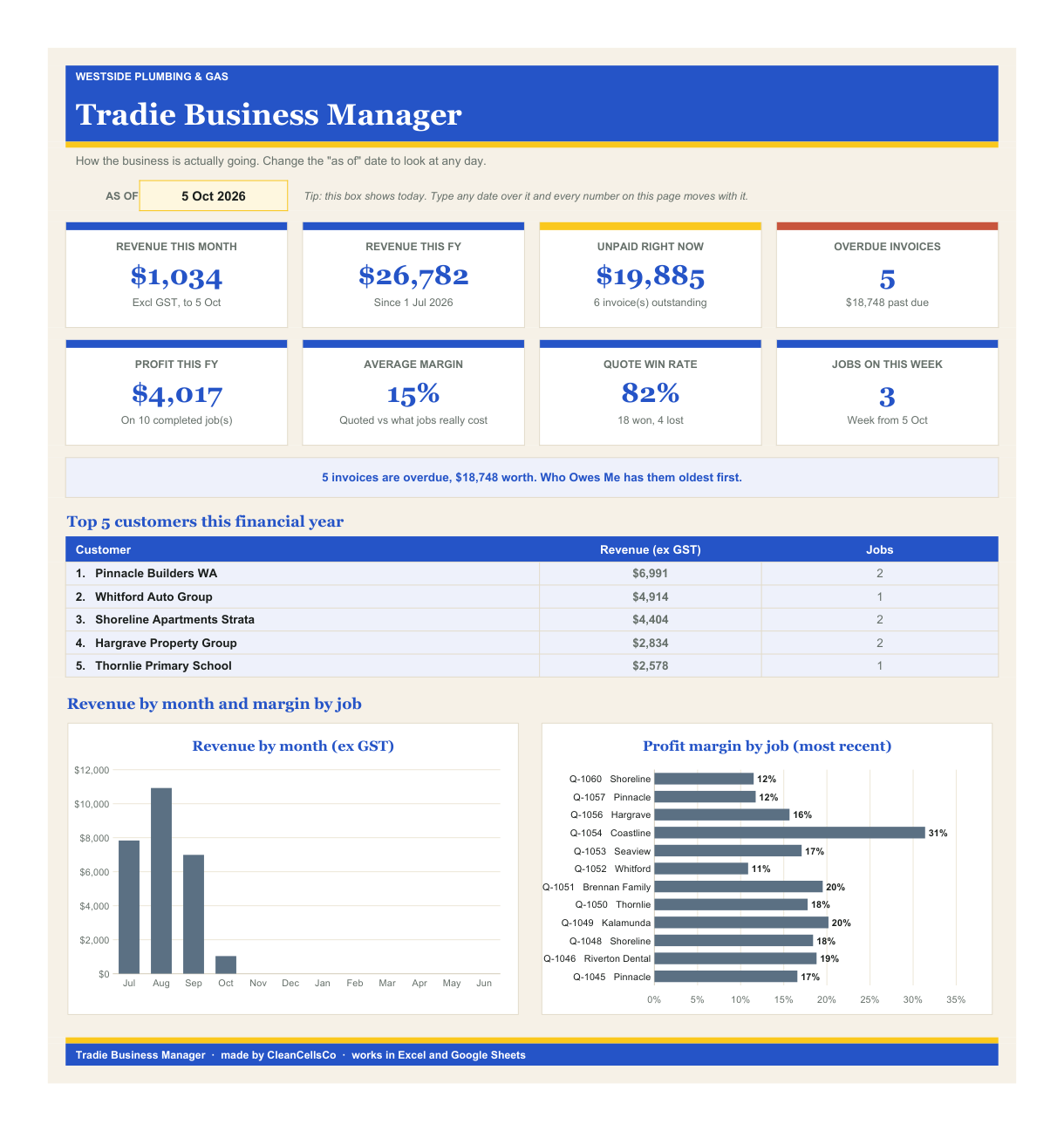
Jobs - one row per job won, linked to its quote number. Enter the real hours, materials and other costs and it shows you actual cost, profit and margin against what you quoted. That's how you find out which jobs are actually making you money.
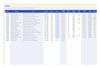
Invoices - one row per invoice. The amount comes off the quote, the due date comes off your payment terms, and it tracks what's been paid, the balance and the days overdue.
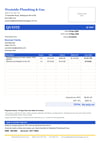
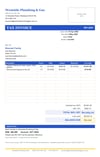
Invoice (printable) - pick an invoice number and you get a one-page tax invoice with your ABN and bank details on it.
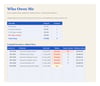
Who Owes Me - every unpaid invoice, oldest first, with totals split into not due yet, 0-30, 31-60 and 60+ days overdue. Your Monday morning chase list.
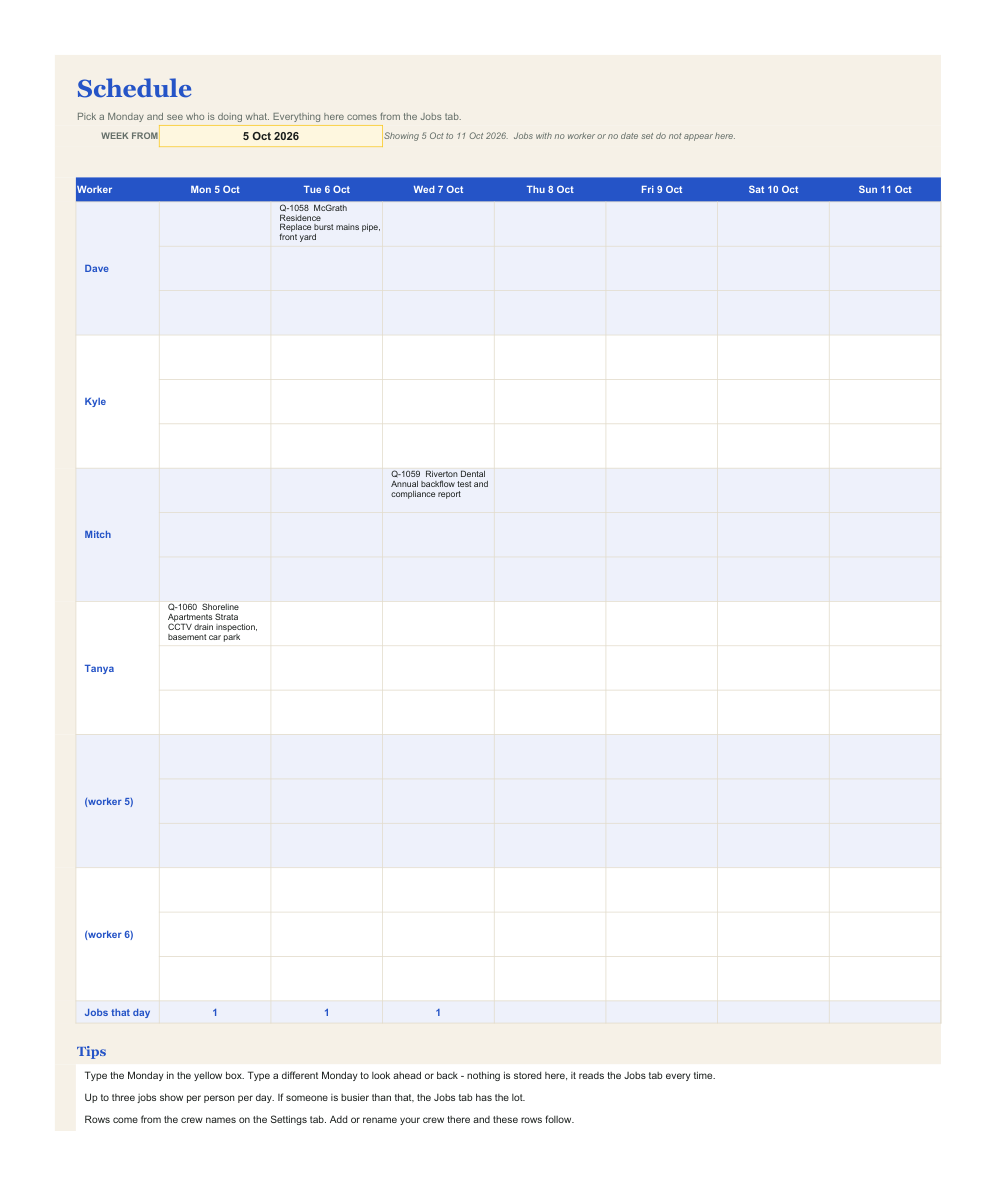
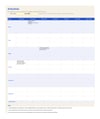
Schedule - pick a Monday and see the week: which job each of your crew is on, each day.
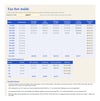
Tax Set-Aside - month by month across the Australian financial year (Q1 Jul-Sep through Q4 Apr-Jun): GST collected, what to put aside for income tax, the total to park and a running balance. So the BAS stops being a surprise.
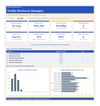
Dashboard - revenue this month and this financial year, job profit, what's unpaid right now and how many invoices are overdue. One screen.
ONE PAYMENT, NOT ANOTHER SUBSCRIPTION
Job management apps generally run somewhere around A$40-100 a month, per user. This is a single payment for the file. Nothing to cancel, no monthly bill, and your numbers stay in your own spreadsheet on your own computer.
HOW IT WORKS
- Works in Microsoft Excel and in Google Sheets. For Sheets, upload the file to Google Drive and open it with Google Sheets.
- Works on your phone and your laptop. Check who owes you from the ute on your phone, and do the quoting on the laptop when you're home.
- No macros. Nothing to enable, no security warnings, just formulas.
- Instant download after purchase.
- Comes filled with sample data from a made-up Perth plumbing business, so you can see every tab working before you touch anything. Delete the examples and your own jobs go straight in.
- GST is optional. Set "Registered for GST?" to No in Settings and GST comes off every quote, invoice and total.
- Built for Australia: A$, ABN on the tax invoice, dd/mm/yyyy dates, BSB and account number, Australian financial year.
- Colour-coded so you can't break it: white cells are yours to type in, tinted cells are calculated and protected, yellow boxes are the pickers. The protection is not password-locked, so you can unprotect any sheet if you want to change the formulas.
GOOD TO KNOW
- This is a digital download: one .xlsx spreadsheet file. Nothing is posted to you.
- It's a quoting and record-keeping tool, not tax or financial advice. The Tax Set-Aside tab uses the percentages you enter yourself. Check your rates and your obligations with your accountant or the ATO.
- For your own business use, not for resale or redistribution.
- If the file is faulty or isn't as described, get in touch and I'll fix it or refund you - that doesn't affect your rights under Australian Consumer Law.