
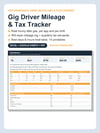

Gig Driver Mileage & Tax Tracker: Real Hourly After Gas, IRS Mileage Log & Quarterly Tax (Excel + Google Sheets + PDF)
Do you actually know what you made per hour last Saturday, after gas?
Most drivers know their gross. The app shows it. What the app never shows is the gas you burned, the miles you put on the car, or the tax bill that lands in April. So you drive a Friday dinner rush, see $120, and have no idea whether it was a $28 hour or a $14 hour.
That gap costs real money. The wrong app on the wrong night quietly eats a few dollars an hour for a whole year. Miles you did not write down are a deduction you cannot claim (at the IRS rate, every 1,000 forgotten miles is roughly $700 off your taxable income). And the quarterly tax you did not set aside becomes a lump sum with penalties.
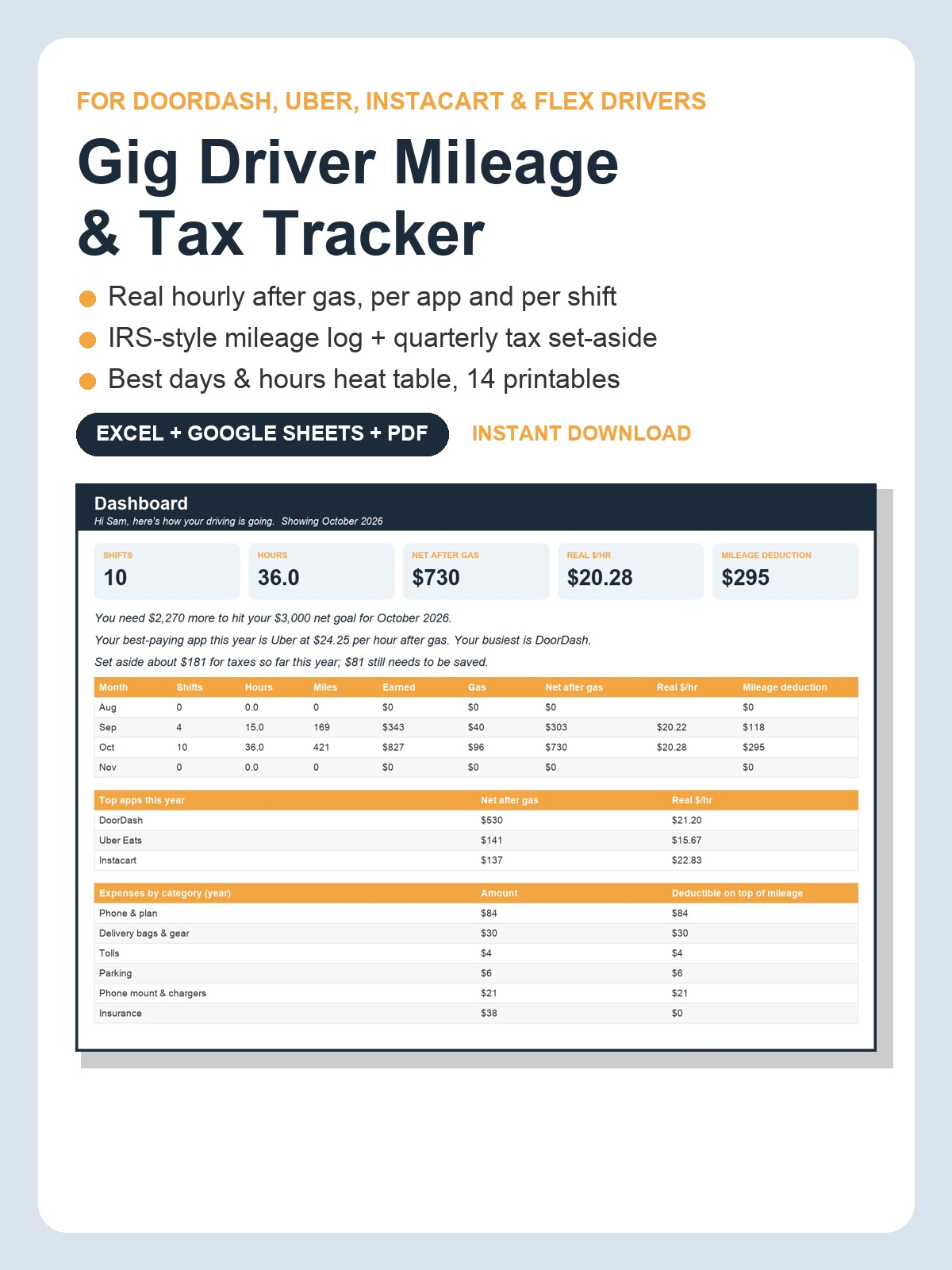
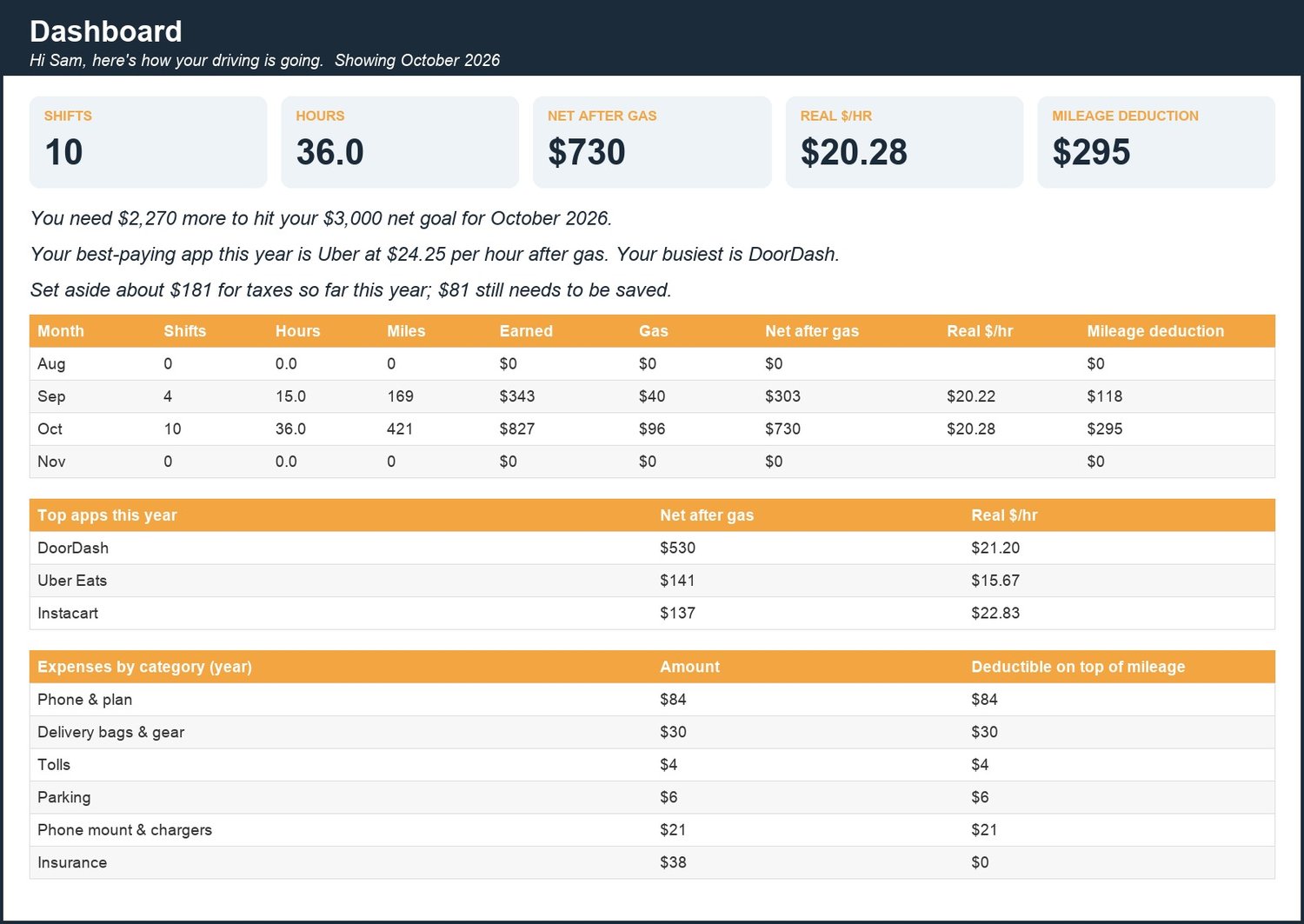
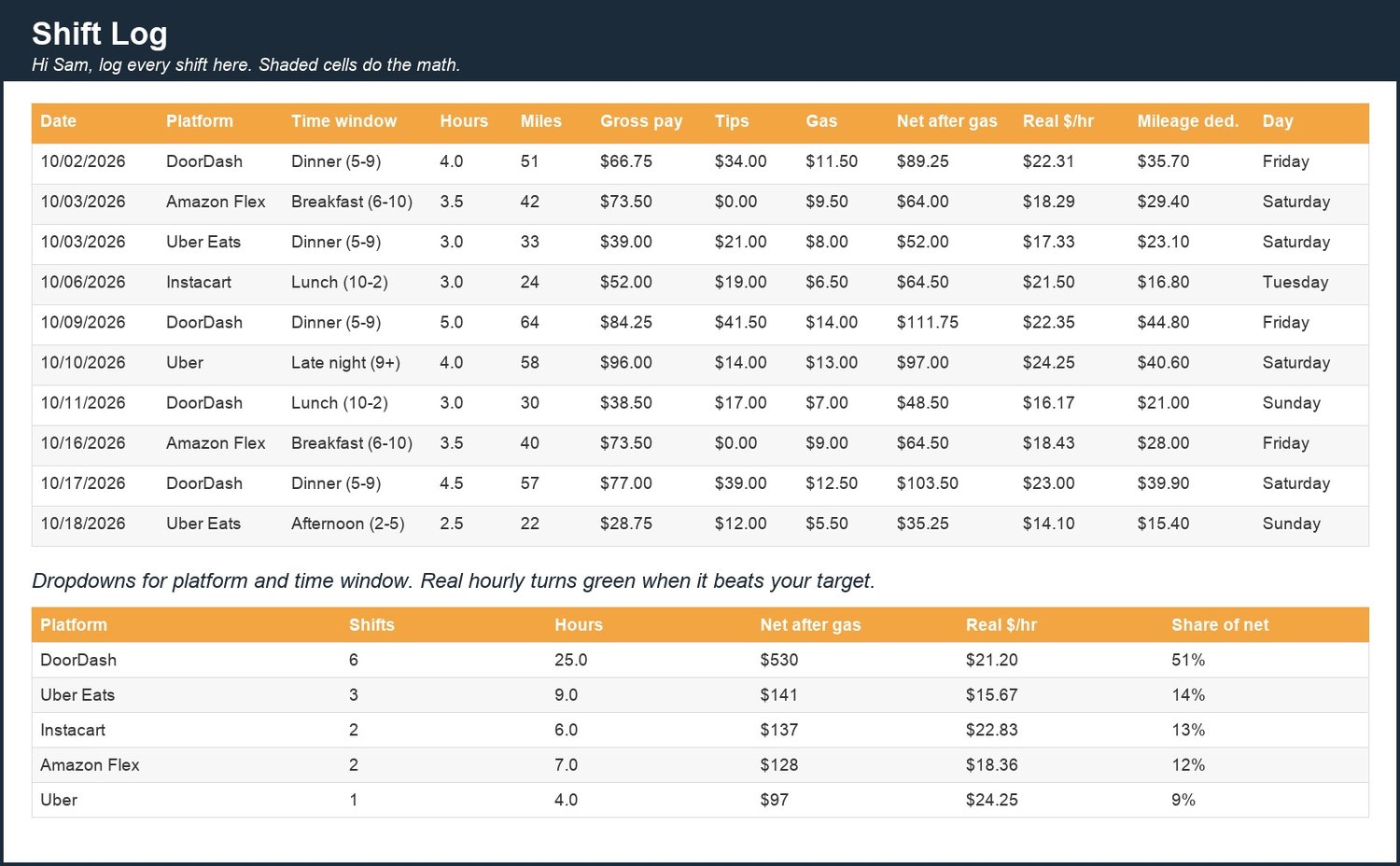
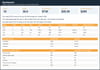
The Gig Driver Mileage & Tax Tracker fixes all three in about 20 seconds a shift. Type the app, hours, miles, pay, tips and gas; the sheet shows your real hourly after gas, your dollars per mile and your mileage deduction on the spot. The Dashboard greets you by name and tells you in plain English whether you are on track ("You need $412 more to hit your $3,000 goal for October"). Platform Split tells you which app actually pays. Best Days & Hours is a heat table of your real hourly by weekday and time window. Tax Set-Aside estimates each quarter and shows the real IRS due dates.
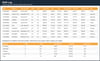
WHAT IS INSIDE (12 tabs, Excel + Google Sheets)- Welcome: type your first name once and every tab says hello; 5-step setup and FAQ- Dashboard: this month vs goal, year to date, friendly status lines, 12-month trend, top apps, expenses by category- Shift Log: 600 rows; platform and time-window dropdowns; real $/hr, $/mile and mileage deduction calculated- Mileage Log: IRS-style odometer log (date, start, end, purpose)- Expenses: phone, bags, tolls, parking, insurance and more, with a deductible-on-top-of-mileage flag- Platform Split: shifts, hours, net, real $/hr, $/mile and share by app, this year and this month- Best Days & Hours: heat table of real $/hr, net and shifts by weekday and time window- Tax Set-Aside: quarterly profit estimate, set-aside %, already saved, still to save, due dates- Vehicle Maintenance: service log with next-due mileage and a DUE NOW flag- My Why & Goals: progress bars that fill as you log- Monthly Review: pick a month, get the numbers, answer three prompts- Settings: year, IRS rate, tax %, goals, every dropdown list
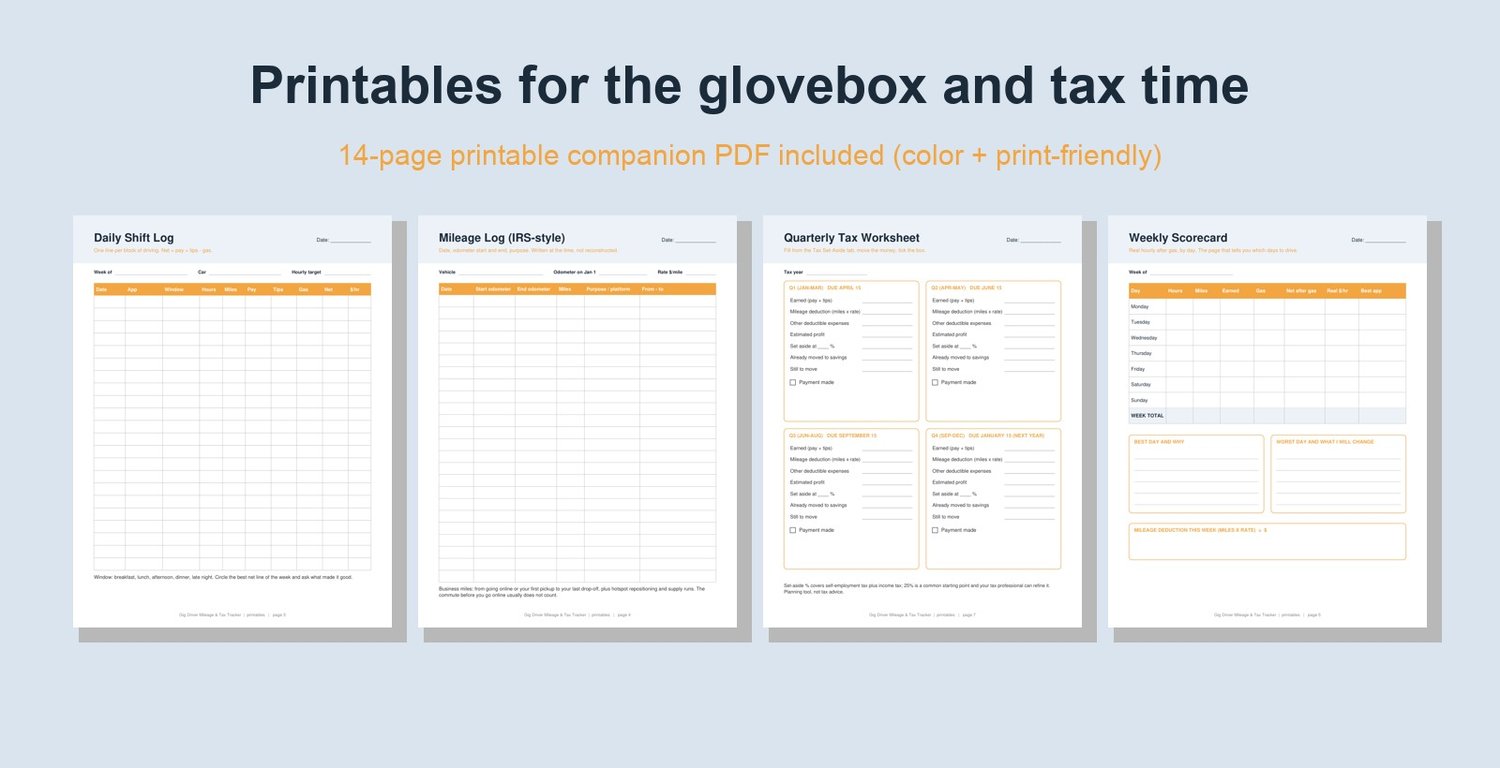
PLUS A 14-PAGE PRINTABLE PDF (color + print-friendly versions)How to use, Daily Shift Log, IRS-style Mileage Log, Weekly Scorecard, Monthly Expense Log, Quarterly Tax Worksheet, Tax-Time Checklist, Vehicle Maintenance Log, Best Days & Hours Scoreboard, Gas & Fuel Log, Monthly Review, My Why & Goals, Glovebox Card.
WORKS WITH- Microsoft Excel (desktop or free Excel online)- Google Sheets (upload to Drive, then Open with Google Sheets)- Your phone, through the free Google Sheets app
GOOD TO KNOW- 14 realistic sample rows marked "delete me" so you can see it working, then clear them- Formulas only (SUMIFS, COUNTIFS, INDEX/MATCH); nothing to install, no macros- Instant digital download; nothing is shipped- Planning tool, not tax advice. Not affiliated with DoorDash, Uber, Instacart, Amazon or any platform- All sales are final on digital files, but reply to your receipt and I will help with anything
The Q4 estimated tax payment is due January 15. Start logging this week and the number will be ready before the deadline. Download now, $3.99.
Made with AI assistance and checked by a human.