


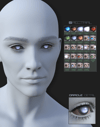
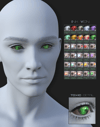
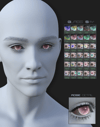
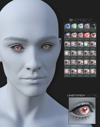
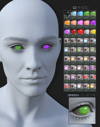
G9 Dead Doll Contacts
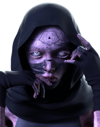
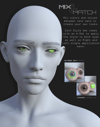
6 sets of hand painted, geoshell based contact lens for your G9 figures.
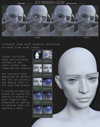
- To apply the contacts, first select Genesis 9 Eyes in the scene tab before loading the DD Contacts shell preset.
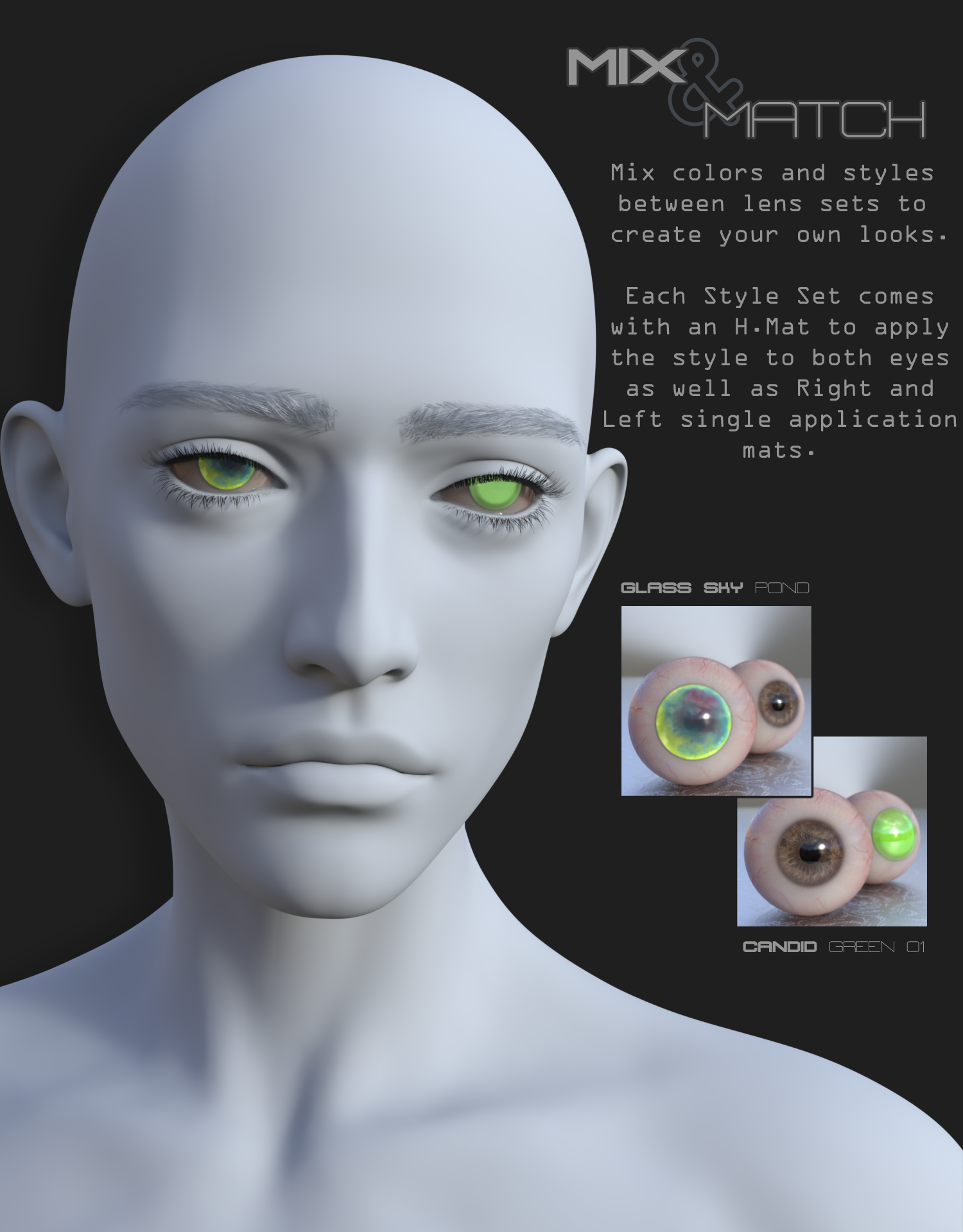
- H.Mats will apply the selected style and color to both eyes with any part of the G9 figure selected.
- To apply individual eye mats and use Utility Mats/Presets, you will need to select the DD Contact Lenses Shell.
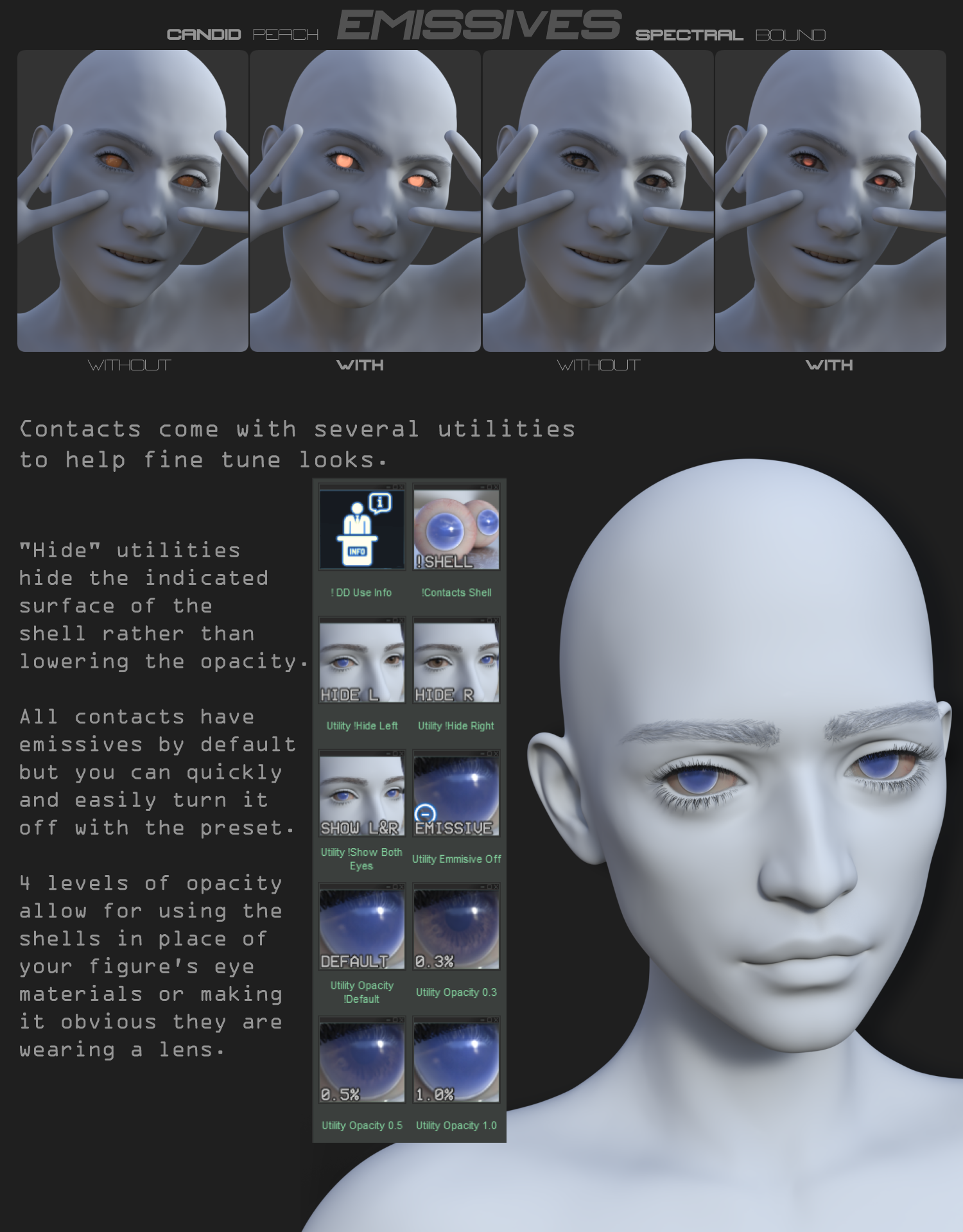
- Removing emissions can drastically alter the look of some contact styles/colors, so always double-check in iray preview that you’re getting the look you want before final render.
Includes:
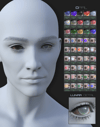
1 Contact Geoshell preset
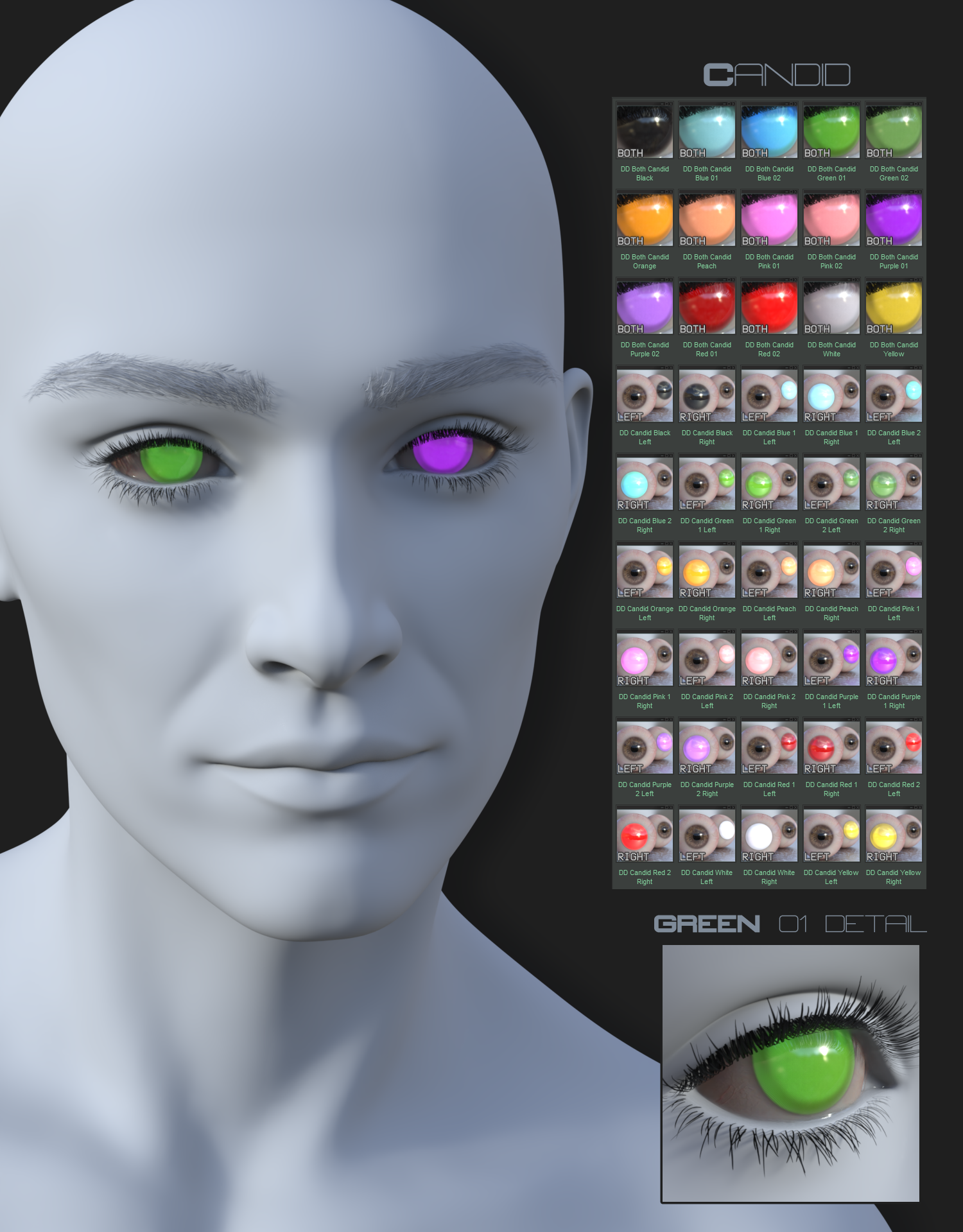
15 ‘Candid’ Style
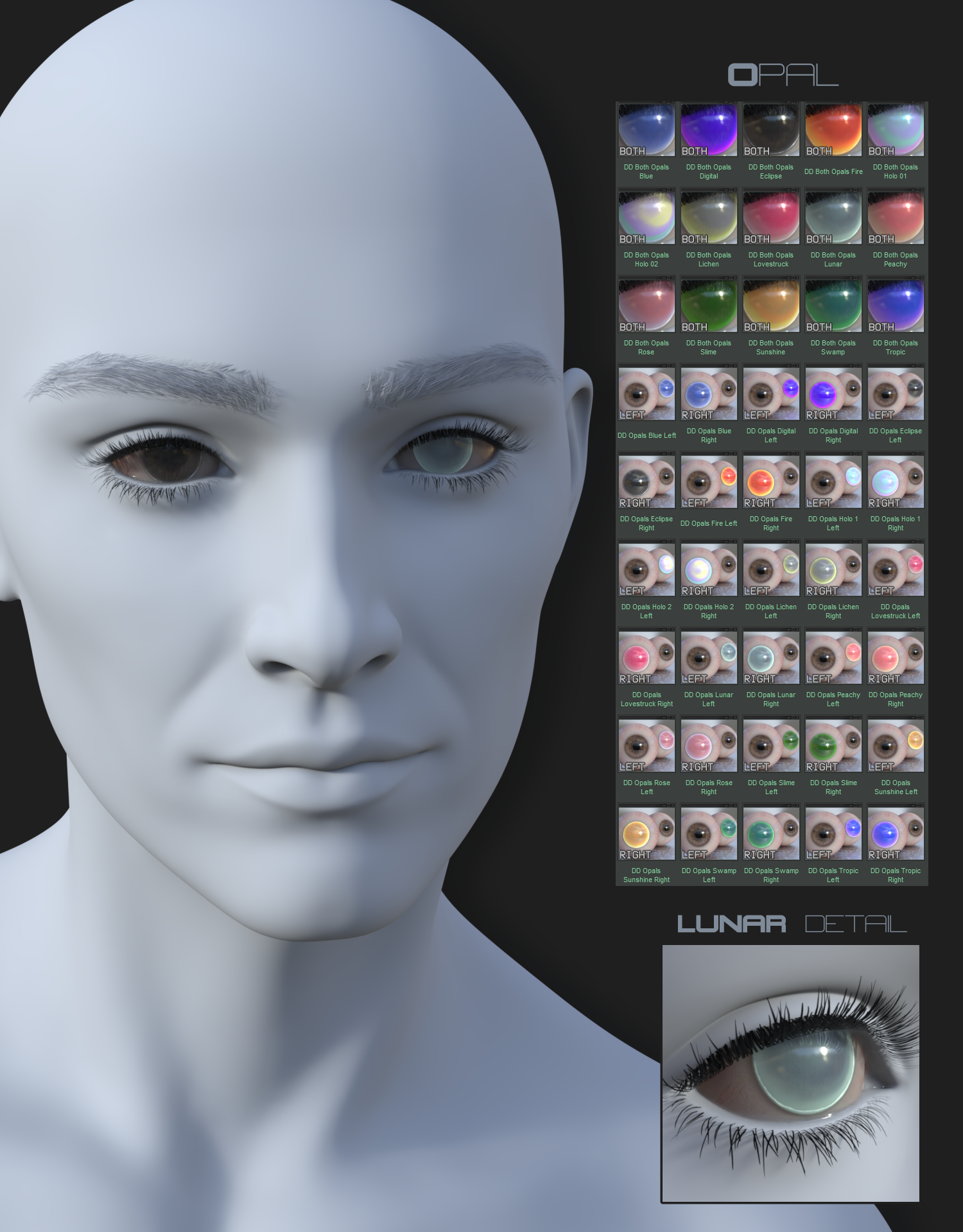
15 ‘Opal’ Style
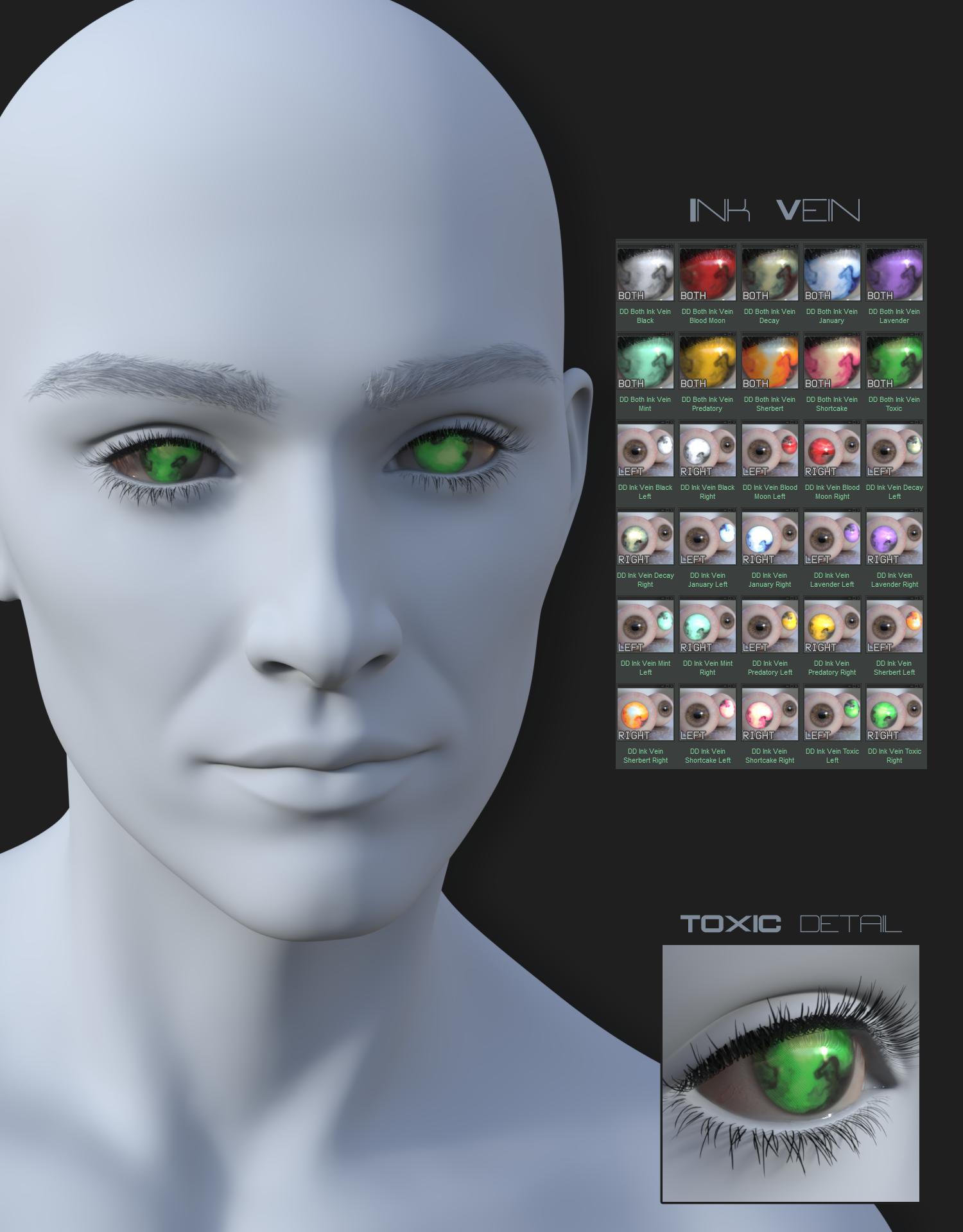
10 ‘Ink Vein’ Style
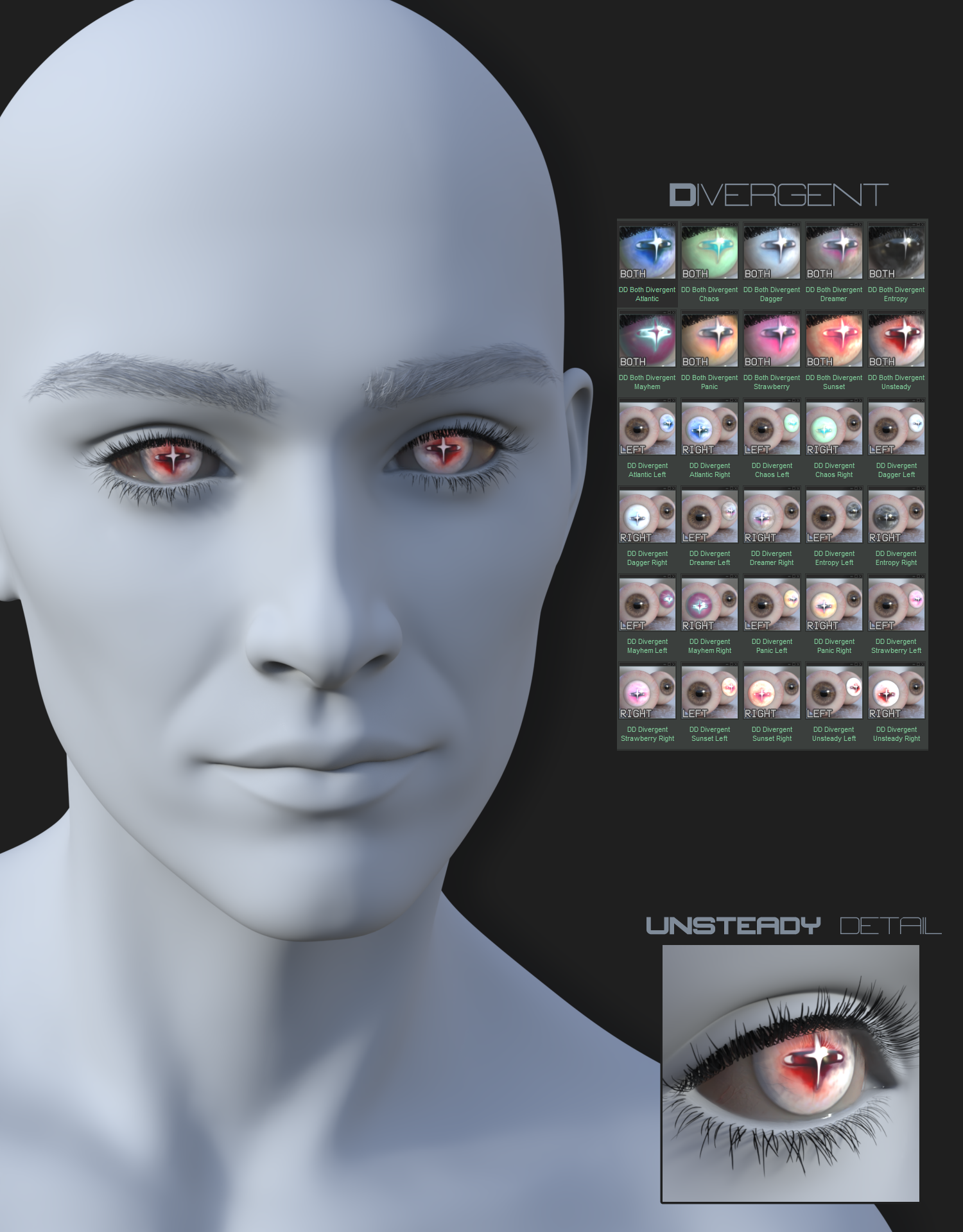
10 ‘Divergent’ Style
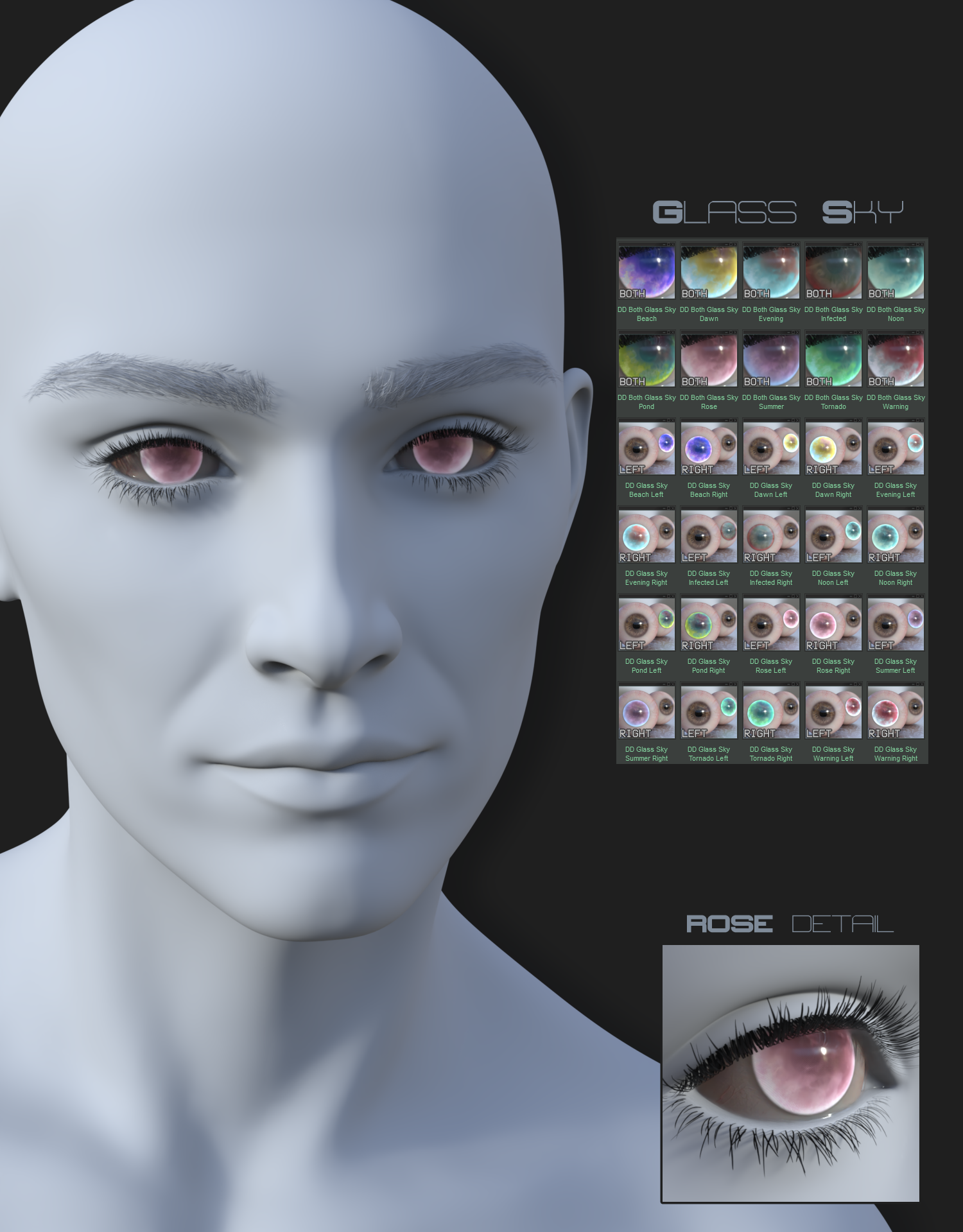
10 ‘Glass Sky’ Style
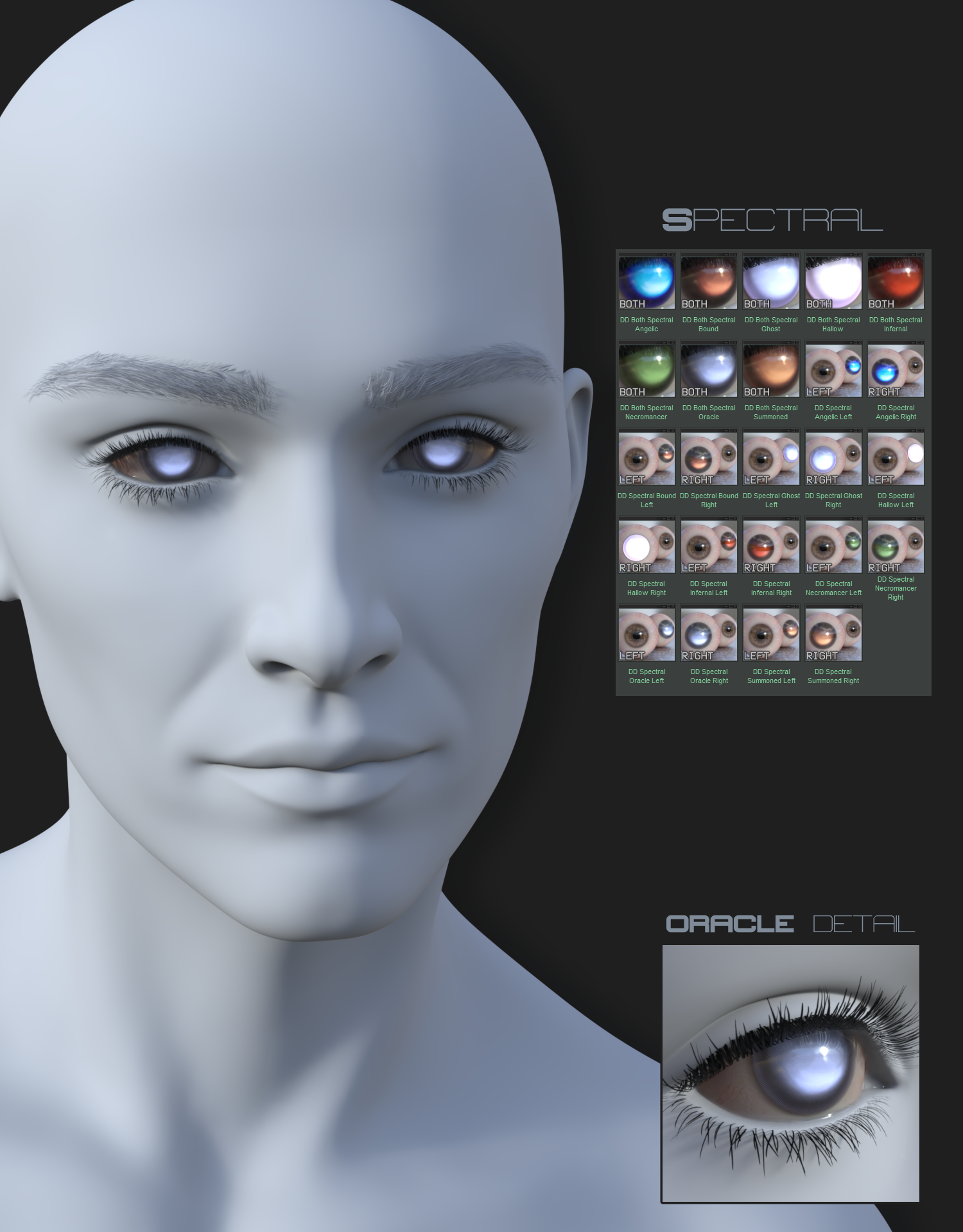
8 ‘Spectral’ Style
All styles include a Left and Right Eye single mat application preset for each color variation.
1 Emission Off Switch preset
1 Show Both Eyes preset
1 Hide Left Eye preset
1 Hide Right Eye preset
4 Opacity Control presets (Default, 1.0%, 0.5%, 0.3%)
1 Use Info tip popup
Contacts can be found under Genesis 9 > Material > LB in the folder tree.
This set is for use in Daz3D only with Iray Materials.
You may use final 2D Outputs containing this asset for personal or commercial projects.
However, you are not to share, sell, upload, redistribute, sublicense, or give away the original Product Files, modified Product Files, textures, morphs, presets, or any extractable parts of the product.
You may not use the Product Files, textures, models, morphs, presets, or other asset components to create a competing digital asset, merchant resource, stock asset, 3D model pack, texture pack, morph pack, preset pack, or downloadable product.
If you would like to use this asset inside a game, app, VR/AR project, interactive experience, simulation, or another distributed project, please contact us.