IMAGINE & TRANSFORM KIDS | Creative Drawing Challenge Book (Printable PDF)
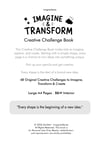
IMAGINE & TRANSFORM KIDS
Creative Drawing Challenge Book for Kids (Printable PDF)
Does your child ever say, "I don't know what to draw"?
Looking for a fun, screen-free activity that encourages creativity, imagination, and confidence?
Recommended Age: 6–12 Years
Format: Printable PDF Download
Page Size: A4
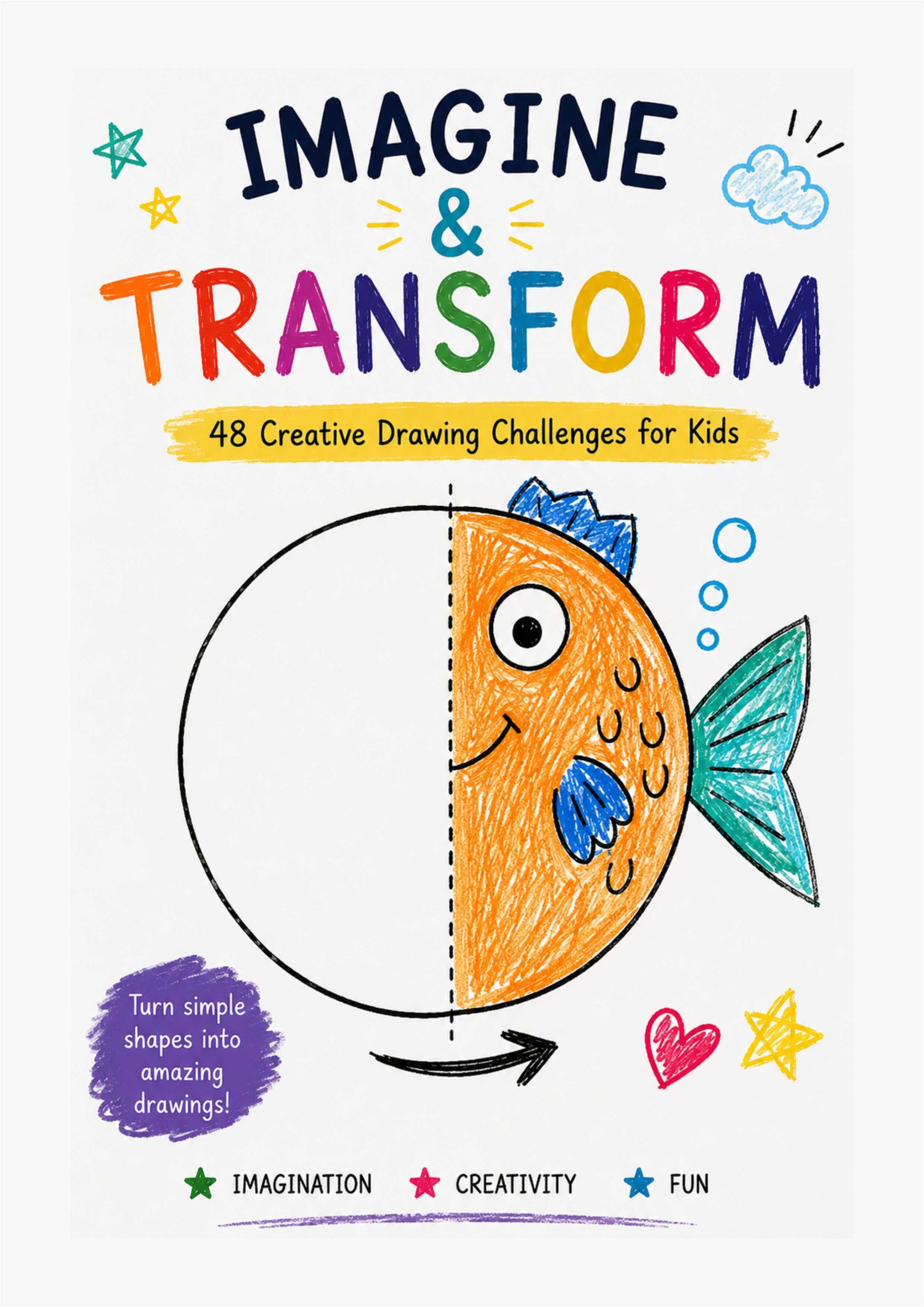
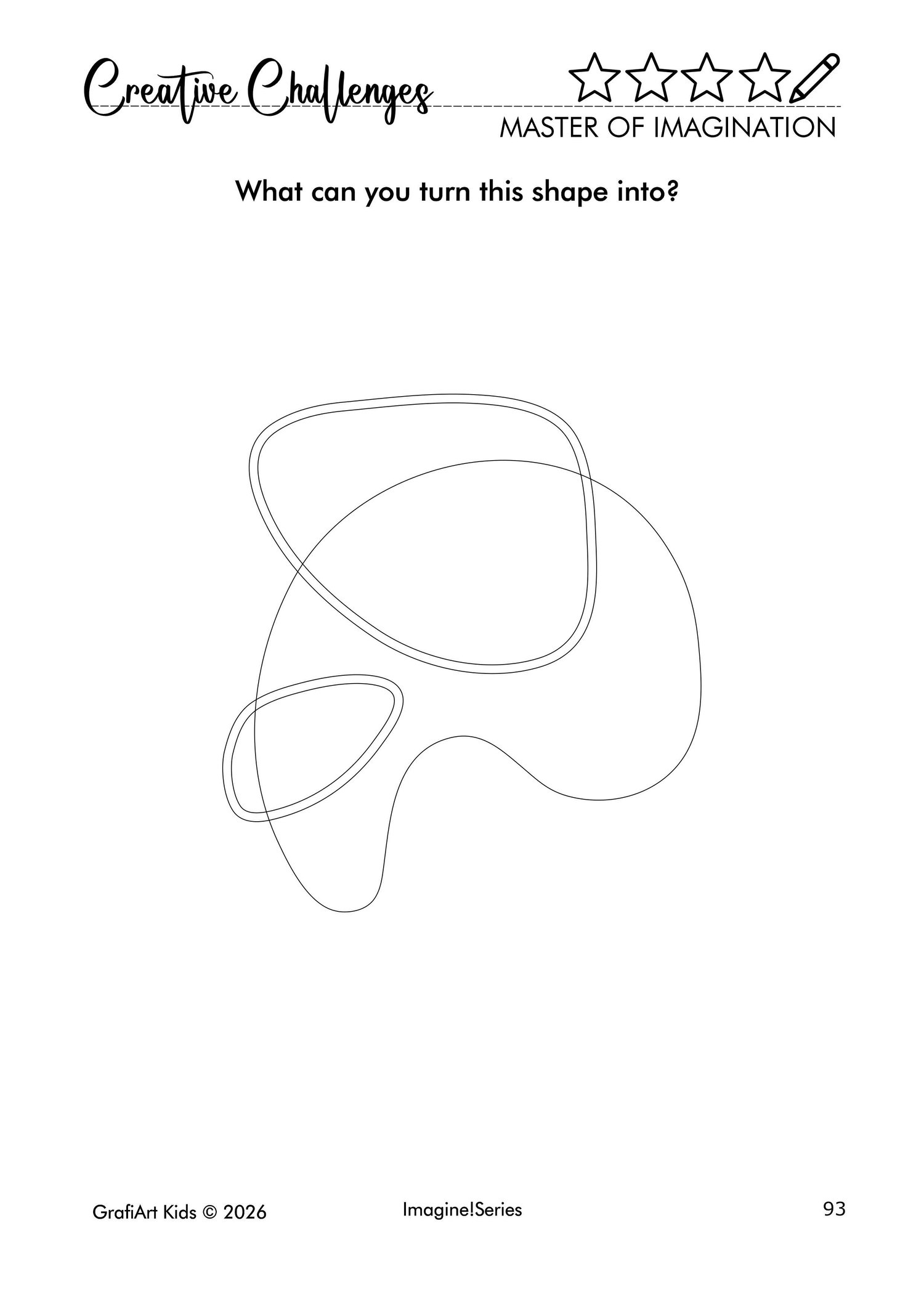
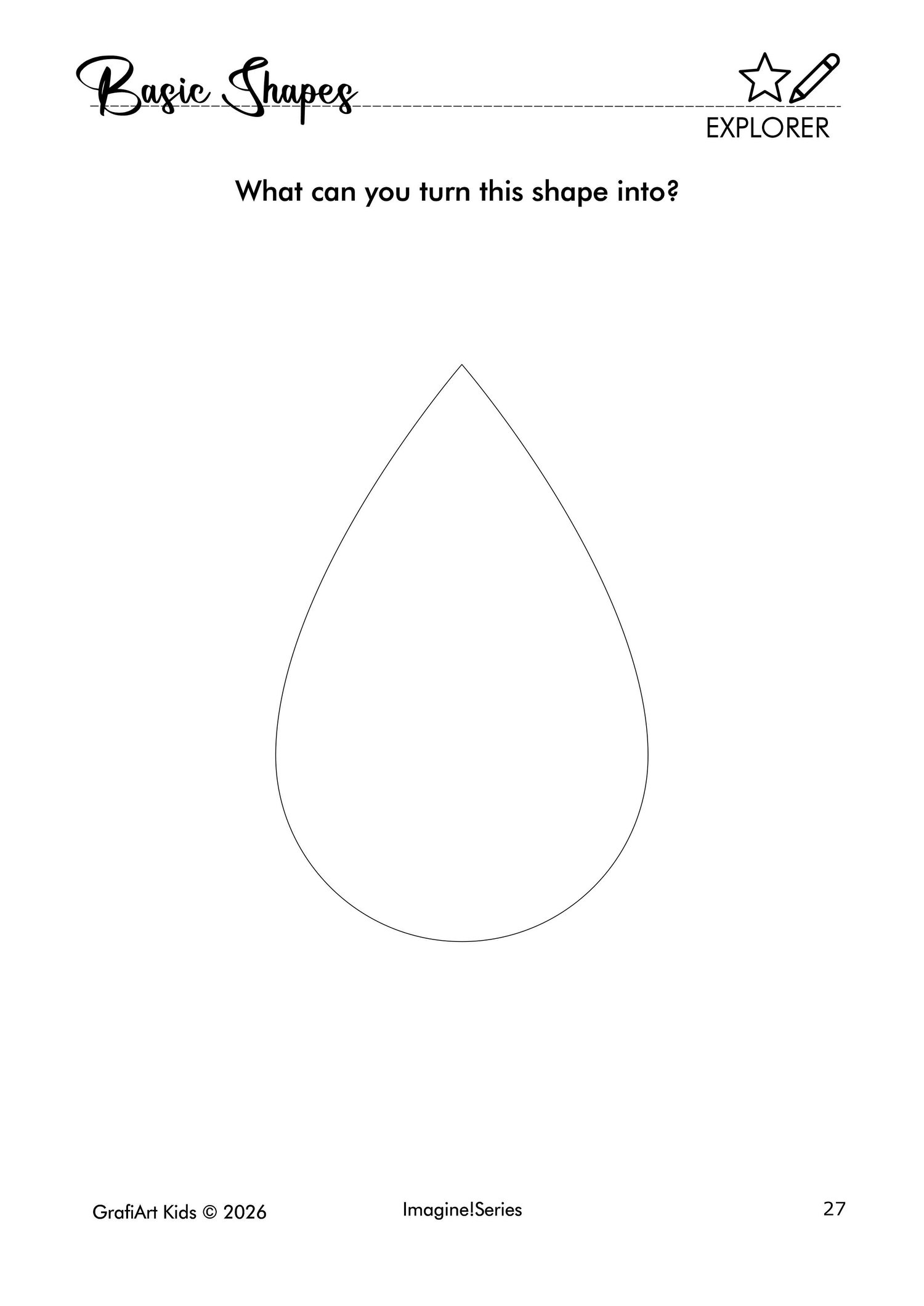
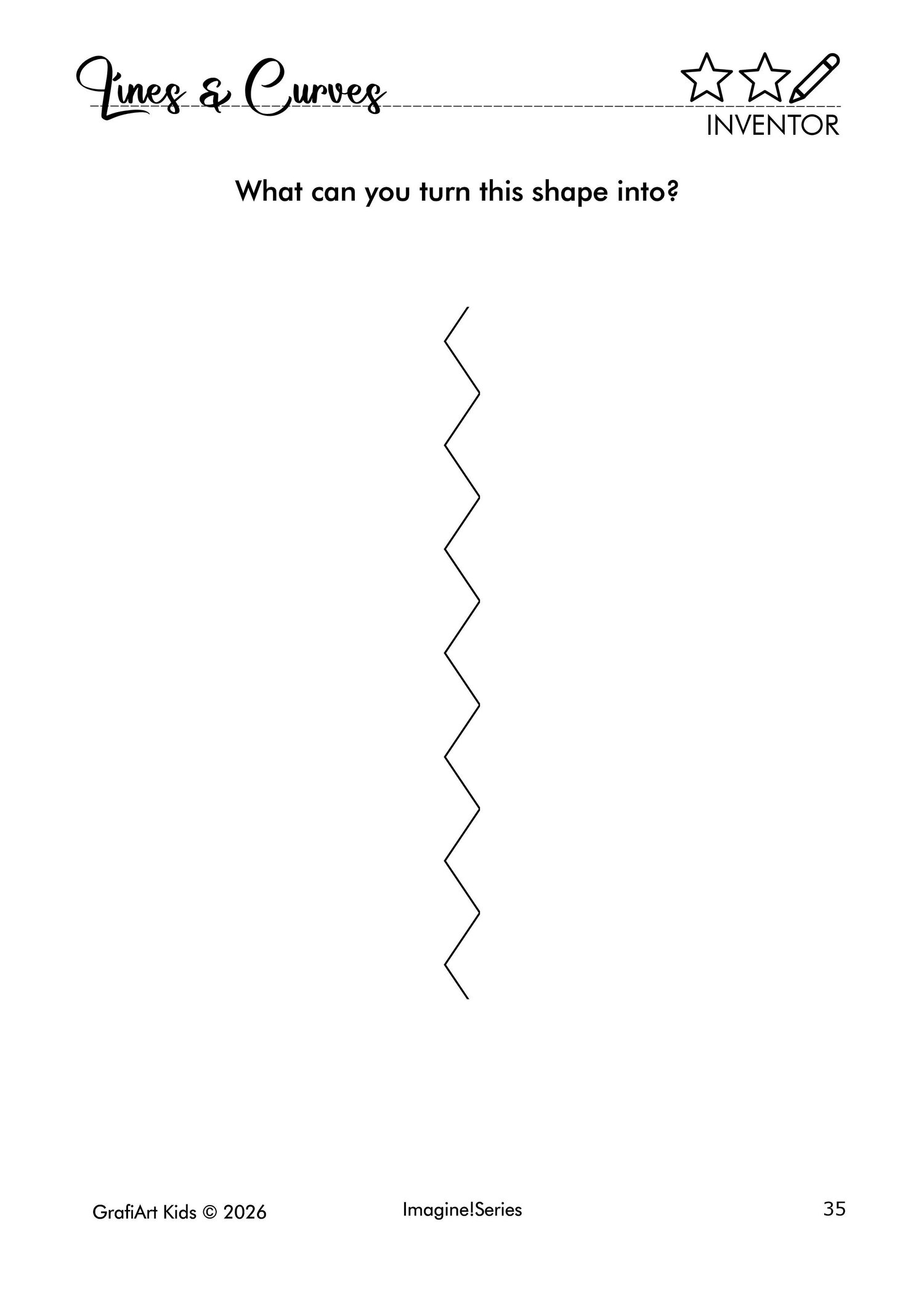
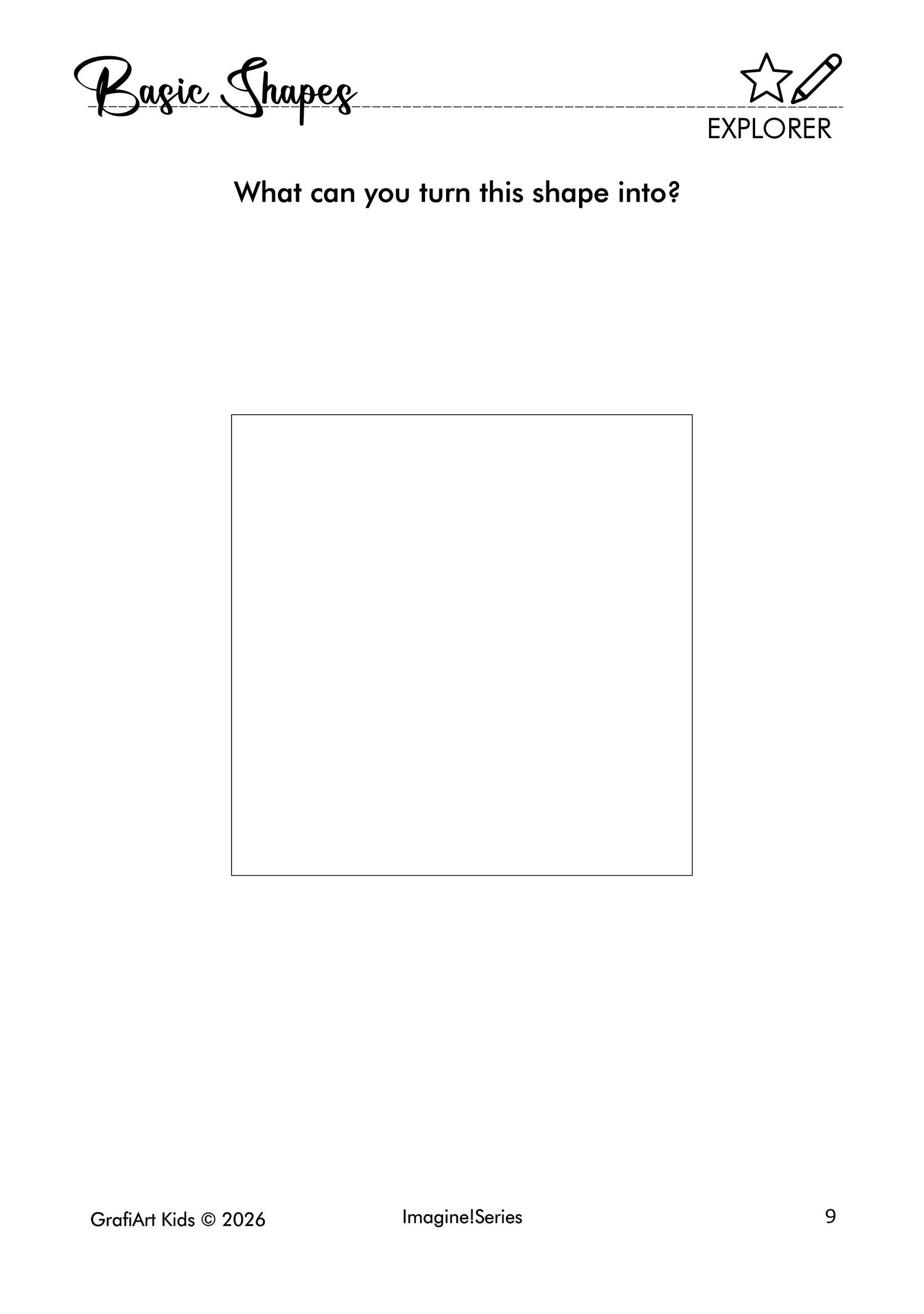
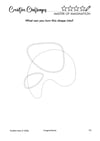
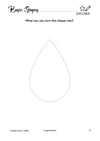
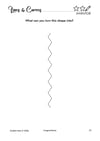
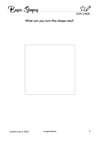
Imagine & Transform Kids is a creative drawing challenge book designed to help children turn simple shapes, lines, and symbols into unique creations of their own.
Each page encourages kids to observe, imagine, and create while developing artistic confidence and creative thinking in a fun and pressure-free way.
What's Included
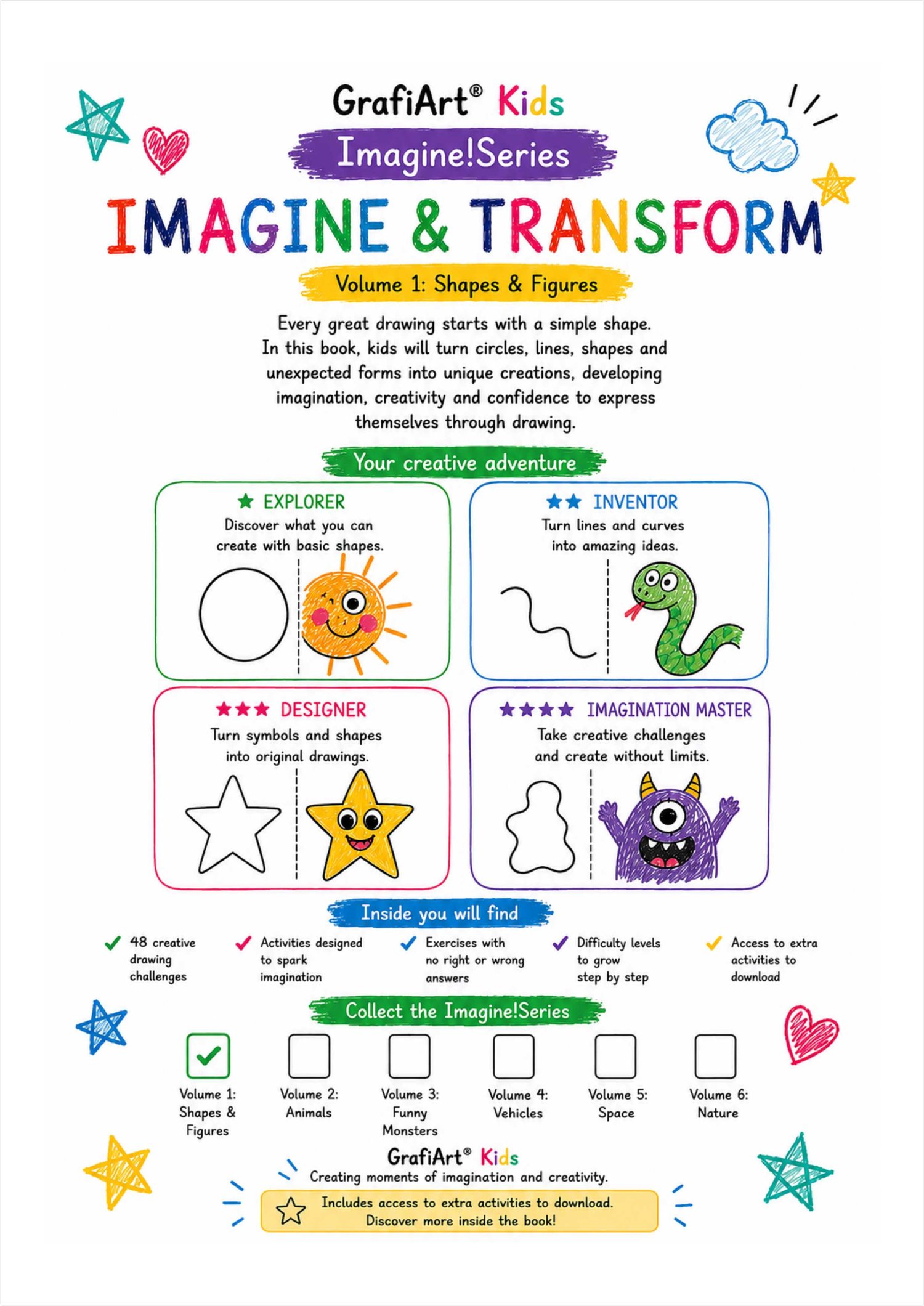
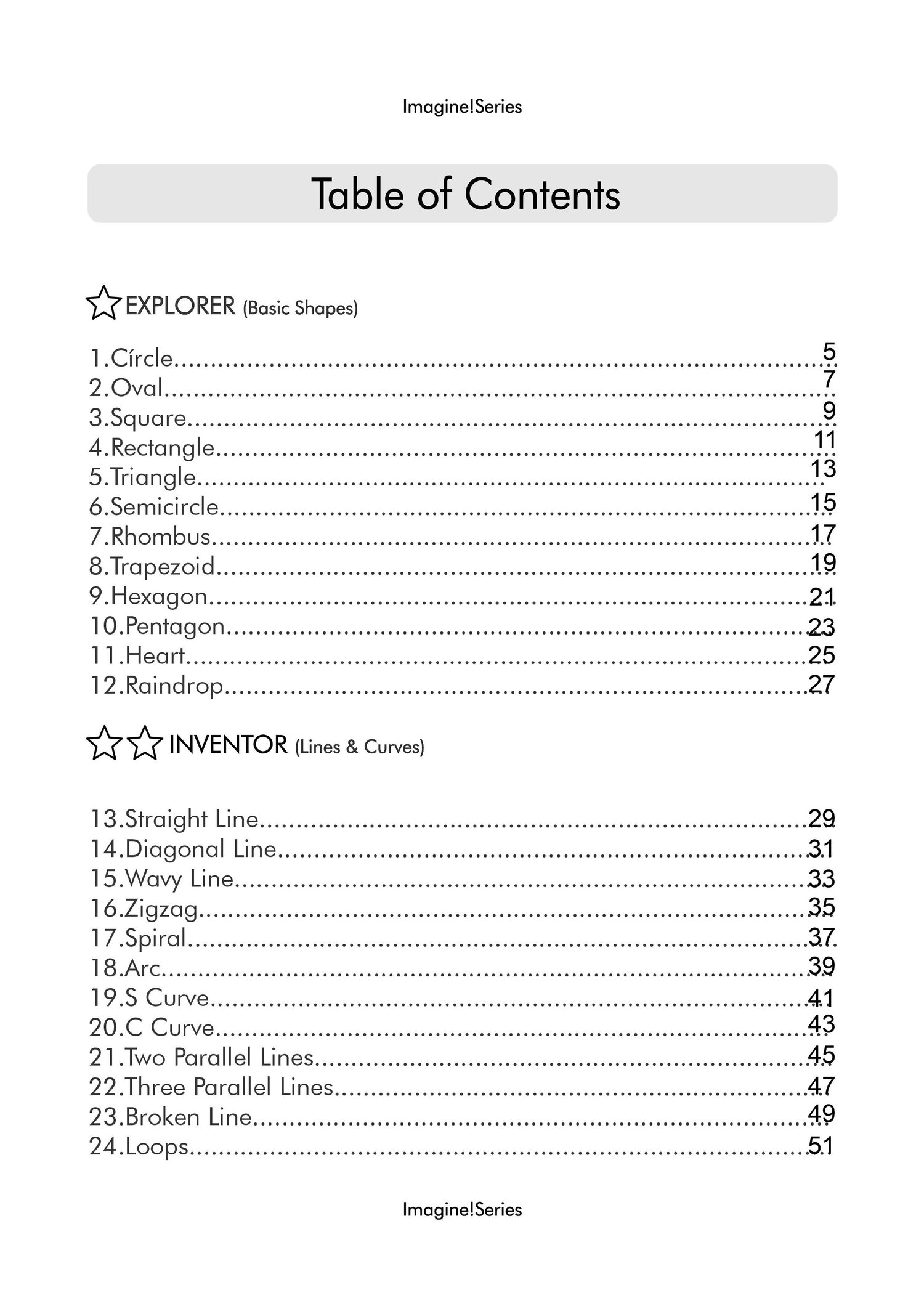
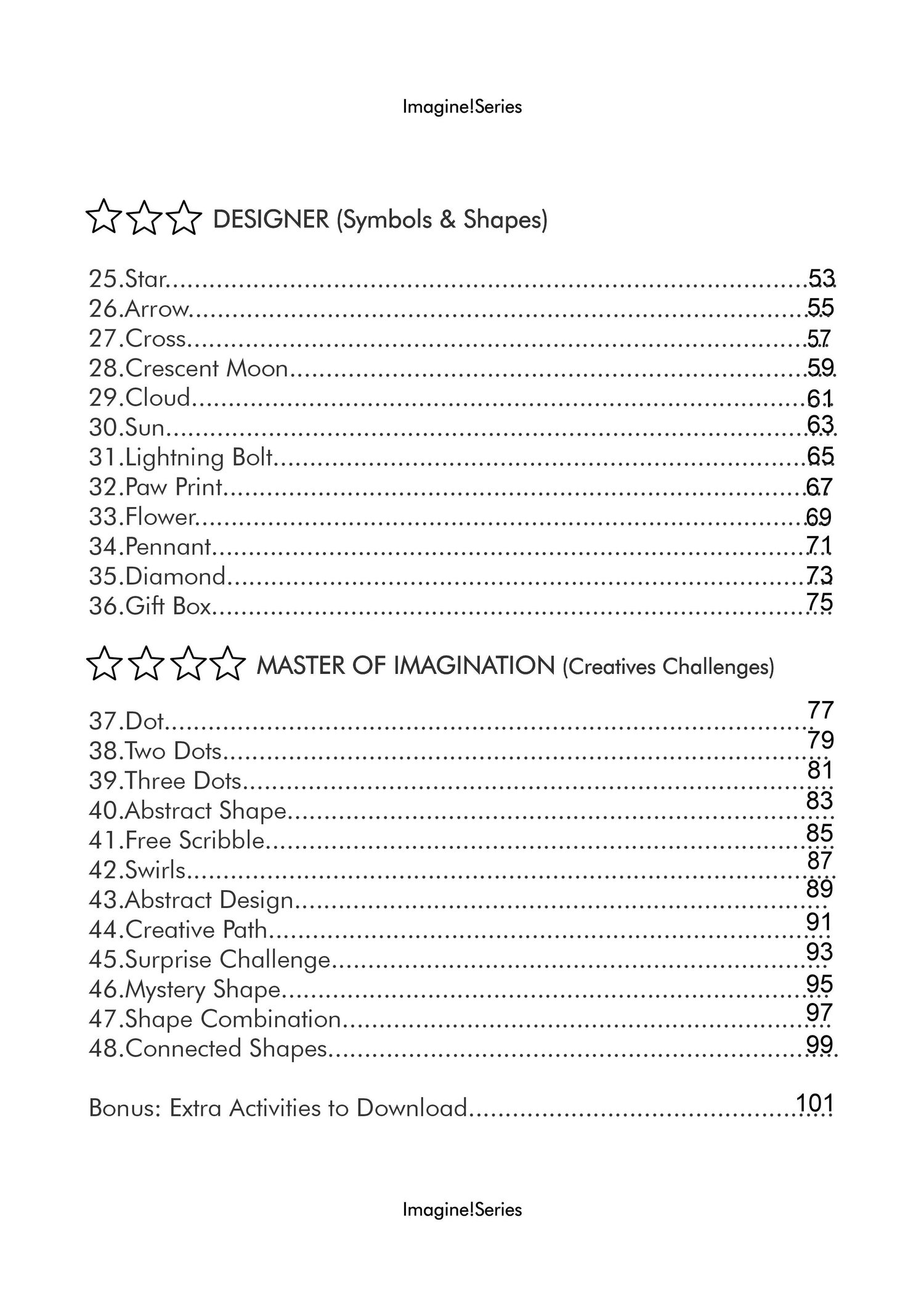
✅ 48 Original Creative Drawing Challenges
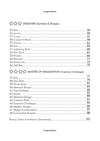
✅ 4 Progressive Difficulty Levels
✅ Guided and Open-Ended Drawing Activities
✅ Printable A4 PDF Format
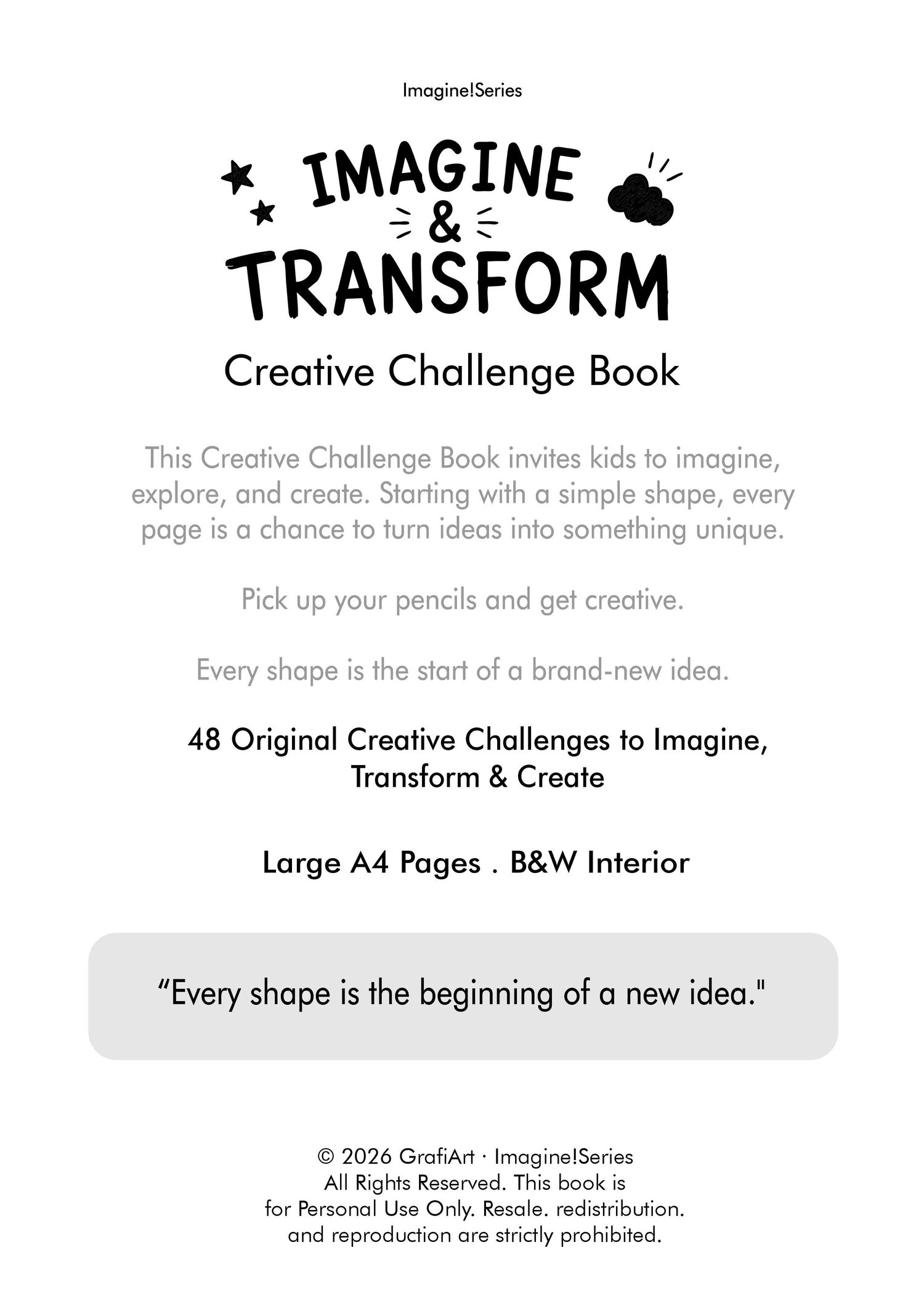
✅ Black & White Pages Designed to Encourage Creativity
✅ Free Bonus Activities via QR Code
You Will Receive 2 PDF Files
PDF 1 – Double-Sided Version
• 106 Pages
• Front and Back Cover
• Introduction Page
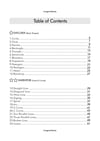
• Table of Contents
• 48 Creative Challenges
• Reverse side of each activity includes space for:
• Artwork Title
• Artist's Name
• Date
• Bonus Activities Access Page
Perfect for children who want to keep all their creations together in a complete activity book.
PDF 2 – Single-Sided Version
• 54 Pages
• Front and Back Cover
• Introduction Page
• Table of Contents
• 48 Creative Challenges
• Bonus Activities Access Page
Ideal for printing individual activities or for single-sided printing.
Benefits
✨ Sparks Creativity and Imagination
✨ Helps Overcome "I Don't Know What to Draw"
✨ Encourages Focus and Concentration
✨ Supports Fine Motor Skill Development
✨ Builds Creative Confidence
✨ Provides a Fun Screen-Free Activity
Perfect For
🎨 Children Ages 6–12
🏡 Families Looking for Creative Activities at Home
🍎 Teachers and Educational Workshops
📚 Homeschooling
🎁 Creative and Educational Gifts
Printing Instructions
The product includes two versions to suit different printing preferences.
Automatic Double-Sided Printing
If your printer supports duplex printing, simply select the "Double-Sided" or "Print on Both Sides" option.
Manual Double-Sided Printing
If your printer does not support automatic duplex printing:
• Print all odd-numbered pages first.
• Reinsert the printed pages into the paper tray.
• Print the even-numbered pages on the reverse side.
Important: Every printer feeds and flips paper differently. Before printing the entire book, we recommend printing a few test pages to verify the correct orientation and avoid wasting paper or ink.
Important
⚠️ This is a digital download.
⚠️ No physical product will be shipped.
⚠️ Files are available immediately after purchase.
⚠️ For personal and educational use only.
⚠️ Resale, redistribution, sharing, or reproduction is prohibited.
Because every shape can become something amazing...
And every great drawing begins with an idea.
GrafiArt® Kids
Imagine! Series