

Smart Operations Scheduler
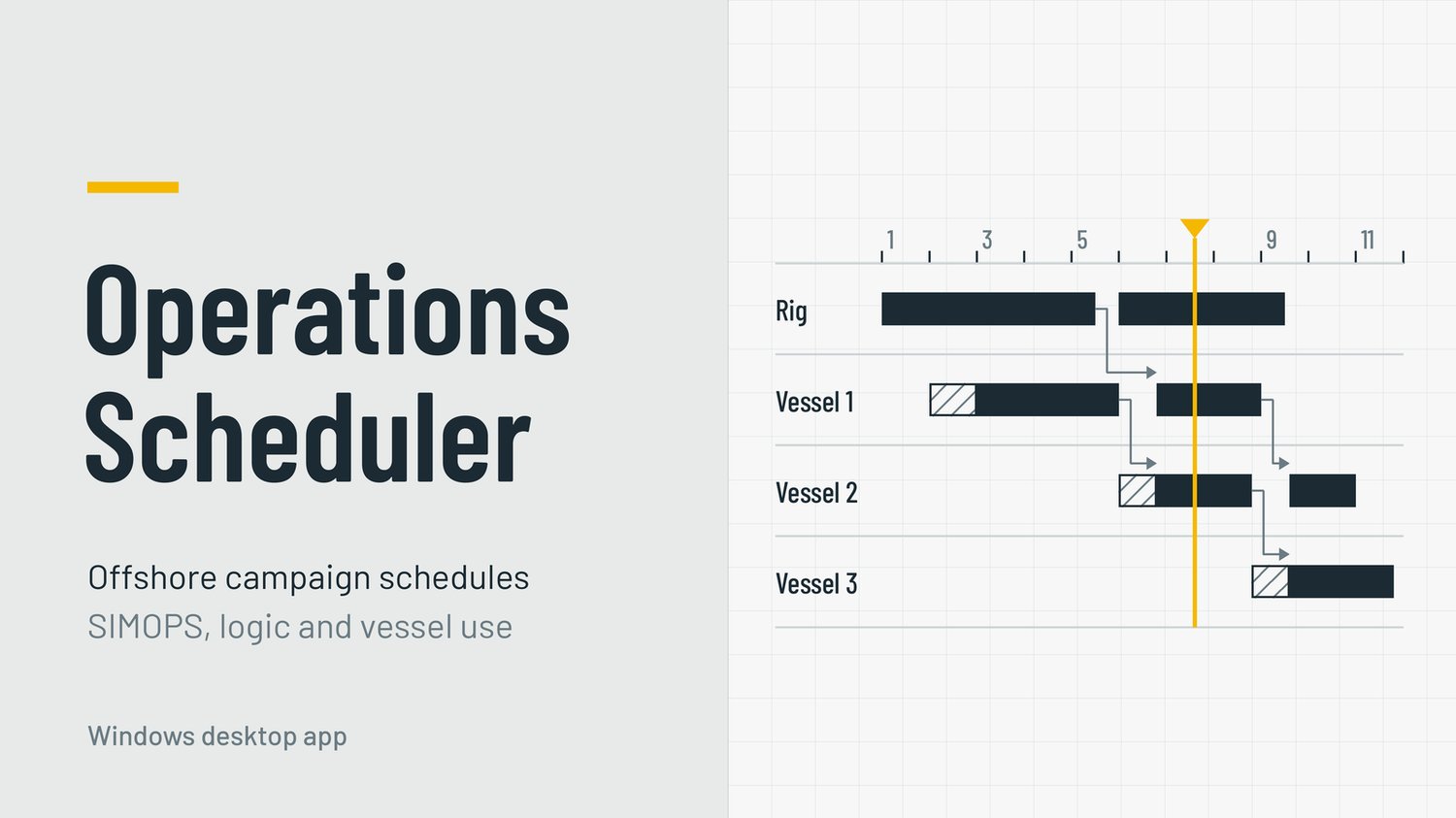
Turn your offshore schedule into a live map of the campaign.
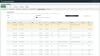
Smart Operations Scheduler reads a simple Excel schedule (assets, activities, dates, coordinates and key locations) and shows where every vessel, rig and spread is at any moment. Step through the campaign by hour, day, month or year, or press Play to watch it unfold. Already have the schedule in Primavera P6 or MS Project? Convert it in the app.
New in 2.1
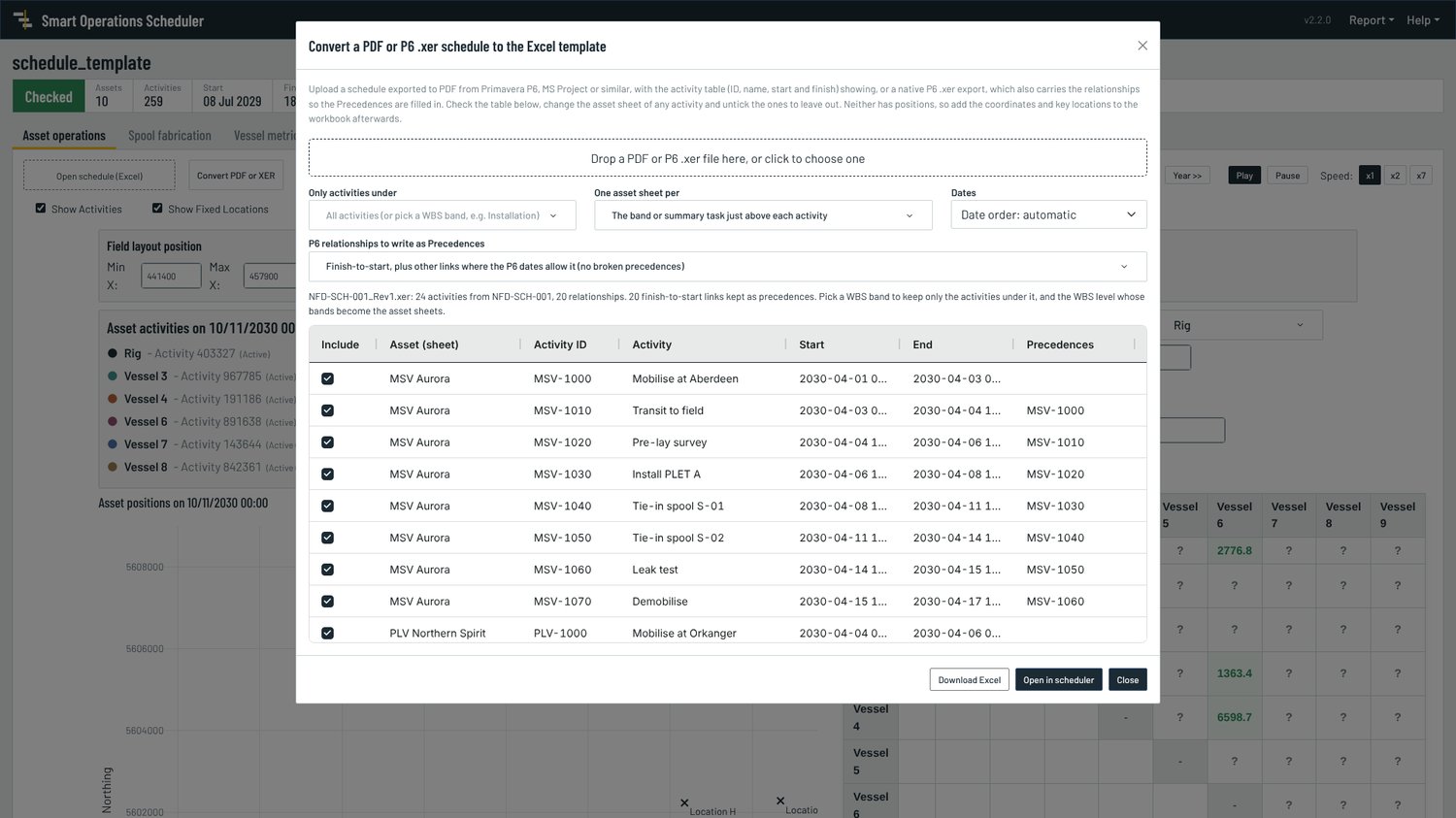
- Import from Primavera P6 (.xer) and PDF. Convert a native P6 .xer file or a PDF export from P6, MS Project or similar into the scheduler's Excel template. From an .xer the P6 logic comes across as precedences, with the WBS used to split activities into asset sheets. Check and edit the rows in a preview, then open the schedule in the app or download the workbook.
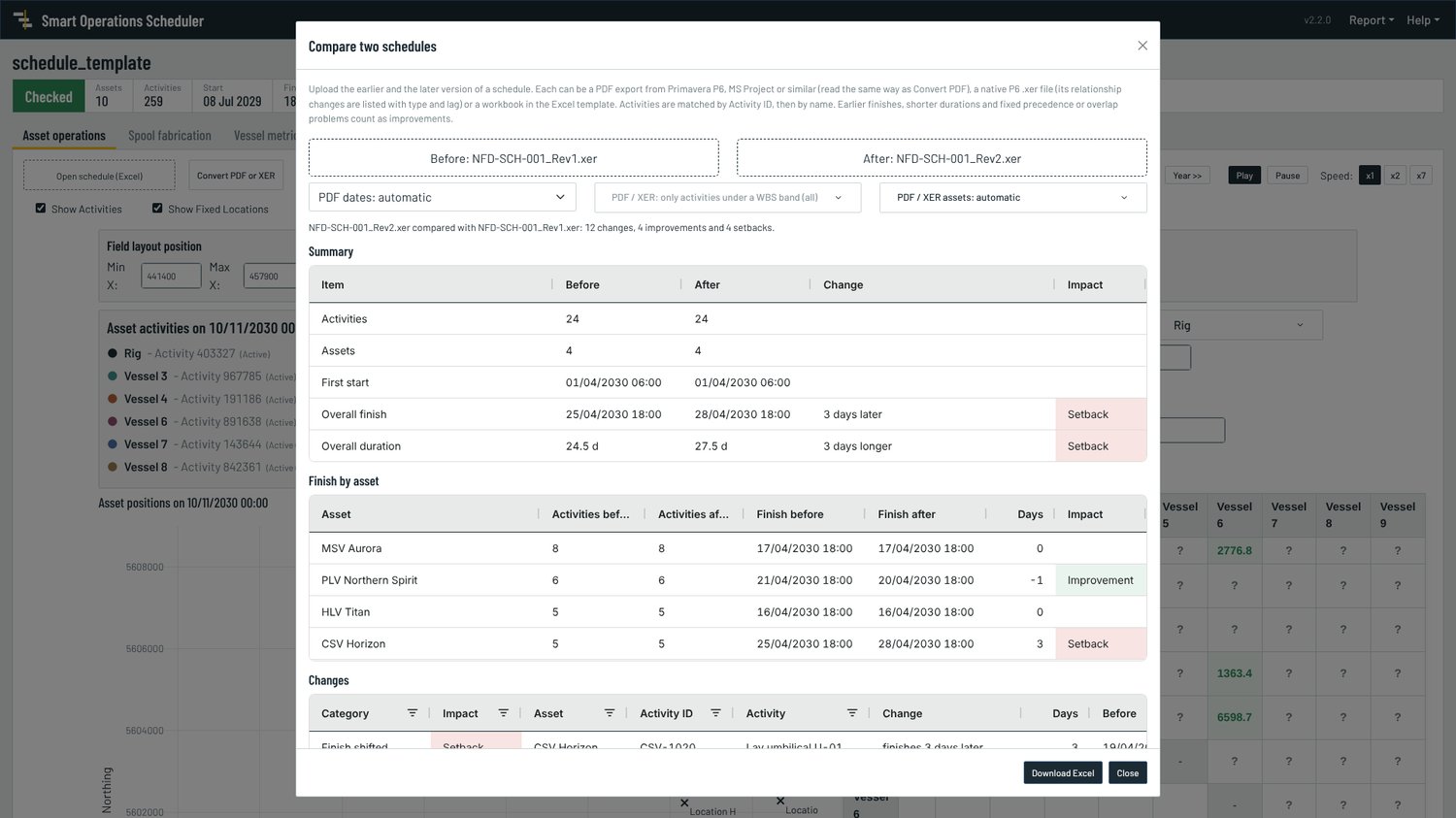
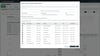
- Compare schedule versions. Upload two revisions (PDF, .xer or Excel) and get the list of changes: activities added, removed or moved to another asset, start and finish shifts, duration changes, renamed activities, precedence and P6 logic changes, and the effect on the overall and per-asset finish. Each change is marked as an improvement or a setback, and the list downloads as Excel.
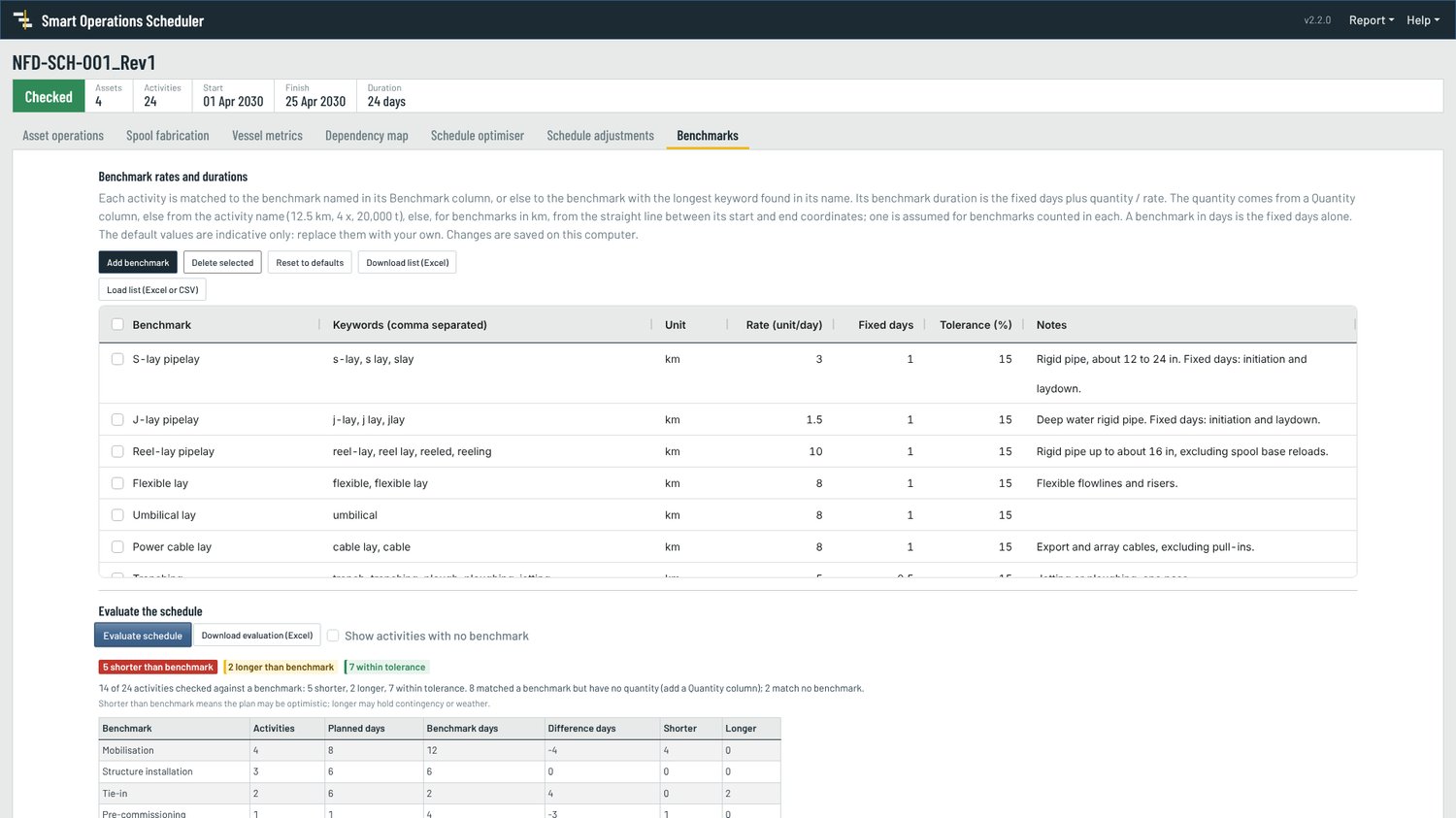
- Benchmarks. Editable rates and durations for lay, trenching, rock placement, spools, structures, tie-ins, pre-commissioning, survey, transit and mob/demob. Evaluate the schedule against them to flag activities that look too short or too long.
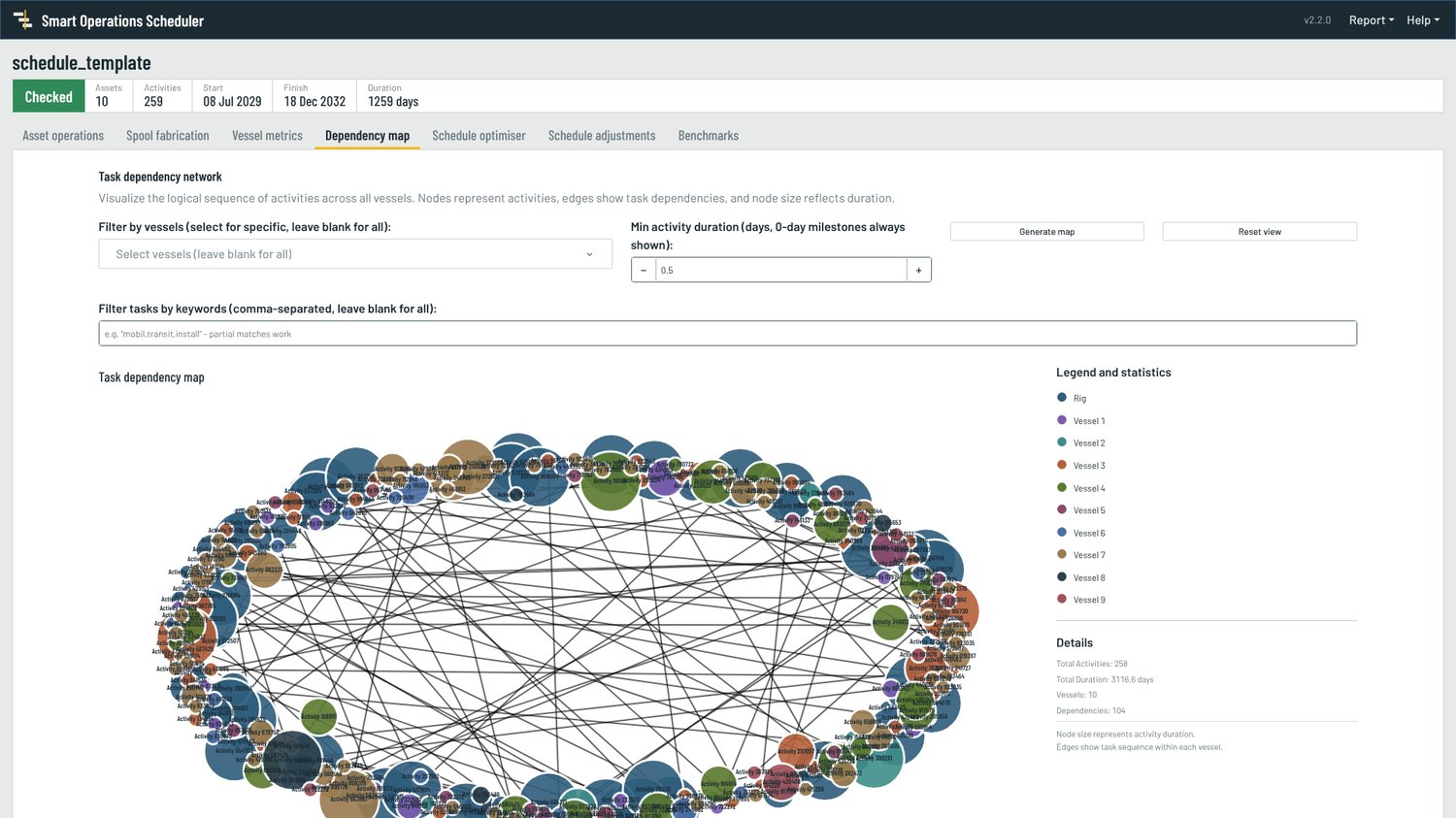
- Milestones in the Dependency Map. Zero-duration activities, including same-day activities in schedules without hours, now show with their links.
What it does
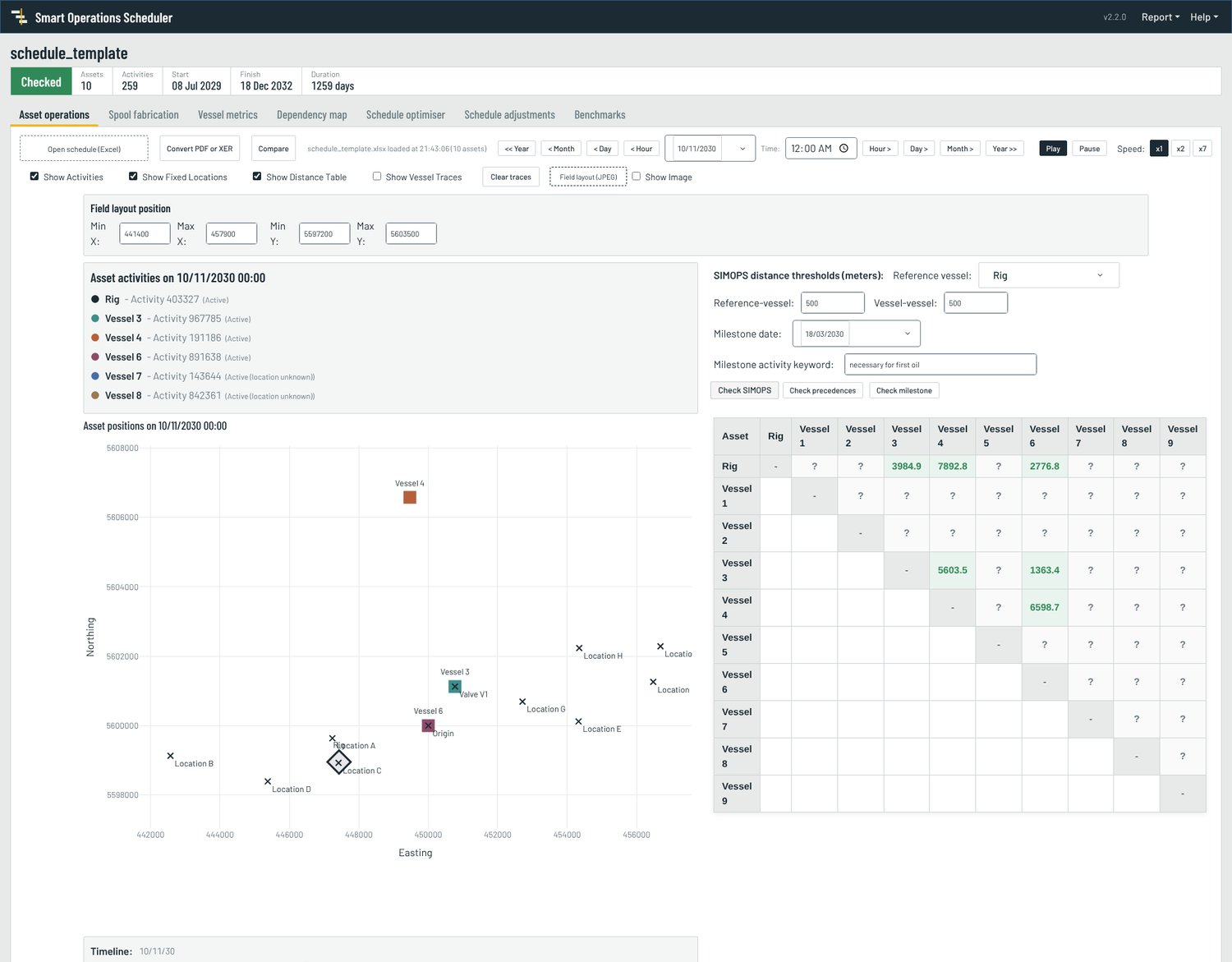
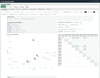
- Asset positions over time. Plan view of every asset at the chosen time, with drilling centres and key locations, vessel tracks and an optional background image (field layout, chart or satellite view).
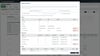
- SIMOPS checks. Finds every period two assets are closer than your distance threshold, to the minute, with the start and end of each clash, the closest distance and a distance table against a reference vessel.
- Precedence and milestone checks. Finds activities that start before their predecessors finish, within an asset or across assets, and shows what drives your first-oil milestone.
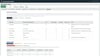
- Schedule optimiser. Finds idle gaps and standby days for the vessels you pick and compresses them while respecting cross-vessel dependencies, then gives you the optimised schedule back as an Excel file with a vessel-by-vessel summary of days saved.
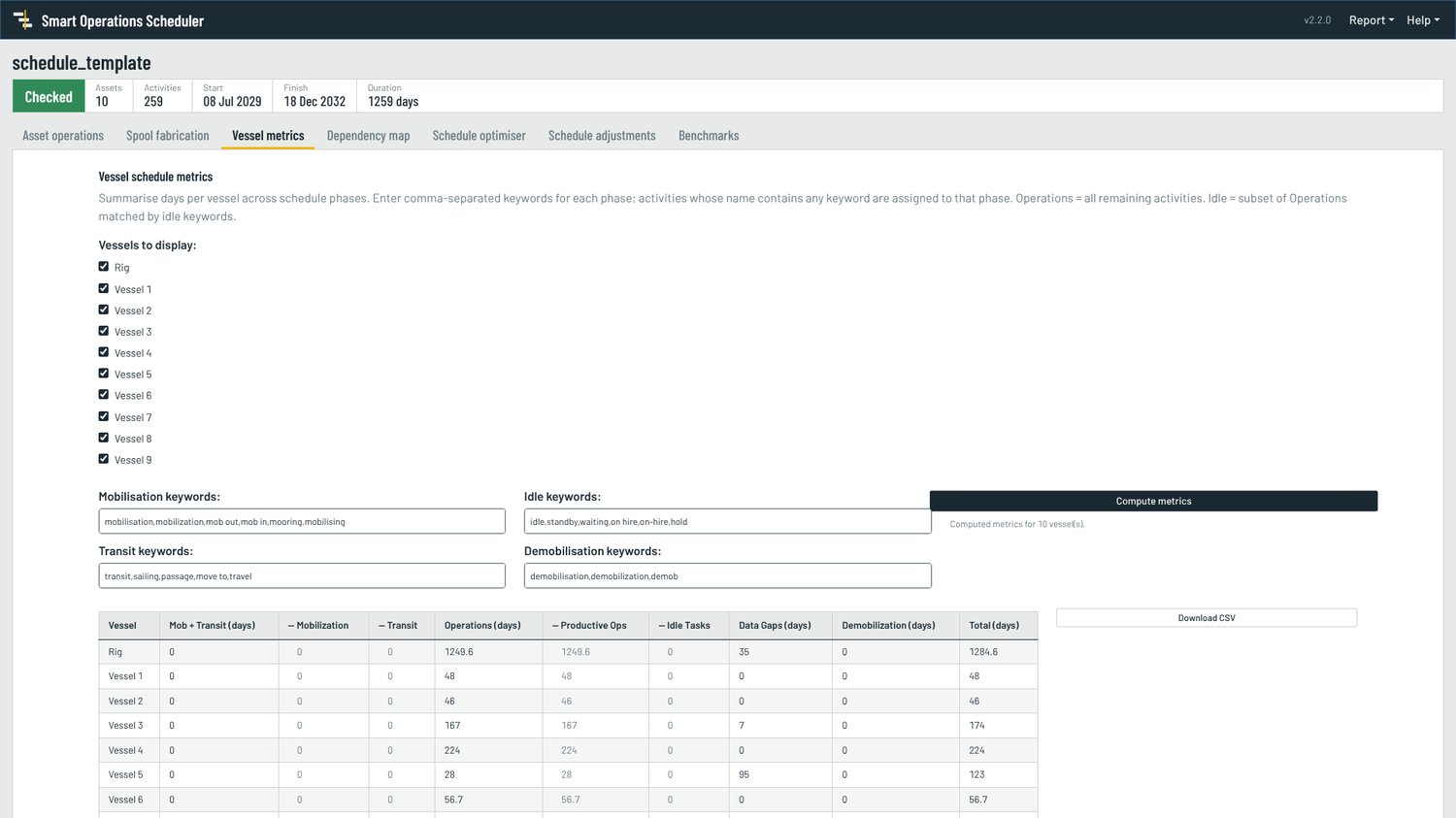
- Vessel metrics. Idle gaps, utilisation and potential savings for each vessel.
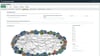
- Dependency map. Network view of how activities depend on each other.
- Spool fabrication planner. Allocates spool units against fabrication capacity and storage.
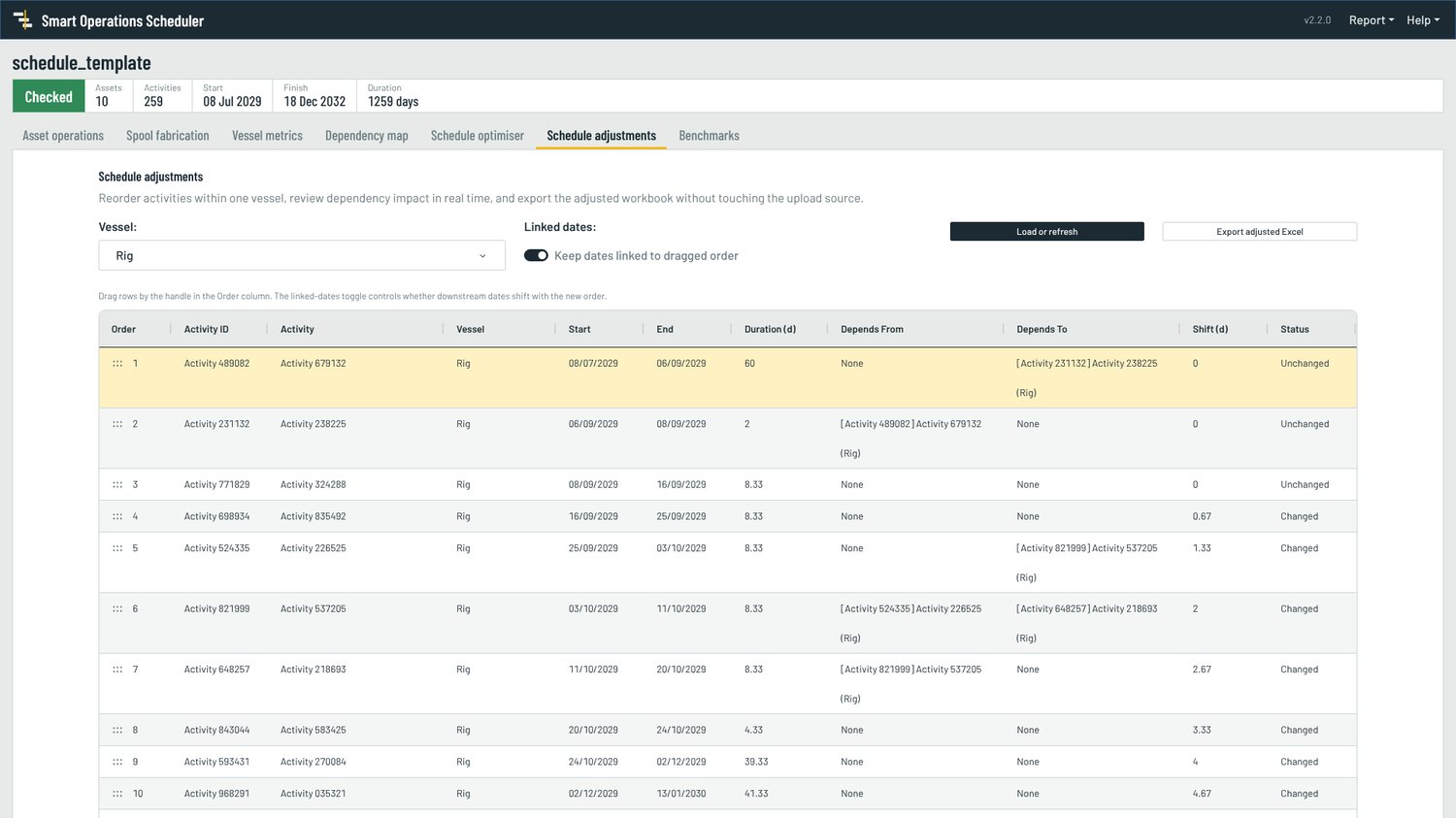
- Schedule adjustments. Drag activities into a new order for a vessel, see the knock-on date shifts and dependency impact straight away, and export the adjusted workbook.
- Reports. A schedule report as Excel or PDF with the per-asset summary, SIMOPS clashes, precedence problems and benchmark results.
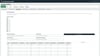
- Upload checks. Every upload is validated, with a report listing each problem by sheet and row: missing columns, bad dates or coordinates, duplicate IDs and precedences that point nowhere.
Who it is for
Installation, marine and planning engineers, project managers and SIMOPS coordinators on subsea, SURF and offshore construction projects who need a quick, visual check of a campaign schedule.
What you get
- Smart Operations Scheduler.exe for Windows 10 and 11 (64-bit). No installation and no Python needed.
- An example schedule (schedule_template.xlsx) and example field layout image to start from. Both are also in the app under Help.
- The terms of use (TERMS.md).
- 12 months of updates.
Licence
One licence key per purchase, valid for 12 months on one computer. Activation needs internet once; after that the app works offline for up to 30 days at a time. Move the licence to a new computer from Help > Deactivate licence on this computer. Your schedules stay on your computer; the app only contacts Payhip to check the licence.
Requirements
Windows 10 or 11, 64-bit, with Microsoft Edge WebView2 (already installed on most PCs).
Results are a planning aid and must be checked by a competent person before use. See the terms of use.