
NotionTemplates Bundle
On Sale
$2.99
$2.99
Take Your Notion Workspace to the Next Level!
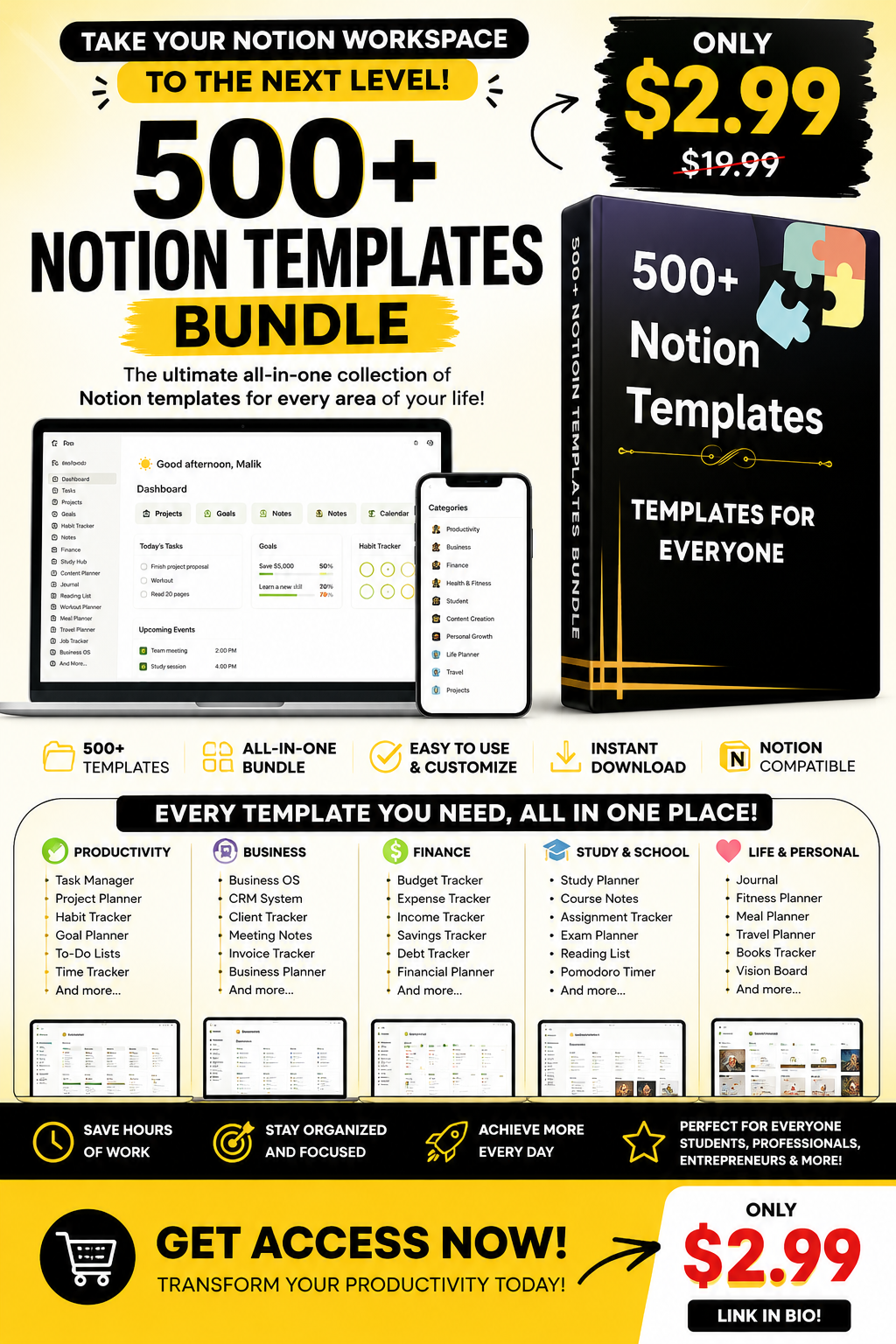
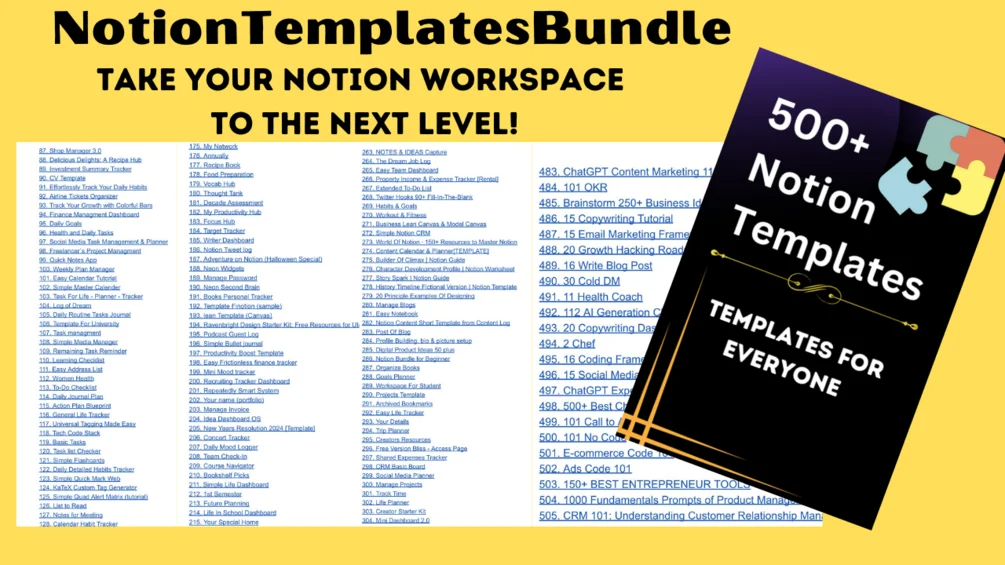
- Access all your Notion workspace essentials in a single location. Feeling swamped by the constant digital clutter of tasks, projects, and personal objectives? Are you seeking a unified system to streamline your work, personal life, and creative endeavors? Look no further. Meet the NotionTemplates Bundle – a game-changing set crafted to innovate your productivity, organization, and self-improvement strategies.
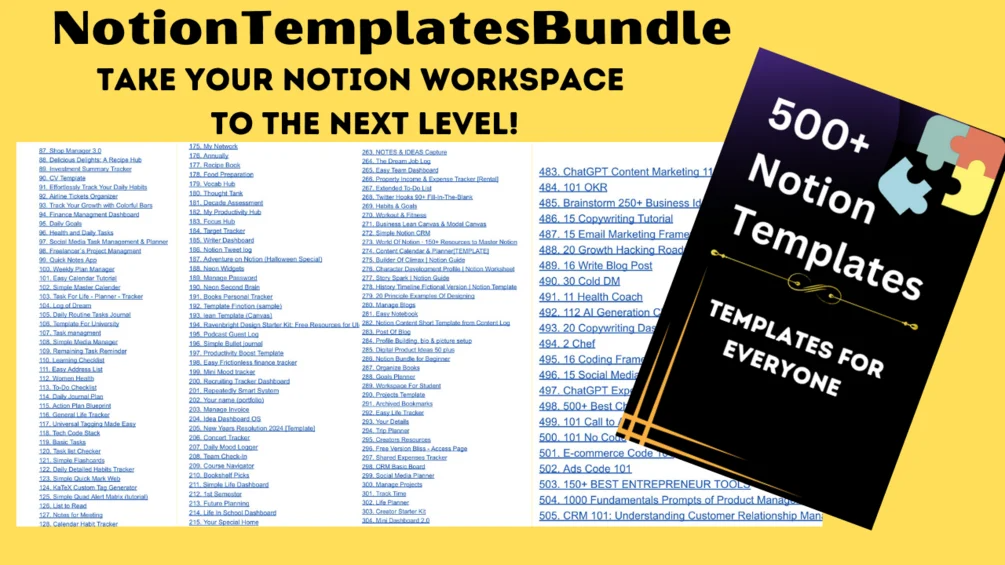
- Explore over 500+ Notion templates designed to enhance productivity and organization for students, professionals, entrepreneurs, and those seeking personal growth. From project trackers to habit trackers, journals, calendars, and financial planners, these templates cater to various needs. Simplify tasks, streamline workflows, and achieve goals effortlessly with customizable tools. Templates cover areas like social media strategy, content planning, reading lists, and more. Save time and effort by personalizing templates to create a seamless system tailored to individual preferences. Transform your work, learning, and lifestyle with this comprehensive collection for improved efficiency and success.
How to Get Notion Templates:
- 1. Open the Notion Template Link:Click on the URL provided next to "URL➡️" for the desired template. It will open a new tab or window inyour web browser.2. Access the Notion Template Page:- On the template page, you will find information about the template and its features.3. Duplicate the Template:- Locate the "Duplicate" button in the top right corner of the Notion template page.- Click on the "Duplicate" button. This action will create a copy of the template and add it to your Notionaccount.4. Customize the Template:- Once the template is duplicated, you can start customizing it to fit your needs.- Edit the template's content, rearrange sections, add or remove elements, and modify any other aspectaccording to your preferences.5. Save Your Changes:- Remember to save your changes regularly by clicking on the "Save" button within Notion.6. Enjoy Your Customized Template:- The duplicated template is now available in your Notion workspace, allowing you to use and adapt itfor your specific purposes.7. Repeat for Other Templates:- If you want to get more Notion templates, simply follow the same process for each template you wish to add to your Notion account.By following these steps, you can easily obtain and personalize various Notion templates to enhance your productivity and organization.
- You will find a simplified explanation of each template and how to use it