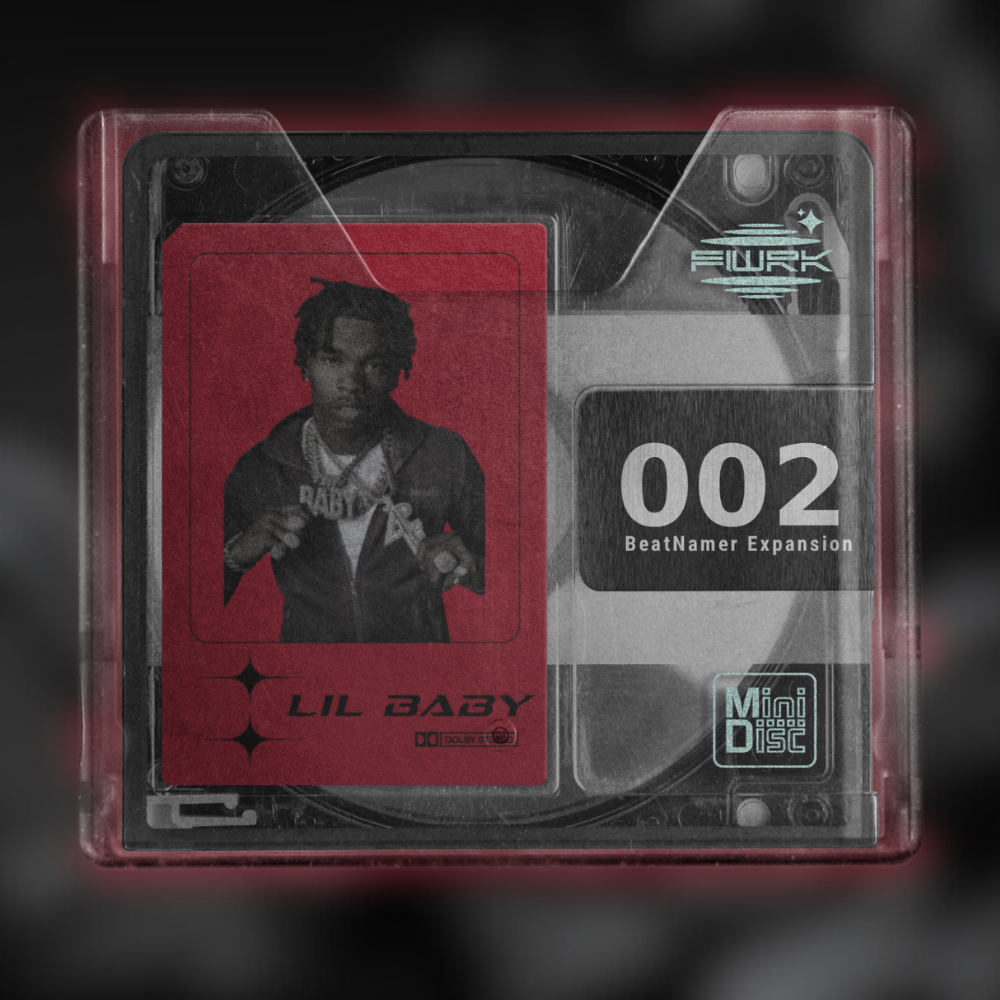
LIL BABY (BEATNAMER EXPANSION)
This expansion pack adds a new Lil Baby style category to BeatNamer. Get a bunch of clean, modern name ideas perfect for Lil Baby Type Beats. Just install the files and start generating names instantly.
Simple. Fast. Inspiring.
HOW TO INSTALL:
1. Download the Expansion Pack
After purchase, download the ZIP file containing the new category files.
2. Extract the ZIP
Right-click the ZIP file and choose Extract All (Windows)
You should now see a folder with .txt files. These are the categories.
3. Open the BeatNamer Data Folder
Windows
Go to:
C:\Users\<YourUser>\AppData\Roaming\BeatNamer\DLC
You can also press the windows key + R at the same time
Then Type in %appdata%
Find The BeatNamer folder
Then the DLC Folder
4. Drag the Files In
Drag the .txt file from the expansion pack into the DLC folder.
5. Restart Your DAW
Close and reopen your DAW so BeatNamer can load the new categories.
Done!
Your expansion pack categories will now appear inside BeatNamer.