

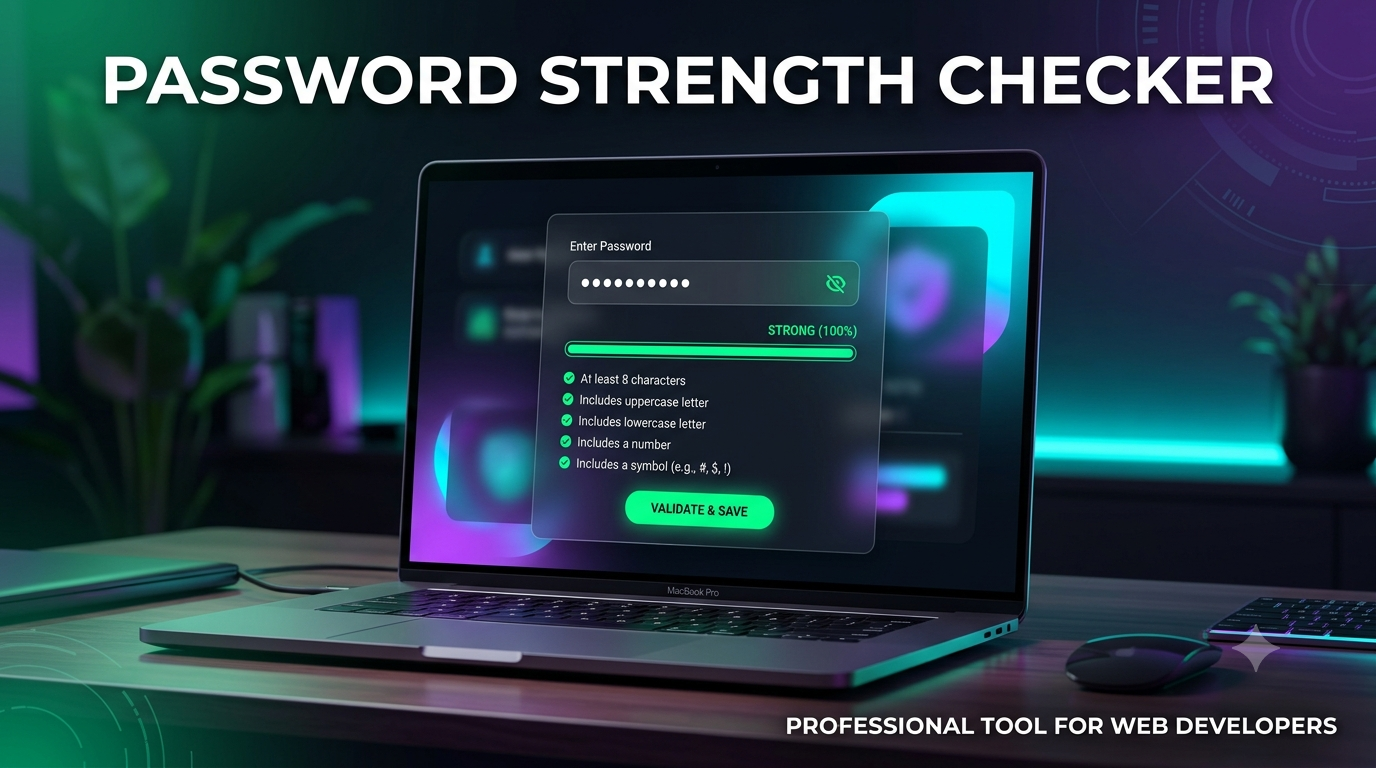
Password Strength Checker | HTML CSS JavaScript | College Mini Project
Password Strength Checker – HTML, CSS & JavaScript Project
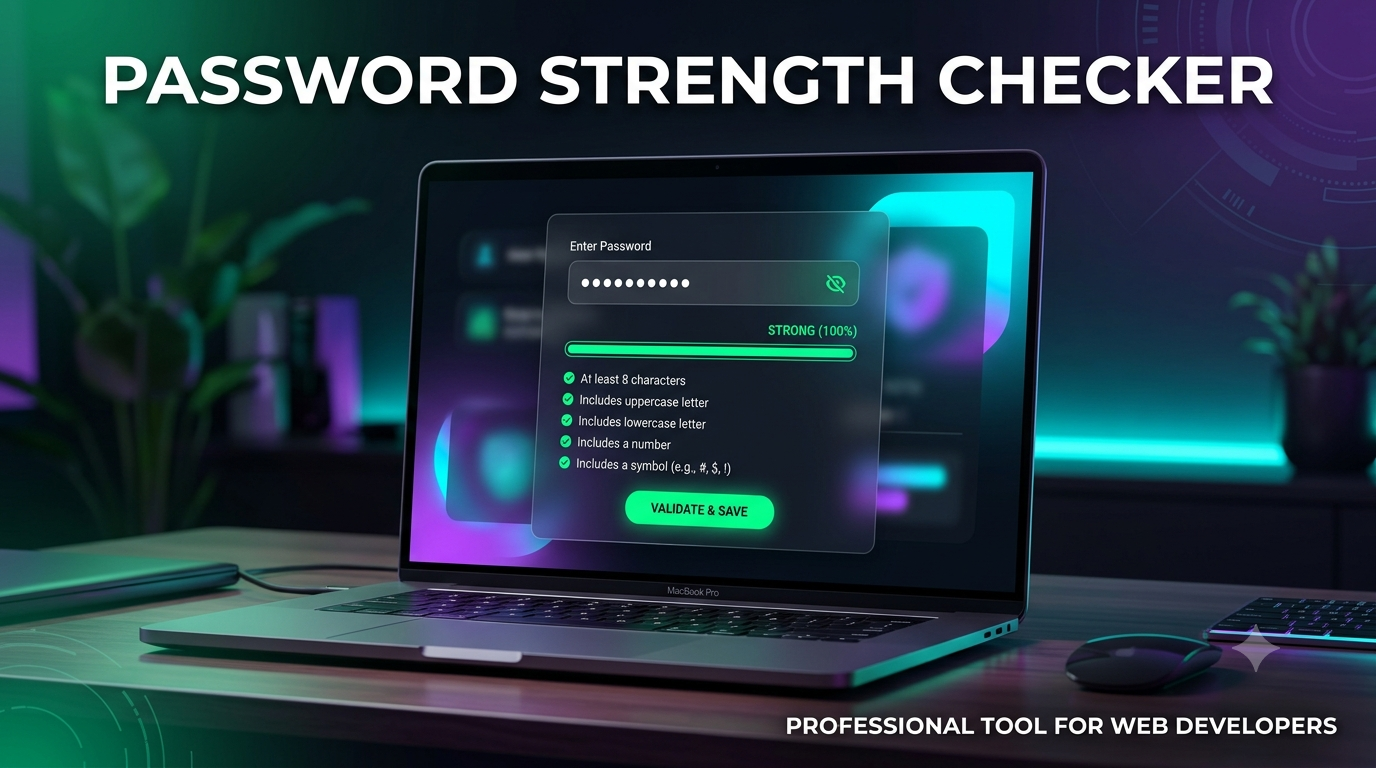
Build a simple and interactive Password Strength Checker using HTML5, CSS3 and Vanilla JavaScript.
This beginner-friendly project analyzes a password while the user types and provides a visual indication of its strength based on common password security rules.
The project is suitable for BCA, BSc, BTech, MCA and other college students who need a simple web-based project for practical work, academic submission, project demonstration and viva.
🔐 Project Features
- Enter and check password strength
- Real-time password strength checking
- Strength indicator
- Password requirements checklist
- Checks for minimum password length
- Checks for uppercase letters
- Checks for lowercase letters
- Checks for numbers
- Checks for special characters
- Visual strength progress bar
- Strength levels such as:
- Very Weak
- Weak
- Medium
- Strong
- Very Strong
- Password visibility toggle
- Clear password option
- User-friendly messages
- Responsive design
- Clean and modern interface
🛠️ Technologies Used
- HTML5
- CSS3
- Vanilla JavaScript
⚡ Easy to Run
No backend server or database is required.
Simply open the HTML file in a modern web browser and start checking passwords.
The project can also be opened and customized using VS Code or any suitable code editor.
🔒 How It Works
The application analyzes the entered password based on different conditions.
For example, it can check whether the password contains:
- Minimum required characters
- Uppercase letters
- Lowercase letters
- Numbers
- Special characters
Based on the satisfied conditions, JavaScript calculates the password strength and updates the strength indicator in real time.
🎯 Educational Concepts Covered
This project helps students understand practical concepts such as:
- HTML forms and input fields
- CSS styling
- JavaScript DOM manipulation
- Event handling
- Conditional statements
- String methods
- Regular Expressions
- Real-time input validation
- Dynamic UI updates
- Responsive web design
📦 What You Will Get
- Complete HTML source code
- CSS stylesheet
- JavaScript source code
- Complete project structure
- Ready-to-run project
- Easy setup instructions
- Project explanation content
- Project report content
- PPT presentation content
🎓 Suitable For
This project is suitable for:
- BCA Students
- BSc Computer Science Students
- BTech Students
- MCA Students
- Diploma Students
- HTML/CSS/JavaScript Beginners
- Web Development Beginners
- College Mini Projects
- Practical Assignments
- JavaScript Projects
- Project Demonstrations
- Viva Presentation
💻 No Backend Required
This project does not require:
- Node.js
- Express
- React
- Java
- PHP
- MySQL
- MongoDB
- Any external database
- Any server configuration
Everything runs directly in the browser using HTML, CSS and JavaScript.
📱 Responsive Interface
The project uses a clean and responsive interface that can be used on different screen sizes, including desktop and mobile browsers.
⚠️ Important Security Note
This project is designed for educational purposes and password-strength demonstration.
The strength indicator is a rule-based estimation and should not be considered a complete security audit or a guarantee that a password is secure.
Passwords entered into the application are processed on the client side and are not intended to be stored or uploaded to a server.
🎓 Academic Use
Students can use this project to demonstrate their understanding of:
- Frontend development
- JavaScript validation
- Regular expressions
- DOM manipulation
- Event-driven programming
- Basic security concepts
The source code can also be customized according to individual college project requirements.
Keywords
Password Strength Checker, Password Strength Analyzer, JavaScript Project, HTML CSS JavaScript Project, Password Validator, JavaScript Mini Project, Web Development Project, BCA Project, BSc Project, BTech Project, MCA Project, College Mini Project, Final Year Project, HTML Project, CSS Project, JavaScript Project