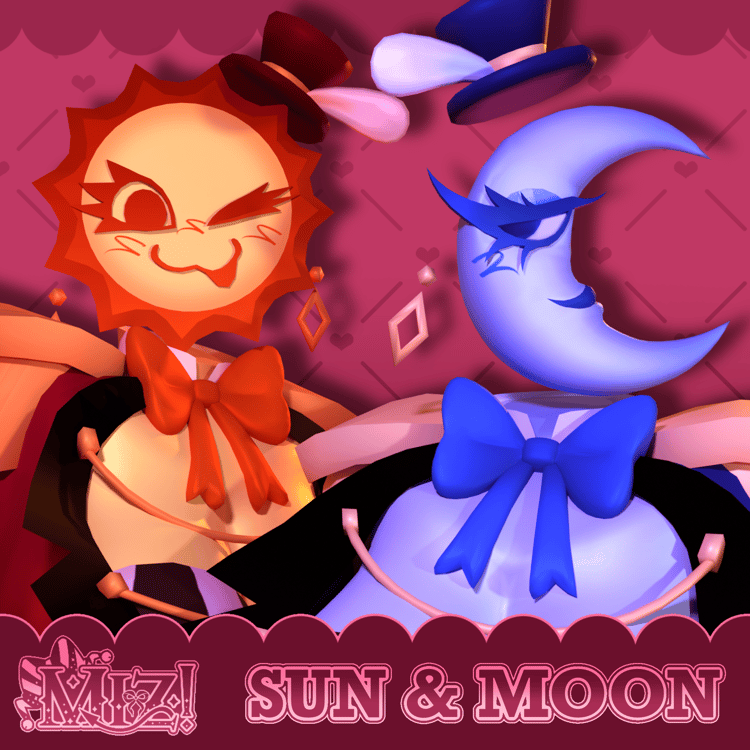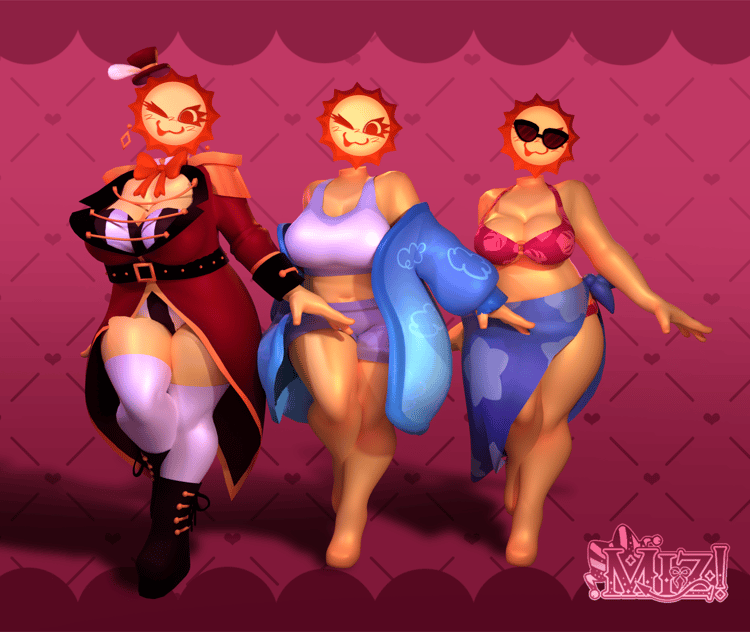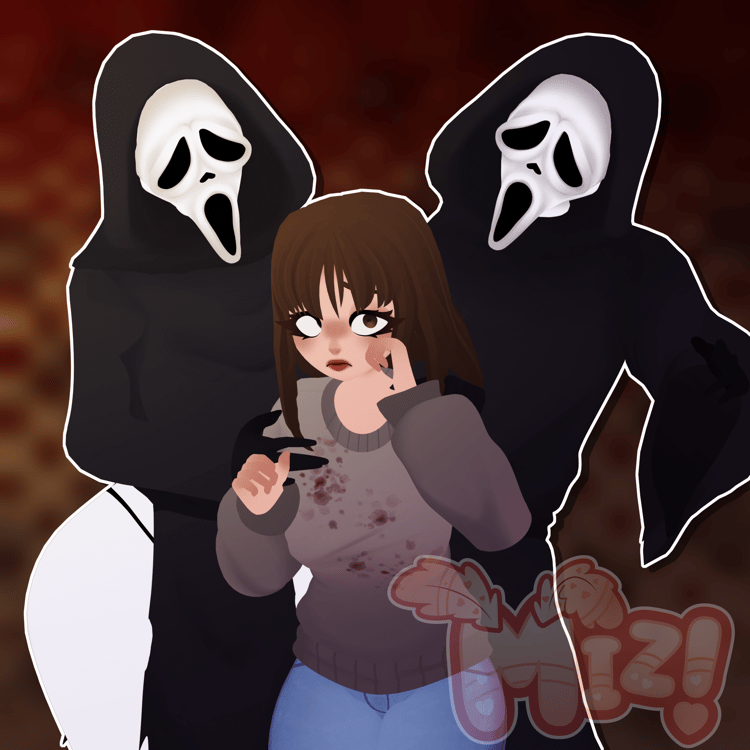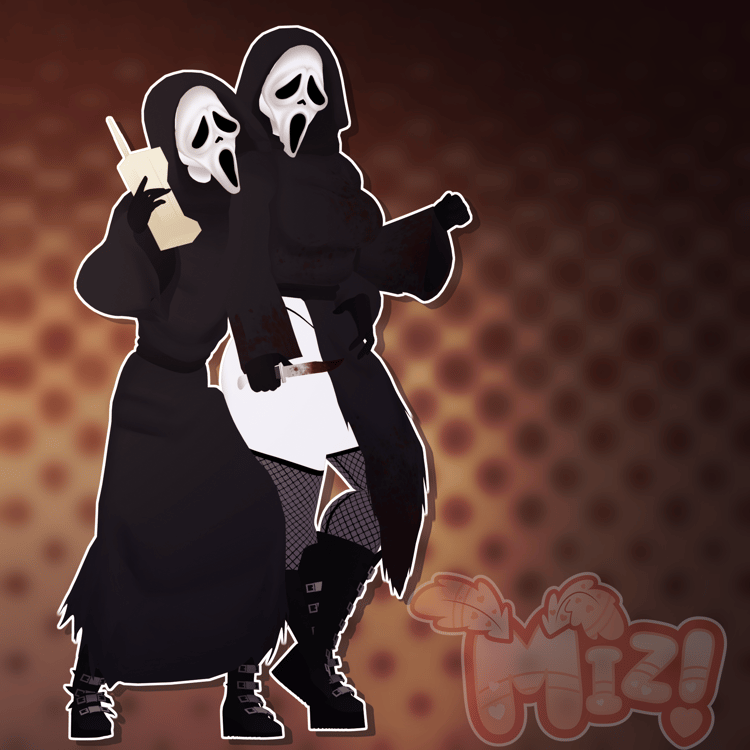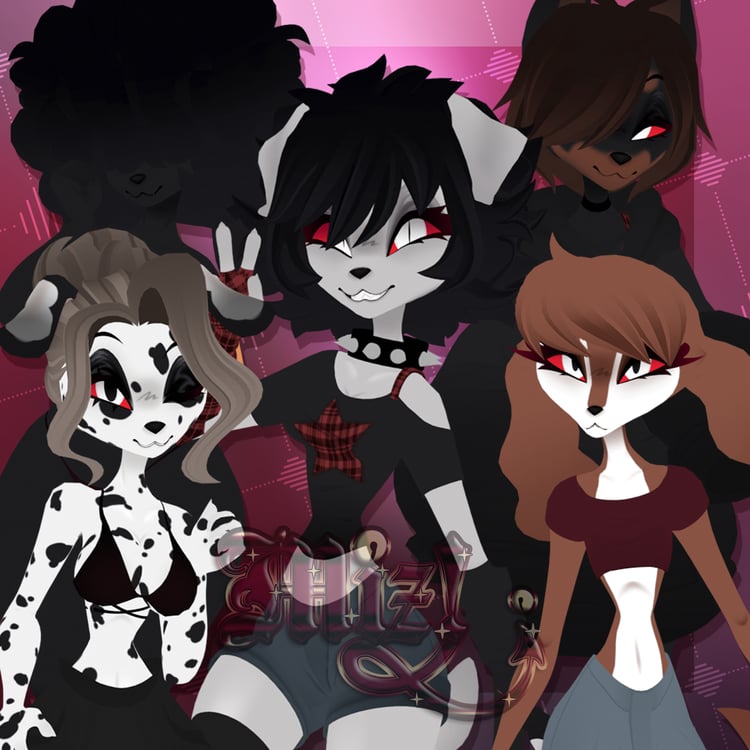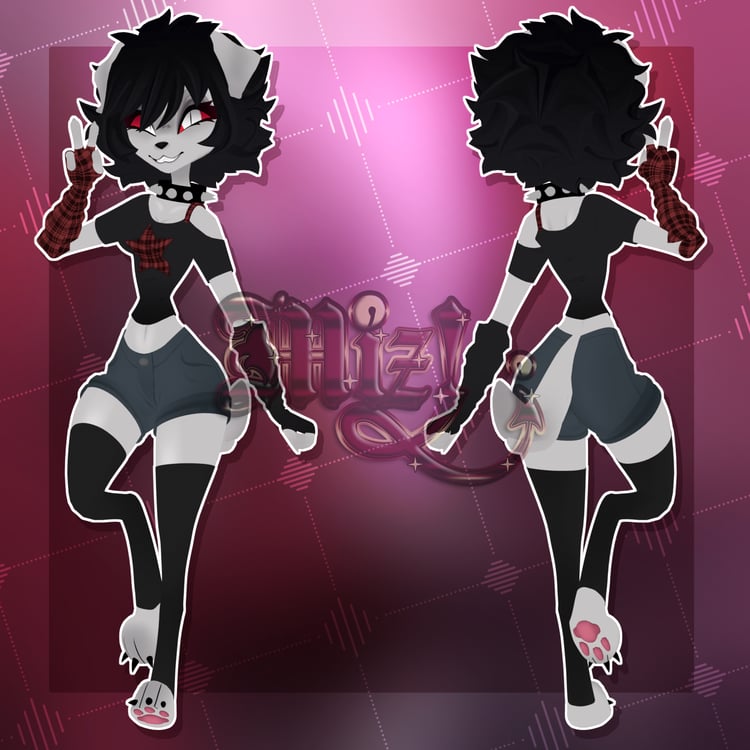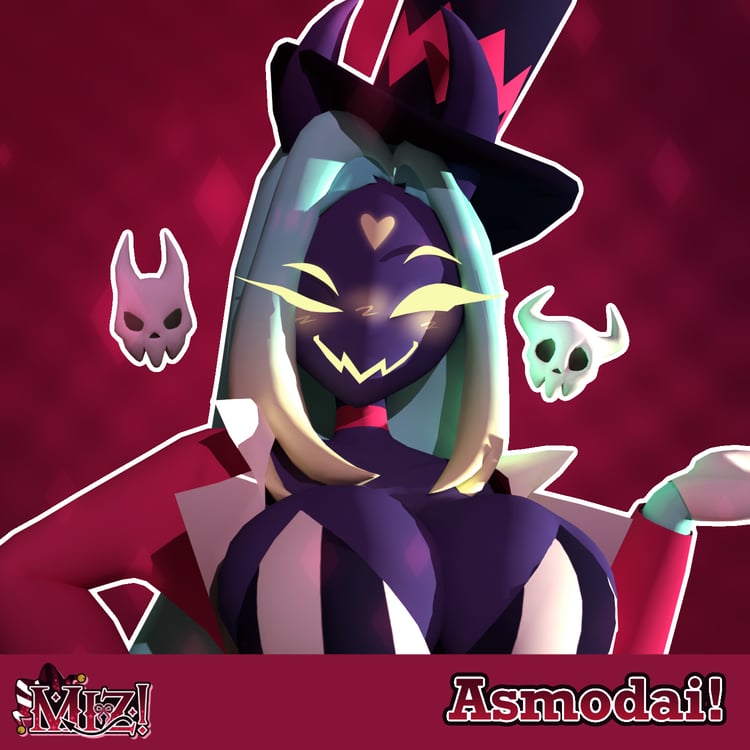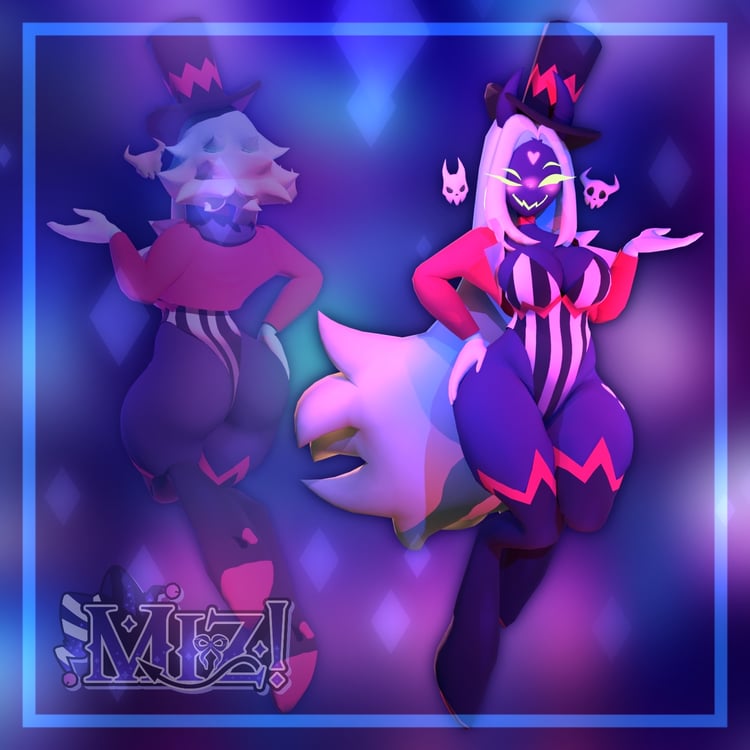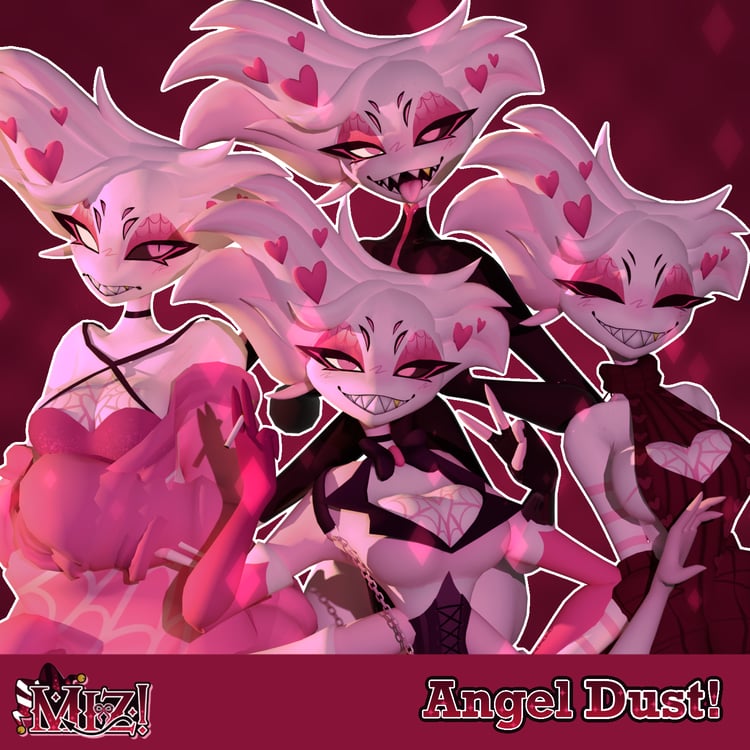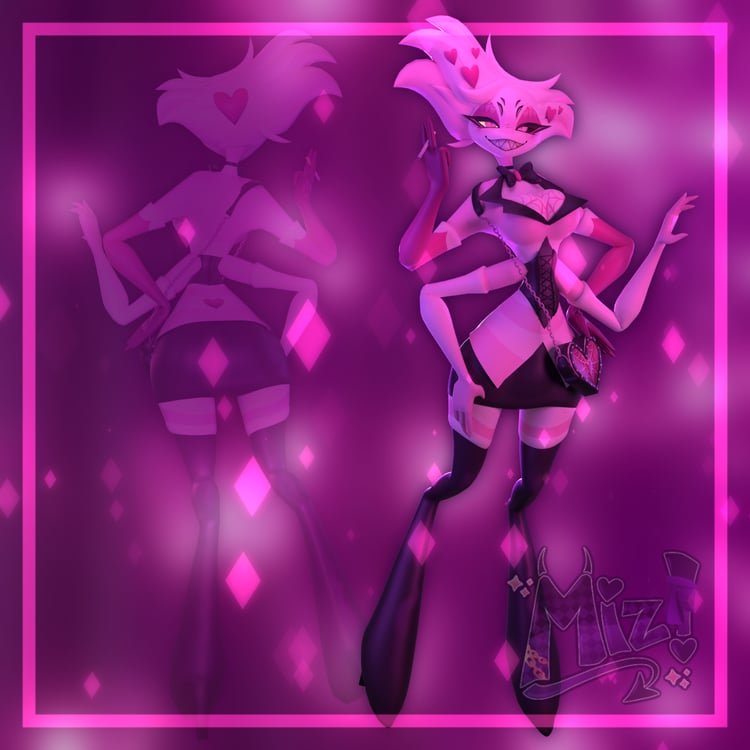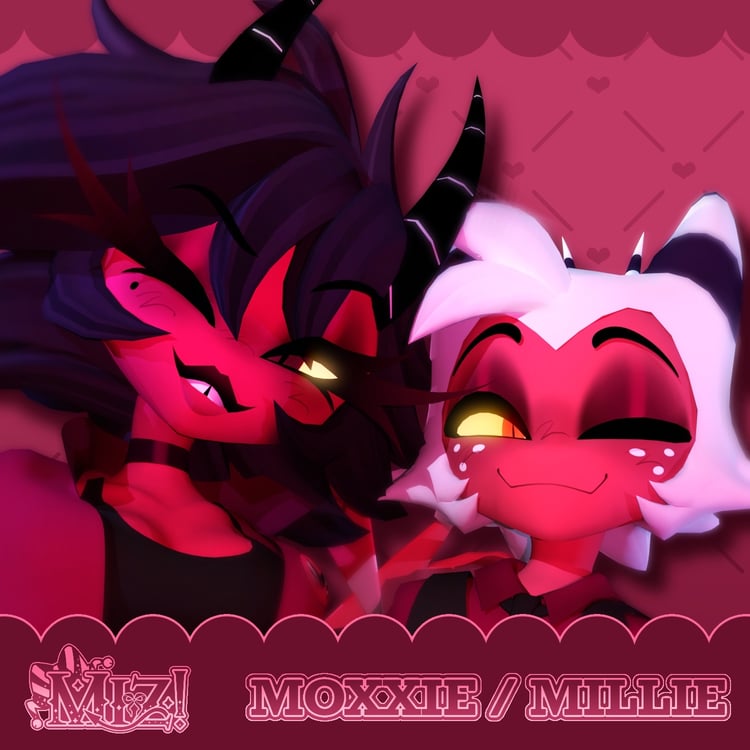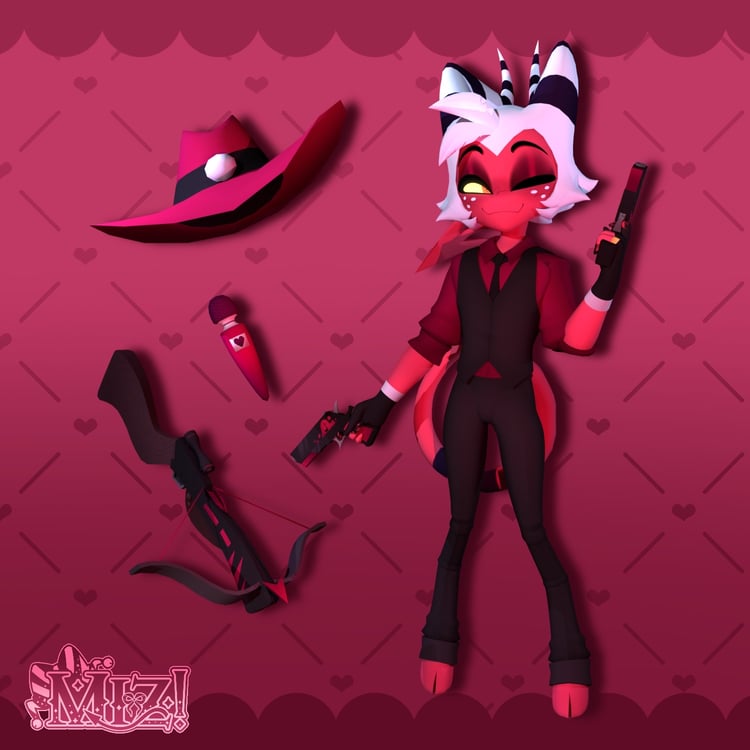

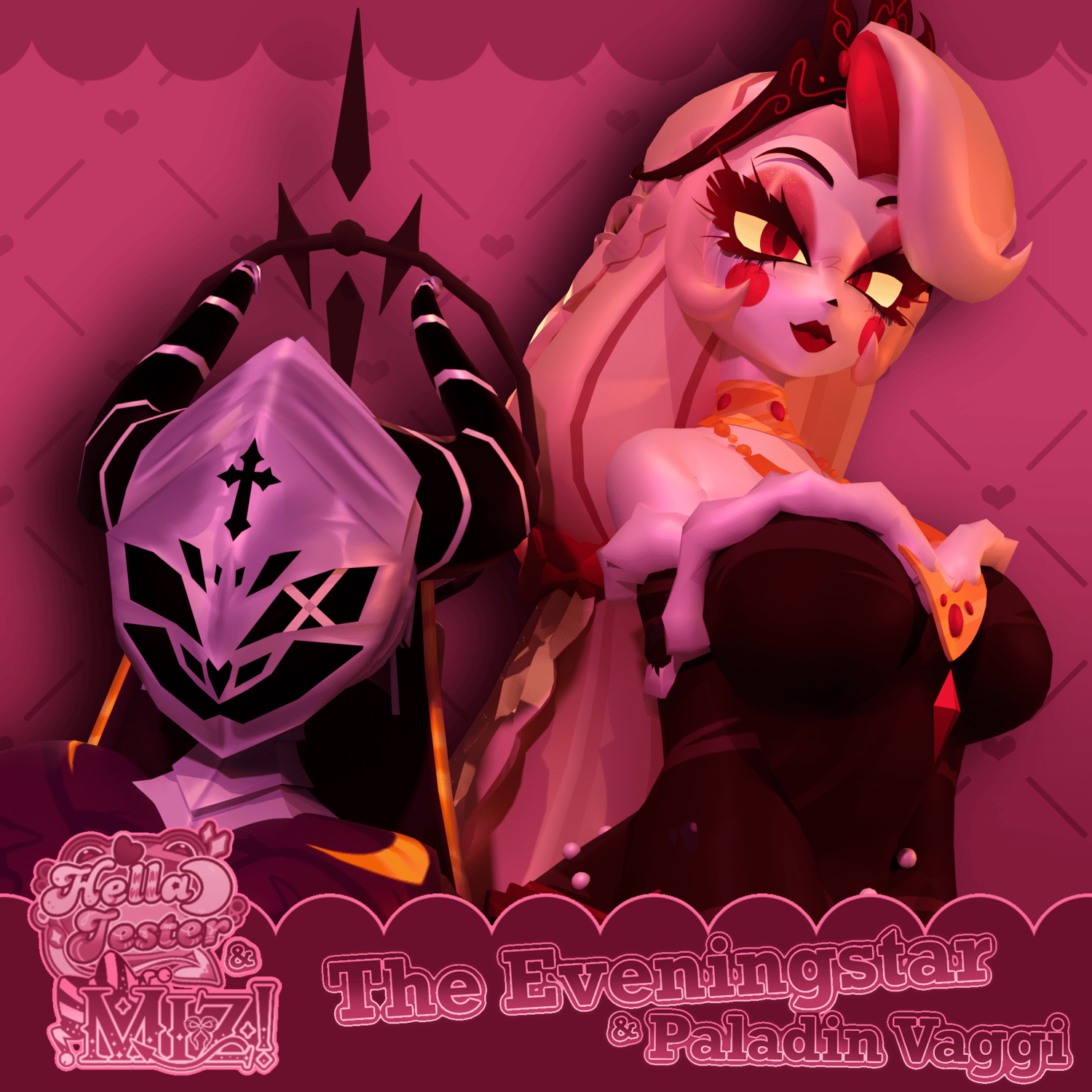
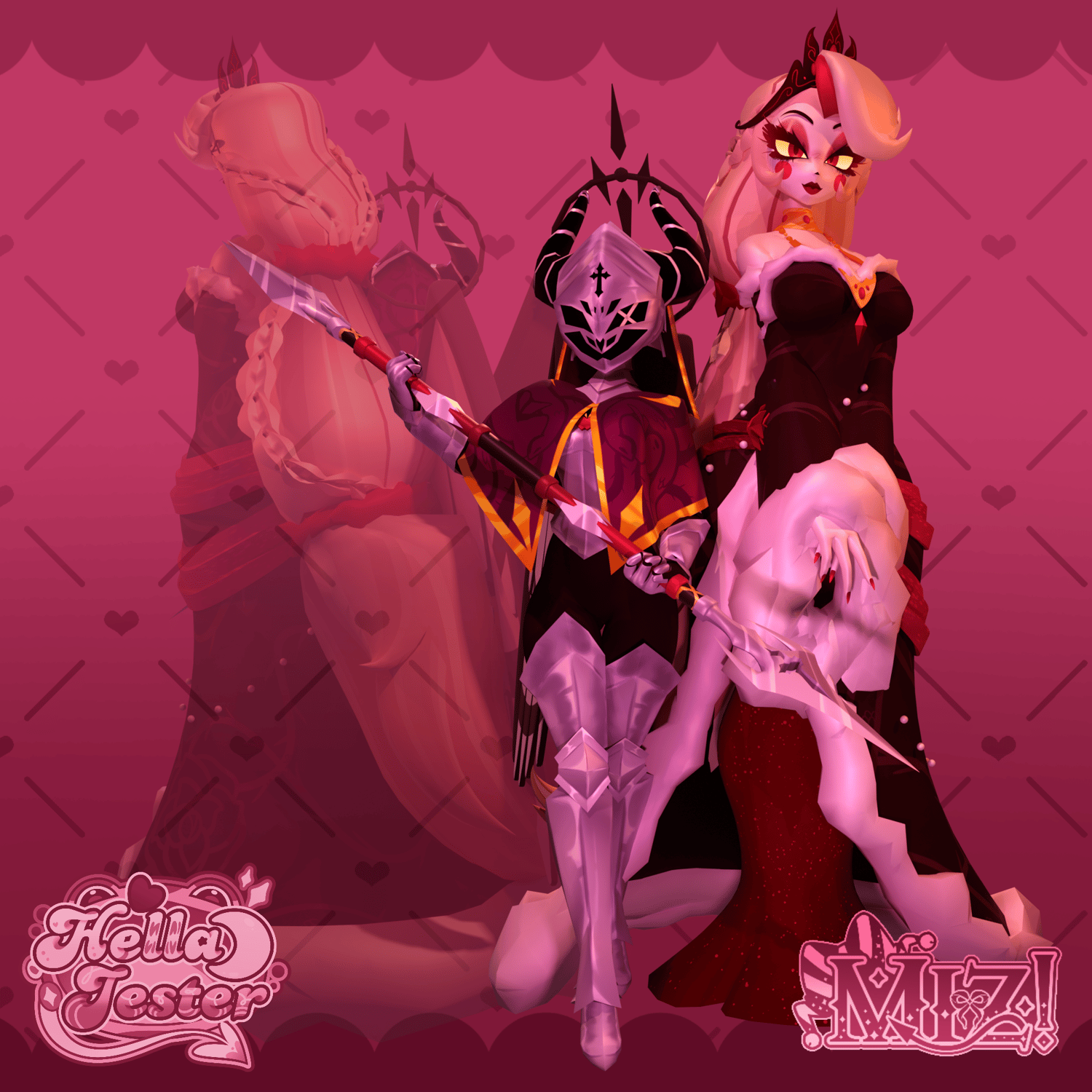
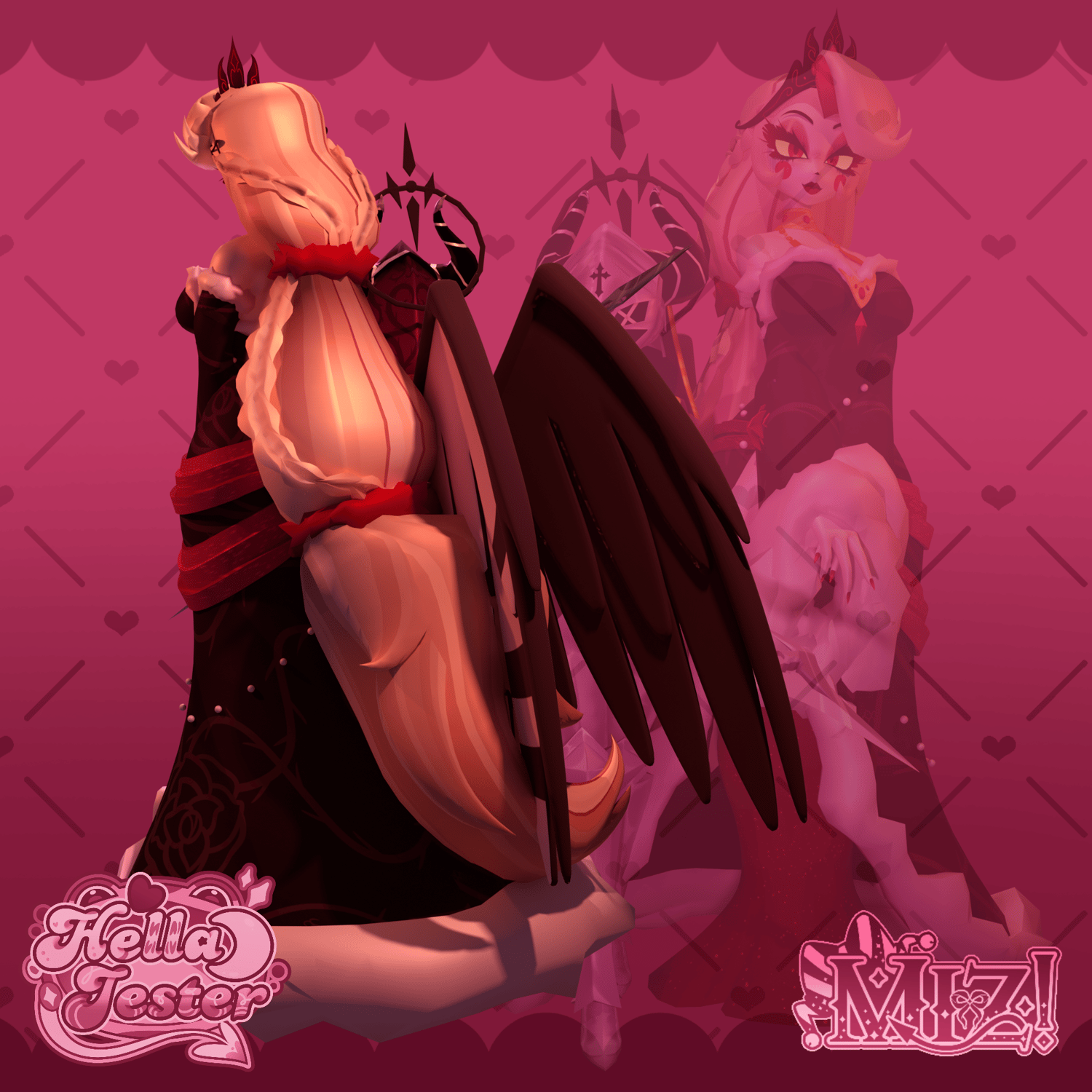
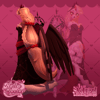
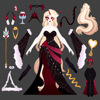
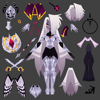
♡ The Eveningstar & Paladin Vaggi! ♡ (PC & QUEST)
VRChat ready model, assets created by Miz!
HUGE THANK YOU TO HELLAJESTER/ALYACHAN13 FOR THIS COLLABORATIVE PIECE!! Thank you to Ccerberuss_ as well for helping with the menu icons!
Design choices by HellaJester!
Upon purchase, you will receive a .zip folder with Blend, Unity, FBXs, UV maps, texture files, & PSD files.
For these avatars, I used Poiyomi 9.3.64, VRChat SDK 3.10.2, & Unity 2022.3.22f1!
The quest shaders are VRChat>Mobile>Toon Standard!
To ensure this model works in Unity, please install:
ʚɞ — PoiyomiToonShader
ʚɞ — VRCFury
ʚɞ — VRCFT - Jerry's Templates
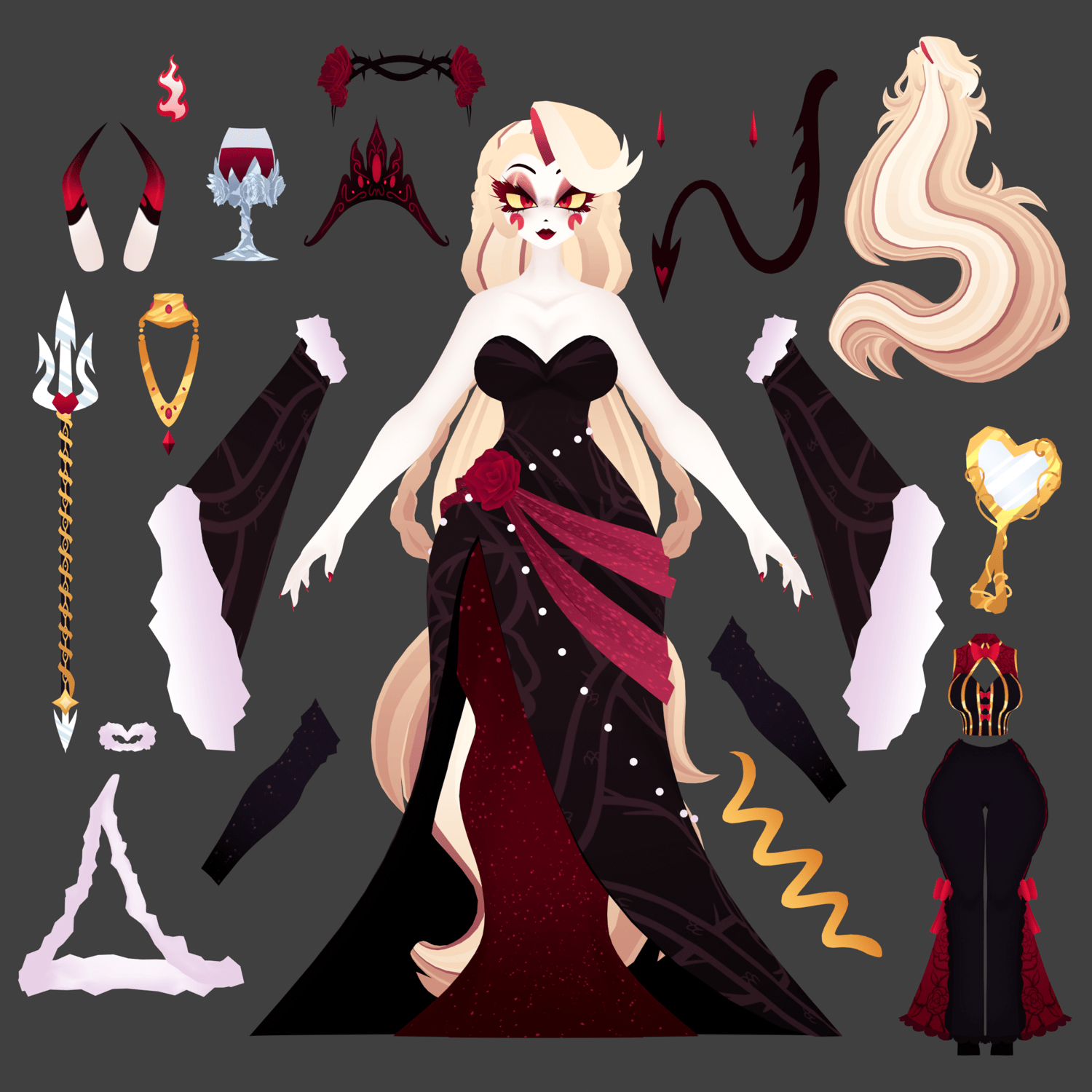
♡ The Eveningstar Features ♡
ʚɞ — FBT ready
ʚɞ — GoGo Loco
ʚɞ — Hair / Scale, unleashed alt
ʚɞ — Body sliders / chest, thighs, & weight
ʚɞ — Default outfit / sleeves swatches (left & right), crown on/off, jewelry on/off, dress fur /on/off
ʚɞ — Casual outfit / sleeves swatches (left & right), crown on/off, earrings on/off
ʚɞ — Items / Hand mirror, wine glass, trident (with grab feature!)
ʚɞ — Demon form (horns & tail)
ʚɞ — Headflame
ʚɞ — Ring on/off
ʚɞ — FACE TRACKING!!!
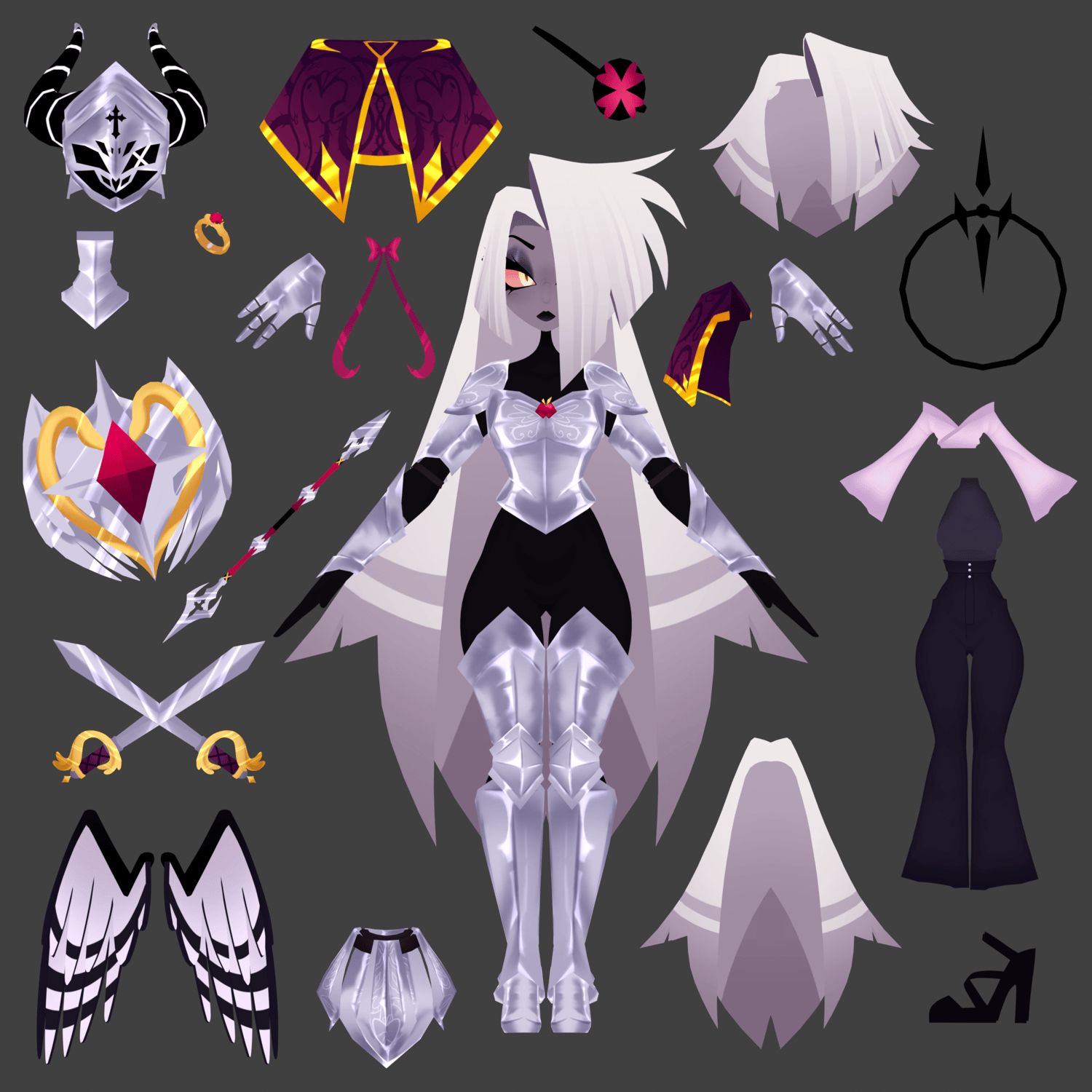
♡ Paladin Vaggi Features ♡
ʚɞ — FBT Compatible and ready
ʚɞ — GoGo Loco
ʚɞ — Hair / Long hair, short hair, ponytail
ʚɞ — Body sliders / chest, thighs, & weight
ʚɞ — Default outfit / headcloth on/off, neck armor on/off, cloak on/off, gloves on/off, belt on/off
ʚɞ — Casual outfit / jacket on/off
ʚɞ — Items / Spear (with grab feature!), swords (left & right) on/off, shield on/off
ʚɞ — Bow on/off
ʚɞ — Ring on/off
ʚɞ — Eyepatch on/off
ʚɞ — Wings on/off
ʚɞ — Wings puppet/control
ʚɞ — FACE TRACKING!!!
BASES ARE INCLUDED!
Although these two are a bundle, they are still PER ACCOUNT. If you purchase the bundle, both users CANNOT have both models uploaded to each account.
♡ Upload Step-by-Step Guide ♡
1︰✦ — (Optional) Create a new project using the VRC Companion using the latest Unity version 2022.3.22f1. name it whatever you'd like.
2︰✦ — Open your project, and import Poiyomi 9.3.64, the latest version of VRCFury, the latest version of GoGo Loco, and VRCFT - Jerry's Templates before continuing.
3︰✦ — Import the PC package, open the folder containing the scene labeled "!!! OPEN ME !!!", open the VRChat SDK on the top, log in, and upload the PC avatar accordingly. Make sure there is no blueprint ID in the avatar descriptor before uploading, or you will run into issues.
4︰✦ — After uploading the first version of the model (PC version), import the second Unity package containing the quest version. Copy the ID from the model (if you can't find it, open the VRChat SDK, click on "content manager", and copy the ID listed there). Paste the ID into the blueprint ID box on the QUEST version of the model.
5︰✦ — After importing and checking the blueprint ID for the quest version, switch build in the VRChat SDK to android and upload.