


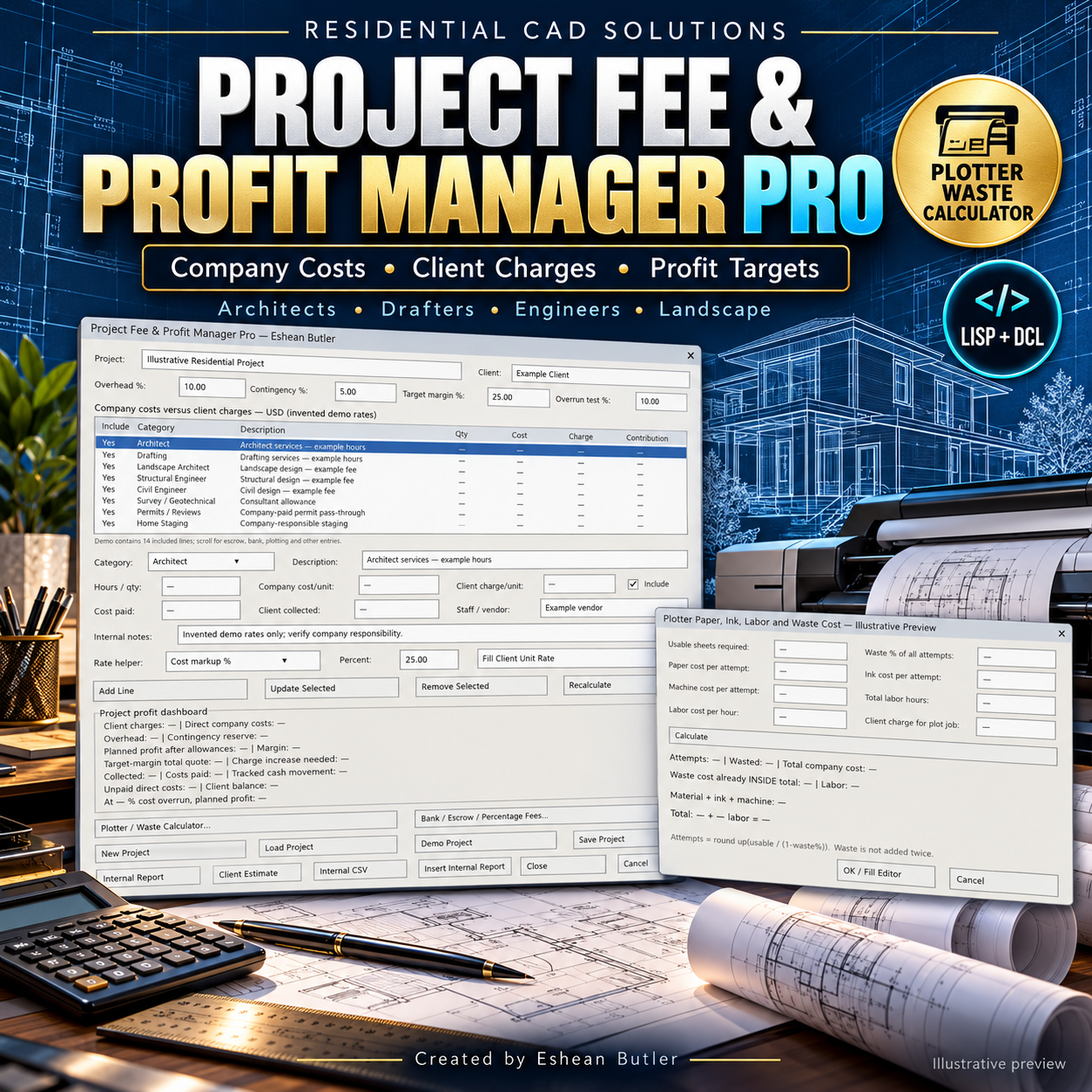
Project Fee & Profit Manager Pro
Know Your Costs. Set Your Client Charges. Plan Your Project Profit.
Manage the financial side of architectural projects directly inside AutoCAD. Project Fee & Profit Manager Pro brings company costs, client charges, consultant expenses, plotting waste, and profit targets into one organized LISP/DCL workspace.
Use your company’s own rates to evaluate a project before quoting—and update the plan as costs, payments, and collections change.
Professional Services and Project Expenses
Build hourly, quantity-based, or lump-sum entries for:
- Architects and architectural drafters
- Landscape architects
- Structural and civil engineers
- Surveyors and geotechnical consultants
- Permits and plan reviews
- Home staging
- Company-responsible escrow, title, bank, and selling expenses
- Plotting, printing, travel, administration, and custom costs
Profit and Pricing Dashboard
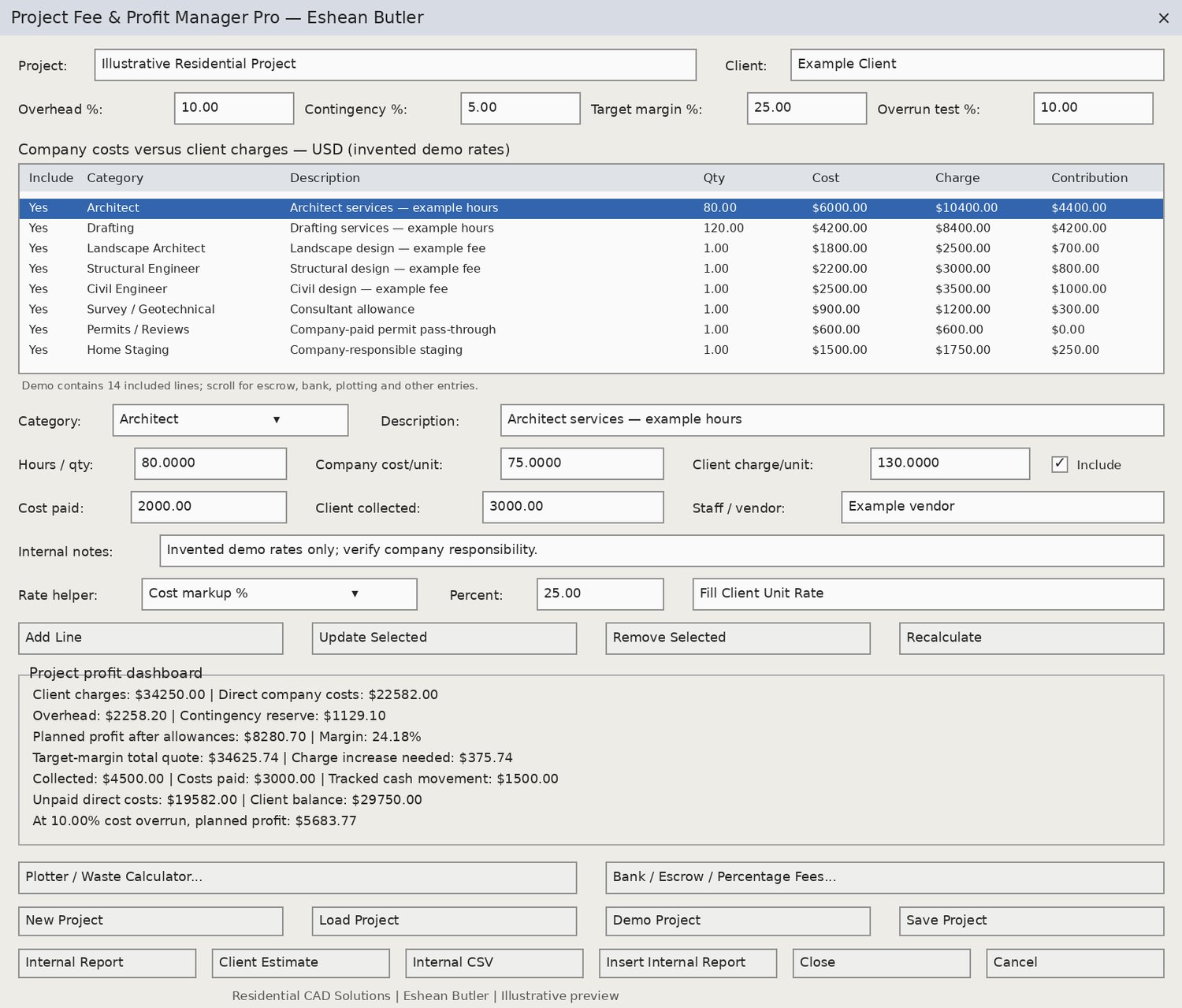
Compare company costs with client charges. Add overhead and contingency allowances, review planned profit and profit margin, and calculate a total quote for your selected target margin.
A separate rate helper distinguishes cost markup from profit margin. A cost-overrun scenario shows how rising costs could affect planned profit.
Plotter and Waste Calculator
Estimate paper, ink, machine allowance, and labor costs. Enter the number of usable sheets and an expected waste percentage to calculate required print attempts and wasted sheets.
Waste costs are included once in the total, helping you avoid overlooking—or double-counting—printing losses.
Bank, Escrow, and Finance Fee Builder
Estimate percentage-based fees plus fixed charges, or simple interest using an entered annual rate and days/365. Transfer the calculated amount into the project editor for review before adding it to the budget.
Payments, Collections, and Reports
- Track direct costs paid and client payments collected.
- Review unpaid direct costs and remaining client charges.
- Save and reopen project plans.
- Export detailed internal TXT reports and cost/billing CSV files.
- Export a separate client-estimate draft that omits internal cost, vendor, payment, and profit fields.
- Insert a static internal financial report into an AutoCAD drawing.
Your Download Includes
AutoLISP program, three DCL dialogs, an illustrative demo project, sample internal and client reports, dialog preview images, installation instructions, and a manual testing checklist.
Start Command: FEEPRO
Requirements and Important Notes
Designed for full AutoCAD for Windows with AutoLISP, DCL, and Visual LISP/ActiveX support. Written using classic APIs intended for AutoCAD 2002 and later; live testing is required in your specific release.
All rates, charges, and expense responsibilities are user-defined. Demo prices are invented examples, not market-rate recommendations. Results are planning estimates based on entered information and do not guarantee profit. The program does not determine taxes, legal fee obligations, escrow requirements, or lender terms. Review client-facing descriptions, scope, and terms before sharing an estimate.
Created by Eshean Butler
Residential CAD Solutions