


Quote & Margin OS — Excel Job Pricing & Profit Workbook
Know your job cost, pricing floor, and target quote before you send the customer a number.
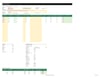
Quote & Margin OS is a job-pricing workbook for service businesses. Build a reusable library of services and costs, enter the details of a job, and compare break-even, floor, and target quote amounts before preparing a customer quote.
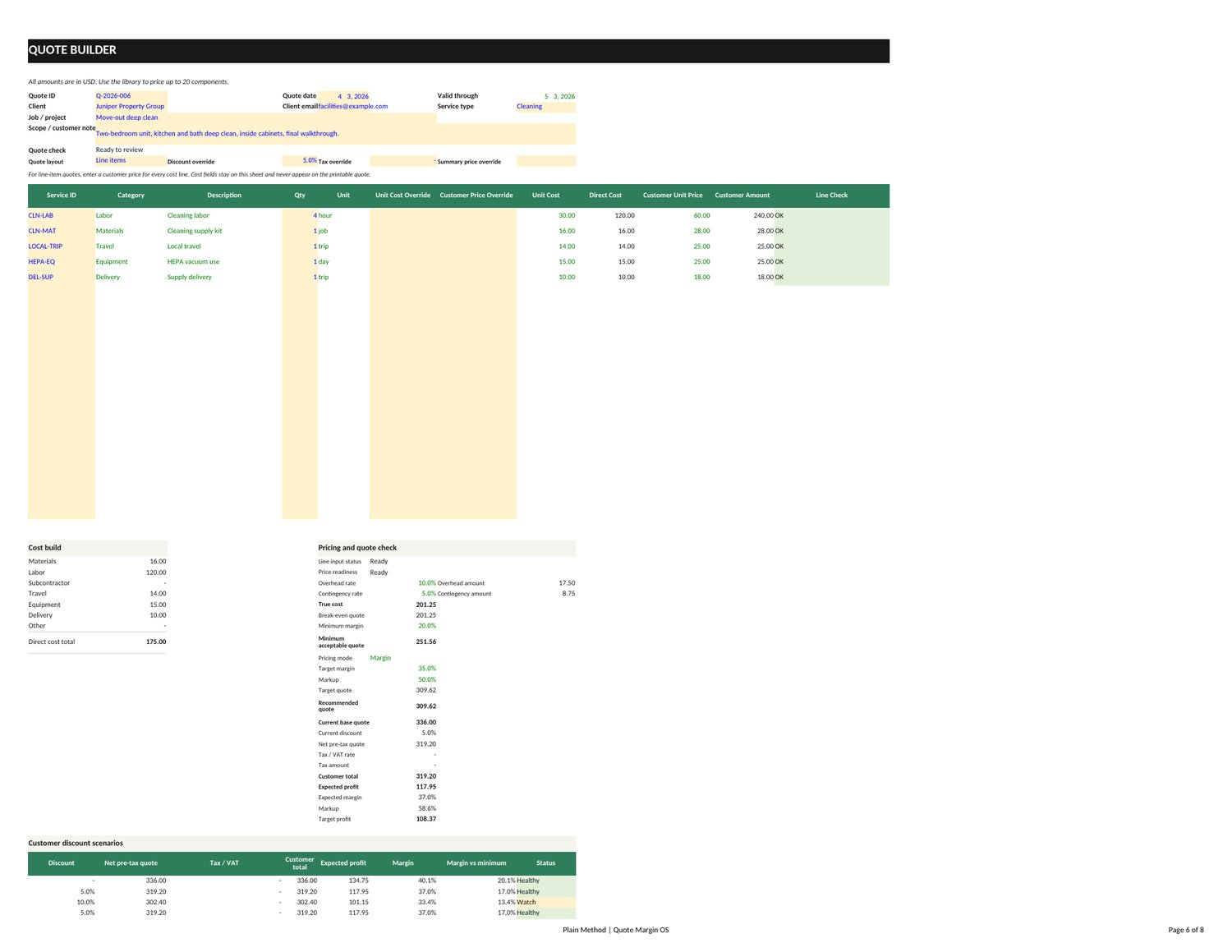
Choose whether to price toward a target margin or a markup, then review how a 0%, 5%, 10%, or custom negotiation discount changes the quote. The workbook factors in the overhead and contingency assumptions you enter so your pricing decision reflects more than direct job costs alone.
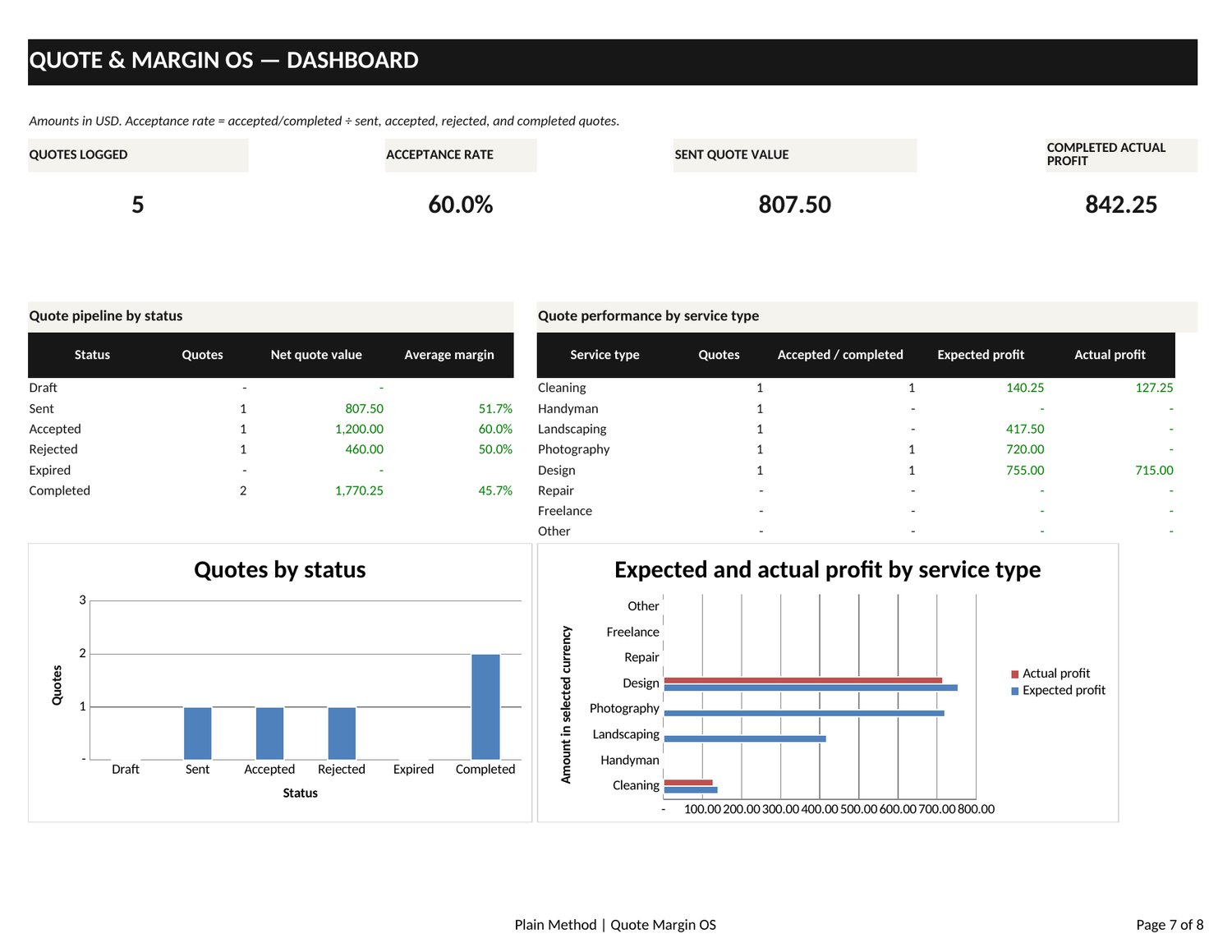
Keep a history of quotes and actual job outcomes. Copy each quote from the active Quote Builder into Quote History manually, then fill in actuals when the job is complete. Use the decision dashboard to review quotes alongside actual outcomes. When you are ready to share a price, use the printable customer quote view. It leaves internal cost fields off the customer-facing quote.
The tax/VAT line is an editable estimate for quoting purposes. It does not determine regional tax obligations, and tax is excluded from expected profit. The workbook is a planning tool: it does not guarantee income or job profitability.
Features
- Service and cost library: Save reusable service and cost assumptions for job quotes.
- True job cost: Include entered direct costs, overhead, and contingency in the pricing calculation.
- Three price references: Review break-even, floor, and target quote amounts.
- Margin or markup: Choose the target margin or markup approach for a quote.
- Negotiation discounts: Compare 0%, 5%, 10%, or a custom discount.
- Editable tax/VAT estimate: Add a tax estimate as a quote line; it is not a regional compliance calculation and is excluded from expected profit.
- Manual quote history and actual outcomes: Copy quote details from the active Quote Builder into Quote History, then enter actuals when the job is complete.
- Decision dashboard: Review quote and job outcome information in one place.
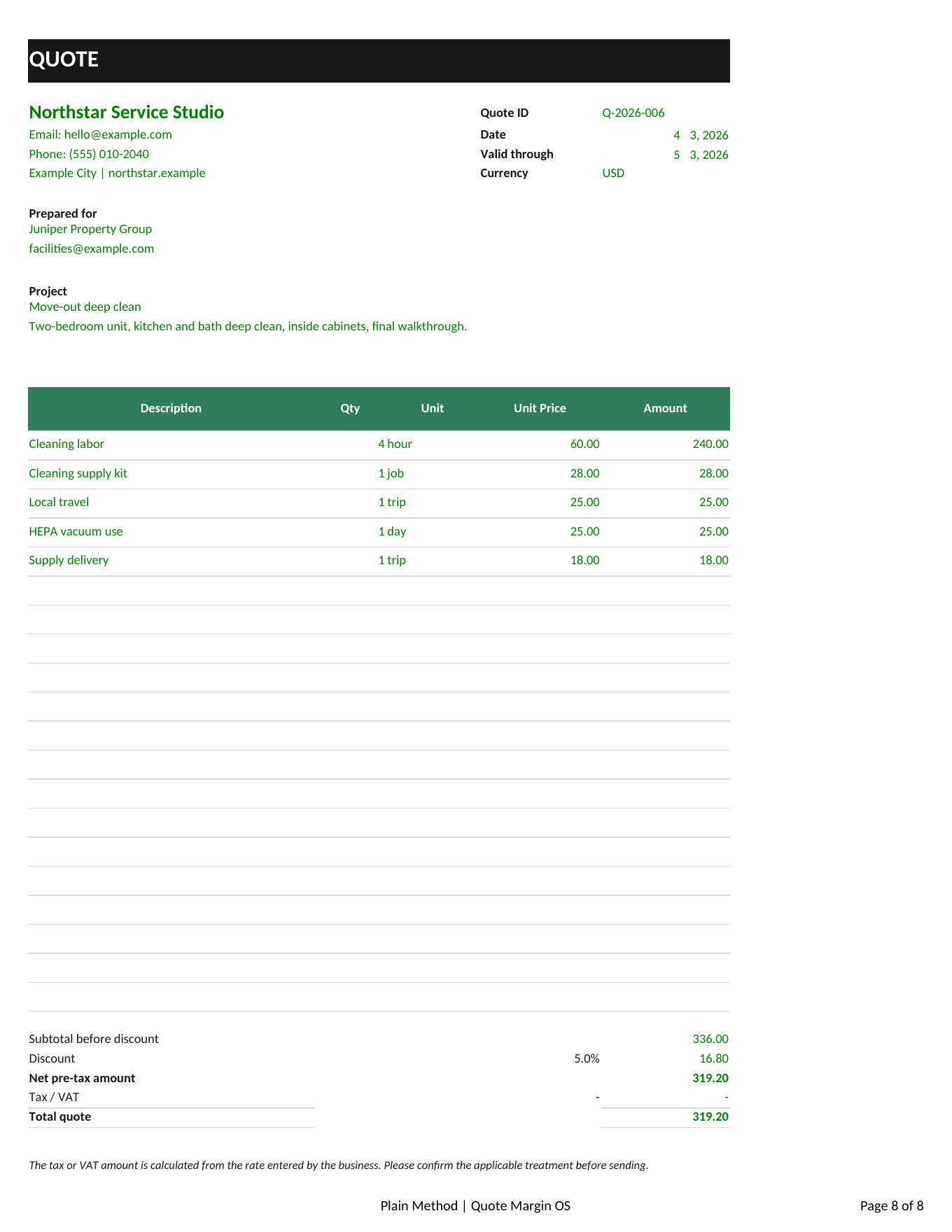
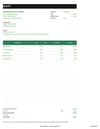
- Customer quote view: Print a customer-facing quote without internal cost fields.
What's included
- Blank Quote & Margin OS workbook (.xlsx)
- Fictional demo workbook (.xlsx)
- Quick Start guide
Both workbooks are macro-free. The fictional demo is an example for orientation; its sample information is not a benchmark or a promise of results.
Who it's for
Quote & Margin OS is designed for service businesses, including cleaners, handymen, contractors, photographers, freelancers, and landscapers who want a repeatable way to cost and price jobs.
Requirements and limits
- A spreadsheet application that can open and calculate .xlsx workbooks is required. This listing does not claim compatibility with a specific Excel version or every spreadsheet application.
- The workbook is macro-free and does not require a SaaS account or API connection.
- Tax/VAT is an editable estimate only. The workbook does not determine tax treatment or confirm regional compliance.
- The customer quote view is printable. Automatic PDF export is not promised.
- Results depend on the costs, overhead, contingency, target, and other assumptions entered. No income or profit outcome is guaranteed.
FAQ
Can I use a target margin or a markup?
Yes. The workbook lets you choose a target margin or a markup approach when setting a quote. Margin and markup are different calculations, so choose the method that matches how you price your work.
Can I offer a discount during a negotiation?
Yes. Compare a 0%, 5%, or 10% discount, or enter a custom discount, and review the resulting quote figures.
Does the workbook calculate my local sales tax or VAT correctly?
No. Its tax/VAT line is an editable estimate for the quote. It is not a regional tax-compliance tool, and the estimate is excluded from expected profit. Check applicable requirements for your location.
Does it show internal costs to my customer?
The printable customer quote view omits internal cost fields.
Does it automatically save quotes or track invoices?
No. Copy each quote from the active Quote Builder into Quote History manually, then enter actuals when the job is complete. Customer records and invoicing are not automated.
Can I export the customer quote as a PDF?
The workbook includes a printable customer quote view. PDF export depends on the spreadsheet application and print workflow you use; automatic PDF export is not promised.
What files are included?
You receive a blank .xlsx workbook, a separate fictional demo .xlsx workbook, and a Quick Start guide.
Do I need macros, a subscription, or an API?
No. The workbooks are macro-free and do not require a SaaS account or API connection. The listed purchase price is a one-time US$16.99.
Will this guarantee higher prices or more profit?
No. It helps organize pricing inputs and review quote figures. It cannot guarantee that a customer accepts a quote, that a job is profitable, or that your income will increase.