


ZbRing v1.3 - TĂNG TỐC ĐỘ SCULPT TRONG ZBRUSH VỚI ZbRing - RADIAL MENU MIỄN PHÍ 100%
🚀 TĂNG TỐC ĐỘ SCULPT TRONG ZBRUSH VỚI ZBRING - PHẦN MỀM RADIAL MENU MIỄN PHÍ 100% 🚀
Xin chào mọi người! Mình vừa phát triển xong ZbRing (ZBrush Radial Menu v1.3)
03/09/2026
– một công cụ giao diện vòng tròn (Radial Menu) giúp tối ưu hóa triệt để thời gian và quy trình làm việc 3D model trên ZBrush.
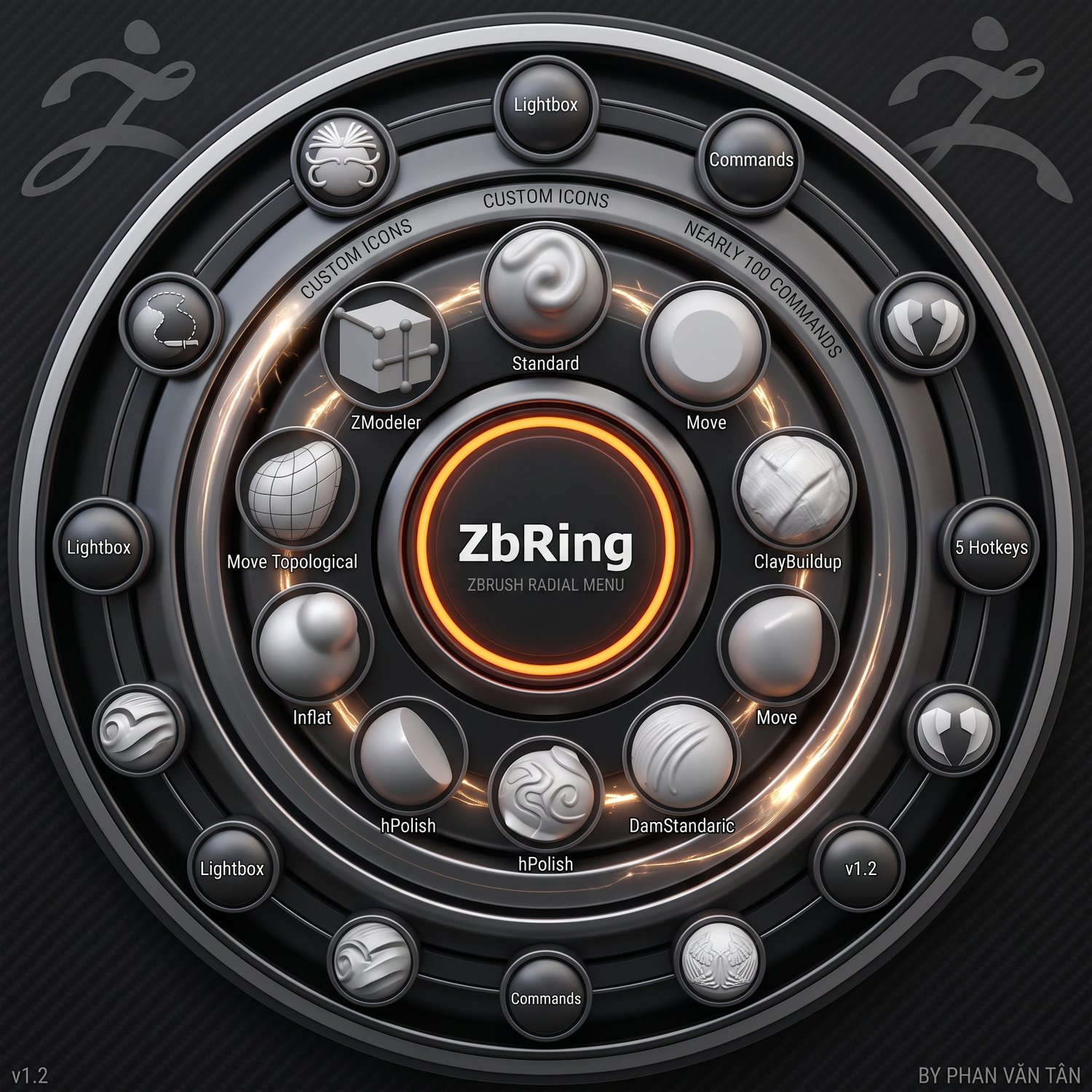
Phần mềm được thiết kế với giao diện hiện đại, hiệu ứng đẹp mắt và cực kỳ dễ sử dụng. Chỉ cần một thao tác lia chuột là bạn có thể đổi cọ (Brush) ngay lập tức!
🔥 CÁC TÍNH NĂNG NỔI BẬT:
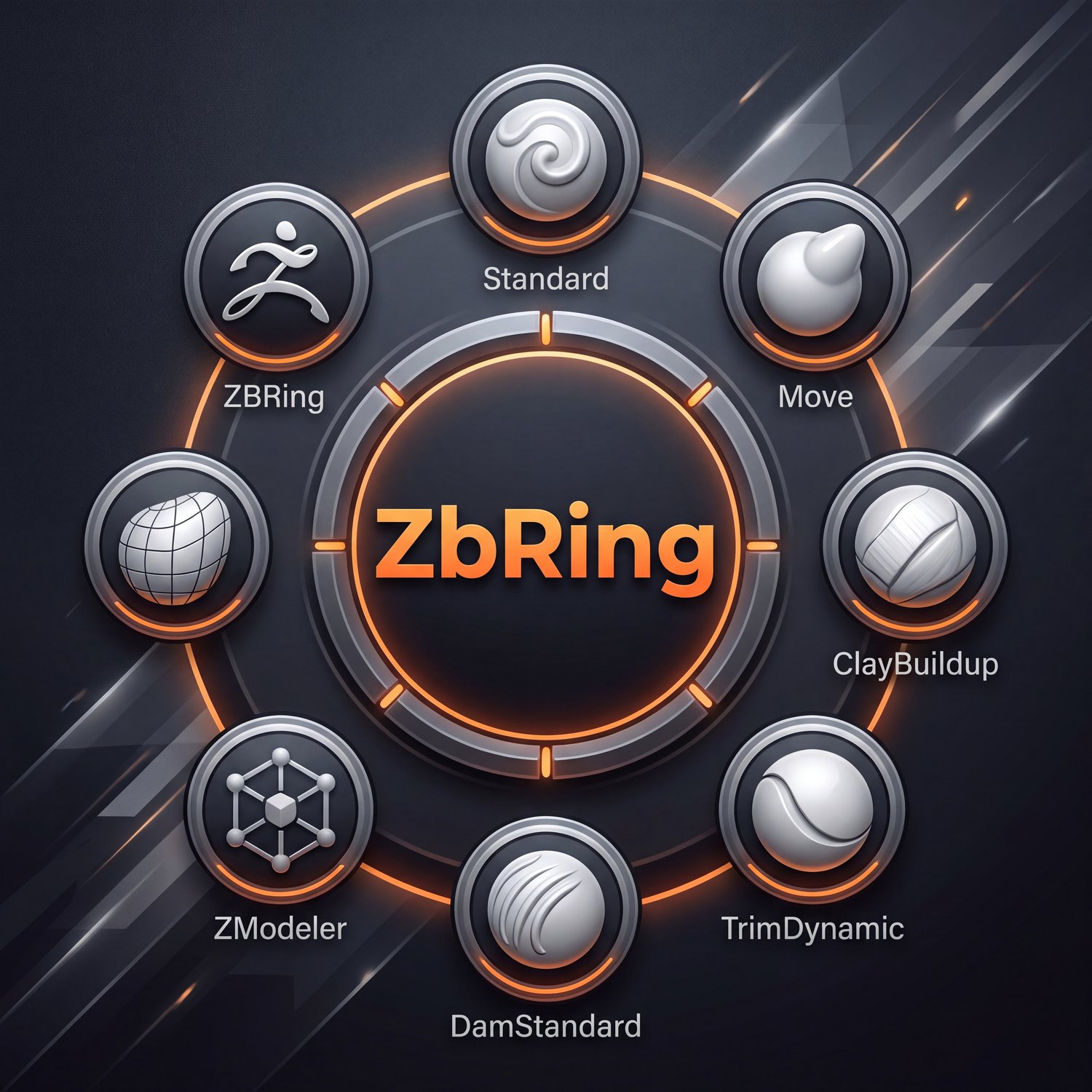
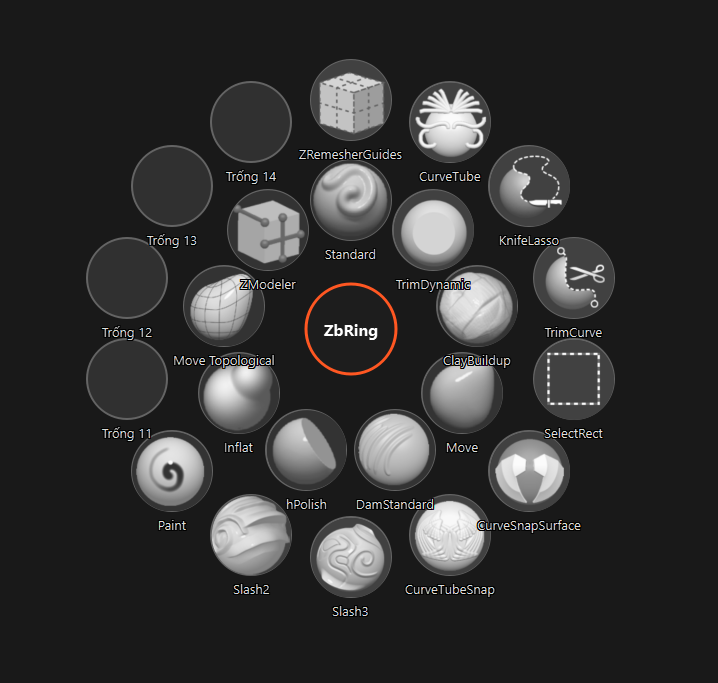
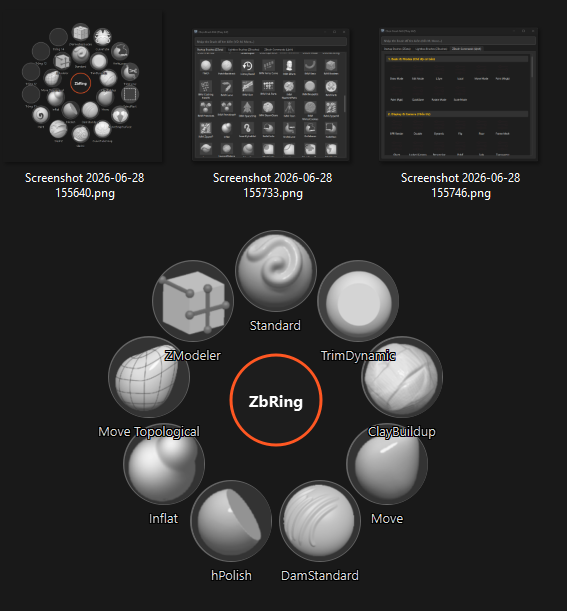
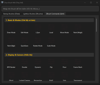
- Menu Vòng Tròn Trực Quan: Tạo ra một GUI gồm nhiều ô tròn có thể tùy ý thay thế và gán Brush hoặc lệnh chức năng của ZBrush.
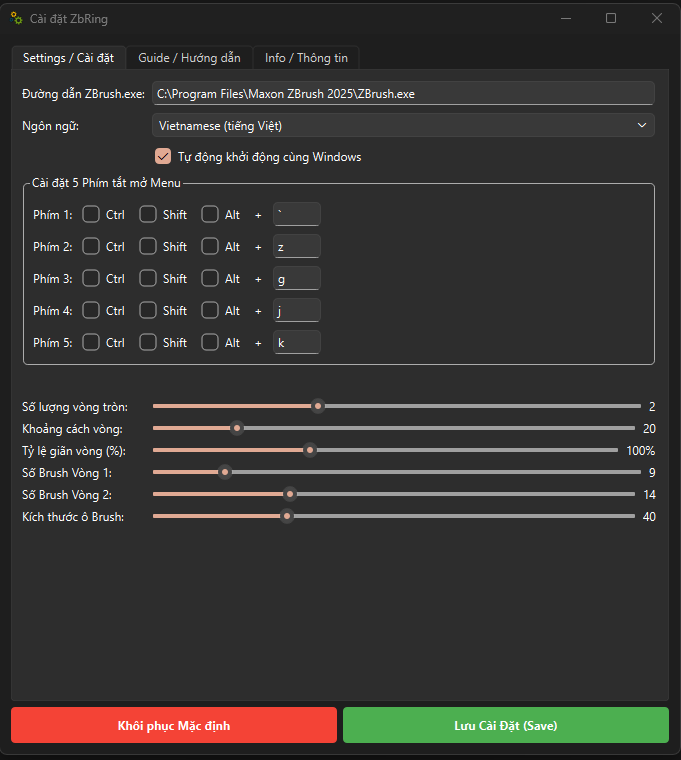
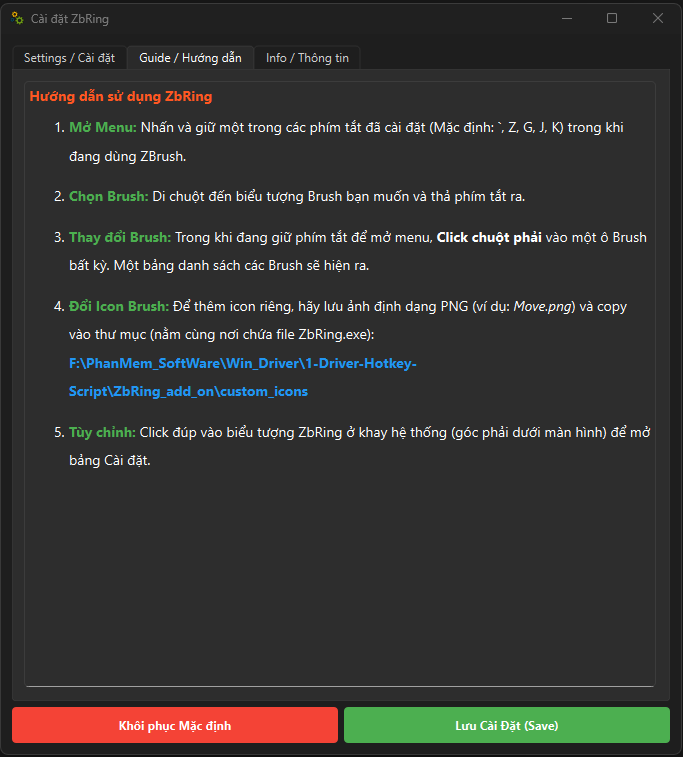
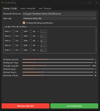
- Thao Tác Siêu Tốc: Kích hoạt nhanh bằng cách nhấn giữ 1 trong 5 phím tắt mặc định (`, Z, G, J, hoặc K).
- Chuyển Đổi Tức Thì: Đưa chuột đến Brush cần dùng và nhả phím tắt, ZBrush sẽ tự động đổi Brush ngay lập tức với hiệu ứng mượt mà.
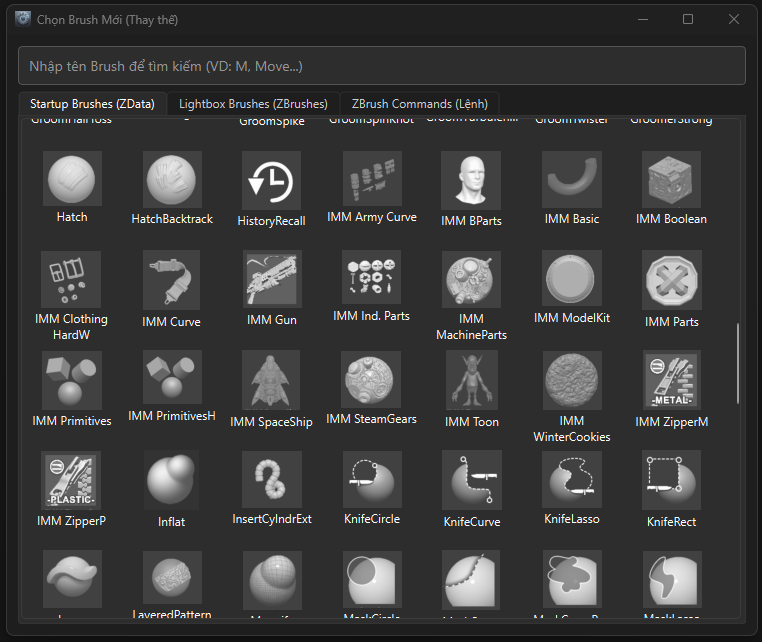
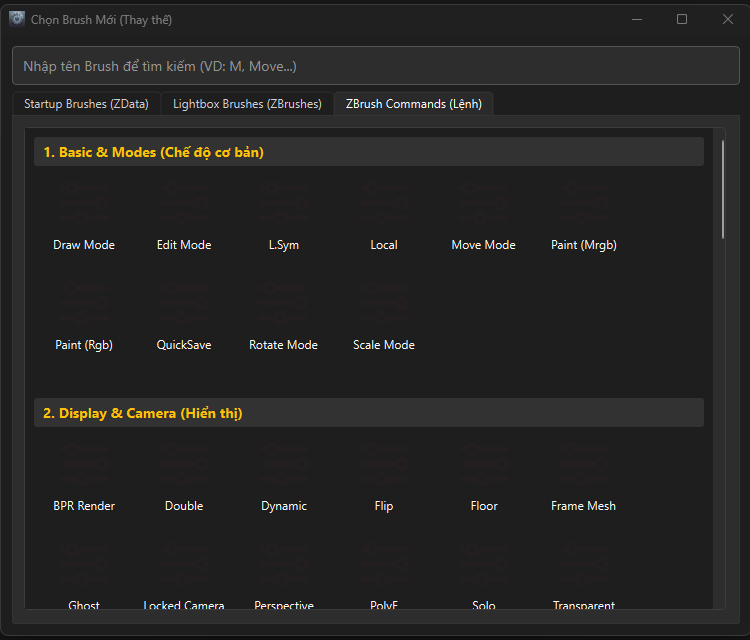
- Tùy Biến Đa Dạng: Hỗ trợ thêm Brush từ bảng Brush mặc định và cả từ các folder Brush trong thư viện Lightbox.
- Kho Lệnh Khổng Lồ: Tích hợp sẵn gần 100 lệnh làm việc thông dụng nhất của ZBrush.
- Thay Đổi Icon Linh Hoạt: Cho phép thay đổi Icon của Brush tùy thích để dễ nhận biết (chỉ cần lưu ảnh .PNG vào thư mục custom_icons).
- Thiết Lập Dễ Dàng: Click chuột phải vào ô Brush đang mở để thay thế Brush/Lệnh nhanh chóng.
⚡ HIỆU NĂNG & TỐI ƯU:
- Miễn phí 100% cho cộng đồng 3D.
- Dung lượng tải về siêu nhẹ chỉ 70 MB.
- Cài đặt cực kỳ nhanh chóng chỉ mất vài giây.
- Hoạt động ngầm êm ái, chỉ sử dụng khoảng 30 MB RAM, hoàn toàn không gây giật lag máy.
- Hỗ trợ tính năng "Pause" tạm dừng phần mềm khi không dùng ZBrush để tiết kiệm tài nguyên.
- ---
👉 Tải ngay ZbRing và các công cụ miễn phí khác của mình tại đây:
- Gumroad: https://tanphan.gumroad.com/l/WinBastion
- Payhip: https://payhip.com/tanphan
- Lemon Squeezy: https://tanphan.lemonsqueezy.com
📖 Xem hướng dẫn sử dụng chi tiết tại:
- Substack (VN): https://tanphan3d.substack.com/p/huong-dan-toan-dien-winbastion-phan
- SlideShare (VN): https://www.slideshare.net/slideshow/h-ng-d-n-toan-di-n-winbastion-ph-n-m-m-t-i-u-pc-ch-n-t-ng-l-a-cho-dan-d-h-a/287743704
🌐 Kết nối với mình:
- ArtStation: https://www.artstation.com/tanphandesign
- Facebook: https://www.facebook.com/tanphan.3dDesign
- YouTube: https://www.youtube.com/@tanphanvan.Design
- LinkedIn: https://www.linkedin.com/in/tanphandesign
- Email: AppCare.Help@gmail.com
Cảm ơn mọi người đã ủng hộ! Nếu thấy hữu ích hãy giúp mình chia sẻ phần mềm này nhé! ❤️
🇬🇧 English Version (For Gumroad, Payhip, ArtStation & International Groups)
===
🚀 BOOST YOUR ZBRUSH WORKFLOW WITH ZBRING - THE ULTIMATE 100% FREE RADIAL MENU! 🚀
Hello everyone! I’m excited to share ZbRing (ZBrush Radial Menu v1.3)
a custom software I developed to drastically speed up your 3D modeling workflow in ZBrush.
ZbRing provides a highly visual, customizable Radial Menu that allows you to switch brushes and execute commands with a single mouse hover, saving you countless clicks and vastly improving your sculpting speed.
🔥 KEY FEATURES:
- Customizable Radial GUI: Features multiple circular slots where you can assign your favorite ZBrush brushes and commands.
- Lightning-Fast Operation: Simply press and hold one of the 5 default hotkeys (`, Z, G, J, or K) to bring up the menu right at your cursor.
- Hover-to-Switch: Move your mouse over the desired slot and release the hotkey to instantly apply the brush/command with a beautiful UI effect.
- Extensive Brush Support: Easily add brushes from the default Brush palette or directly from your Lightbox folders.
- Massive Command Library: Comes pre-loaded with nearly 100 of the most common ZBrush working commands.
- Custom Icons: Personalize your menu by easily replacing brush icons for better recognition (just drop a .PNG image into the custom_icons folder).
- Quick Replacement: Right-click on any slot while the menu is open to instantly swap it with another brush or command.
⚡ PERFORMANCE & SPECS:
- 100% FREE to use.
- Ultra-lightweight: Only 70 MB download size.
- Fast installation in just a few seconds.
- Extremely optimized: Uses only around 30 MB of RAM while running in the background.
- Includes a "Pause" feature in the System Tray for when you are not actively using ZBrush.
- ---
👉 Download ZbRing and my other free tools here:
- Gumroad: https://tanphan.gumroad.com/l/WinBastion
- Payhip: https://payhip.com/tanphan
- Lemon Squeezy: https://tanphan.lemonsqueezy.com
📖 Read the Complete Documentation:
- Substack (EN): https://tanphan3d.substack.com/p/winbastion-complete-guide-ultimate
- SlideShare (EN): https://www.slideshare.net/slideshow/winbastion-ultimate-free-firewall-blocker-pc-optimizer-for-creatives/287743586
🌐 Connect with me:
- ArtStation: https://www.artstation.com/tanphandesign
- Facebook: https://www.facebook.com/tanphan.3dDesign
- YouTube: https://www.youtube.com/@tanphanvan.Design
- LinkedIn: https://www.linkedin.com/in/tanphandesign
- Support Email: AppCare.Help@gmail.com
Enjoy the tool, and happy sculpting! Feel free to share it with your fellow 3D artists!